


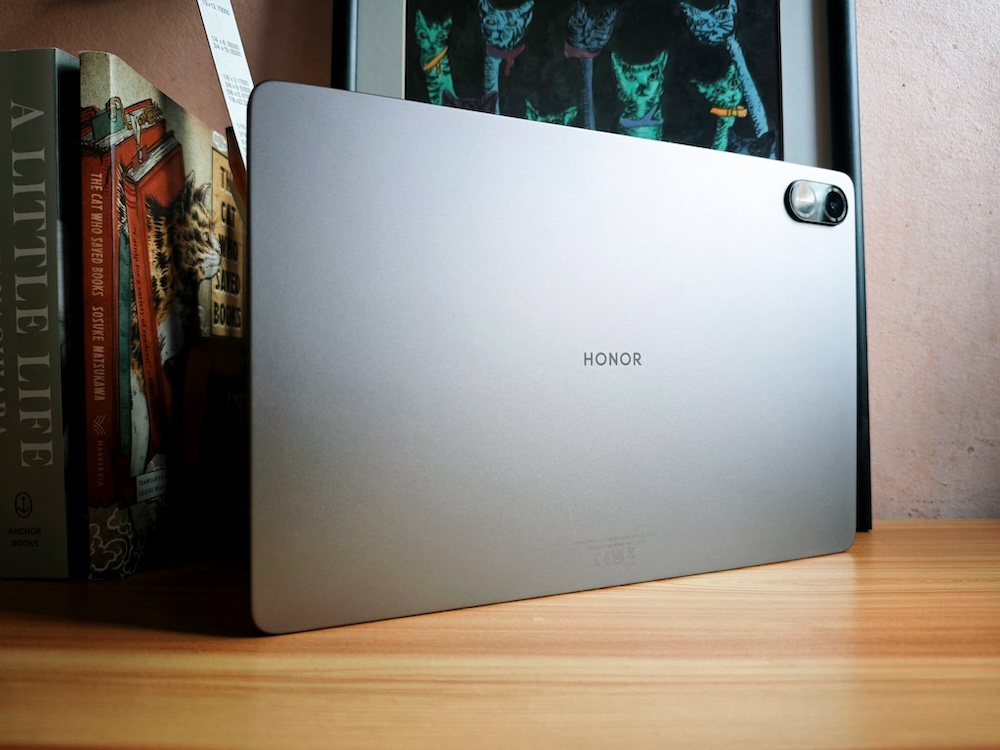
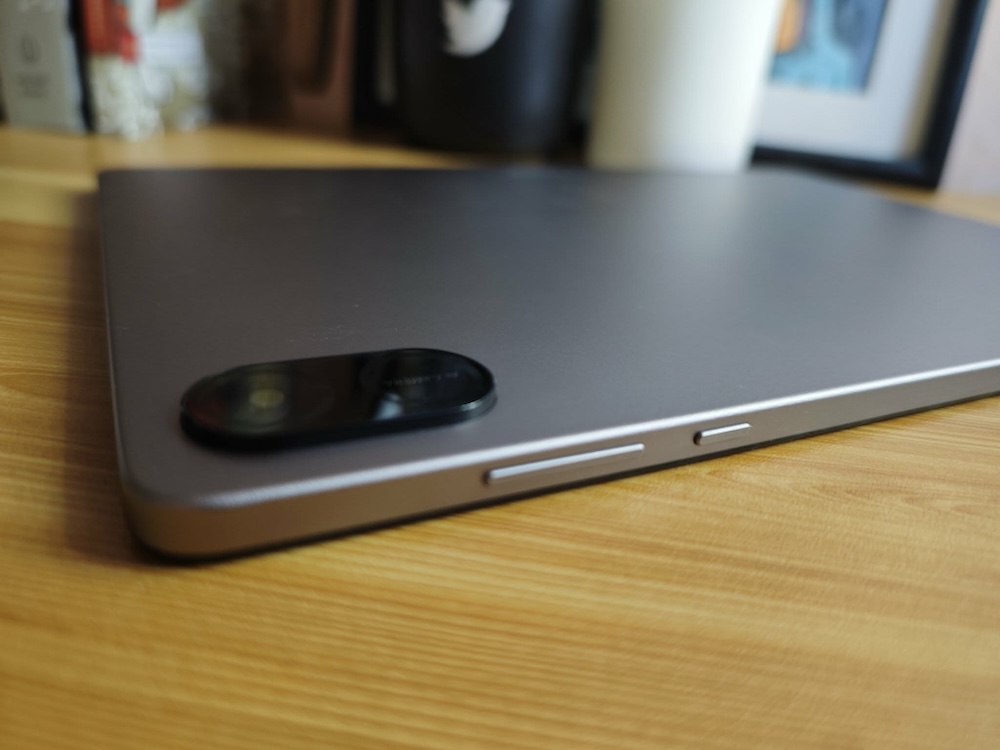
As I have tried the HONOR Pad X9a before, there is something easily noticeable when I held the HONOR Pad X8b: it’s so much lighter than the previous HONOR tablet I reviewed. And it is slimmer, too.
My issue with tablets is it gets heavier as you carry it with you or hold it while reading or watching in bed. So, this lighter version is a welcome change.
That difference alone changes how often you actually use the HONOR Pad X8b. A tablet that feels heavy tends to stay on the table. A lighter one gets picked up more, whether it’s for reading, watching, or just casually browsing.
With its lighter weight and slimmer design, the HONOR Pad X8b is designed to be easy to use, easy to carry, and easy to share within a household. And I believe, that is what makes it work for both kids and adults, even if it’s really built with children in mind.
Display
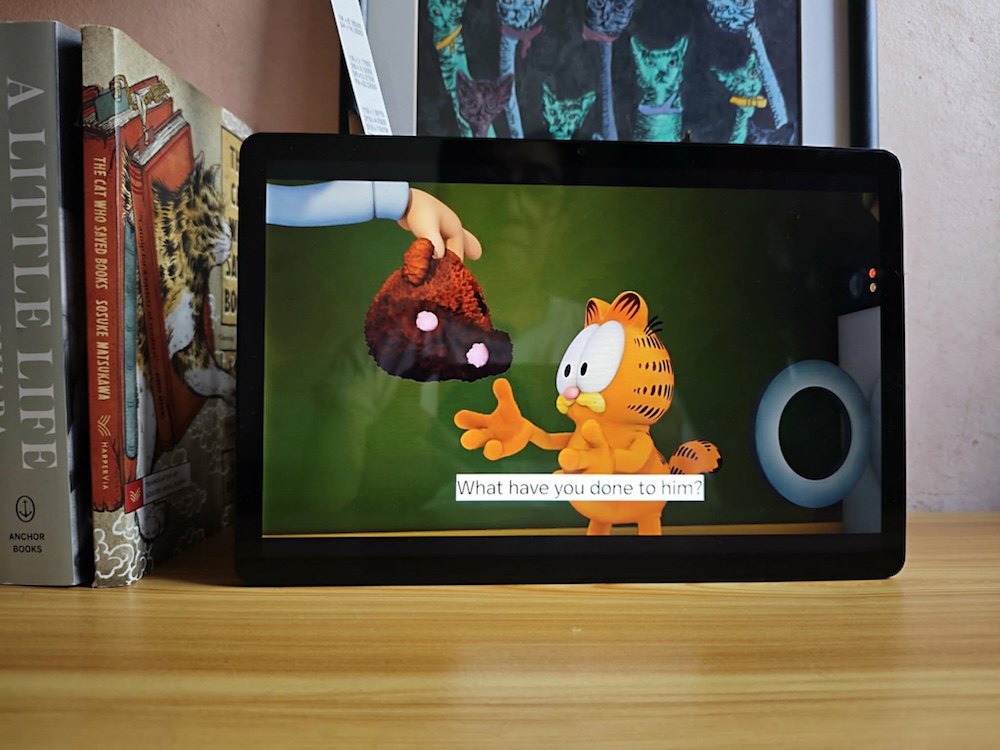
The HONOR Pad X8b has an 11-inch display, and that size works well for its intended use. It’s large enough for watching videos, reviewing school materials, or browsing, without becoming too bulky.
It is designed with 1920 x 1200 resolution on an IPS LCD panel with a 90Hz refresh rate. In everyday use, that refresh rate makes navigating different apps or web pages much smoother when compared to standard 60Hz displays.
Brightness is rated at 500 nits, which is enough for indoor environments. Whether it’s used in a classroom, at home, or in a café, I can see the images and videos clearly. When I’m outdoors under strong sunlight, I can still use it but not for a prolonged period.
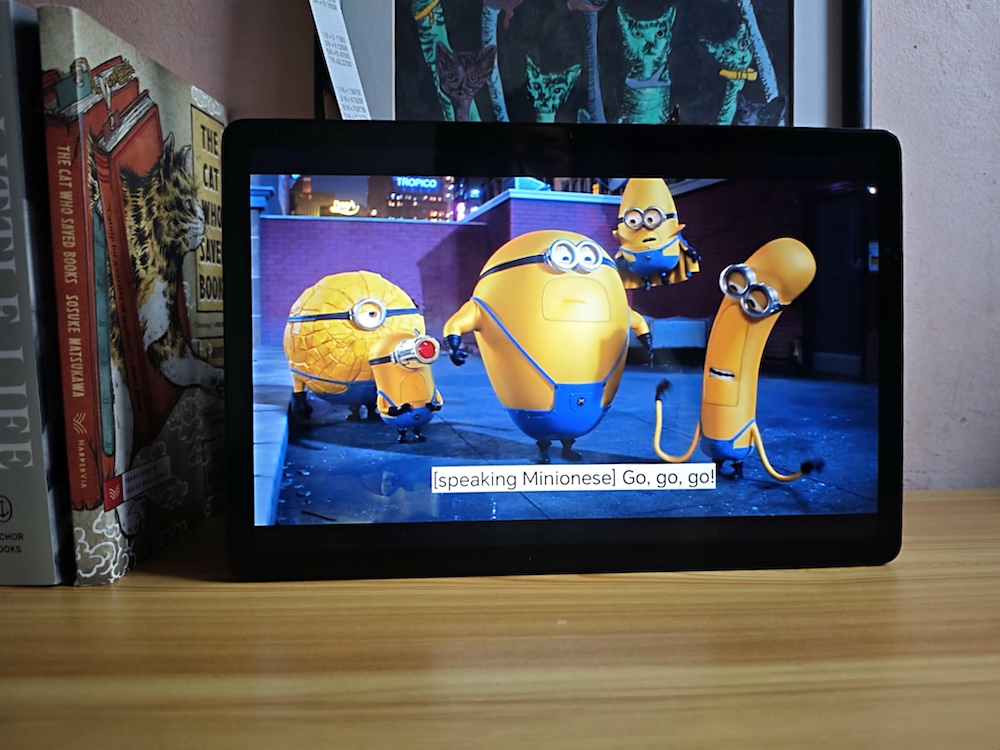
When it comes to visuals and colors, that is where I also get surprised. The colors pop out. I tried watching cartoons to see the difference clearly when compared to the previous one. And yes, it was a joy to the eyes. So, making the kids the target market makes sense now.
The 16:10 aspect ratio also helps when using it for schoolwork. Reading documents, PDFs, or even splitting the screen between two apps feels more natural with the extra vertical space.
Performance
Powering the tablet is the Snapdragon 680 4G Mobile Platform with 8GB RAM (4GB physical plus 4GB extended RAM). This setup is clearly optimized for everyday tasks rather than heavy workloads.
For students, it handles typical use cases without issues. Opening documents, browsing multiple tabs, attending online classes, and using productivity apps all run smoothly enough.
I’m not sure if kids would really care much about performance. A major indicator that they are happy with the device is when there is no lag. They are happy as long as their games are not interrupted with a lag. However, it is not built for demanding applications like video editing or high-end gaming.
The tablet runs on MagicOS 10 based on Android 16. That said, navigation is simple, icons are easy to recognize, and the overall layout is familiar so there’s not much issue there. Or if there is, kids will surely get used to it over time.
Expandable storage via microSD gives flexibility for storing school files, videos, or apps without worrying too much about space.
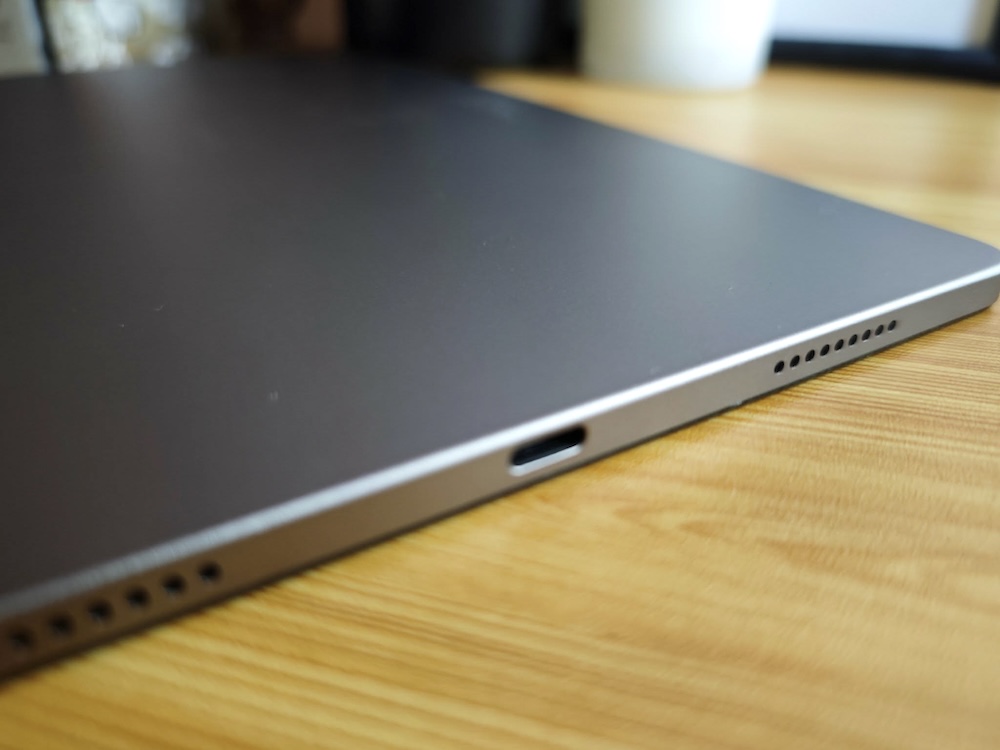
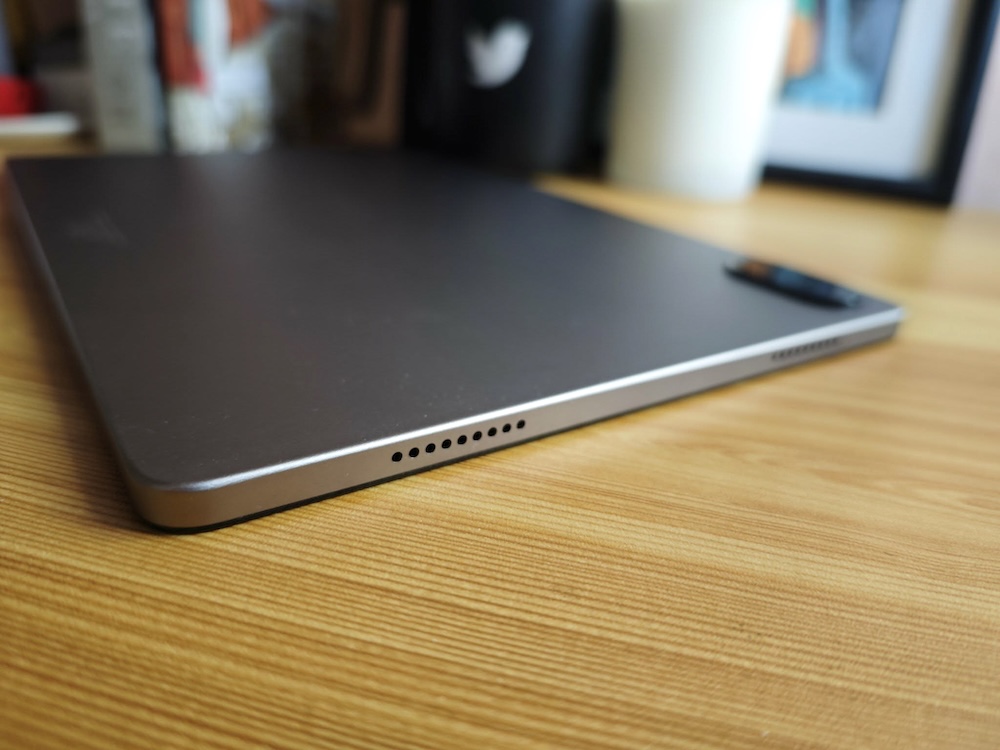
The audio is clear enough for its use cases. During video calls, you don’t really have to lean to hear the person on the other side. But during important meetings or online classes in students’ case, using an earphone could be useful but not necessary.
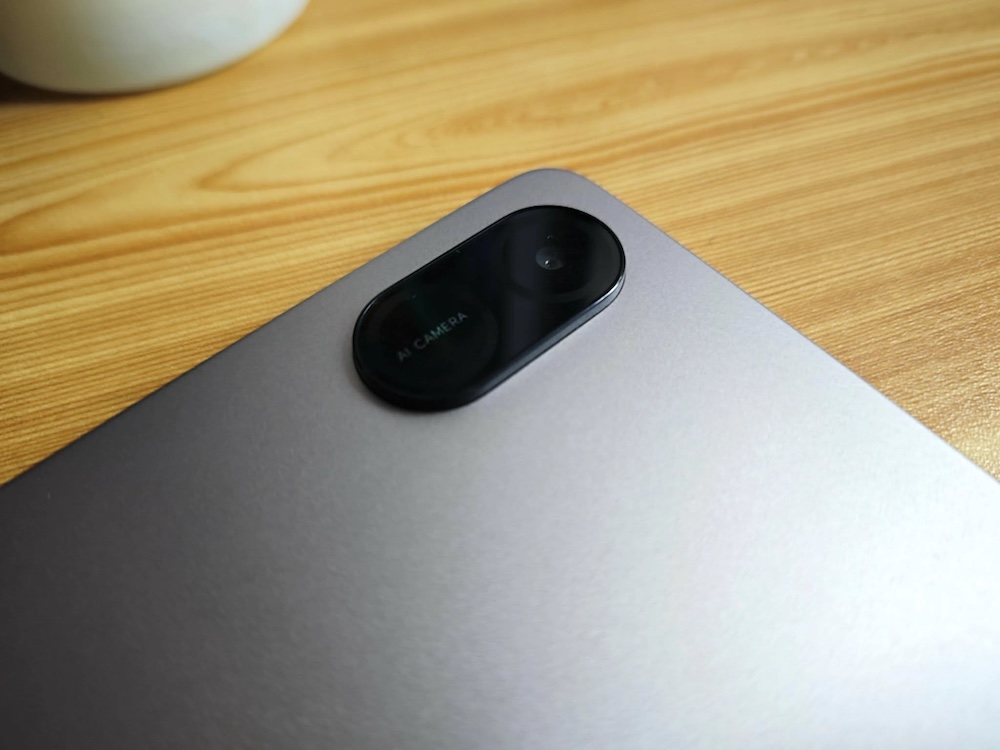
Camera
The HONOR Pad X8b comes with a 5MP rear camera and a 5MP front camera. This is a basic setup and let’s face it, we don’t really use our tablets for taking photos only in extreme cases, I guess.
The rear camera is best treated as a utility feature. It’s useful for scanning documents, taking quick reference photos, or capturing notes. For students, that’s usually enough. This is not a tablet you buy for photography, better take note of that.
The front camera is the more important one. For online classes, video calls, and meetings, it delivers acceptable quality in good lighting conditions. As we cannot emphasize it enough, the tablet is designed for kids so setup is mostly basic but decent and usable. It’s not something you’ll use for content creation, but for communication purposes, I’d say it is reliable.
Battery
Battery capacity is rated at 10,100mAh, and this is one of the more practical strengths of the device. In real-world use, the tablet can last through a full day of mixed activity. That includes browsing, streaming, schoolwork, and some gaming.
For students, that means fewer interruptions during the day without needing to recharge every so often. But of course, battery life always depends on how often you use it or what types of apps you are running. When it comes to battery life, always consider what, and how long, are you using it for.
HONOR said that standby performance is also reliable. You can leave it unused for a while and still come back to a usable battery level. But I didn’t get the chance to put it on standby because I love using it.
Charging speed is not particularly fast, but given the size of the battery, that trade-off is expected.
To buy or not to buy
The HONOR Pad X8b works because it is both usable and practical.
The lighter and slimmer build makes it more comfortable to hold for long periods, whether you’re reading, watching videos, or attending classes. That alone addresses one of the most common issues with tablets. It’s also easy to navigate. Kids can use it without much guidance, while adults can rely on it for everyday tasks like browsing, streaming, and light productivity.
For students, it covers the basics well. For families, it works as a shared device. And for anyone looking for a no-fuss tablet that doesn’t feel heavy or complicated, the HONOR Pad X8b is a practical option.
HONOR Pad X8b is designed to be practical, accessible, and reliable. If it fits your needs, then this is the tablet for you or maybe for your kids?
Specs:
- Display: 11-inch IPS LCD, 1920 × 1200, 90Hz, 500 nits
- Processor: Snapdragon 680 4G, octa-core
- OS: MagicOS 10 (Android 16)
- Memory: 8GB RAM (4GB + 4GB virtual), 128GB storage, microSD support
- Rear Camera: 5MP
- Front Camera: 5MP
- Battery: 10,100mAh
- Connectivity: 4G LTE
- Build: Slim and lightweight design
- SRP: ₱10,999, discounted to ₱9,999 through its TikTok Shop partnership
