


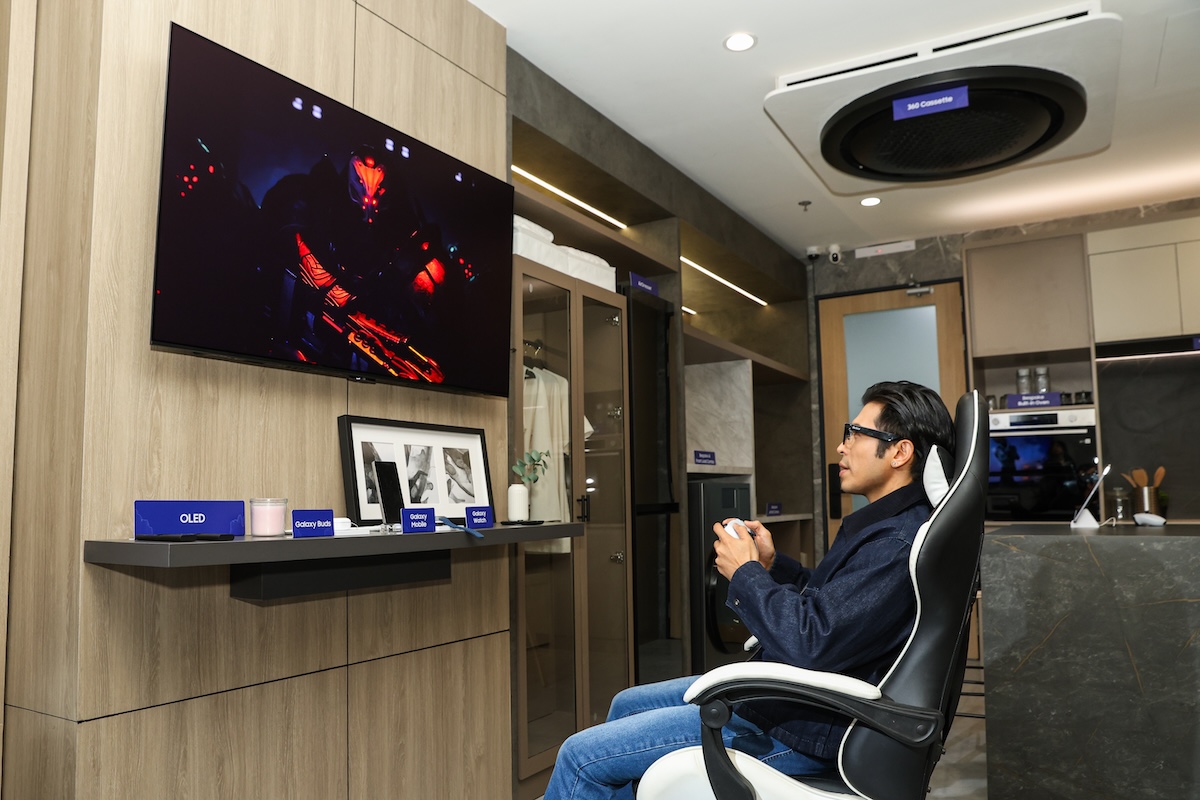
Samsung is rolling out its new Vision AI TV lineup in the Philippines, designed to make watching shows, gaming, and everyday use more immersive and personalized.
Powered by Vision AI Companion, the TVs use AI (artificial intelligence) to improve picture and sound, connect with smart home devices, and adjust settings automatically based on what users are watching or doing.
Here are four ways the new lineup improves the home experience.
1. Watch films and shows with clearer detail and sound
The Micro RGB Vision AI TV uses tiny red, green, and blue backlights to produce more accurate colors and brighter images. This helps scenes look more realistic, whether it is a dark thriller or a bright city view.
It is powered by the Micro RGB AI Engine Pro, which handles picture upscaling, color tuning, and sound optimization at the same time. A glare-reduction display also helps reduce reflections in bright rooms.
For sound, the AI Sound Controller Pro lets users adjust dialogue, music, and effects separately. Live Translation can also generate real-time subtitles in different languages.
Samsung TV Plus adds more viewing options with over 750 live channels and thousands of on-demand movies and shows at no extra cost.
2. Level up gaming performance
The Samsung OLED Vision AI TV is built for gamers who want fast and responsive gameplay. Its self-lighting pixels produce deep blacks and bright highlights for sharper visuals.
It runs on the NQ4 AI Gen3 Processor, which uses multiple AI networks to improve each frame in real time. OLED HDR+ also adjusts contrast scene by scene for better detail in dark areas.
Gaming features include a 165Hz refresh rate for smoother motion, plus support for G-Sync and FreeSync Premium Pro to reduce lag and screen tearing. AI Gaming Optimizer automatically adjusts settings based on the game.
Dolby Atmos delivers surround sound, while Object Tracking Lite matches sound with on-screen movement.
3. Support multitasking and smart home control
The Neo QLED Vision AI TV is designed for both entertainment and productivity. It uses Quantum Mini LED technology for better contrast and detail, supported by the NQ4 AI Gen2 Processor for real-time adjustments.
Through SmartThings Hub, users can control smart home devices, check appliances, and manage energy use with AI Energy Mode.
Samsung Knox Security helps protect connected devices, passwords, and personal data.
The TV can also double as a digital art display with access to over 5,000 artworks through the Art Store.
4. Bring stadium-like viewing at home
The Mini LED Vision AI TV improves live sports with clearer motion and better brightness control. The processor automatically adjusts picture and sound based on the action.
Mini LED tech improves contrast and detail, while Pure Spectrum Color keeps colors accurate. Mini LED HDR enhances bright highlights during fast plays.
AI Football Mode fine-tunes settings so commentary is clearer, crowd noise feels fuller, and fast action stays smooth.
All Vision AI TVs run on One UI Tizen and come with up to seven years of OS upgrades for ongoing improvements.
Samsung is offering up to Php 86,999 in savings, plus bundled freebies such as a monitor worth Php 32,999 and a soundbar worth Php 86,999. Buyers also get free installation and VIP Product Assistance worth up to Php 10,000.
Samsung Care+ Premium is also available, with up to two years of coverage starting at Php 5,799 per year.
