


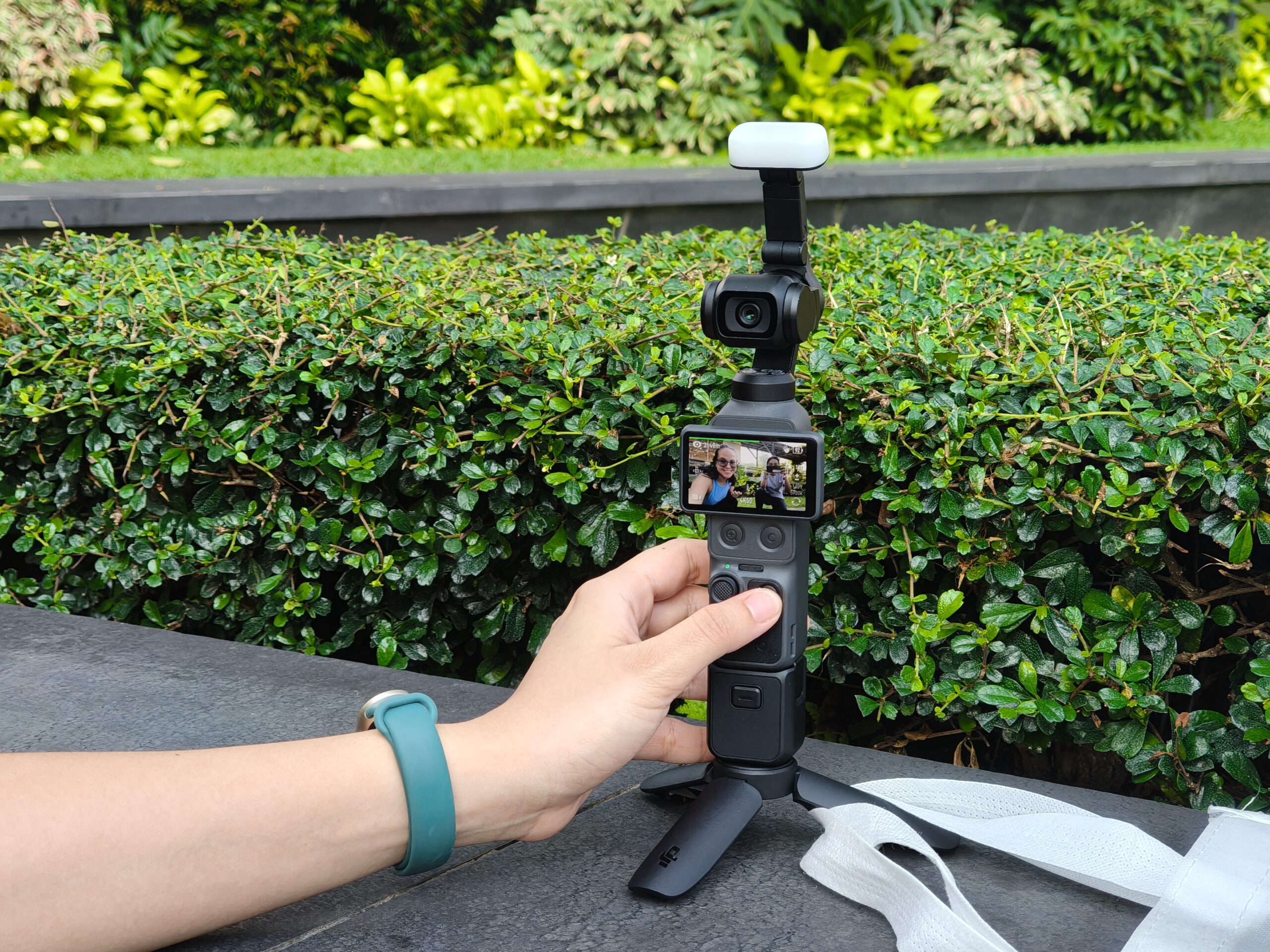
The University of the Philippines campus is a good place to test a camera.
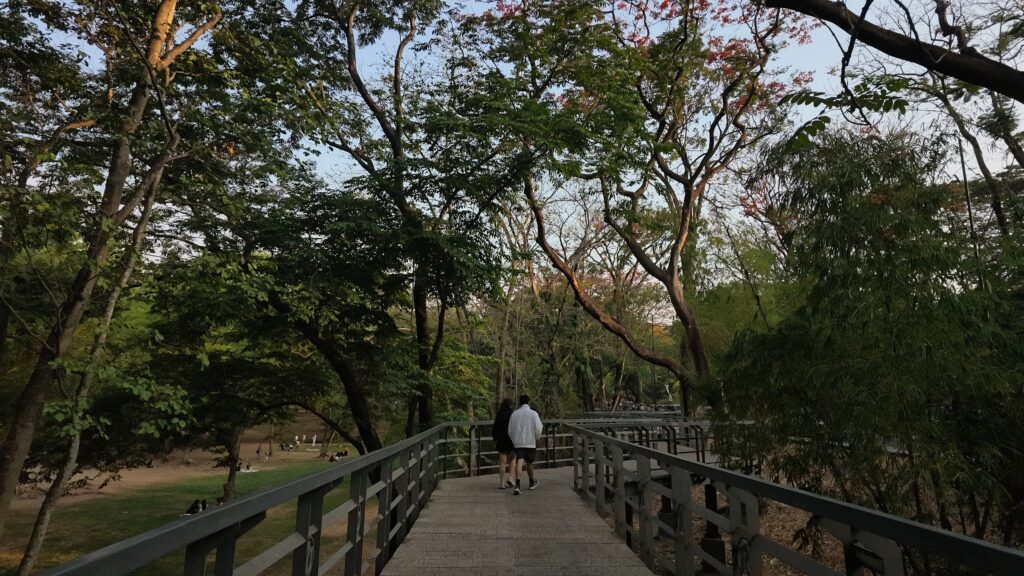
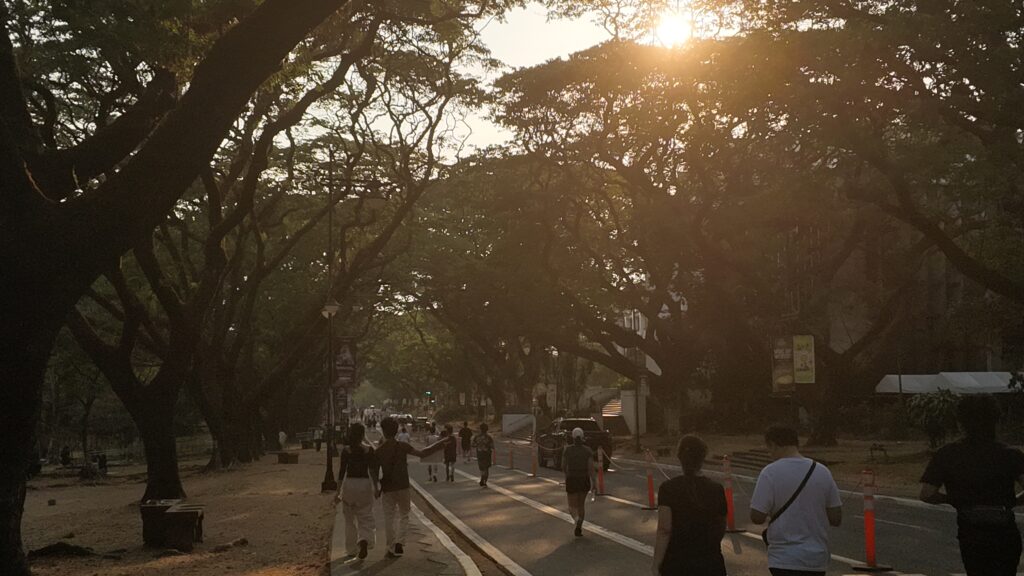
There are cyclists weaving through the Academic Oval, students rushing between classes as joggers shared the road with cars. Sunlight filtering through rows of acacia trees. In a span of a few minutes, you can go from bright outdoor scenes to shaded walkways and crowded streets.
So instead of heading to a studio, I brought the DJI Osmo Pocket 4 to UP with my friend Ruth, who happens to make photography her hobby.
Ruth already has an eye for visual storytelling. Even casually, she naturally notices movement and lighting in ways most people do not. We spent most of the afternoon vlogging around campus, and I wanted to see what somebody already comfortable with cameras could do with something this small.
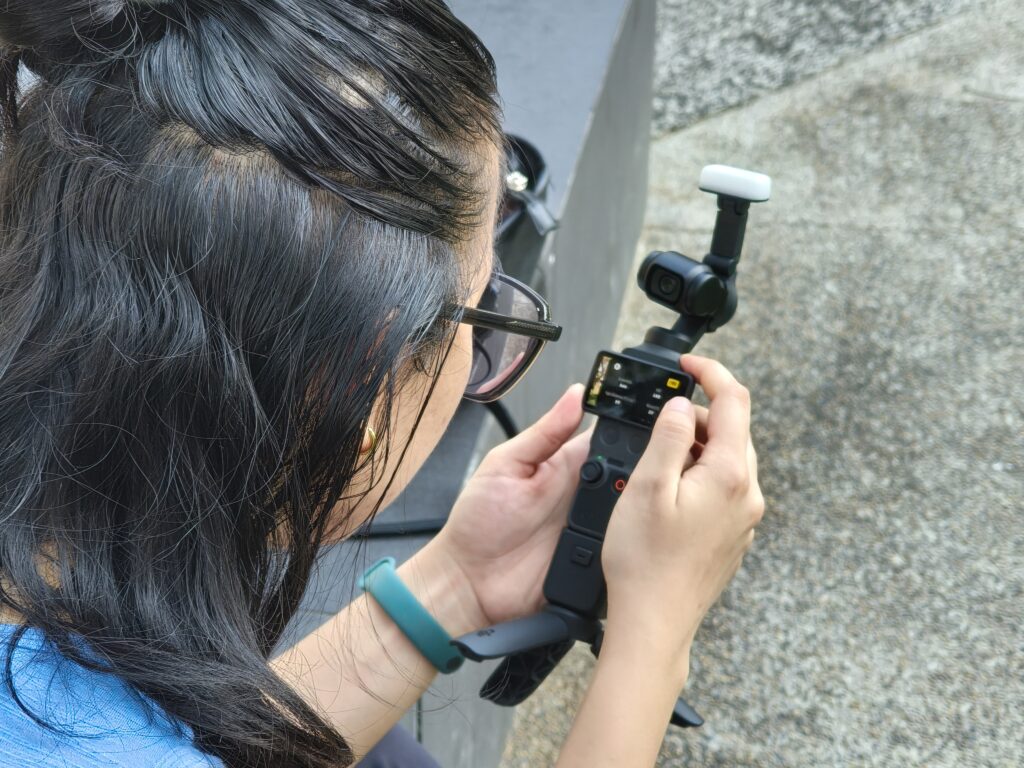
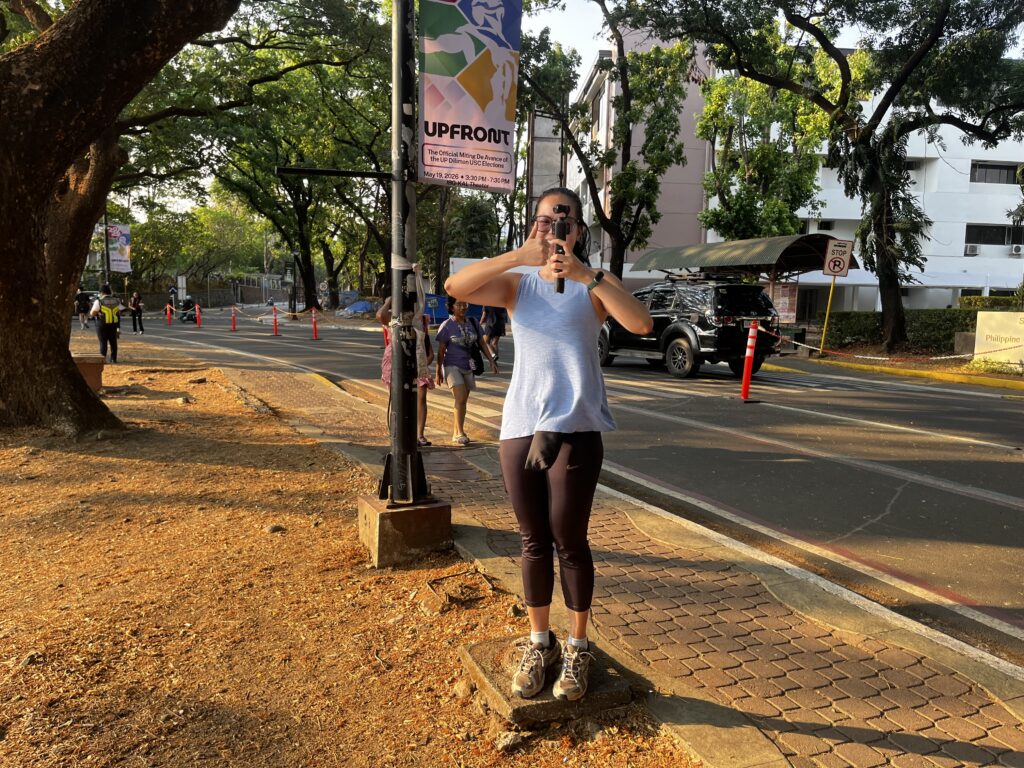
The Osmo Pocket 4 is small enough to fit in a pocket and light enough to forget you’re carrying it. Inside the tiny body is a 1-inch CMOS sensor capable of capturing high-quality footage.
Small camera, smarter design
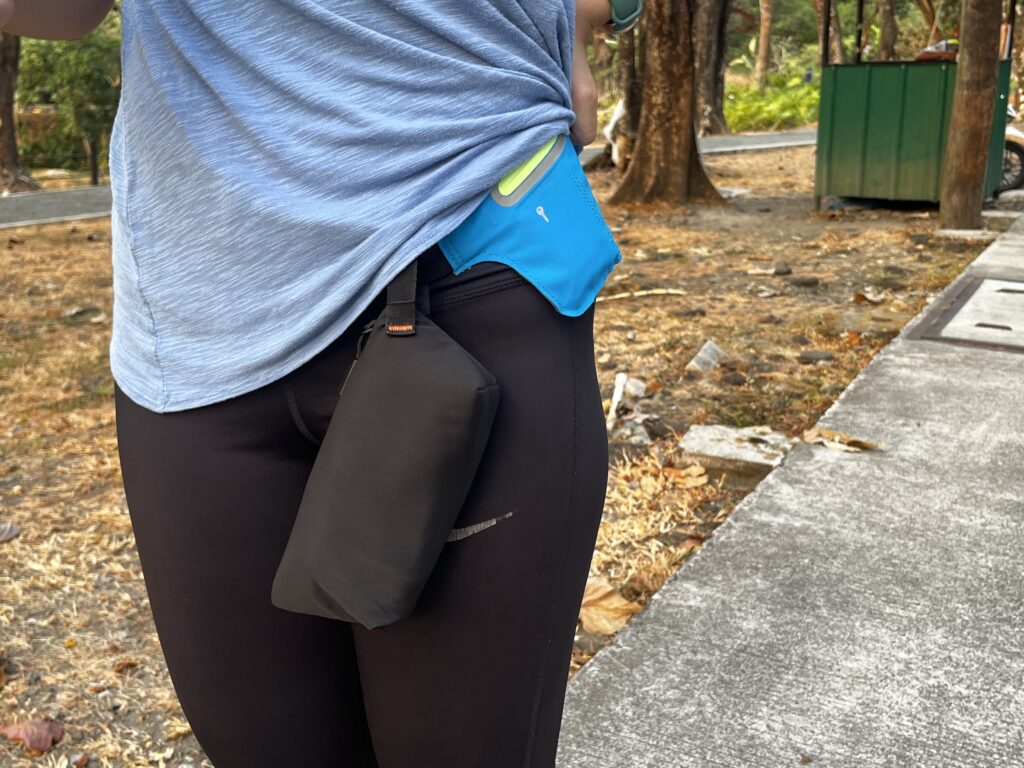
The Osmo Pocket 4 ships with the usual essentials, including a pouch, charging cable, wrist strap, mini tripod mount, and accessory attachments.
One addition that immediately proved useful was the attachable fill light. As the afternoon stretched into golden hour and shadows deepened beneath UP’s iconic acacia trees, the light helped brighten subjects without requiring another piece of gear in our bags.
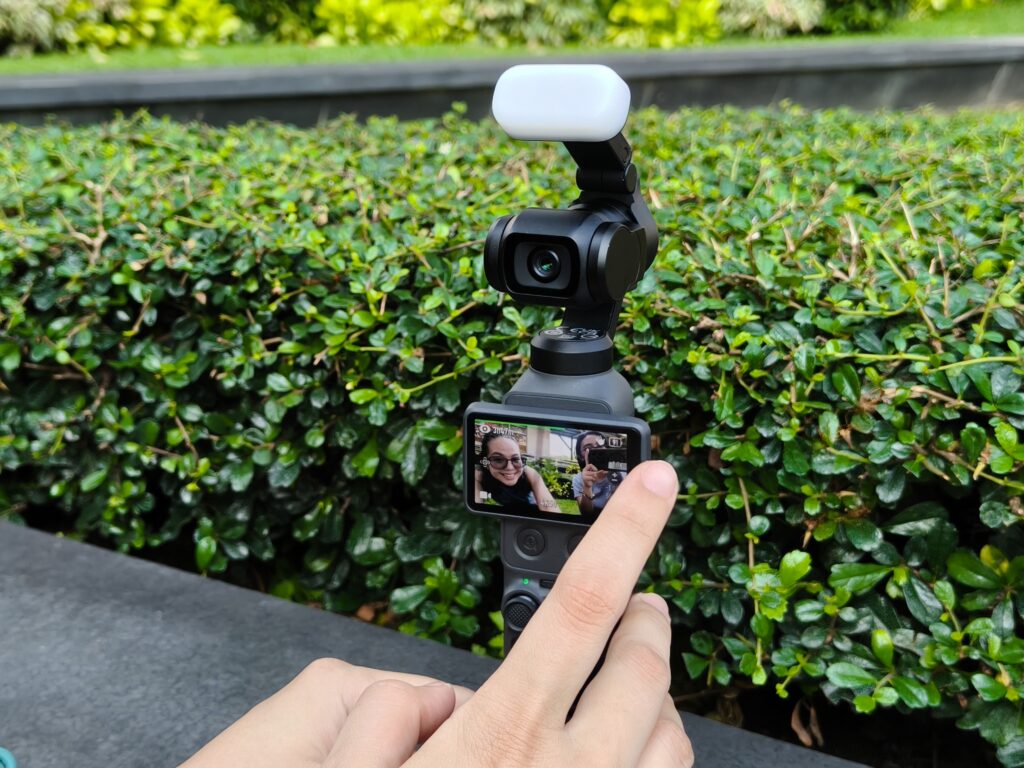
DJI also introduced several upgrades that become noticeable the moment you start shooting.
A new gimbal lock protects the camera head while stored, while a dedicated zoom button and customizable shortcut button make the camera faster to operate
The zoom button became especially useful while moving around campus because adjusting framing felt faster and more natural.
My photographer friend was particularly impressed by another practical improvement which is the ability to switch file formats directly on the device.
Instead of stopping to connect to another device or adjusting settings through an app, she could make changes directly on the Pocket 4 and continue shooting almost immediately.
Stabilization remains the star
Perhaps, the biggest reason people buy an Osmo Pocket is still the stabilization, which after spending hours walking around UP, the answer stared right back at us.
At one point, my friend literally jogged while holding the camera just to see how far the stabilization could go.
Instead of shaky handheld clips, the videos looked controlled and fluid, almost as if another person was operating a professional stabilizer rig nearby. It removes a lot of the intimidation usually associated with creating polished-looking footage. You do not need a massive setup anymore to capture smooth motion shots.
The camera did most of the heavy lifting for us.
ActiveTrack feels smarter and more natural
Another feature we kept returning to throughout the afternoon was ActiveTrack.
The system allows users to simply double tap a person on the touchscreen, and the camera immediately begins following the subject automatically. DJI also allows users register faces for tracking, allowing the camera to prioritize specific people within the frame.
We tested this repeatedly while walking around campus. My friend would move ahead, suddenly change direction, or weave through crowds, and the Pocket 4 consistently kept her centered in frame while the tiny gimbal smoothly adjusted its position.
Combined with the stabilization, the feature makes solo shooting feel dramatically easier. For creators who film alone, ActiveTrack almost feels like having another person behind the camera handling movement and framing for us.
Timelapse, film tones, and D-Log
We were not able to properly test the timelapse feature around UP itself. The campus was crowded throughout the afternoon, and finding a clean spot without people constantly moving through the frame proved difficult.
I eventually got to try it later during our music team practice while everyone was setting up instruments and equipment. That turned out to be a better environment for the feature anyway. I placed the Pocket 4 on the side of the stage while the team prepared for practice, and the resulting footage made even simple setup moments feel dynamic. A small group of people moved in and out of frame as instruments were carried around, and cables stretched across the stage.
With the camera itself being lightweight and compact, setting up timelapses never felt inconvenient. We could leave it recording on the side, then move on to another spot without carrying bulky equipment around campus.
One feature we unexpectedly spent a lot of time using, though, was the film tones.
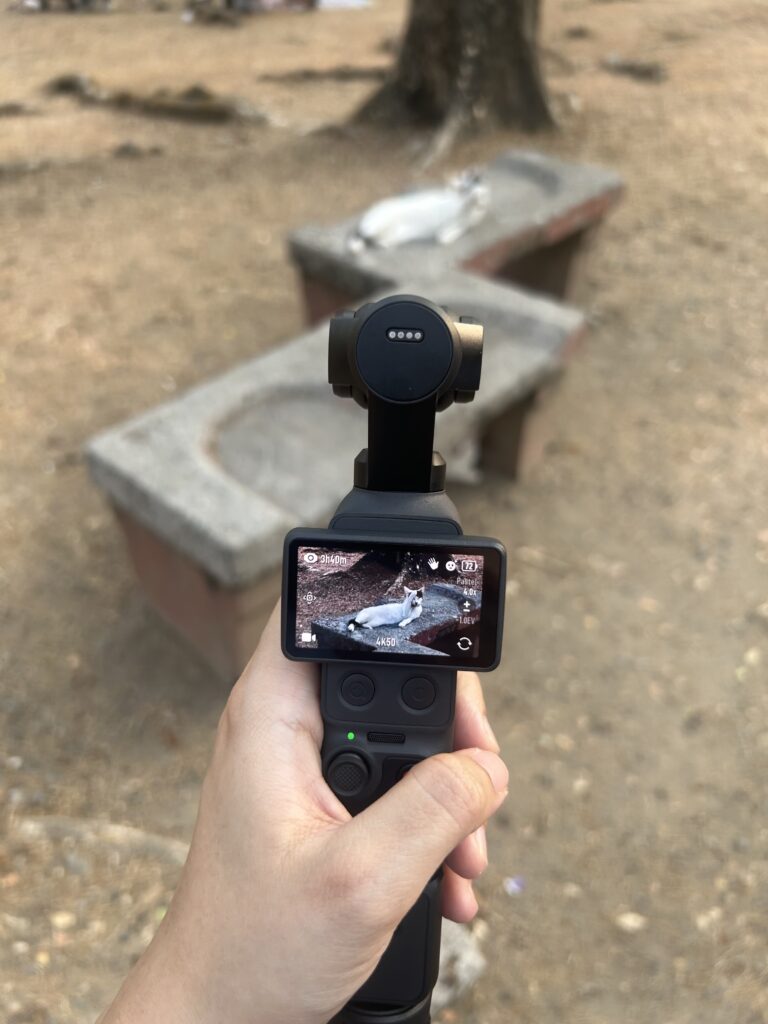
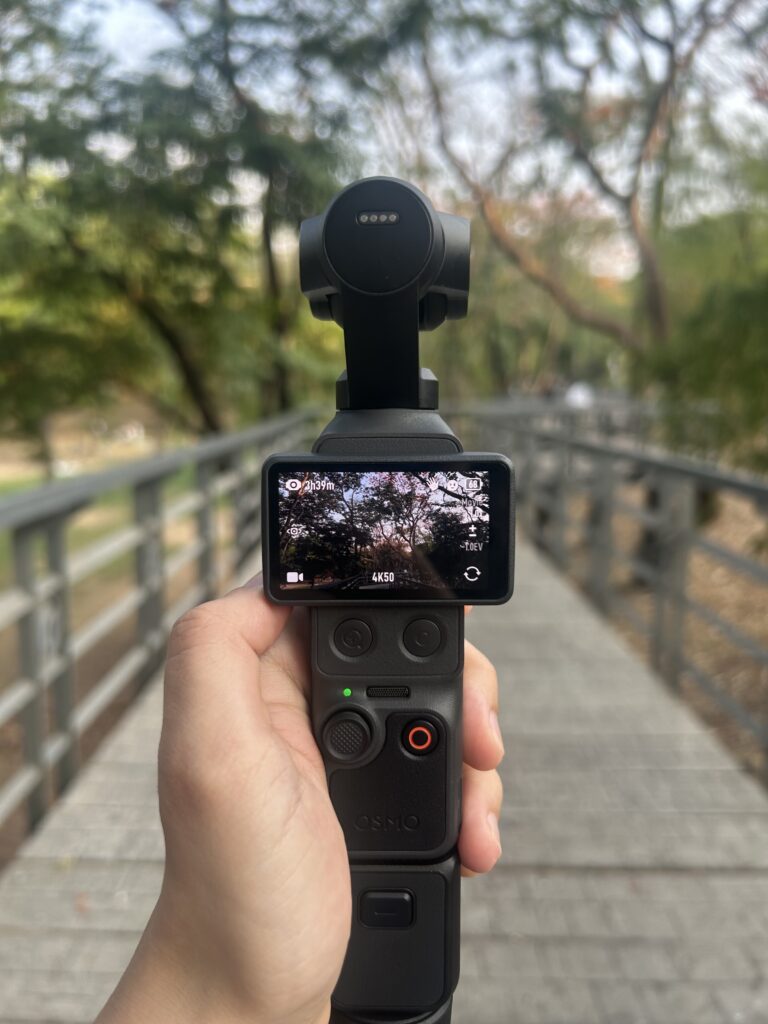
DJI included several built-in looks that instantly shift the mood of footage. Some tones leaned warmer and nostalgic, while others created a cooler, moodier atmosphere. Around UP, especially during golden hour and surrounded by a lot of greens, those film tones gave clips a softer and more cinematic without leaving the need for more editing.
The Pocket 4 also supports D-Log recording for users who prefer color grading footage themselves.
My photographer friend immediately appreciated this because it gave the footage more flexibility during editing. Instead of locking users into heavily processed colors, D-Log preserves more detail and dynamic range, allowing creators to adjust the final look later in post-production.

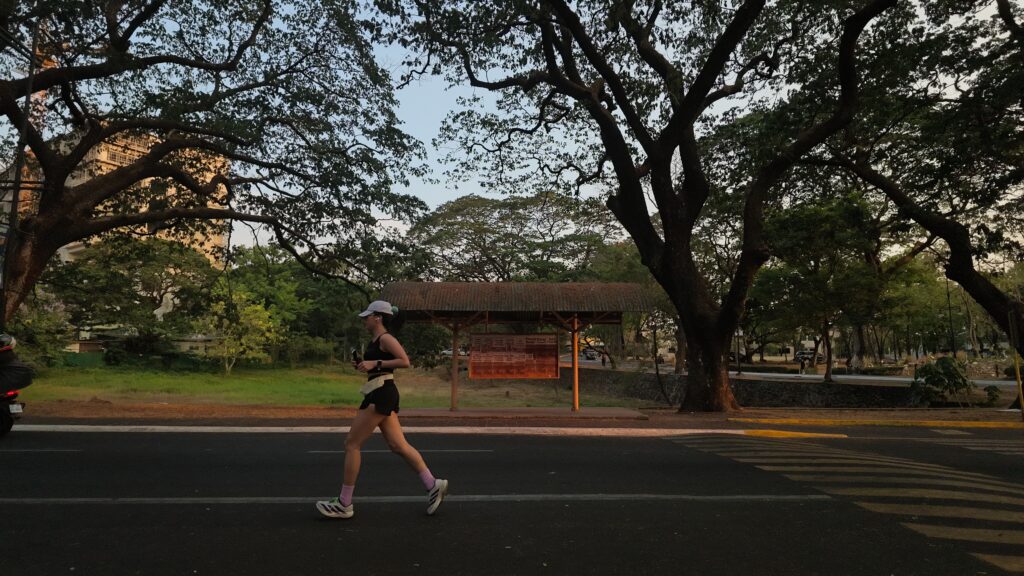
For casual users, the built-in film tones are already fun to experiment with. Also, for creators who want more control over the final output, D-Log makes the Pocket 4 feel much closer to a professional filmmaking tool than its tiny size suggests.
Final thoughts
The DJI Osmo Pocket 4 succeeds because it makes shooting feel easy.
It removes much of the bulk, setup, and technical friction usually associated with video production while still producing footage that looks polished and stable.
After spending an afternoon testing it around UP, the biggest takeaway for me is that creators no longer need massive gear setups to produce impressive-looking footage.
Ruth already knows how to frame movement and work with lighting. Once the Osmo Pocket 4 was in her hands, it was interesting seeing how much freedom the tiny camera gave her creatively. She moved faster. Experimented more. Tried shots that probably would have felt more tedious with larger equipment.
The camera simply stayed out of the way and let her do her thing. If there was one thing that occasionally felt limiting, it was the small screen. There were moments when checking framing more precisely would have been easier on a larger display, especially outdoors under bright sunlight.
Still, considering how compact the entire setup is, the tradeoff never felt dealbreaking. The Osmo Pocket 4 may be small, but in the right hands, it can do far more than its size suggests.
Key specifications
- 1-inch CMOS sensor
- f/2.0 lens (20mm equivalent)
- Up to 4K video recording at 240fps
- Up to 14 stops of dynamic range
- 10-bit D-Log recording
- 3-axis mechanical gimbal stabilization
- ActiveTrack 7.0 subject tracking
- Face registration for subject tracking
- 2-inch rotatable OLED touchscreen
- Dedicated zoom button
- Customizable shortcut button
- Attachable magnetic fill light (sold with select bundles)
- Built-in film tone presets
- 107GB built-in storage
- microSD card support
- USB 3.1 transfer speeds up to 800MB/s
- Wi-Fi 6 and Bluetooth connectivity
- 1,545mAh battery
- Up to 240 minutes of operating time
- Fast charging (up to 80% in approximately 18 minutes)
- Timelapse, Motionlapse, and Hyperlapse modes
