


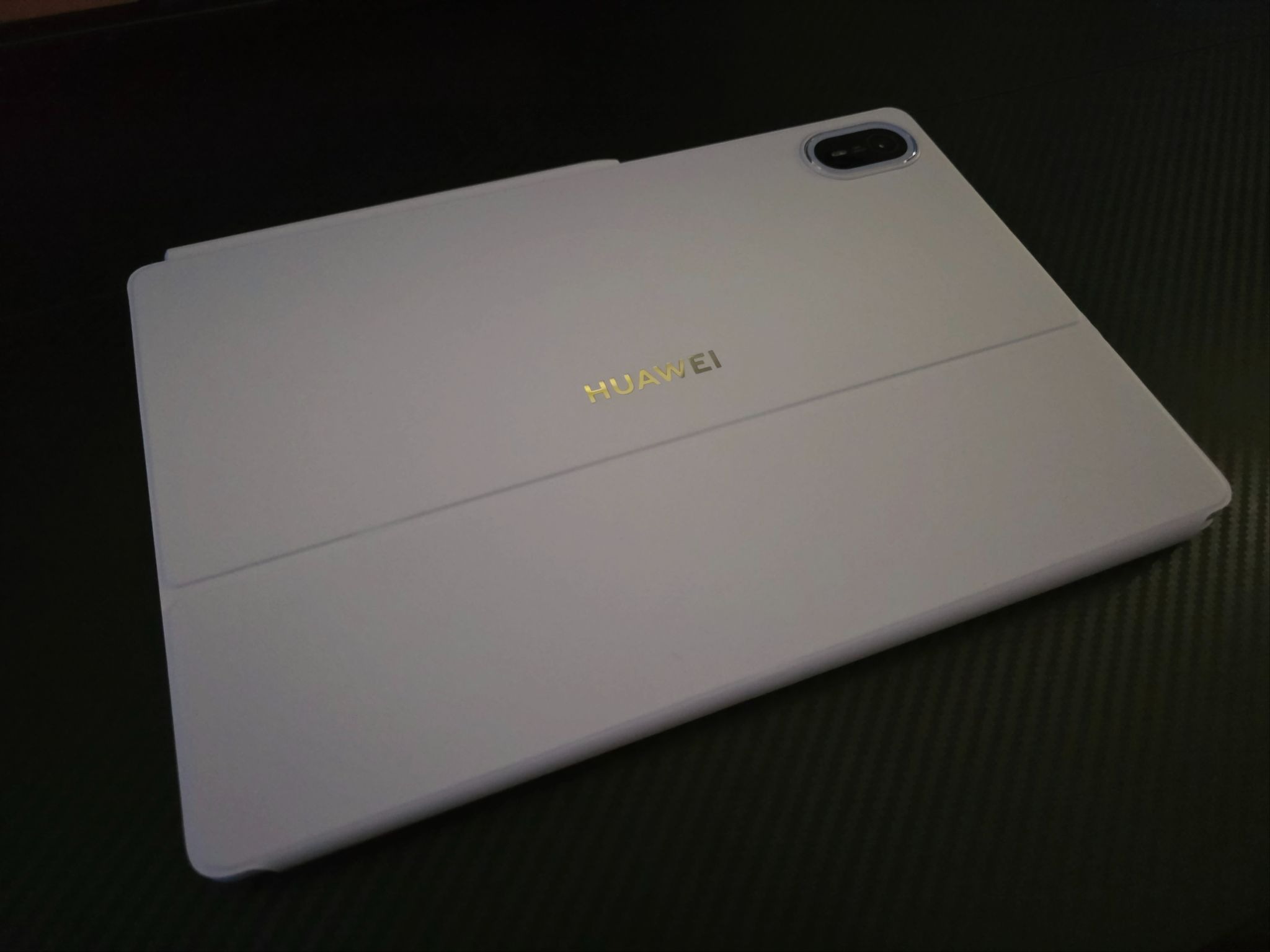
For quite some time, I wasn’t really fond of tablets because I could do all my work on a basic laptop and watch content whenever I was away from home.
But somehow, the HUAWEI MatePad Air made me rethink everything I once thought about tablets. I’ve found myself more keen on working, watching my favorite series and films, and catching up on my reading, thanks to its specialized display and desktop-like features.
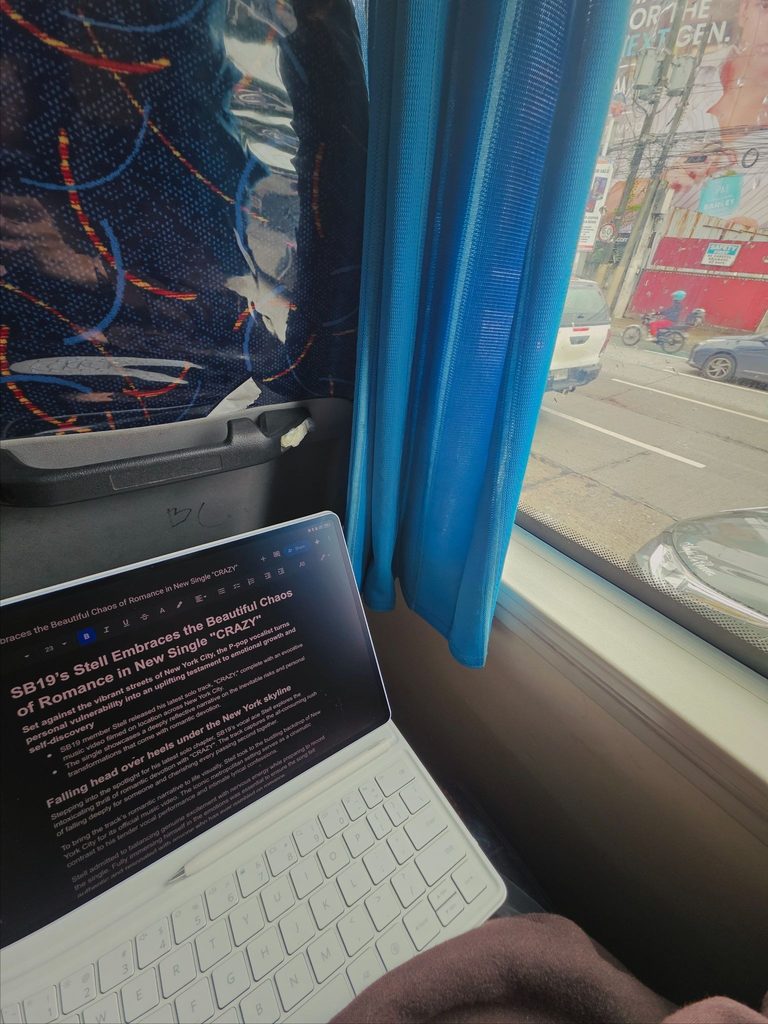
I brought the slim tablet with me to cafes, events, and even social gatherings, so I could squeeze in a little work and spend less time stressing about what I needed to do next.
I also switched between my MacBook and the MatePad Air from time to time as my main work device, which allowed me to see what it could actually handle. From writing to editing videos, it held its ground remarkably well, much to my surprise.
Of course, no experience is perfect, and I had a few gripes while using it. Still, they didn’t diminish my enjoyment of the device, as I believe a simple update or a little tweaking could help it reach its full potential.
What the tablet runs on
Under the hood, the HUAWEI MatePad Air runs on the Kirin T93C octa-core processor, paired with 12GB of RAM and 256GB of storage. In everyday use, that combination gave me enough power for multitasking, including working across split screens and multiple active windows.
It also uses HUAWEI Hyperhold virtual memory expansion technology, which can allocate an additional 8GB of storage as virtual memory to help keep apps running in the background.
The tablet packs a 10,100 mAh battery and comes with a 66W SuperCharge adapter. HUAWEI claims up to 14 hours of local video playback, 10 hours of continuous online video playback, or eight hours of online meetings.
For connectivity, the MatePad Air supports Wi-Fi 7 and wireless display projection. It also has a thermal heat-dissipation system designed to manage temperatures during heavier workloads.
Other hardware includes a 50MP rear camera, a 12MP front camera for video calls, and a six-speaker HUAWEI Sound system with AI noise reduction.
The display is in a league of its own
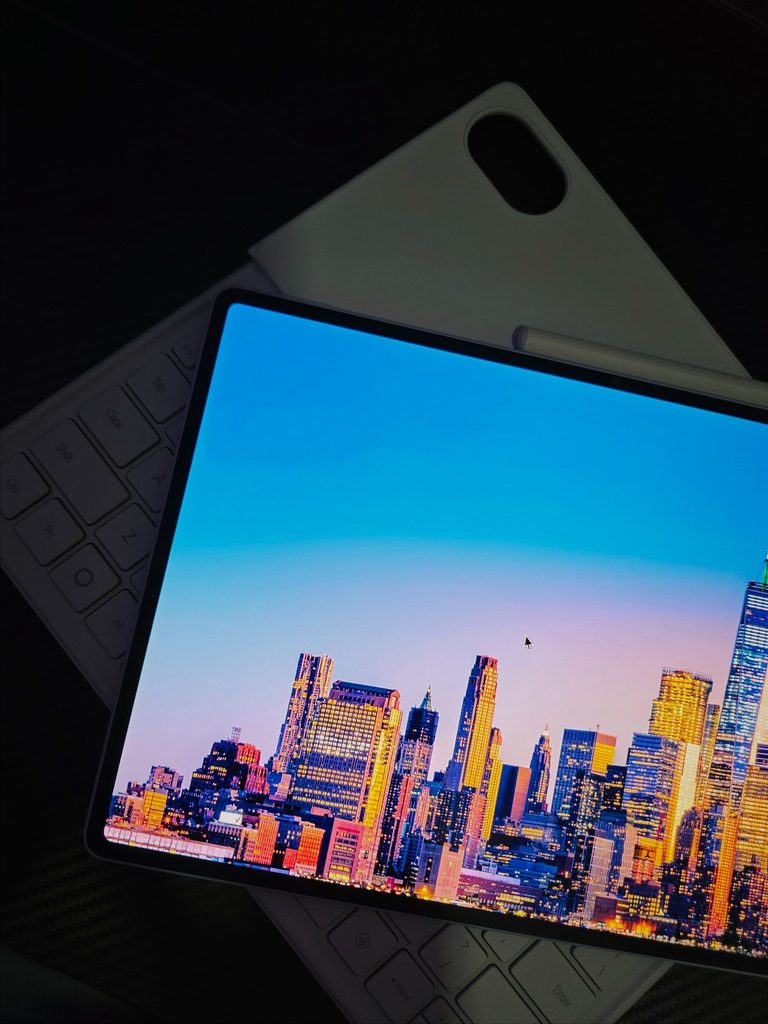
For me, a tablet’s screen is its biggest selling point, second only to core specs like the CPU, RAM, and storage, because it’s the one thing you’ll be looking at every day. After testing this device, I can confidently call its display one of the most impressive I’ve used, matching top-tier tablets in its price category — and even some beyond it — in saturation, contrast, and overall quality.
I had low expectations for the PaperMatte display because my previous experiences with similar screens had always resulted in diminished image quality and contrast. But when I first saw the startup screen, I was immediately proved wrong by its vibrant colors and inky blacks.
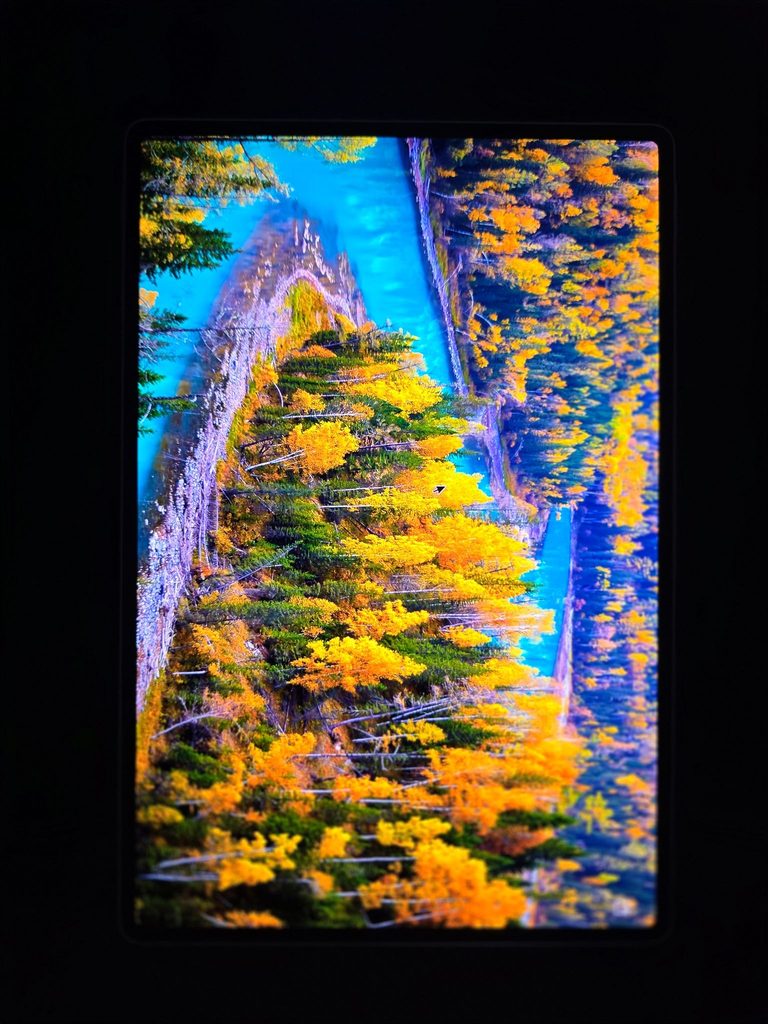
The 2.8K OLED panel is sharp, and watching 4K videos on it makes details pop even more. The screen can also get considerably bright with its 1,200-nit peak brightness, and maxing out the brightness slider does not noticeably diminish its quality.
With the matte screen, even with the sun behind you, the panel diffuses ambient light effortlessly, unlike standard glossy displays that can quickly turn into reflective mirrors the moment you step into a bright café or sit near an open window.
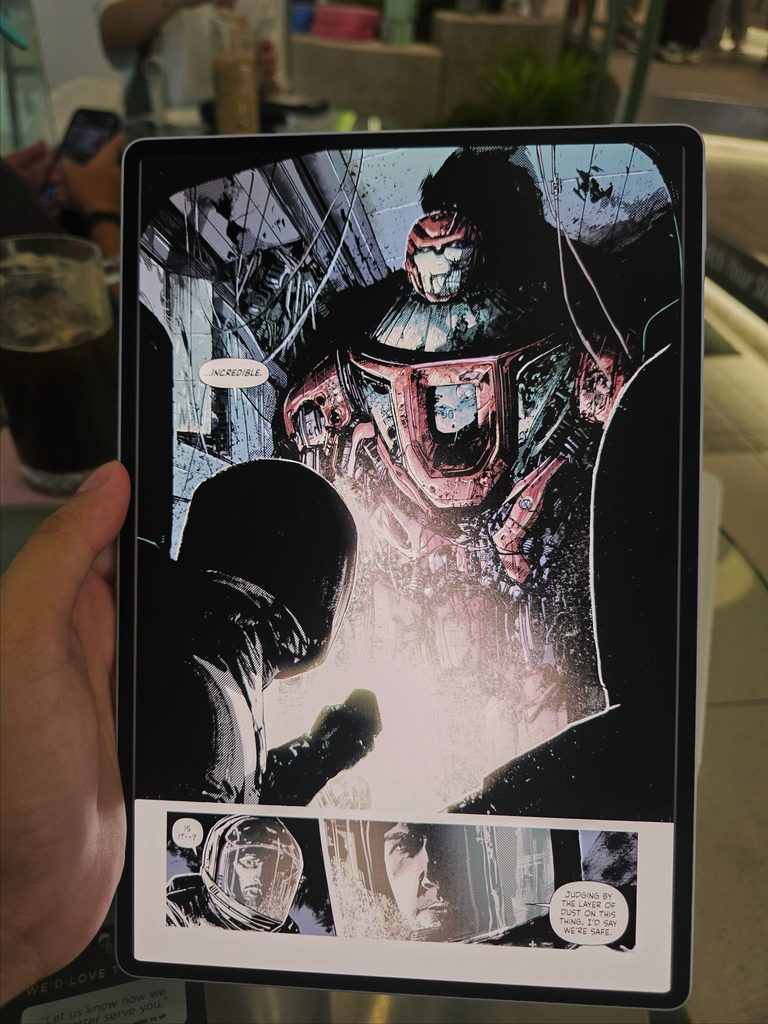
Beyond the matte finish and colorful screen, the high-refresh-rate display keeps media consumption punchy and smooth, and I know gamers like me will appreciate it.
Catching up on my reading also felt more natural thanks to its eBook mode, a display setting that mimics the look and feel of a physical book or e-reader, making longer reading sessions easier on the eyes.
Living with it as a daily driver
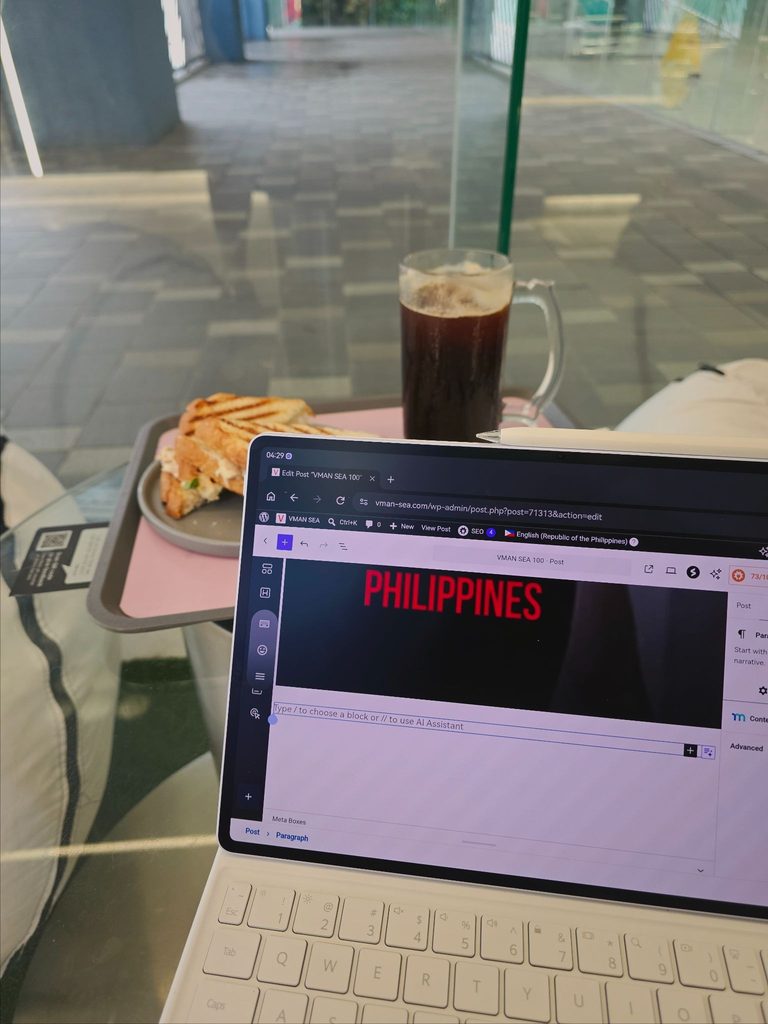
In real-world use, the MatePad Air handles daily tasks with surprising ease, thanks to its multicore Kirin processor. Navigating HarmonyOS, switching between multiple apps while keeping them open on top of one another, and streaming high-resolution videos all happen smoothly, without hitches or hiccups.
Once I got used to the interface, I started using the tablet as my primary work device. Having worked in a desktop environment for most of my life, I found the MatePad Air came surprisingly close to delivering a PC-like experience, helped in large part by its accessories.
While you can use the tablet on its own, the Smart Magnetic Keyboard offers comfortable, laptop-like typing. The M-Pencil stylus uses NearLink technology for low-latency input and pressure sensitivity, while magnetic wireless charging makes it convenient to use on the go.
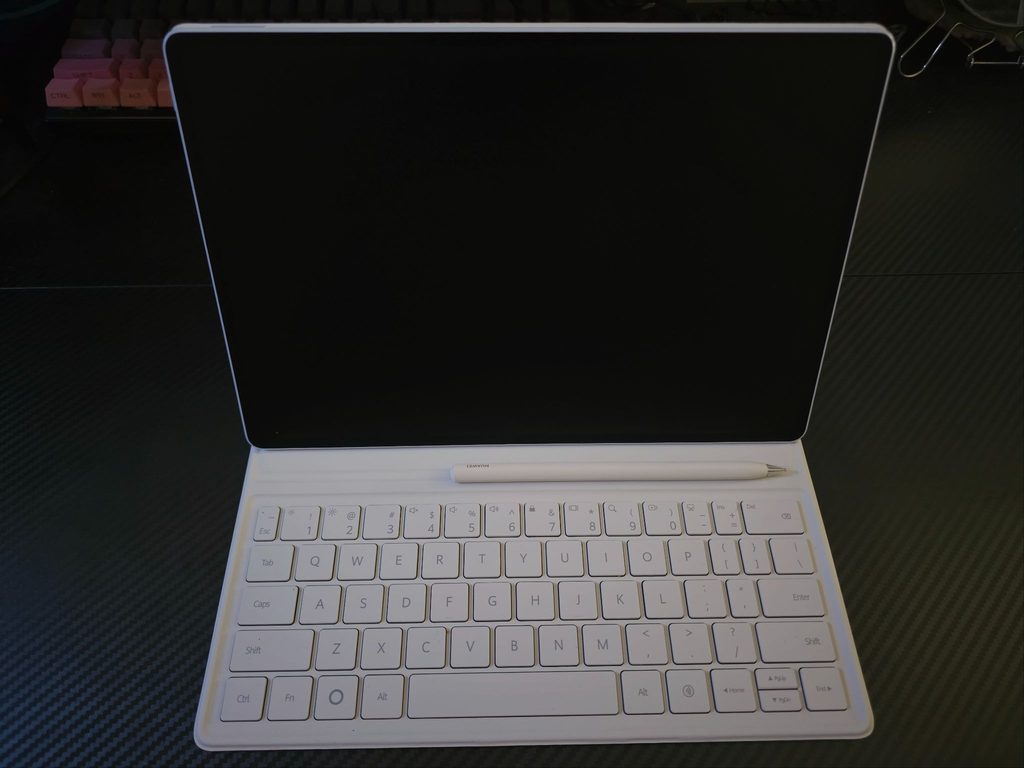
On the software side, having the PC-level WPS Office enhanced with WPS AI made my workflow much more efficient. Features like speech-to-text, for instance, have tremendously helped me transcribe interviews.
The device’s portability is another strength. With a tablet this thin and sturdy, I can comfortably fit it among my everyday items without worrying about it bending or breaking.
Battery life was equally dependable throughout my use. I only charged it a handful of times while I was out for an entire day without a power bank, as the battery typically dropped to only around 30% to 40% after a full day of use.
I could comfortably leave the charger at home, head out for a full day of remote work at a local coffee shop, and still have enough power left to stream a couple of episodes of my favorite series in the evening without constantly hunting for a power outlet.
The minor bumps along the road
As much as I enjoyed the hardware, the overall software experience isn’t completely without its hurdles.
The lack of native Google Play Services remains the biggest caveat. Some apps, such as my comic book reader, need native Google support to run properly, which can become a problem when an internet connection is unavailable.
This means relying on HUAWEI’s AppGallery or third-party installation methods to get certain familiar productivity apps up and running.
While this didn’t ruin my workflow once I had everything set up, it does introduce a learning curve for users new to the OS. Not every app can be instantly found in AppGallery, so taking extra steps to install specific software can feel like a chore compared with using traditional app stores.
HarmonyOS offers impressive desktop-like features, but there are still rough edges. Some apps don’t stretch perfectly across the tablet’s aspect ratio, while certain keyboard shortcuts don’t register as smoothly as they would on a traditional laptop.
These are the software gripes I mentioned earlier, but they feel more like bumps in the road than dealbreakers. With a bit of patience and some adjustments, the platform still delivers a solid overall experience.
Is it worth changing how you work?
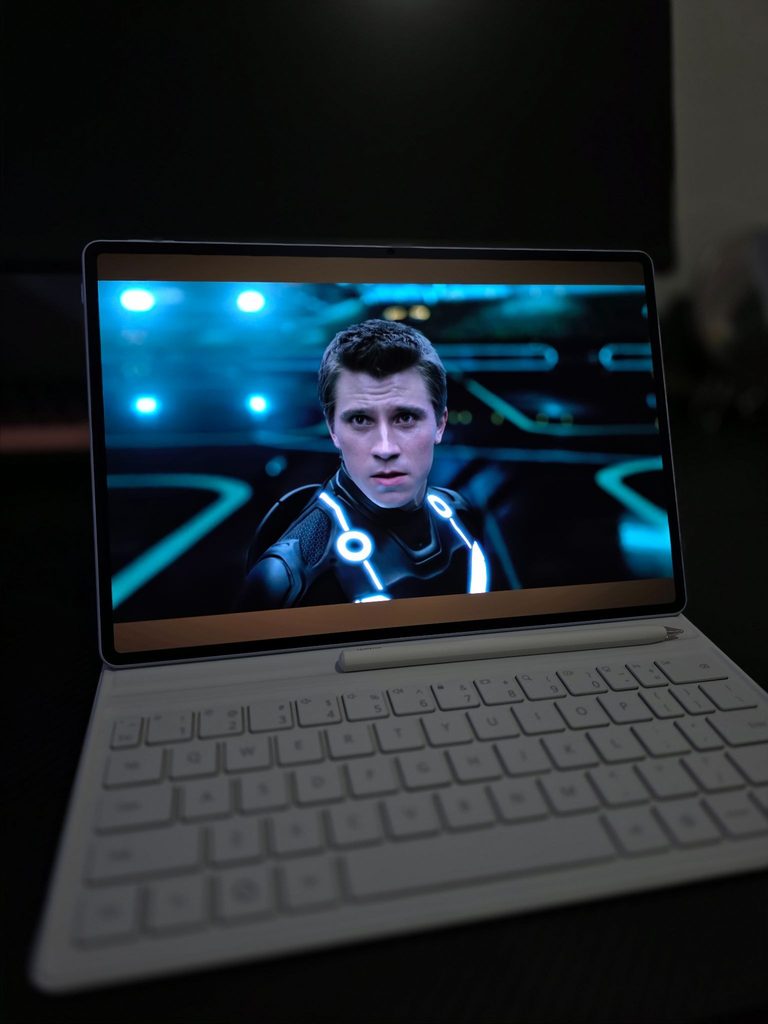
At the end of the day, the HUAWEIMatePad Air genuinely challenged my long-held belief that tablets are just laptops with extra steps rather than proper work tools. It manages to carve out a compelling middle ground between an ultra-portable entertainment device and a functional workstation alternative.
I haven’t explored the full potential of the M-Pencil because of my limited art and drawing skills, although the times I played around with it using the GoPaint and dedicated Notes apps were enjoyable.
I also have to sing the praises of the PaperMatte screen because it genuinely changed the experience for me. Reading, writing, and getting work done on a portable display for extended periods felt much more comfortable.
The reduced eye fatigue alone made a significant difference when I spent hours staring at documents.
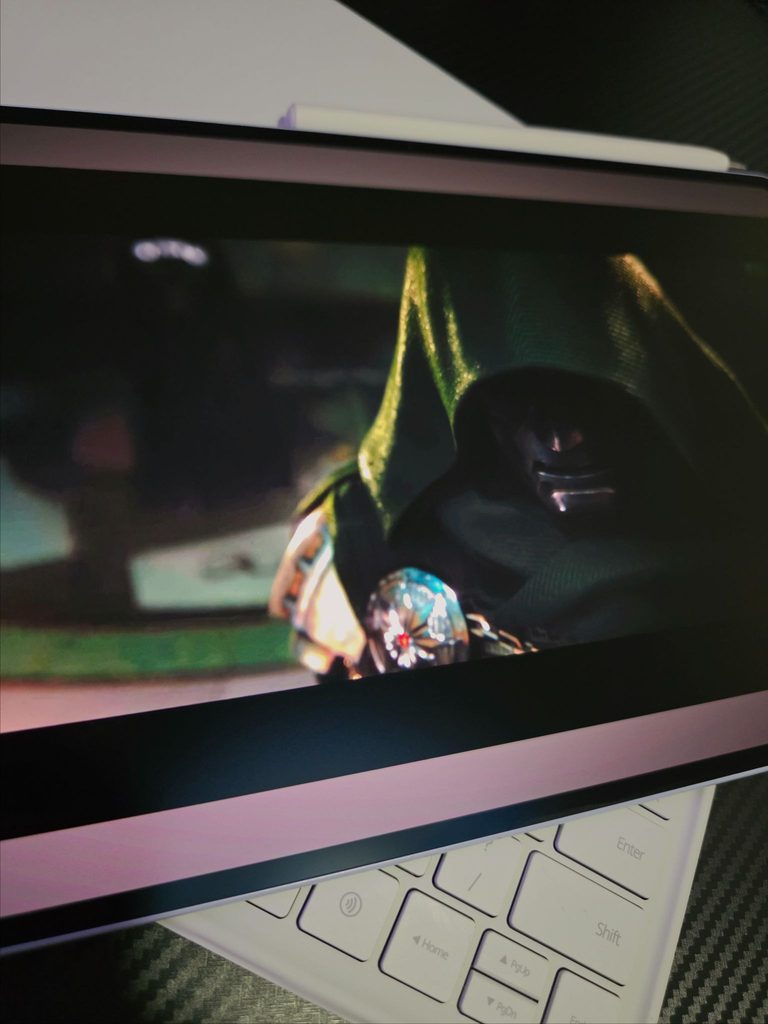
Its durable yet lightweight design and reliable performance make it a pleasure to carry around and use every day. The tablet also strikes a good balance between productivity and leisure, making everyday tasks more efficient while enhancing the entertainment experience on the go.
If you’re willing to navigate a few software workarounds to get your preferred apps running, the exceptional display quality, sleek form factor, and reliable performance make the HUAWEI MatePad Air an easy recommendation for anyone looking for a new daily driver.
The HUAWEI MatePad Air can be purchased on HUAWEI’s official website or on Lazada, Shopee, and TikTok Shop.
Specs:
- Display: 11.5-inch IPS LCD, 2800 × 1840 resolution (3:2 aspect ratio), 144 Hz adaptive refresh rate, P3 wide color gamut, PaperMatte anti-glare finish option
- Processor: Kirin T93C OctaCore Processor
- Graphics: Maleoon 920A
- Memory & Storage: 8 GB / 12 GB RAM paired with 256 GB internal storage
- Operating System: HarmonyOS 3.1
- Rear Camera: 13 MP (f/1.8 aperture, AF), up to 4K video recording
- Front Camera: 8 MP (f/2.2 aperture, fixed focus), 1080p video recording
- Battery & Charging: 10,100 mAh capacity; supports 66W HUAWEI SuperCharge
- Audio & Microphones: Quad-speaker setup with HUAWEI Histen tuning, 4 integrated microphones
- Connectivity: Wi-Fi only, Bluetooth 6.0, USB-C
- Dimensions & Weight: 261.89 × 178.17 × 6.4 mm; ~508 g
- Accessory Support: Compatible with HUAWEI M-Pencil (2nd Gen) and Smart Magnetic Keyboard
