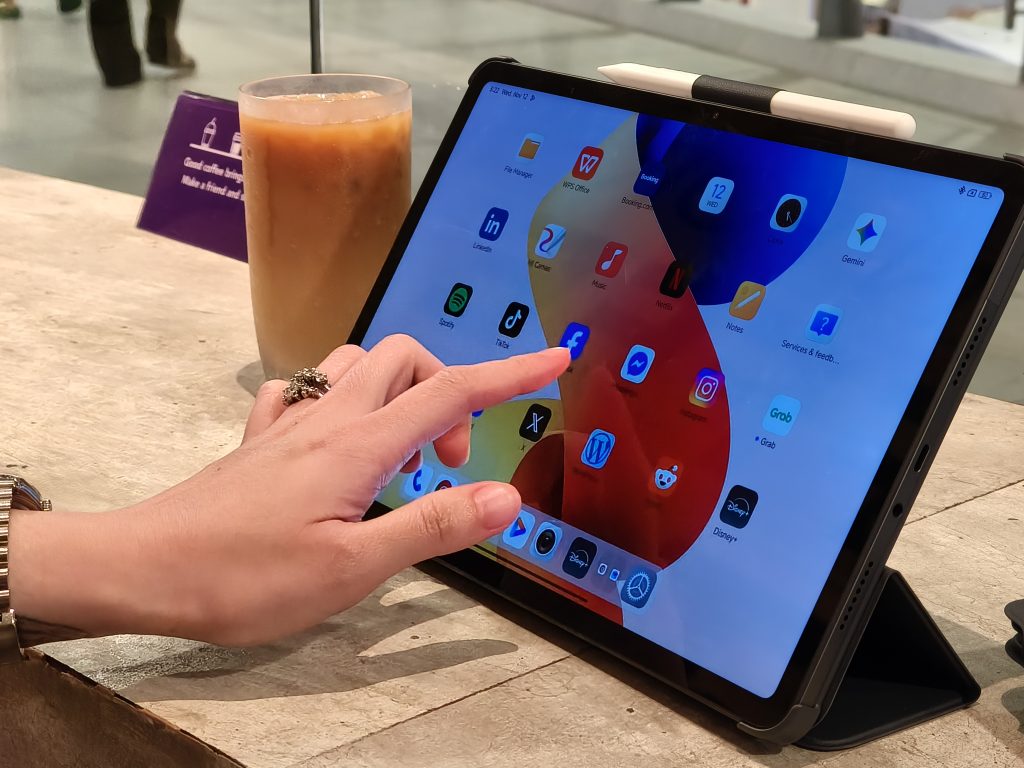
I knew what I was getting into when I decided to cut down on my laptop use for this review. For seven days, I let the REDMI Pad 2 Pro 5G take over almost everything I normally do on a 13-inch notebook, from writing articles and answering emails to preparing Sunday school lessons.
I gave myself only three “passes” to use my laptop if absolutely necessary, but the goal was to see whether a tablet could realistically support the way I work and commute. I wanted to see whether the device could keep up with the very unglamorous, real-world pace of my week.
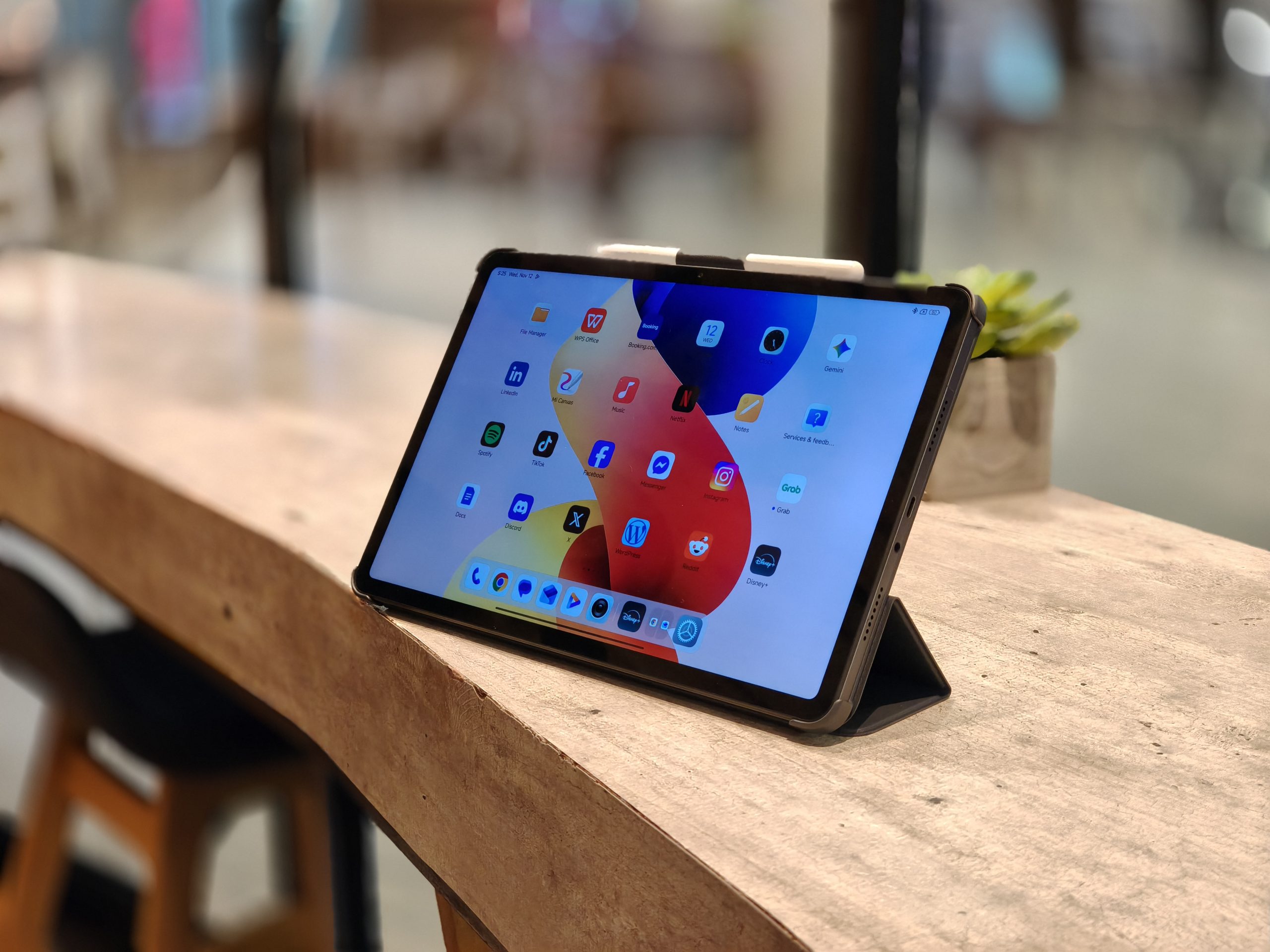
From day one, the first thing I appreciated was how light the tablet felt even with its large 12.1-inch display. On the MRT, where I often end up standing for long stretches, carrying a laptop becomes tiring.
The REDMI Pad 2 Pro 5G, despite its size, didn’t strain my shoulder. It was slim enough to slip into my bag without effort and light enough that I never felt burdened bringing it everywhere I went. Redmi positions the design as entertainment-forward, but for me, the value was in something I could carry without thinking about it.
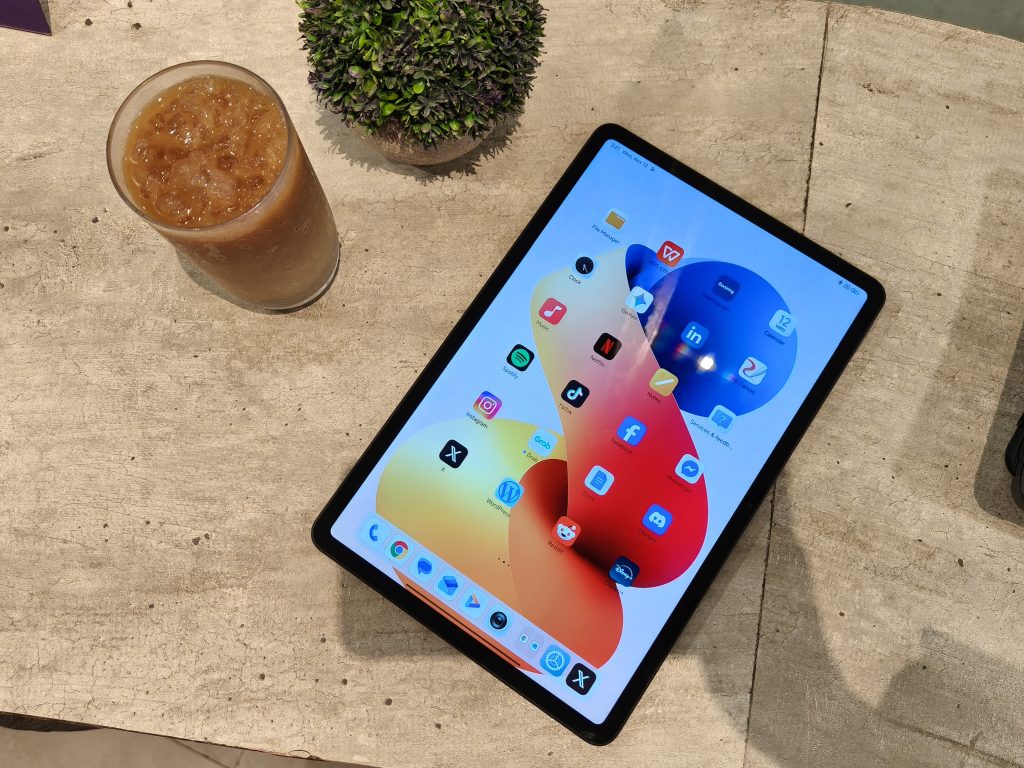
Moreover, the 12.1-inch 2.5K crystal-clear display offered more room than I expected, and the 120Hz refresh rate made everything, from scrolling through articles to flipping between apps, feel smooth and responsive. It also helps that the display carries Dolby Vision support, which brought richer contrast and detail when I shifted from work to watching videos
Long reading sessions felt comfortable because the display is certified by TÜV Rheinland for Low Blue Light (Hardware Solution), Flicker-Free, and Circadian Friendly performance. That last one mattered more than I thought. I used screens until late at night, and the reduced strain was noticeable.
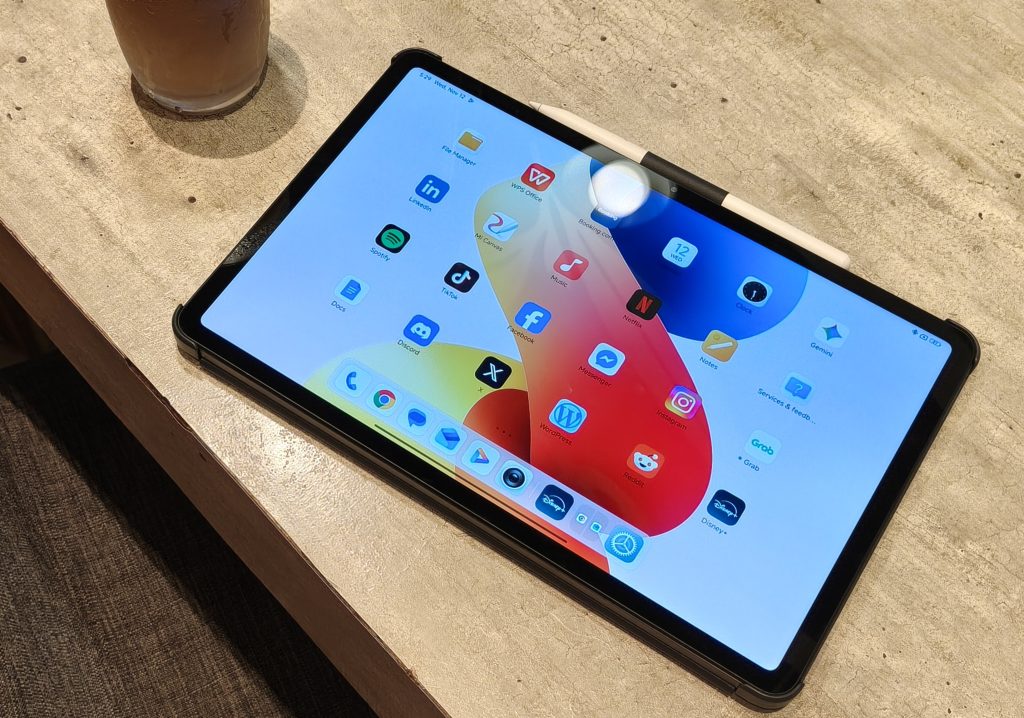
Furthermore, REDMI even offers a Matte Glass Version with an AG nano-texture that eliminates up to 97% of glare, making it ideal for reading or note-taking in harsh light. Just a disclaimer, my test unit wasn’t the matte version but it’s a thoughtful option for users who work in unpredictable lighting conditions.
Audio was another area where the tablet exceeded my expectations. The quad-speaker system, enhanced with Dolby Atmos and Hi-Res Audio support, delivered fuller, more spacious sound than I usually get from tablets in this price range.
It was loud enough to hold its own against the noise of a busy café, and clear enough that vocals and little instrumental details came through cleanly. There’s even a manual volume boost of up to 300%, which I found surprisingly useful on commutes when the train gets loud (Of course, I didn’t blast my Olivia Dean playlist on the train without earphones.)
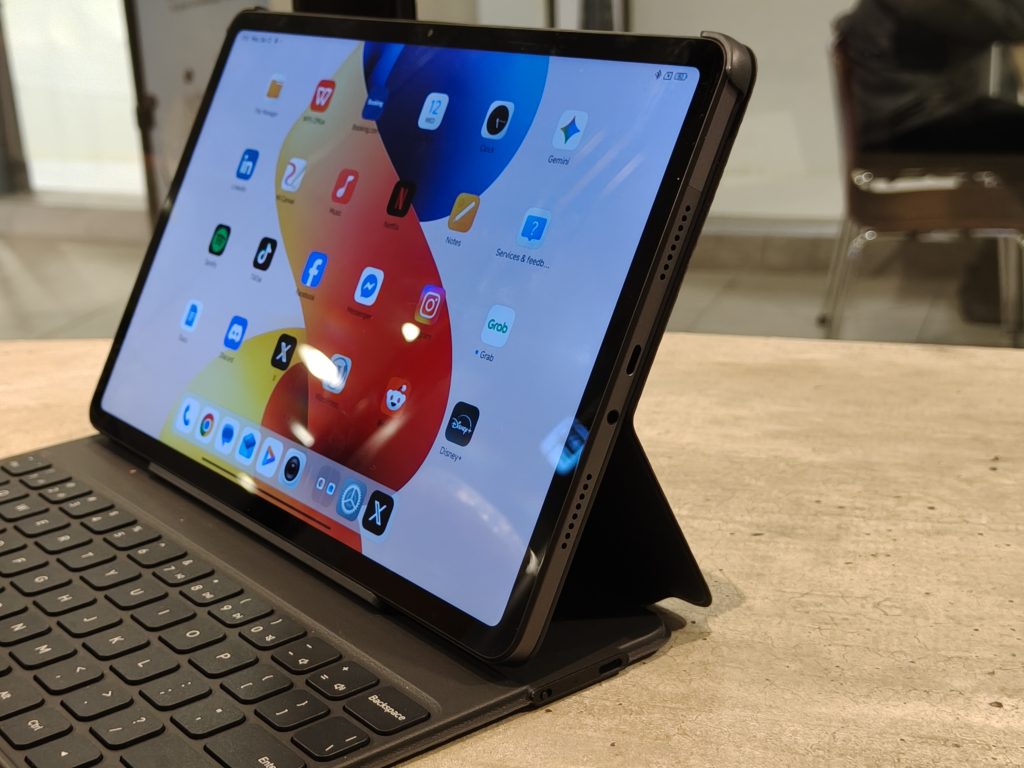
One of my favorite moments of the week happened on a slow afternoon when I took the tablet to a quiet corner of a coffee shop. I listened to a podcast while organizing my notes, and the hosts’ voices felt more textured than I expected from a tablet’s speakers.
Later that night, I switched to my bossa nova tunes while preparing lessons for Sunday school, and the smoothness of the mix held up without thinning out. I normally reserve music sessions like that for my laptop or mobile phone, but the REDMI Pad 2 Pro 5G held its own.
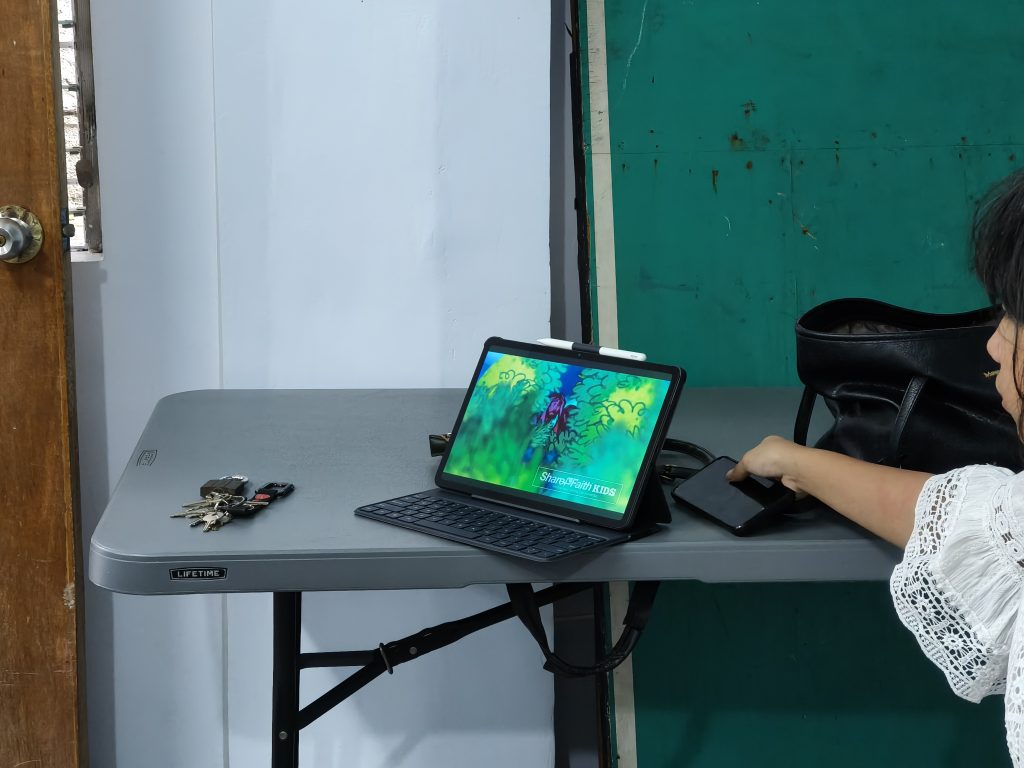
At one point, as I was drafting notes on one side of the screen and a Smosh video played on the other, I didn’t feel the need to plug in earphones because the speakers were loud and clear enough. During Sunday school, the audio helped when I played short clips for the kids. Even in a room full of chatter, the sound stayed audible.

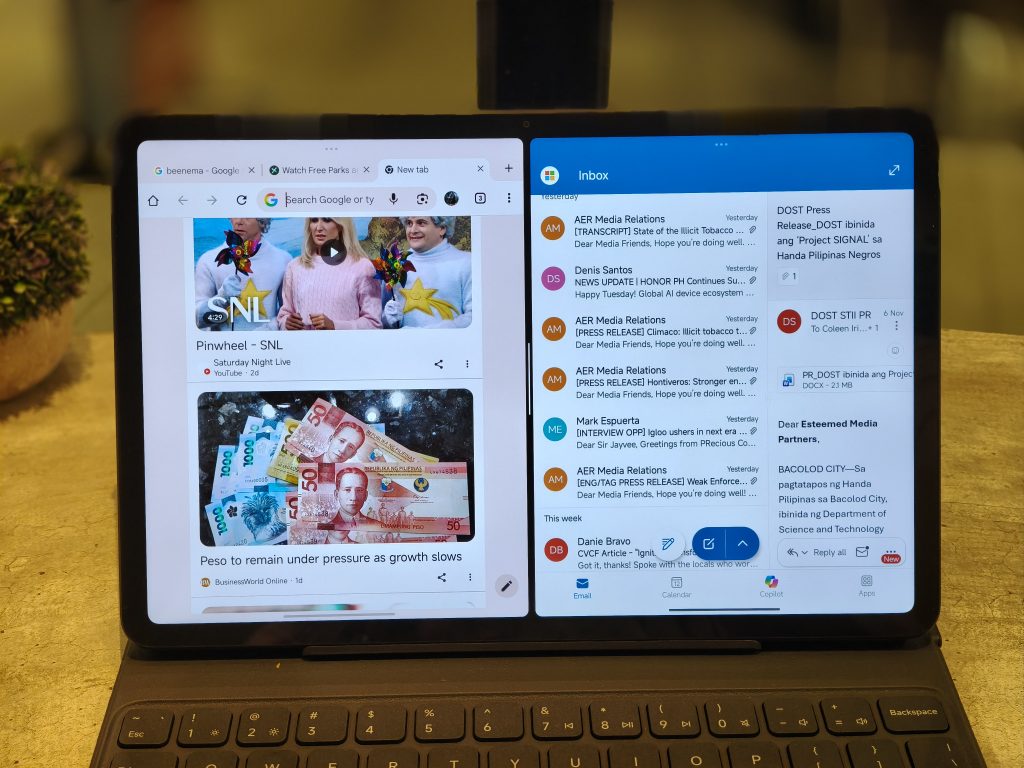
Performance-wise, the tablet runs on the Snapdragon 7s Gen 4 Mobile Platform, built on a 4nm process, which gave it enough power for everyday productivity without slowing down. I used multiple apps side by side. From Docs, Chrome, Outlook, to Notes, it didn’t struggle with the number of windows I had open.
Running on Xiaomi HyperOS, the interface was smooth and intuitive. The OS supports features like Shared Clipboard, Call Sync, Network Sync, and Home Screen+, which lets the tablet pull up and operate apps from a Xiaomi phone. I didn’t use every interconnected feature since I’m not currently using a Xiaomi phone, but the windowing system and multitasking controls were solid enough on their own to keep my workflow moving steadily.
The stylus became unexpectedly essential. The REDMI Smart Pen offers 4096 levels of pressure sensitivity, millisecond-level low latency, and a 240Hz sampling rates—all specs I’d normally gloss over, but they translated into handwriting that felt natural and accurate. I used it heavily for annotating interview notes and teaching materials.
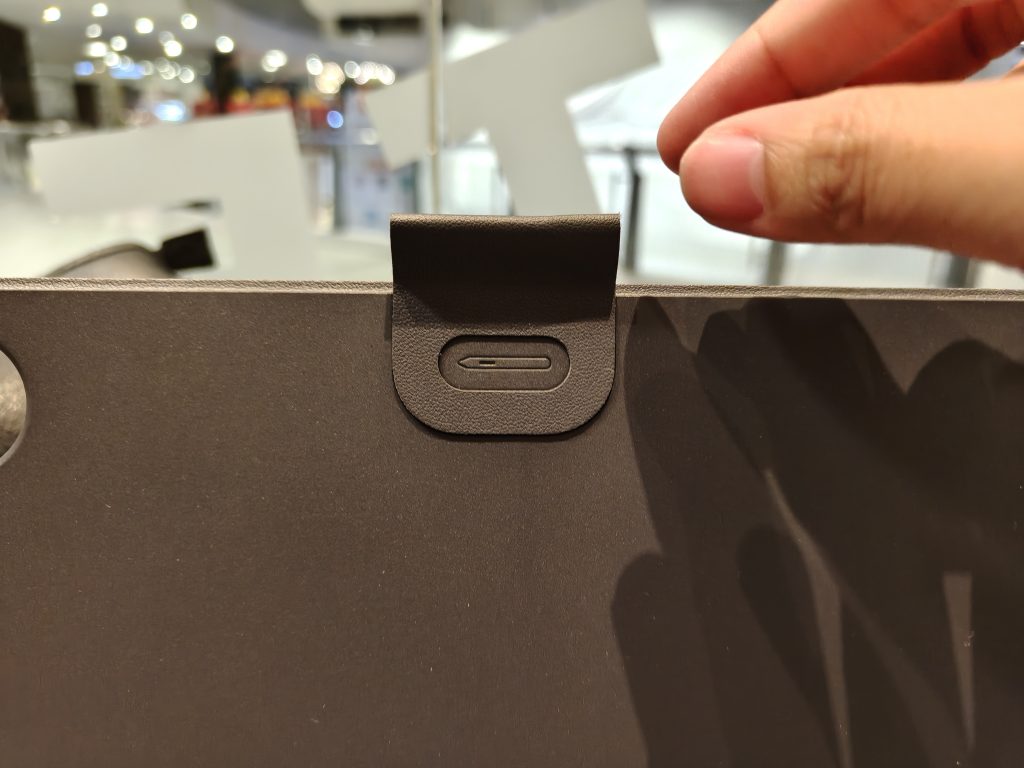
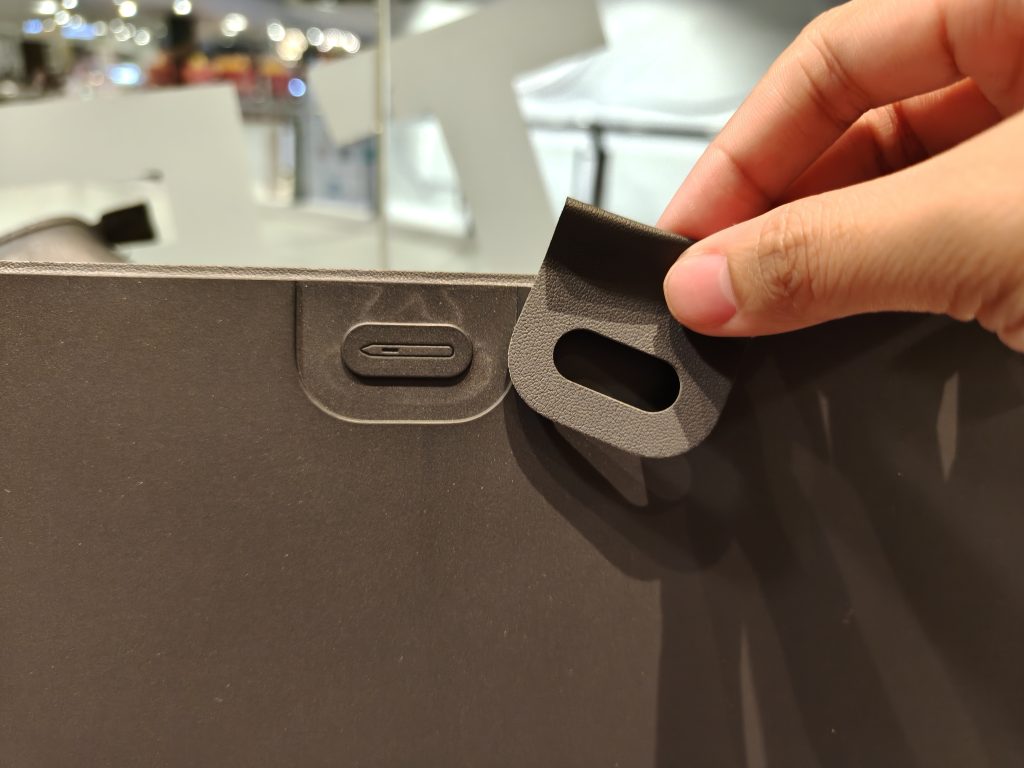
It was responsive enough that I didn’t miss having a physical keyboard during most tasks. My only complaint was that the tablet itself doesn’t have a magnetic attachment for the pen. The cover does include a pen loop, but I still found myself hunting for the pen more than once.
As a journalist, the large display gave me enough space to work comfortably, and the portability made it easy to pull out during long commutes. But as a Sunday school teacher, it gave me pleasure to see the kids focus on the big, bright screen during the story hour without needing a projector or laptop.
However, there were only two moments where the tablet fell short. The first was when I tried uploading an article through our website’s dashboard. The desktop-oriented interface didn’t render well on the tablet browser, and navigating the fields became confusing. This was the only time I had to use one of my designated laptop passes.
The second limitation, again, was the pen storage. It’s something minor, but noticeable in day-to-day use. The storage is like a little bookmark that you can slide the stylus through the hole. I accidentally discovered that it was detachable when I decided to use the other tablet case that arrived with the test unit.
What truly impressed me, though, was the battery. With a massive 12,000mAh (typ) dual-cell battery, I could get through full days without worrying about running out of power. REDMIclaims up to 14 hours of continuous video playback, 16 hours of reading, and over 100 hours of music playback, and based on my usage, those estimates feel believable.
The tablet also supports 33W fast charging, which minimized downtime, and 27W reverse charging, essentially letting it double as a power bank. I didn’t use reverse charging, but it’s a nice backup.
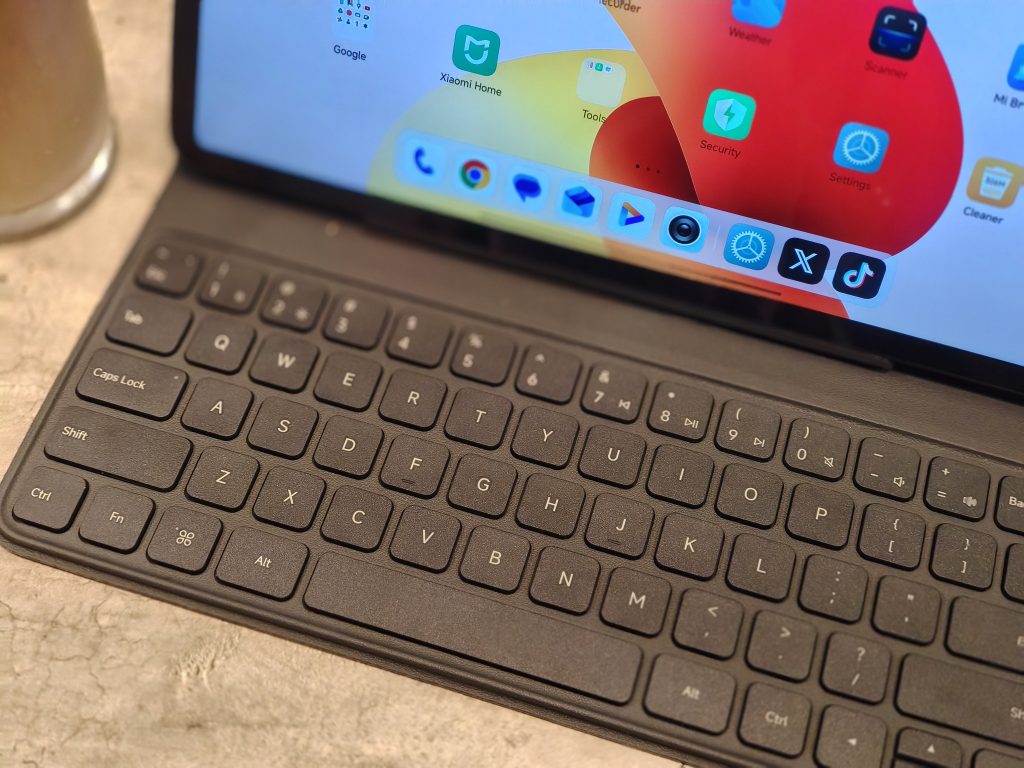
In terms of pricing, the REDMI Pad 2 Pro comes in two variants: the REDMI Pad 2 Pro 5G (8+256 GB), which retails for P19,999 and includes a free keyboard until November 20, and the standard REDMI Pad 2 Pro (8+256 GB), priced at P17,599.
For young professionals or anyone who needs a device that can shift between productivity and entertainment, the REDMI Pad 2 Pro 5G fits neatly into that lifestyle. And after a week of living with it, I didn’t just meet the “fun to the max” positioning, I understood why this tablet was built that way.