


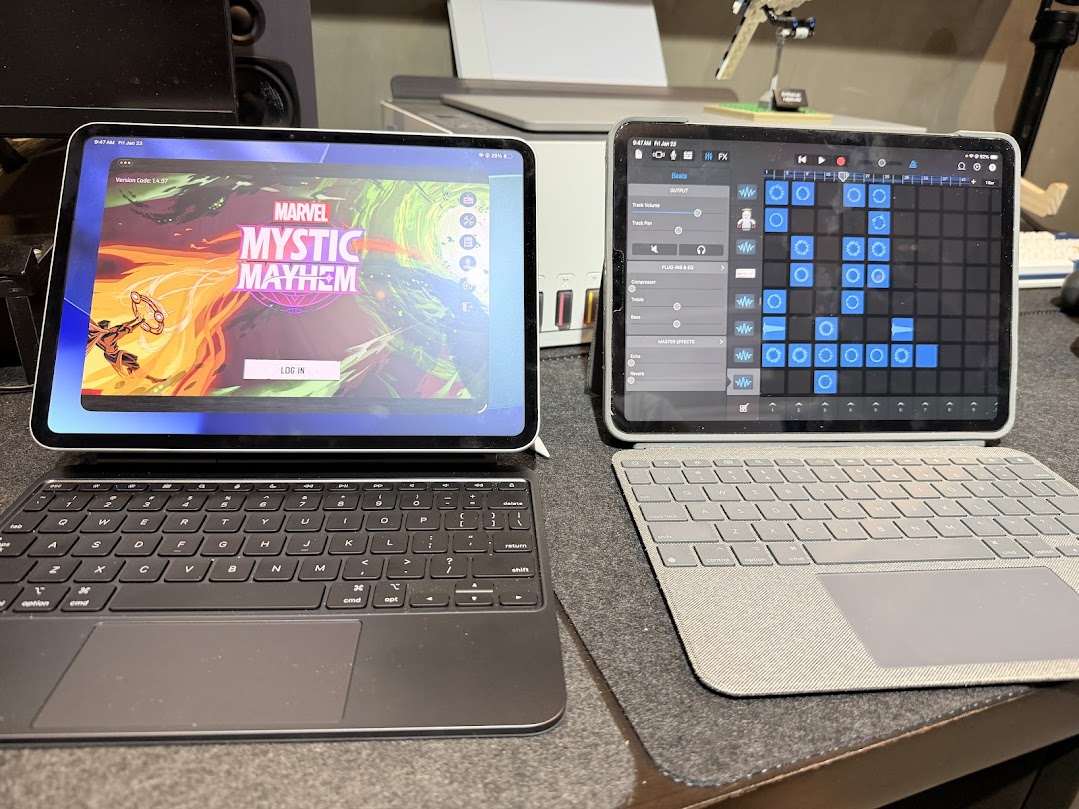
In the last 15 years I’ve probably owned three different iPads, from the very first iPad mini which we used as a tablet for wedding planning to the more recent M1 Pro kept my sanity during the pandemic — to the latest M5 Pro series that I am using to type this article.
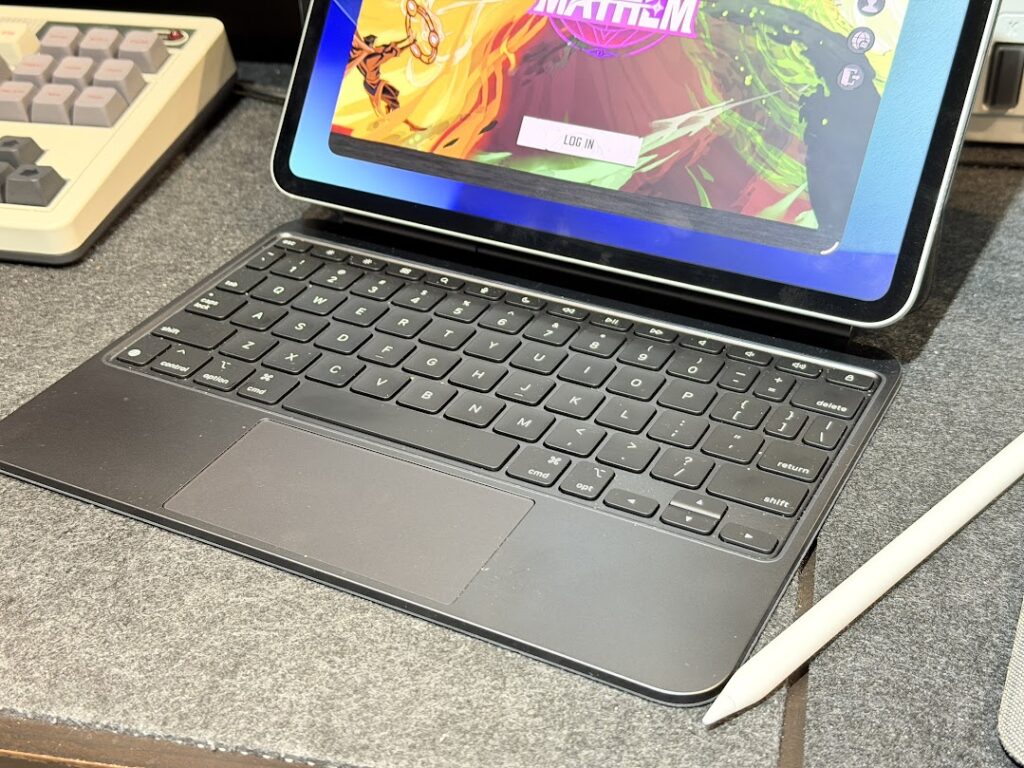
Unlike phones that tend to suffer from more wear and tear and thus the need to be more constantly upgraded (relatively), tablets are treated more like pseudo-laptops, especially if you have keyboard attachments. For me, I have two different keyboard configurations for my two iPad Pro devices, a Logitech Combo Touch keyboard and the official Magic Keyboard for the M5.
I’m writing this after spending some time with the new M5 iPad Pro, after upgrading to the latest iPadOS 26 that opens up a lot of UI shortcuts, gaming features, and writing tools that can help boost productivity. If you are on an older iPad, there’s reason to upgrade as many of these new features utilize Neural Engines that are only available on the M series of iPad Pro and the A17 Pro on the iPad mini.
I think as a buyer’s guide, this isn’t stated enough. Opening up Apple Intelligence as well as a bunch of these productivity features hinge on owning these specific devices.
A new desktop experience
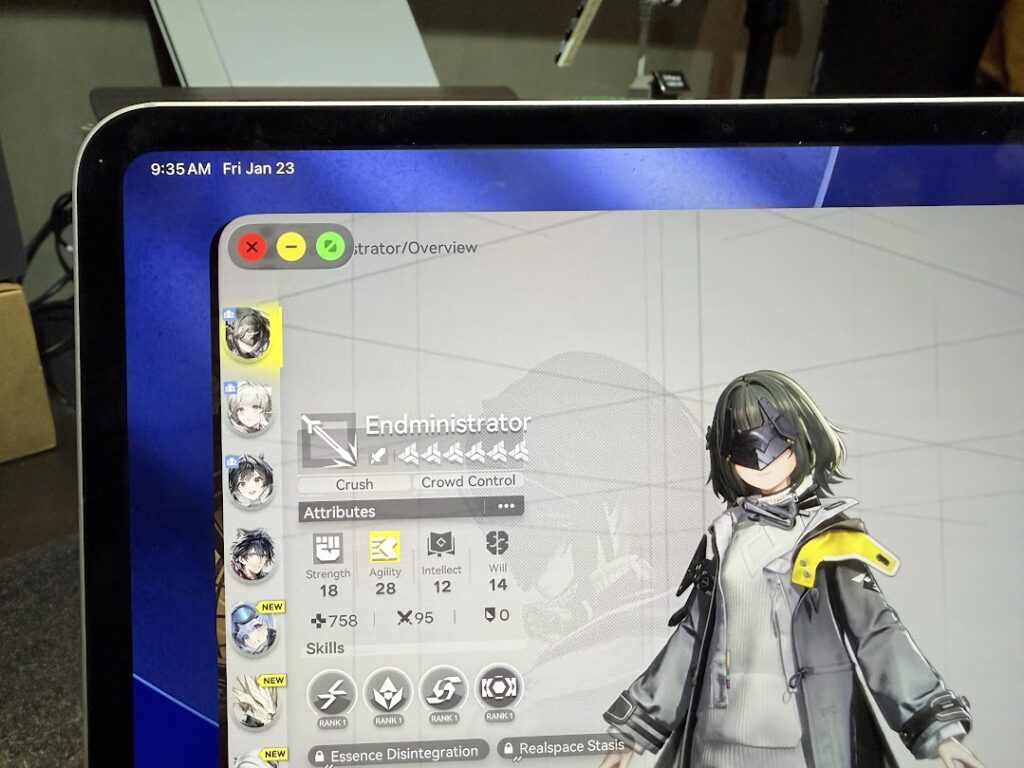
Upgrading to iPadOS 26 felt like a reboot of the entire iPad ecosystem. Honestly it upgraded the tablet into a “mini PC” experience because I could now collapse, resize and move windows around similar to Mac OS. This made multitasking easier for some apps that I wanted to have on split screens, or if I am playing a game and wanted to have a FAQ (like a gacha tier list) on overlay so I didn’t need to scramble back and forth with different full screen windows.
A more intuitive AI writing assistant
As an editor I have dabbled in the use of ChatGPT and Gemini for helping with topic prompts and rewriting specific sections of articles. With the new Apple Intelligence writing assistant the experience feels a bit more holistic and intuitive. Prompting can be a tricky thing. For one it provides a lot of freedom to create, but it also leaves you guessing on what prompt — or prompt style — will help you get the best output for your task. And it may seem like one is embedded in two tasks, which is the actual writing or editing, and “talking” to an AI to help it make sense of what you want to see.
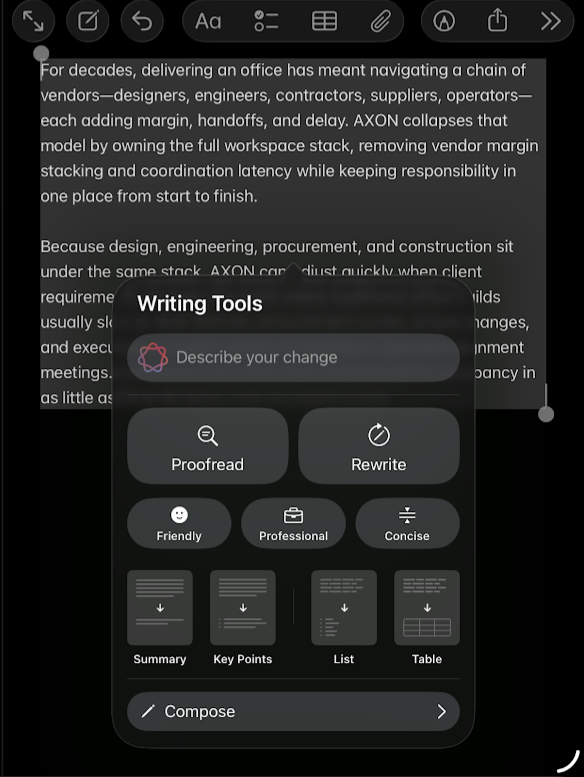
Apple Intelligence’s Writing Assistant provides a template instead of a text block, the latter being a bit more overwhelming. So it is friendlier to people who are averse to using AI to help with writing. Simply choose a block of text that you’re iffy about, and select the tone you want it rewritten into.
Some parts of this article were edited and proofread using the Writing Assistant on the iPad.
Overall better gaming experience
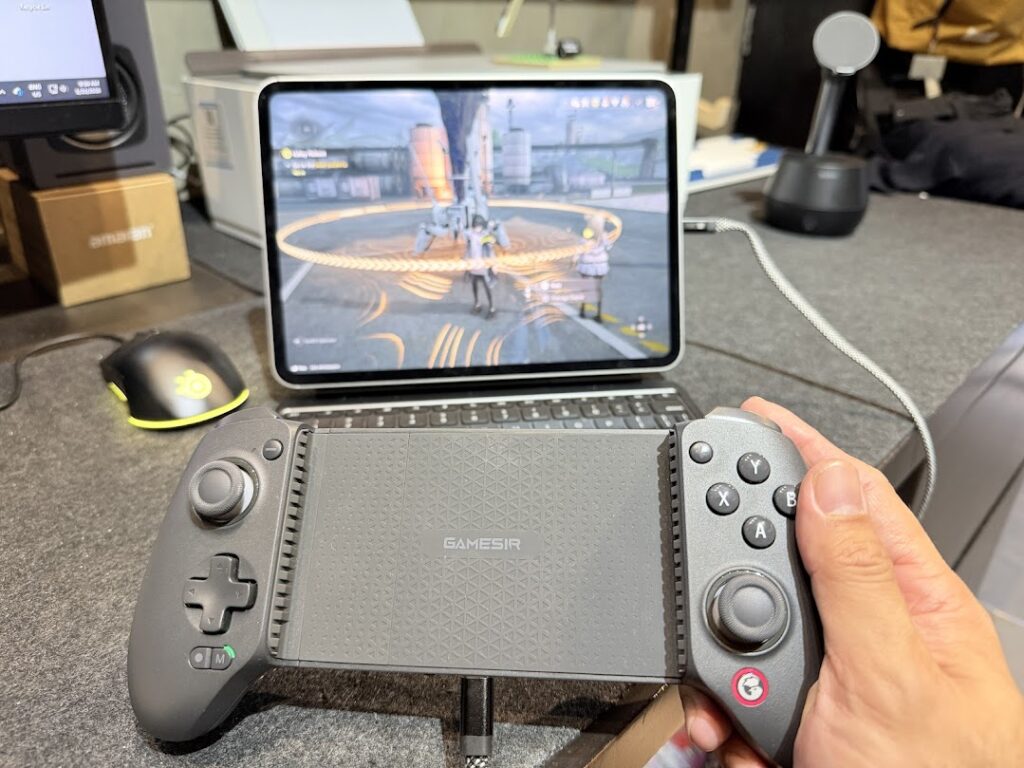
I’ve always preferred the iPad for my mobile gaming device. If Nintendo has the Switch, and Microsoft has the many brands of handheld gaming devices, Apple has been solid with the iPad. We’ve been seeing astounding performances on the M5 iPad Pro with next-gen games like Arknights: Endfield (that coincidentally just finished its closed beta on iPadOS), Wuthering Waves, and Zenless Zone Zero. The 2025 iPad Pro comes with next-gen ray tracing features that outshine even many gaming PCs in terms of rendering and framerate performance. Plus the portability. With the Magic Keyboard, I’m presented with two USB-C options allowing me to connect my Gamesir controller and charge the device simultaneously. If I connect wirelessly I don’t have to worry about latency, as having both the wireless controller and Airpods won’t contribute to any lag thanks to the Game Mode settings.
I can count more than 20 new fun features iPadOS 26 can offer. If you own an older iPad and use it more as a consumption device, these newer M-series iPads (especially the latest M5 iPad Pro) are great content creation tools as well that literally makes use of your hands (or an Apple Pencil) to become more productive and enjoy life.
