


Close Menu
Philstar Tech
    • Deals
    • Contact Us
    • About Us
    Philstar Tech
    • Home
    • All Post
    • News
      • Features
    • Tech @Life
    • Reviews
      • Fitness
      • Laptops
      • Mobility
      • Smartphones
      • Wearables
    • Opinion
    • Latest Issue
    Philstar Tech
    Home » How to download your encrypted Instagram chats
    Features

    How to download your encrypted Instagram chats

    Marlet SalazarBy Marlet SalazarMarch 16, 20262 Mins Read
    Facebook Twitter Pinterest LinkedIn Tumblr Email
    Instagram - PhilSTAR Tech
    Share
    Facebook Twitter LinkedIn Pinterest Email

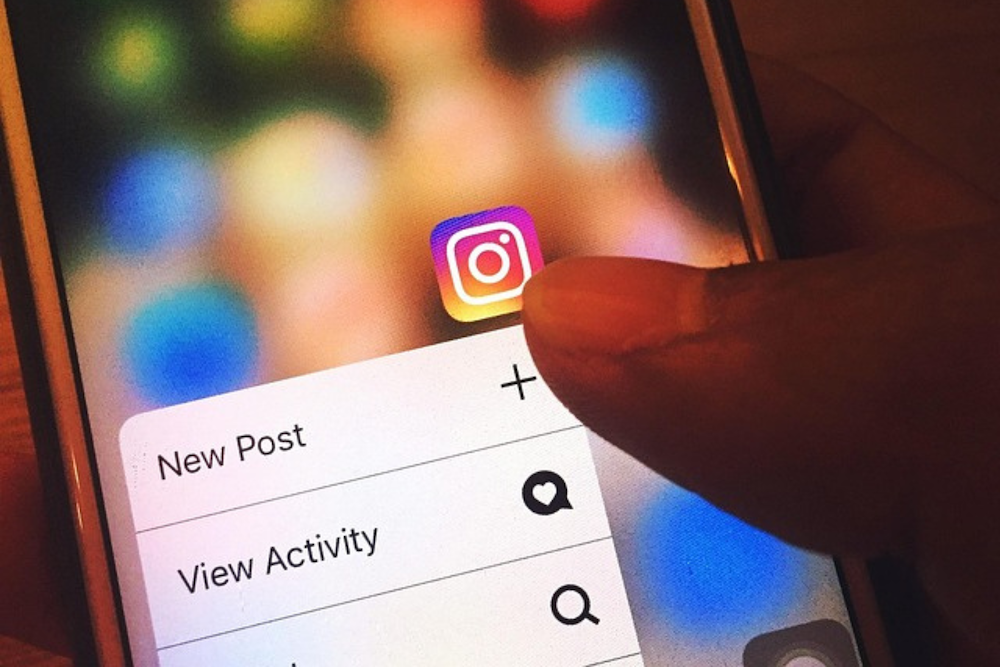
    Instagram, the social media platform owned by Meta, said it will stop supporting end-to-end encrypted chats starting May 8, 2026. Users who enabled the feature can download messages and media they want to keep.

    The change affects conversations protected by end-to-end encryption, a security feature that ensures only devices holding the correct cryptographic keys can read messages or access shared media. Once the feature is discontinued, encrypted conversations stored under the system may no longer be accessible.

    “If you have chats that are impacted by this change, you will see instructions on how you can download any media or messages you may want to keep,” the company said in its Help Center.

    End-to-end encryption works by assigning each device in a conversation a unique security key. These keys protect messages, calls, and shared media such as photos, videos, and files. Participants can also compare keys with one another to verify that messages and calls remain secure.

    Users who want to retain copies of their encrypted conversations can download the data from secure storage. Instagram said the downloadable archive may include messages sent and received, along with attachments such as files, images, and other media exchanged within encrypted chats.

    Some users may need to update the Instagram app before requesting their data, particularly if they are using an older version that does not support the download process.

    Users who have enabled secure storage can request a copy of their encrypted messages by following these steps:

    1. Click Menu in the bottom-left corner of Instagram.
    2. Select Your Activity.
    3. Scroll down and click Download End-to-end Encrypted Data.
    4. Click Next.
    5. If the device is not authenticated, enter your PIN.
    6. Enter your Instagram account password.
    7. Click Request download.

    Once the request is processed, the data file will be prepared and made available for download through a web browser.

    Instagram Instagram chats Instagram encrypted chats meta
    Share. Facebook Twitter Pinterest LinkedIn Tumblr Email
    Marlet Salazar

    Technology editor of The Philippine Star

    Related Posts

    DJI launches Osmo Pocket 4 at creator community event

    April 29, 2026

    DICT says Meta response on fake news lacks urgency 

    April 20, 2026

    In Dumaguete, a university builds its own tech future

    April 16, 2026

    Most Popular

    A throwback to simpler feeds as Friendster returns, ad-free

    April 29, 20262 Mins Read

    Fintech, gov’t help cushion oil crisis, says Mynt CEO

    April 24, 20263 Mins Read

    Review: HONOR Pad X8b is a practical tablet for kids and adults alike

    April 22, 20266 Mins Read

    Here’s where you can officially buy the Nintendo Switch 2 in the Philippines (with 2 years warranty perks to match)

    July 8, 20253 Mins Read

    OPPO Find N6, X9 Ultra, X9s specs, prices revealed in PH

    April 28, 20262 Mins Read

    CloudMile bags 4 Google Cloud awards at Next 2026

    April 24, 20262 Mins Read

    Latest

    A throwback to simpler feeds as Friendster returns, ad-free

    By Dawn SolanoApril 29, 20262 Mins Read

    HONOR teases Miss Universe PH 2026 smartphone collab

    By PhilSTAR Tech TeamApril 29, 20262 Mins Read

    DJI launches Osmo Pocket 4 at creator community event

    By Jianzen DeananeasApril 29, 20262 Mins Read

    NPC clears Jollibee-Viber holiday promo of data privacy breach

    By Dawn SolanoApril 29, 20262 Mins Read

    MacBook Neo lands in PH as a more practical Mac for everyday users

    By Danie BravoApril 29, 20263 Mins Read

    Shopee PH opens Beats store featuring Solo 4 JENNIE edition

    By PhilSTAR Tech TeamApril 29, 20261 Min Read
    Copyright © 2026 Philstar Tech | Powered by The Philippine STAR

    Type above and press Enter to search. Press Esc to cancel.