


Close Menu
Philstar Tech
    • Deals
    • Contact Us
    • About Us
    Philstar Tech
    • Home
    • All Post
    • News
      • Features
    • Tech @Life
    • Reviews
      • Fitness
      • Laptops
      • Mobility
      • Smartphones
      • Wearables
    • Opinion
    • Latest Issue
    Philstar Tech
    Home » Google rolls out phone-free earthquake alerts for Wear OS
    News

    Google rolls out phone-free earthquake alerts for Wear OS

    Dawn SolanoBy Dawn SolanoFebruary 25, 20262 Mins Read
    Facebook Twitter Pinterest LinkedIn Tumblr Email
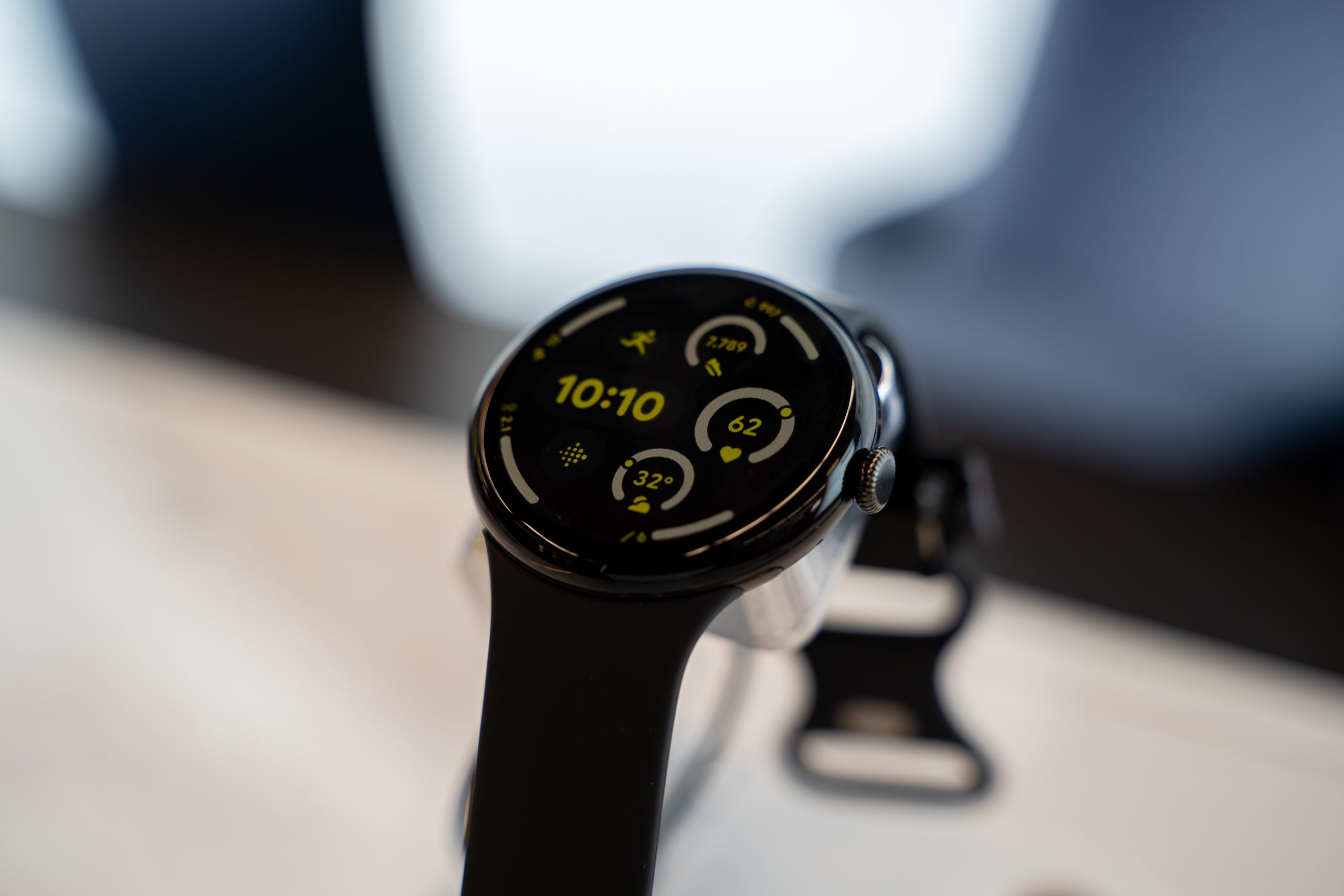
    Close up of Google Pixel Watch 3 smartwatch with fitness tracking display. Toronto, Canada - September 24, 2025.
    Share
    Facebook Twitter LinkedIn Pinterest Email

    Google has enabled earthquake alerts to be sent directly to Wear OS smartwatches even when they are not connected to a smartphone. This could be useful for a quake-prone country like the Philippines. 

    In its latest Google Play Services v26.07 release notes this week, Google said Wear OS devices can now receive earthquake alerts even when not paired with a phone, allowing the smartwatch to deliver quake warnings on its own for the first time.

    Before, smartwatch alerts depended on notifications mirrored from a connected Android handset.

    The Philippines sits along the Pacific Ring of Fire and experiences frequent seismic activity.

    State seismologists from the Philippine Institute of Volcanology and Seismology (Phivolcs) regularly remind the public that early warning and preparedness can reduce injuries from tremors. 
    Google’s earthquake alerts system, first introduced in 2020, uses motion sensors in smartphones to detect shaking and estimate quake magnitude.

    When significant tremors are detected, the system pushes alerts to users in affected areas, giving them second to take cover before strong shaking arrives.

    By extending the feature directly to Wear OS devices, Google enables users to receive warnings even when they are outdoors.

    Google has not detailed the full list of supported smartwatch models or clarified regional availability. As with Android earthquake alerts, coverage depends on whether the feature is supported in a specific country.

    earthquakes PH Google smartwartches Wear OS
    Share. Facebook Twitter Pinterest LinkedIn Tumblr Email
    Dawn Solano

    Content Producer for PhilSTAR Tech

    Related Posts

    HONOR teams up with ARRI to bring cinema-grade imaging to phones

    March 16, 2026

    Health app mWell wins global mobile award for emergency innovation

    March 16, 2026

    How solar power can help power your home

    March 14, 2026

    Most Popular

    Google Maps update brings immersive AI navigation

    March 13, 20262 Mins Read

    Here’s where you can officially buy the Nintendo Switch 2 in the Philippines (with 2 years warranty perks to match)

    July 8, 20253 Mins Read

    BSP urges banks to replace OTPs with stronger security methods

    March 11, 20263 Mins Read

    Xiaomi 17 Review: My first Leica phone experience

    March 12, 20265 Mins Read

    Review: How ‘Resident Evil: Requiem’ stuck the landing

    March 13, 20264 Mins Read

    AWS: PH organizations move to next phase of AI adoption

    March 6, 20262 Mins Read

    Latest

    Health app mWell wins global mobile award for emergency innovation

    By PhilSTAR Tech TeamMarch 16, 20263 Mins Read

    LG InstaView refrigerators, top load washers add smart home features

    By PhilSTAR Tech TeamMarch 16, 20262 Mins Read

    HONOR teams up with ARRI to bring cinema-grade imaging to phones

    By PhilSTAR Tech TeamMarch 16, 20262 Mins Read

    Infinix NOTE Edge blends style and power for always-online days

    By PhilSTAR Tech TeamMarch 14, 20262 Mins Read

    How solar power can help power your home

    By PhilSTAR Tech TeamMarch 14, 20263 Mins Read

    Google Maps update brings immersive AI navigation

    By Marlet SalazarMarch 13, 20262 Mins Read
    Copyright © 2026 Philstar Tech | Powered by The Philippine STAR

    Type above and press Enter to search. Press Esc to cancel.