



- Relive your retro gaming days with either the NES or Famicom color schemes
- Keyboard uses Kailh switches (you can buy extra switches from Datablitz
- Costs P3850 from Datablitz
- Supports wired, wireless options, as well as BT compatibility with Android (1.4G / USB C)
Full disclosure: I fancy myself as a “gamer” but I mostly play older games. I also fell through the rabbit hole of mechanical keyboards when I bought my first mechanical keyboard that I used primarily for work. I stopped using conventional keyboards since then because the mechanical ones were so much more pleasant to use.
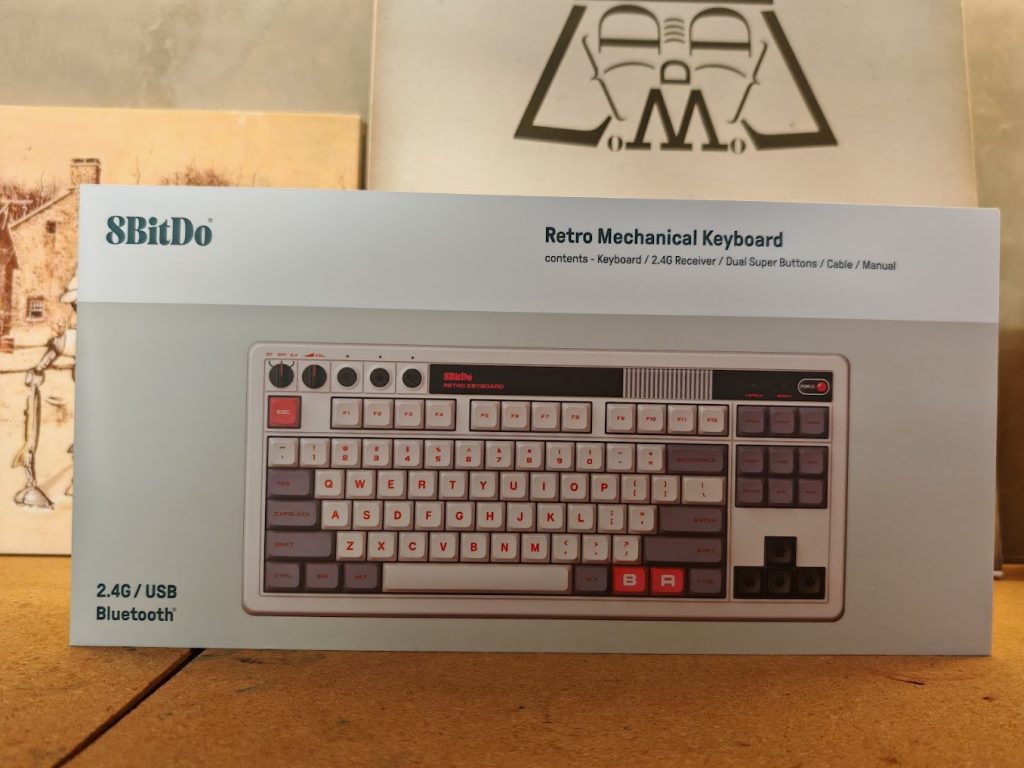
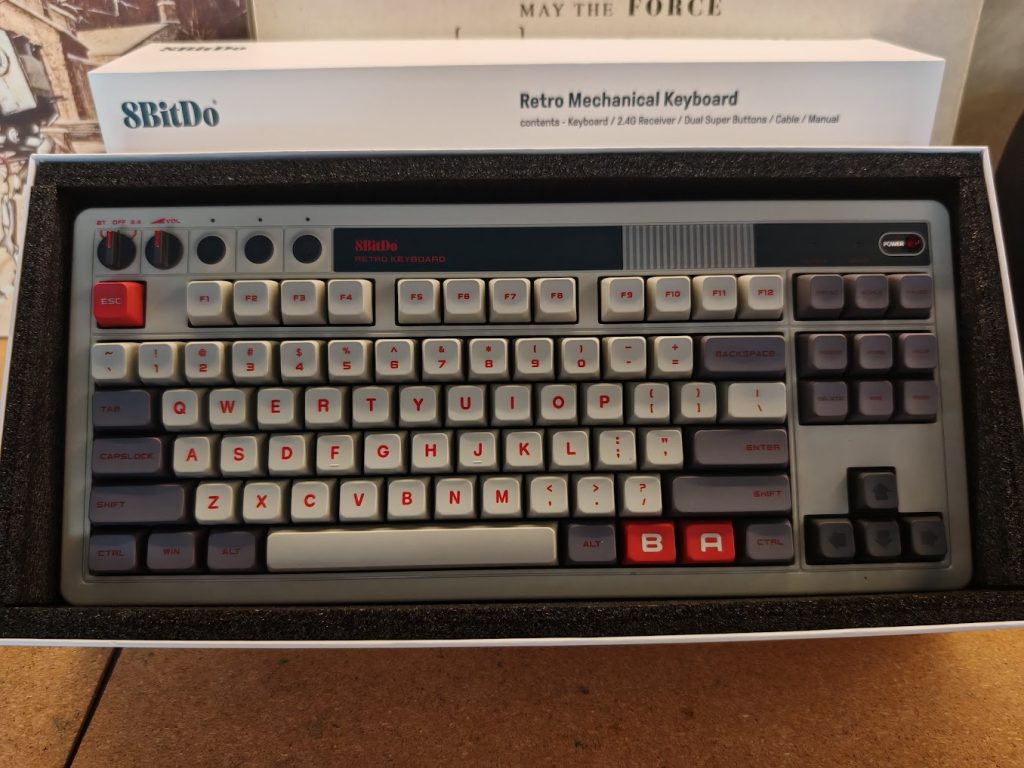
When 8BitDo released the 8BitDo Retro Keyboard, I immediately told myself “I WANT ONE!” This is because this keyboard satisfied two of my interests at the same time – gaming and mechanical keyboards. One of the things that sold me on to this piece of gadget is the nostalgia it evoked – the Nintendo Family Computer (Famicom) was the first real game console I got to play with extensively and I had fond memories of it. And since it is a mechanical keyboard, I am sold!
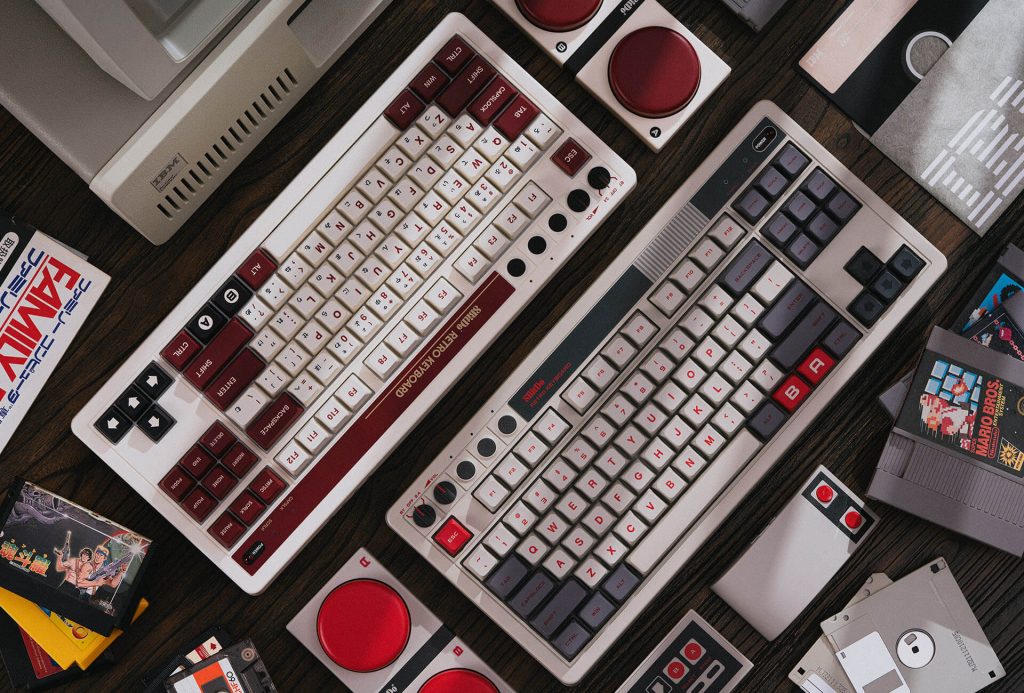
The 8BitDo Retro Keyboard comes in two variants: The Fami Edition that has the color scheme of the Nintendo Family Computer (above), and the N Edition that has the NES color scheme (below).
I couldn’t take a video nor pictures of the unboxing so I’ll just get straight to documenting my impressions of this device as I set it up and use use it.
The keyboard has a Tenkeyless (TKL) design, meaning that there are no number pads to make the keyboard narrower than conventional keyboards. Apart from the TKL design, the layout is just like any other conventional keyboard but with two extra “B” and “A” buttons which can be assigned to run a macro. It also comes with “Super Buttons” and can also be assigned macros to perform custom actions. The only difference is that the N Edition have some Japanese characters but unlike full-blown Japanese layout keyboards, it works perfectly as it is. Up on top, there are two knobs. The leftmost knob is for selecting the connection mode — Bluetooth, Wired, that doubles as the off switch and 2.4 Ghz to connect using its dongle. There are three buttons beside these knobs – one is for Bluetooth Pairing, one is for Key Mapping, and the last one is the Profile activation button. It comes with two extra-large “Super Buttons” that can be mapped to different functions when pressed. The 2.4 GHz dongle is stored at the bottom of the keyboard and is secured by magnets.
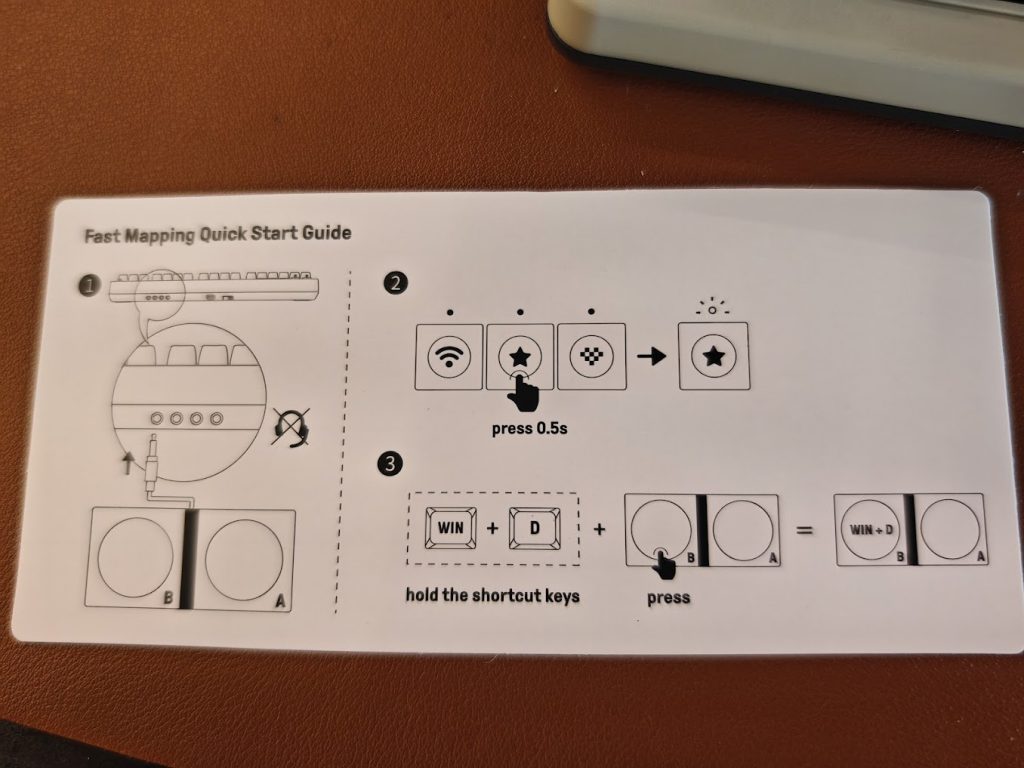
Connecting the 8BitDo Retro Keyboard is easy. Conventional/wired connection can be done using the supplied USB C cable. Using it as a BlueTooth keyboard on a laptop or mobile devices is also straightforward as well as using it wirelessly via the supplied dongle. No problems there. The typing experience is quite pleasant, and I like the tactile feedback provided by its keyboard switch. It is noisier than a conventional keyboard, but I personally like the sound it makes.
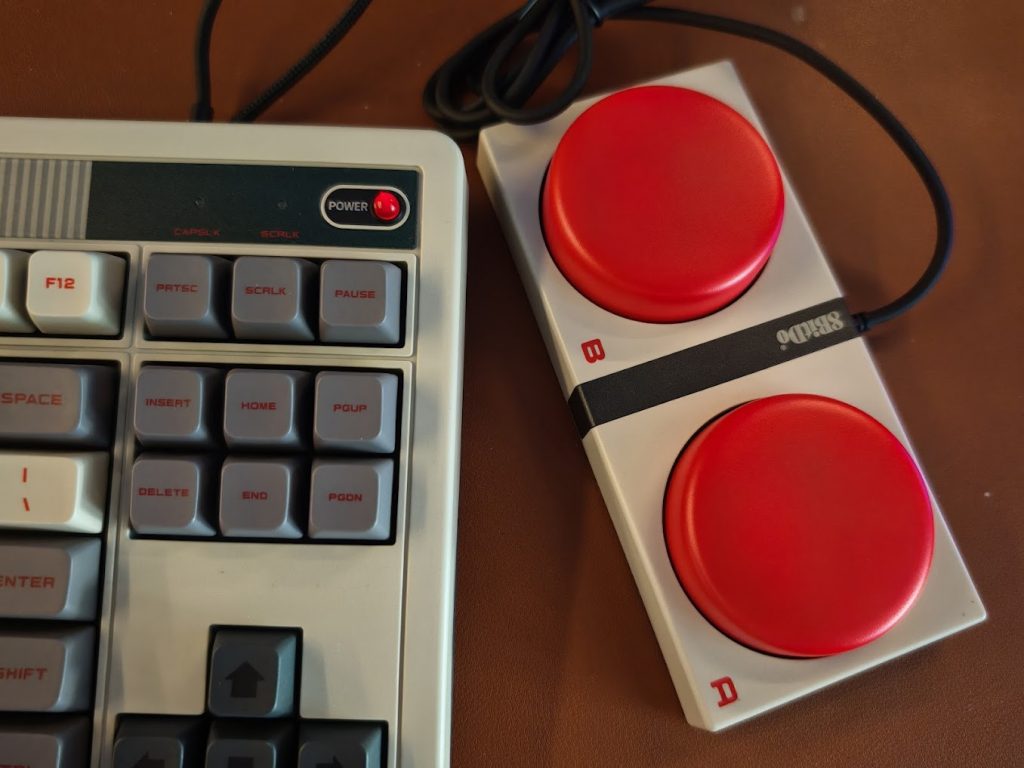
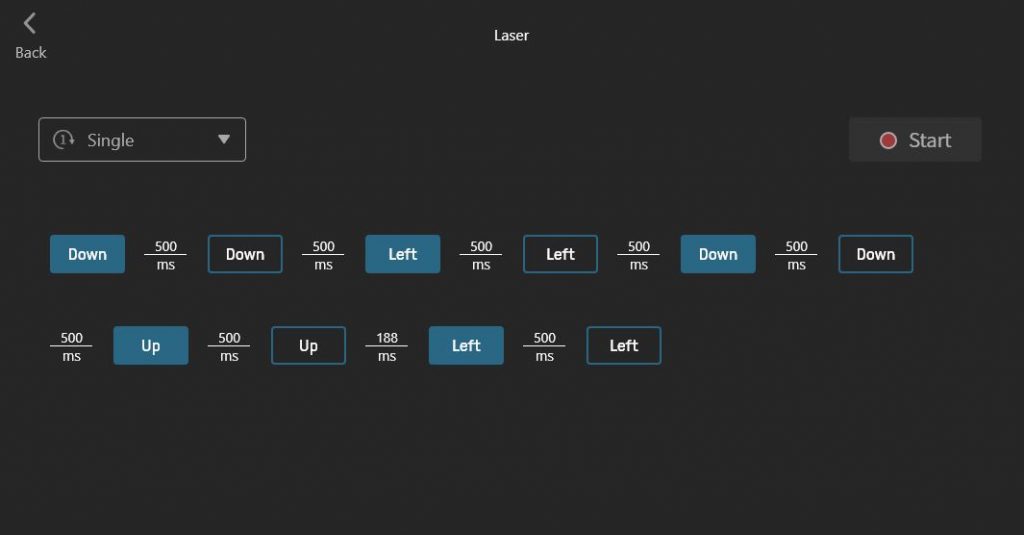
Assigning actions to the Super Buttons is easy and although it could look a bit ridiculous, I find using those buttons rather cathartic. I configured one of the buttons as some sort of a “Panic Button” and it will automatically minimize all open windows if pressed. As for the other Super Button, I configured it to lock my computer and I use it whenever I step away from my workplace. As for the extra “A” and “B” buttons on the keyboard itself, I assigned one to CTRL-C (copy) and the other one as CTRL-V (paste). More options are available if the keyboard is used with the “8BitDo Ultimate Software” which can be downloaded from its website.
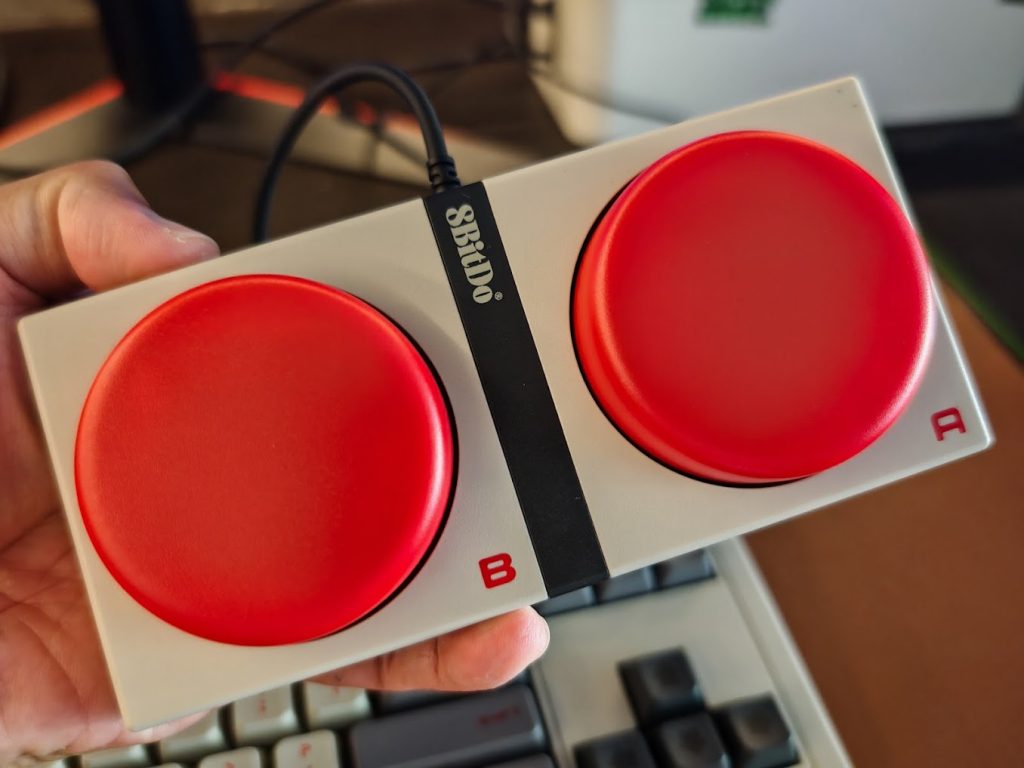
Verdict: the 8BitDo Retro Keyboard provided the functionality and aesthetics that I expected from it. It looks good and works great. It is a great addition to any worktable if you appreciate the retro gaming aesthetics it provides.
