


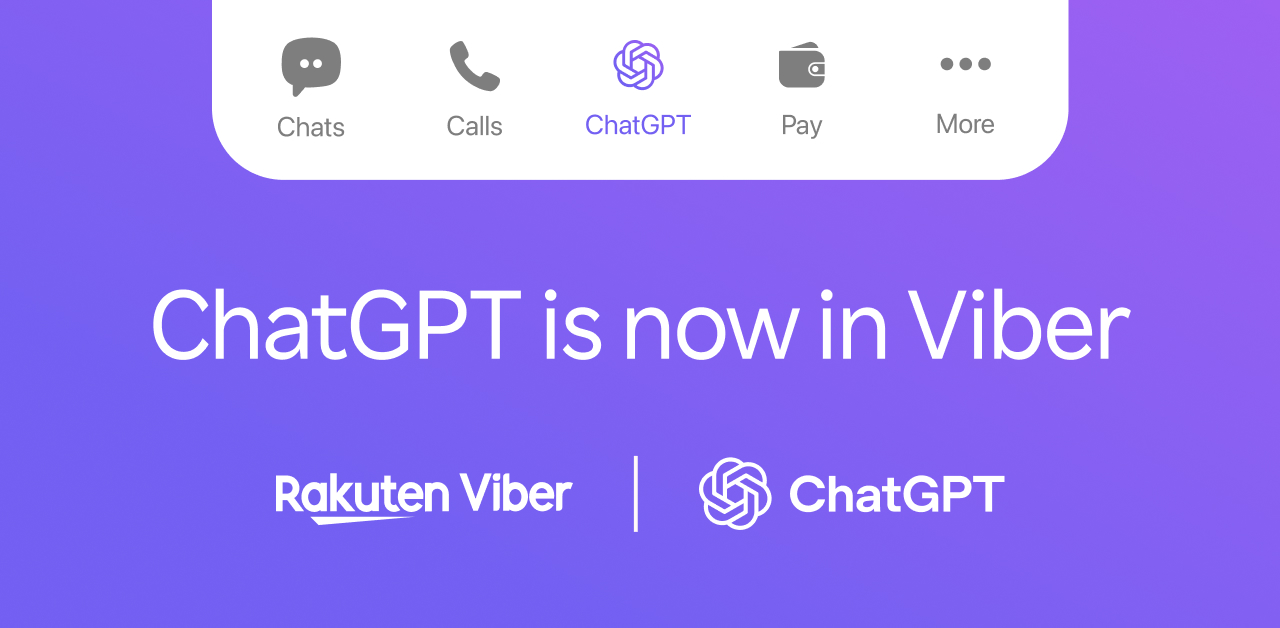
Messaging app Viber has integrated ChatGPT into its platform, allowing users to access artificial intelligence (AI) tools without leaving their chats.
The update introduces features designed to help users summarize conversations, rewrite messages, translate text and edit images directly within the app.
Some features are available after updating to the latest version of Viber, while others require users to sign in with a ChatGPT account. Here are five ways to use ChatGPT in Viber:
1. Ask questions without leaving Viber
Users can open the ChatGPT tab within Viber to ask questions, generate ideas, draft text or find information. The experience is similar to using the standalone ChatGPT app, but is built into the messaging platform.
2. Catch up on unread conversations
Long group chats can be difficult to follow. The Chat Summary feature generates a recap of unread messages, allowing users to quickly understand what was discussed before joining the conversation.
3. Improve messages before sending
The AI Polish feature can rewrite messages by correcting grammar, improving clarity or adjusting the tone. This may be useful when sending work-related messages or other types of conversations that require a more polished response.
4. Translate messages in chats
Users can translate messages into another language without copying text into a separate translation app. This can make conversations easier for people communicating across different languages.
5. Edit images with AI
The Image Remix tool lets users modify photos using AI-generated edits. Depending on the prompt, users can change an image’s style, create variations or add creative effects. This feature requires signing in with a ChatGPT account.
Viber said its end-to-end encryption for messages and calls remains unchanged. According to the company, only the content selected by a user for an AI feature is processed, rather than an entire conversation. Feature availability may vary depending on a user’s region, device and app version.
What about privacy?
Viber said its end-to-end encryption for personal messages and calls remains in place even after the ChatGPT integration. According to the company, ChatGPT does not automatically have access to an entire conversation.
Instead, only the content users intentionally choose to process through an AI feature, such as a message they want rewritten, a chat they want summarized, or a prompt they want ChatGPT to process, is shared with OpenAI.
If users mention @ChatGPT in a group or private chat, only the tagged message is sent for processing, not the rest of the conversation.
Before using ChatGPT-powered features for the first time, users are asked to agree to OpenAI’s terms of use and privacy policy. Viber said users remain in control of when AI is invoked, while messages and calls that are not shared with ChatGPT continue to be protected by the app’s end-to-end encryption.
Some features also require users to sign in with or create a ChatGPT account, depending on the tool being used.
