


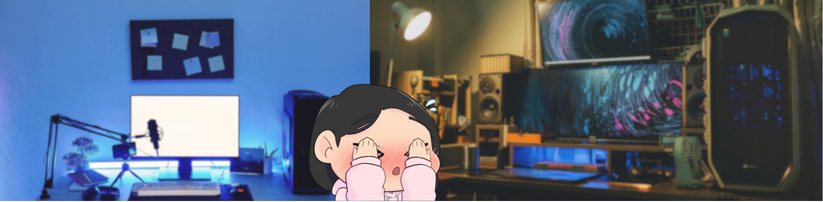
Okay, picture this: you’re scrolling through Pinterest, drooling over those amazing gaming setups, or maybe you’re watching your favorite streamer show off their perfectly organized desk.
Sound familiar?
A lot of us dream of having that kind of space—a setup that doesn’t just look awesome but really vibes with who we are and how we game (or work). Whether you’re creating a home office, a gaming station, or a creative space, the way it’s set up can make all the difference in how comfortable and productive you feel.
Setting up your gaming space can be super exciting but let’s be real—it can also get overwhelming fast. With endless options, it’s easy to fall into that “where do I even start?” mindset.
But don’t worry! The key is to zoom in on the stuff that matters: comfort, functionality, and a space that feels like you.
Quick Checklist for Designing Your Desk Setup
- Ergonomic Chair: Your chair should be comfy *and* adjustable to keep your posture in check.
- Adjustable Desk: A desk that works with your height and gaming style is key to staying healthy and comfy.
- Ambient Lighting: Soft lighting keeps the room cozy without turning your screen into a glare fest.
- Task Lighting: A monitor light bar is a game-changer—your eyes will thank you.
- Organization: Pegboards, shelves, and cable management are your best friends for keeping things neat.
- Personal Touches: Make it *yours*! Add décor and little touches that reflect your personality.
- Tech Essentials: A good monitor, PC/console, and peripherals will elevate your gaming experience.
- Budget Check: Balance cost and quality so you’re not breaking the bank but still getting top-notch gear.
- Availability: Make sure what you want is in stock and within budget.
- Final Check: Your setup should be functional but also a place you love to spend time in.
In the end, it’s not just about aesthetics—it’s about creating a space where you feel comfortable, inspired, and ready to take on your next gaming session (or workday) like a boss.
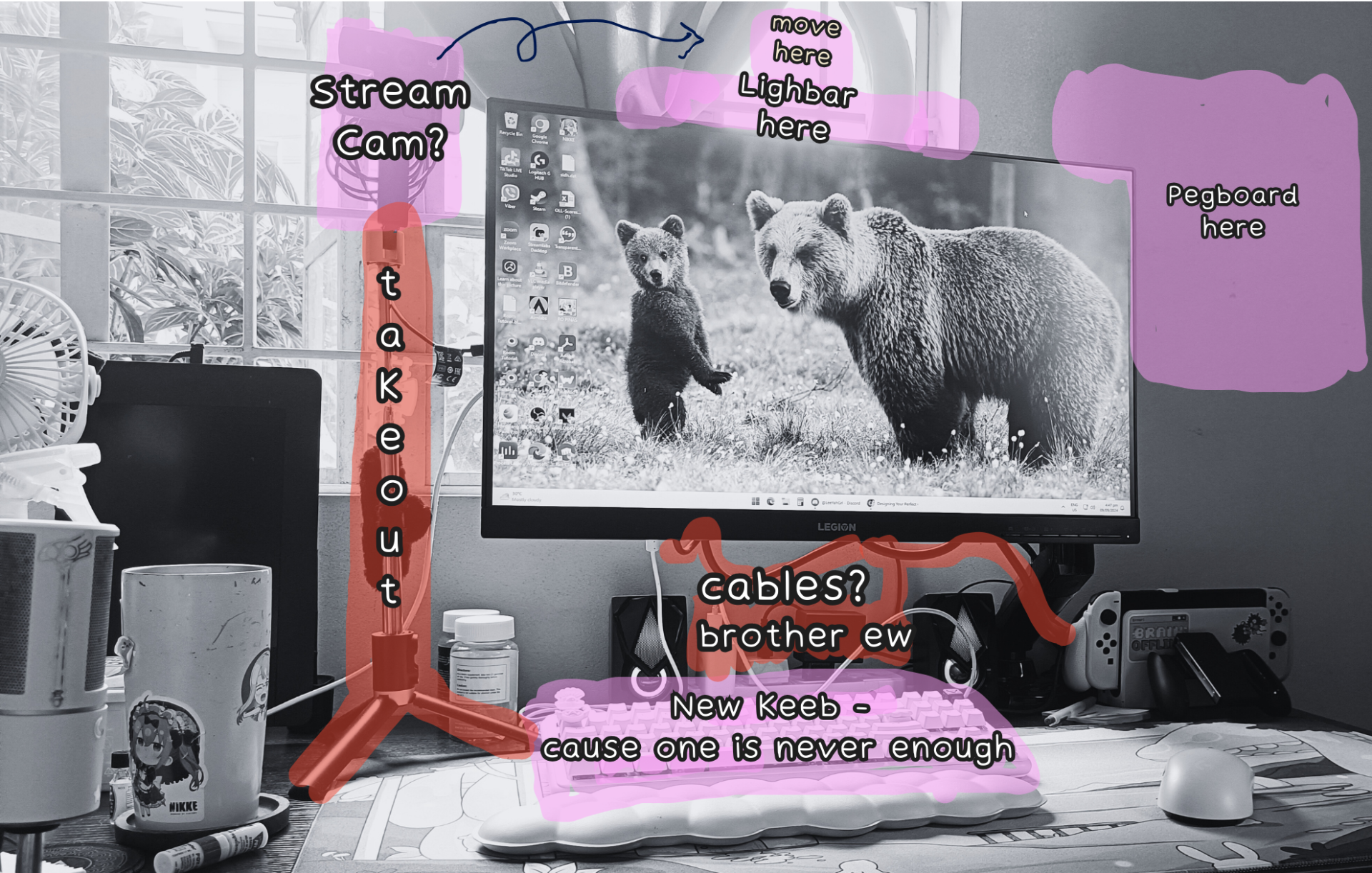
My setup has everything I need to be productive, but it still feels a bit cluttered sometimes, you know? That’s why I’ve been reflecting on it and decided to write things down. They say a small change can make a big difference, and while I’m not ready to invest in my dream setup just yet, I thought it’d be smart to map out what I want and set a budget so I can work towards it. So, here’s what I’m working with right now:
Product Recommendations
Preparing for my christmas wish list, these are the things I’d go for:
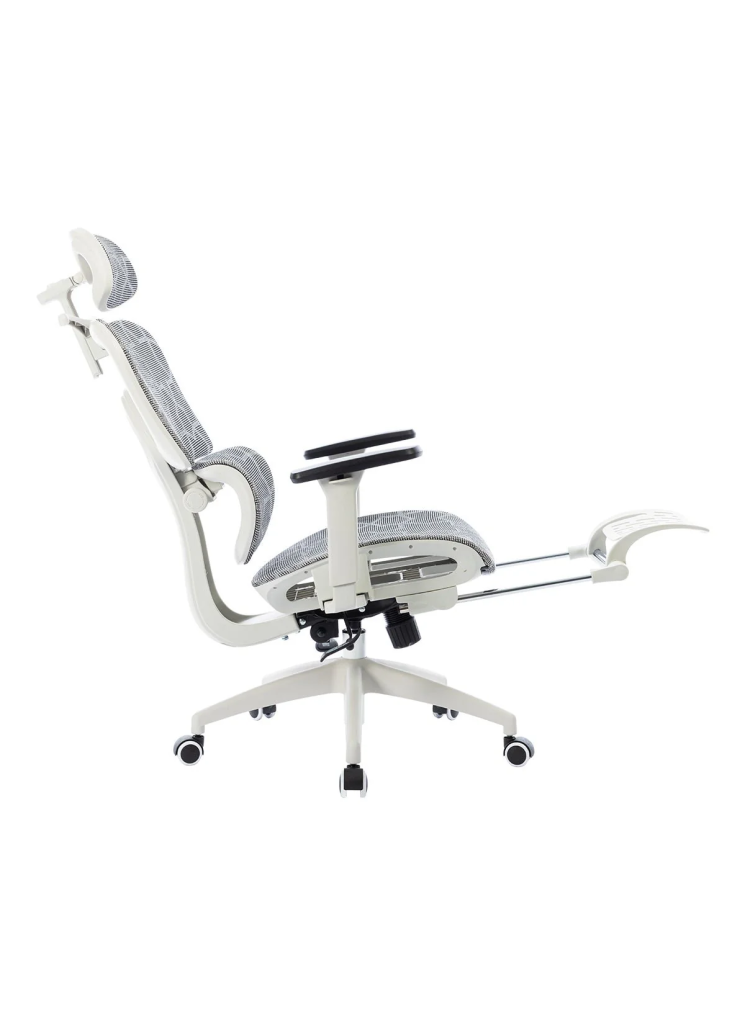
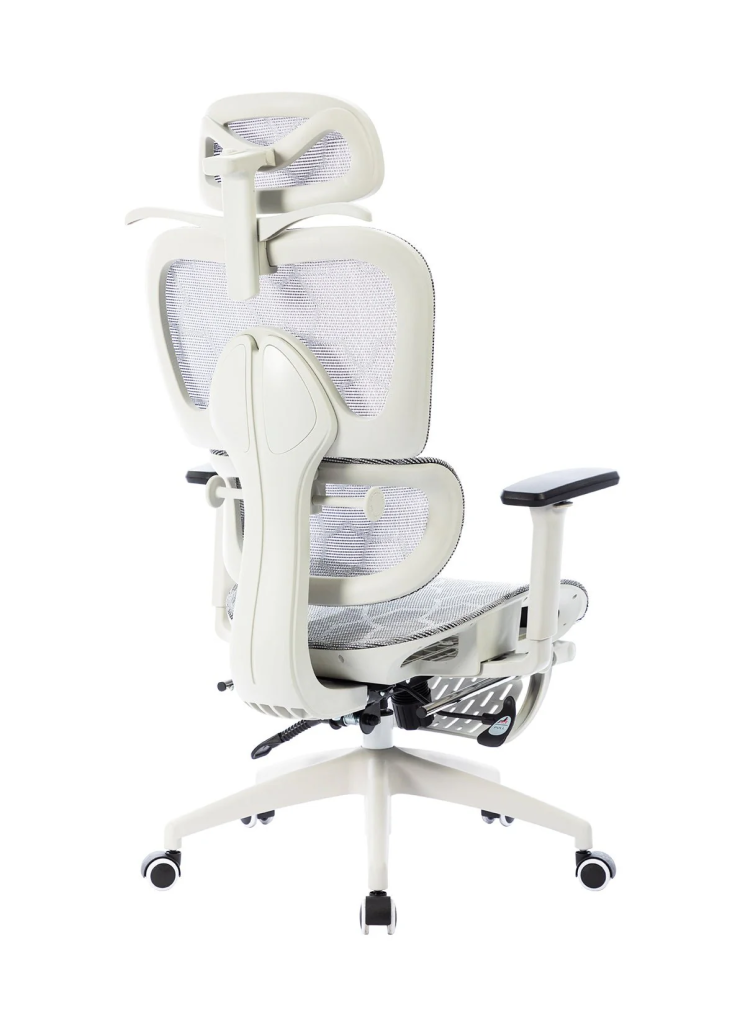
This chair is all about comfort—it’s adjustable, supports your posture, and keeps you feeling good during those long gaming marathons. Honestly, I’m going for an ergonomic chair instead of a flashy gaming one because, well, my back has been acting up more these days. I’m at my desk for most of the day, so I figured it’s time to prioritize comfort over looks. My back will definitely thank me later!
#2 — Xiaomi Computer Monitor Light Bar

Super sleek and stylish! It sits right on top of your monitor, cutting down on eye strain without that annoying glare—perfect for those marathon gaming or work sessions. I’ve been thinking of swapping out my bulky ring light for something like this to save space and clean up my cable mess. You saw the photo, brother—ew!
#3 — Ikea SKÅDIS Pegboard
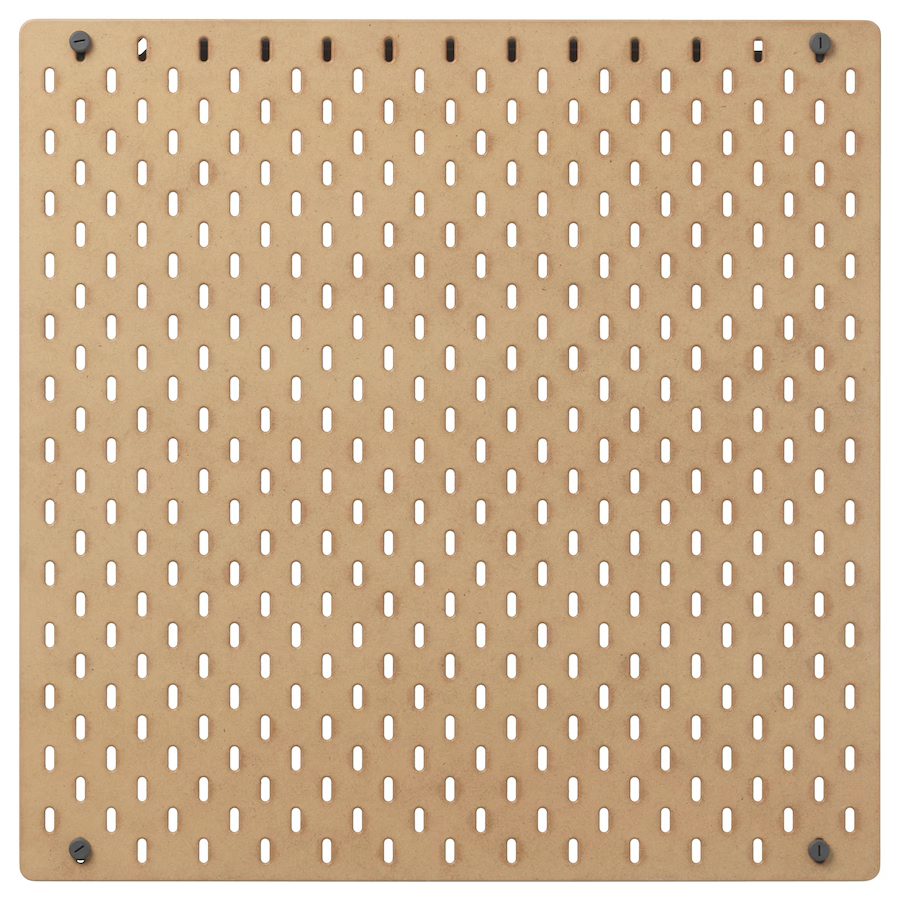
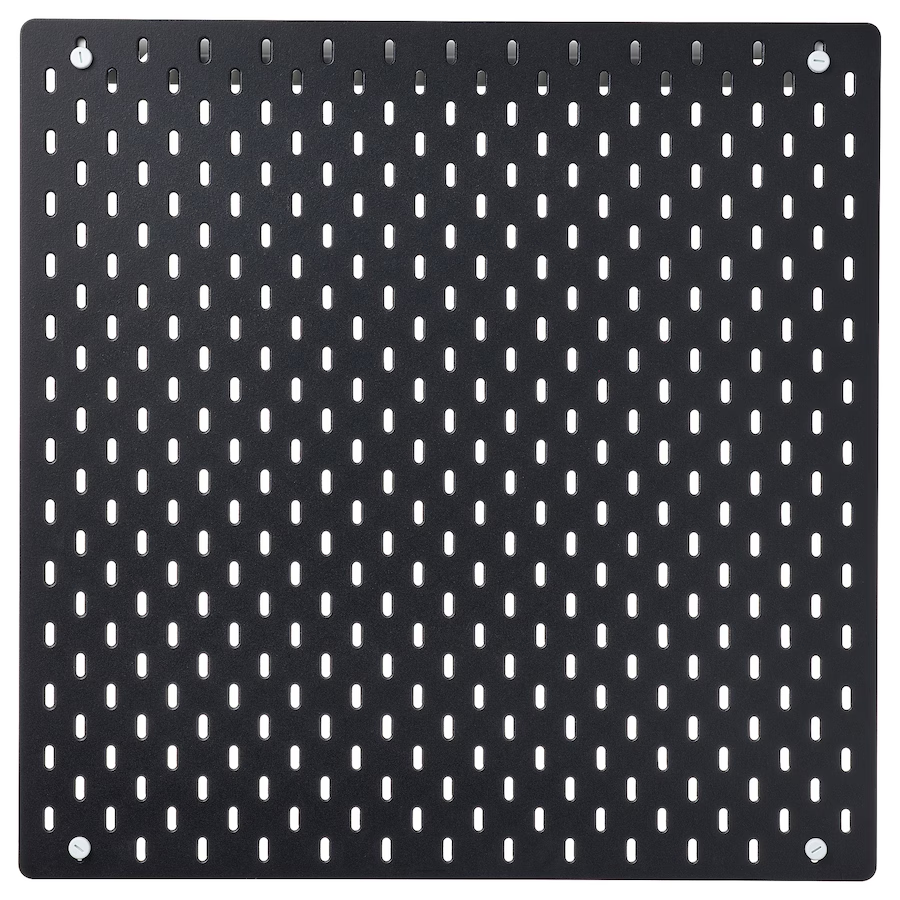
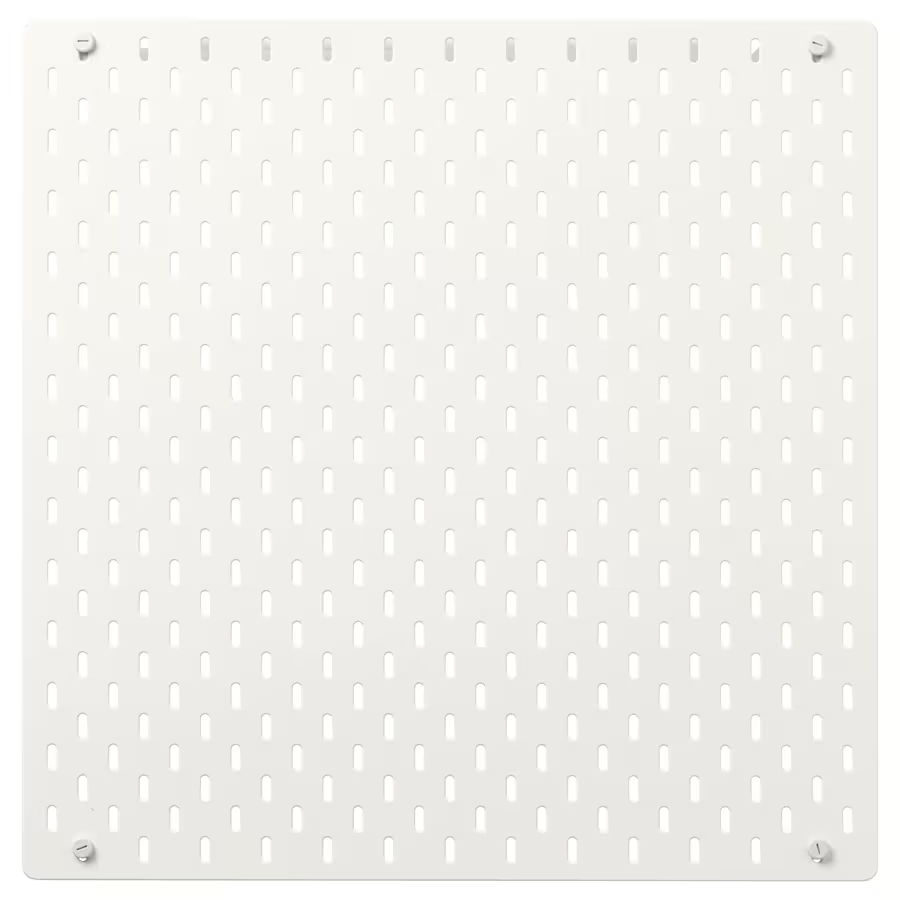
If you’re trying to keep your setup neat and organized, this pegboard is a lifesaver. You can deck it out with hooks, shelves, and containers to store and display all your gaming gear. It’s been sitting on my wishlist forever, but I keep forgetting to grab it. I really need it to clear off my table—my Switch and all its accessories are just sitting there, and I’m over the clutter!
#4 — Elgato Facecam
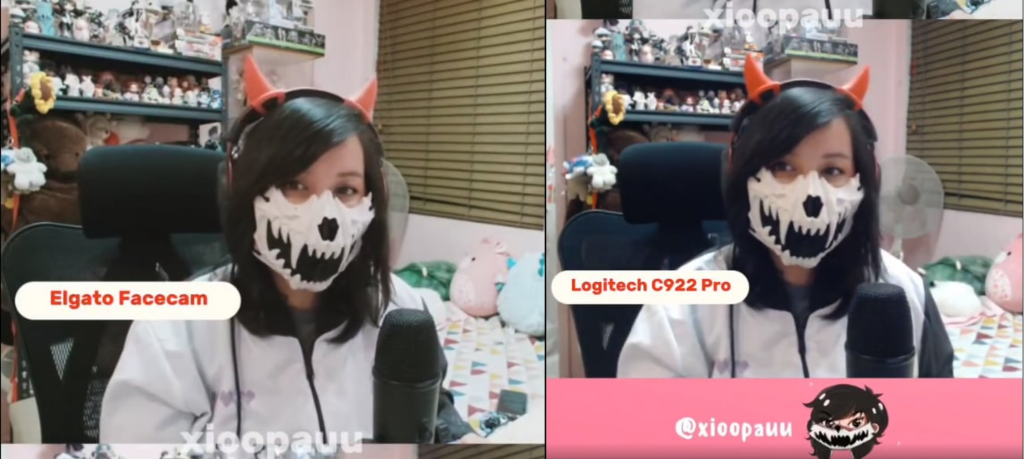
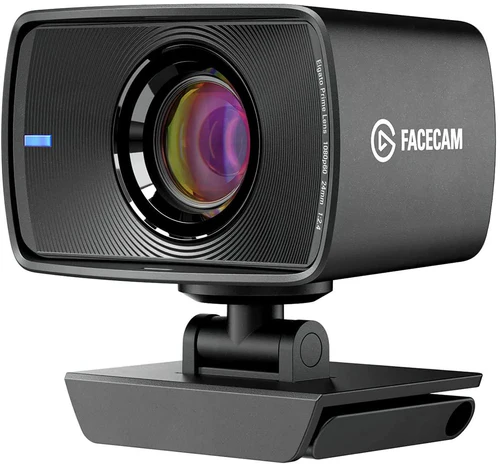
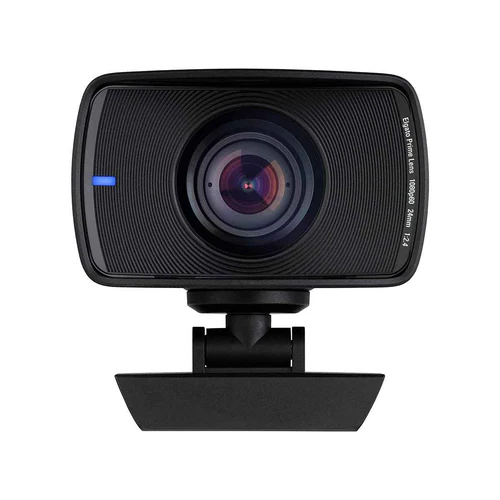
If you’re into streaming, this camera is a must-have. It delivers crisp HD video, autofocus, and a flexible mounting system to always get the perfect angle.
My friend posted a comparison video (check out the video here), and even though the difference might seem subtle at first, it’s super noticeable—especially if you’re streaming your cosplays or anything with detail. It just makes everything look way more professional!
#5 — Ajazz AKP815 Mechanical Keyboard
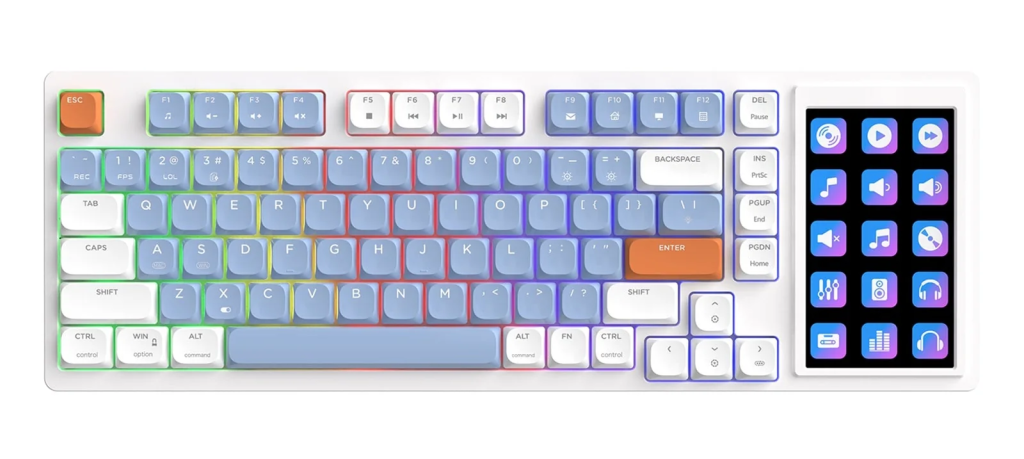
I already have the Logitech G713 Keyboard, and I’m pretty happy with it. But, if my fiancé were ever looking for gift ideas, this would be at the top of my list! It’s not just about the cool design—it’s also super functional with programmable keys. This is especially helpful for my streams since I like engaging with my chat and frequently switch between my games and my browser when I’m searching for stuff.
At the end of the day, your setup should feel like a place you *want* to be in. If it gets you hyped to game or makes working a bit more fun, then you’ve nailed it. Hopefully, this helps you get one step closer to creating your ultimate space!
