


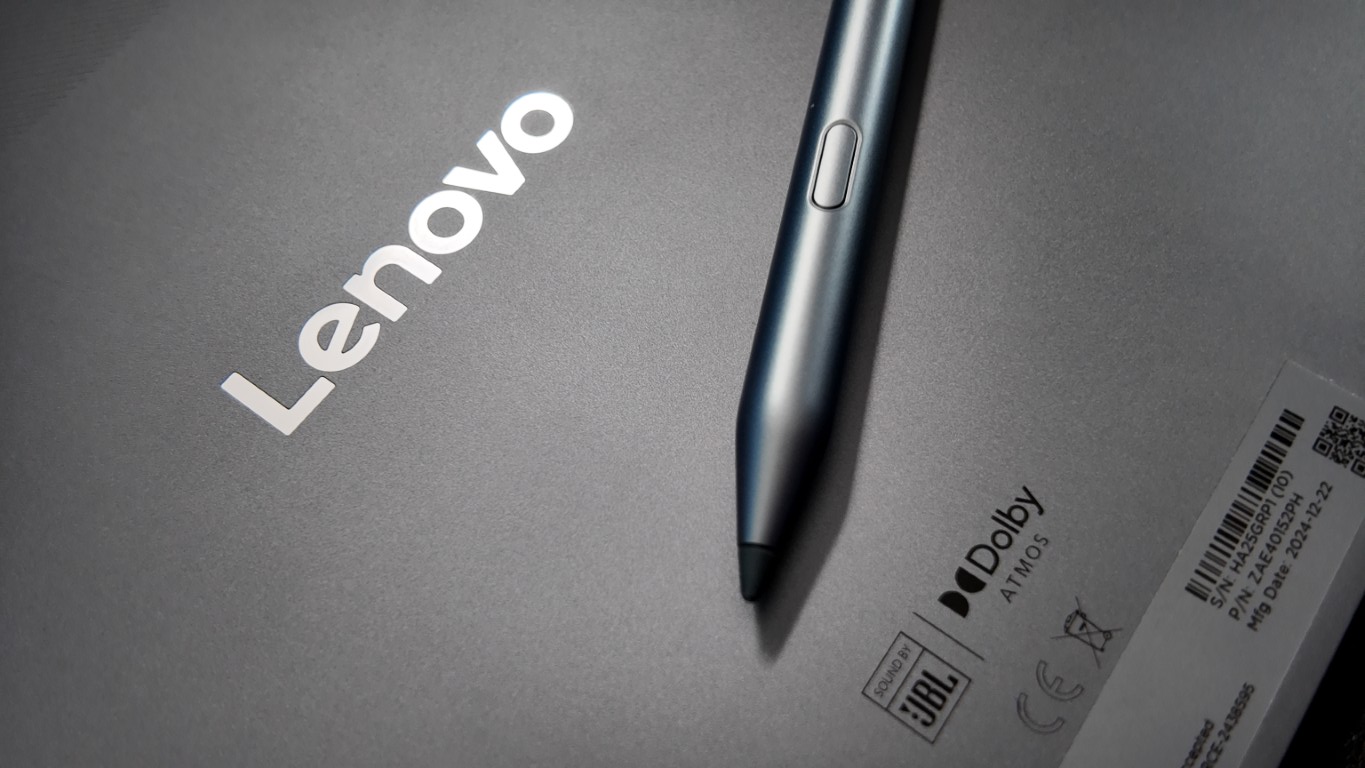
If you’re looking for a decent tablet at a reasonable price, the Lenovo Idea Tab Pro hits the sweet spot—not super cheap, but not overly expensive either. Priced at Php21,995, it packs a 3K 144Hz display, AI-powered features, and even comes with a keyboard and stylus, making it an all-around tablet for practically everyone—students, professionals, content creators, and even casual users.
Performance & AI Learning: Smart, Fast, and Future-Ready
Running on the MediaTek Dimensity 8300 chipset, paired with 8GB LPDDR5X RAM and 256GB UFS 4.0 storage, the Idea Tab Pro delivers reliable performance for multitasking, gaming, and creative work, making it an excellent choice for vloggers and digital artists.
What makes it stand out, though, is the AI-powered experience.

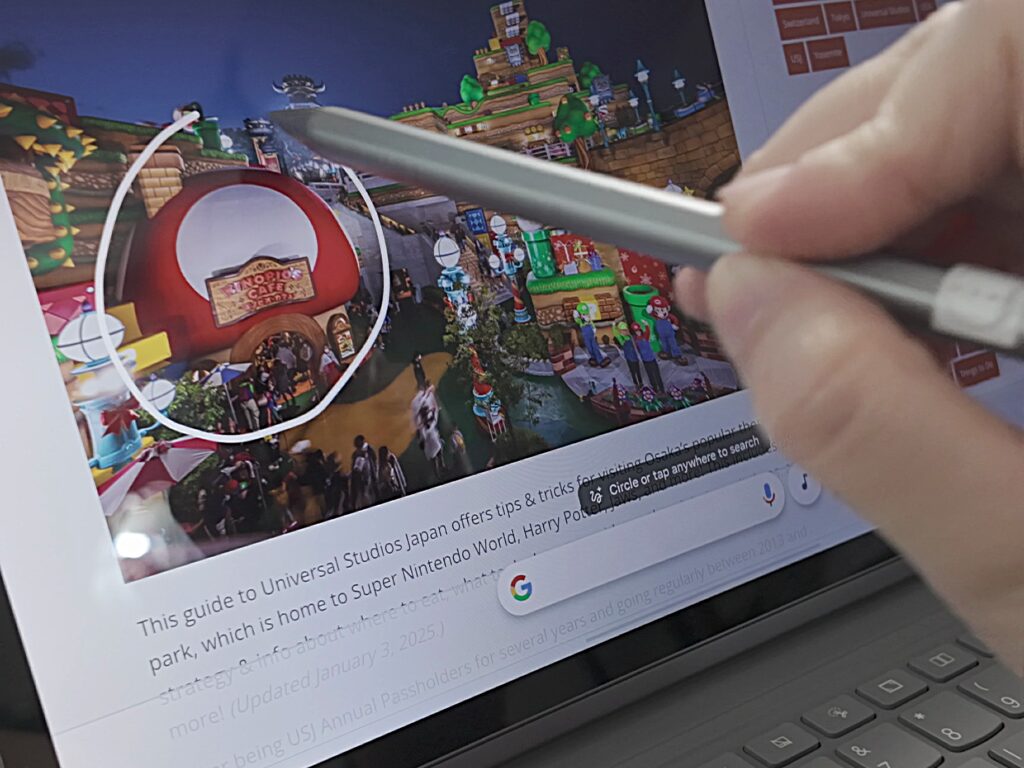
With Google Gemini built-in, this tablet takes AI-learning to the next level, helping users with searches, summaries, and organization. Features like Circle-to-Search and Circle-to-Translate add convenience, making it a smart companion for students and professionals.

A Display That Shines for Entertainment & Gaming
With its 12.7-inch 3K LTPS display, 144Hz refresh rate, and JBL-tuned quad speakers with Dolby Atmos, this tablet is perfect for binge-watching Netflix, YouTube, and other streaming platforms. The visuals are sharp, vibrant, and smooth, while the sound quality is immersive enough to replace external speakers.
If you prefer a paper-like, glare-free screen, the Matte Edition offers an anti-glare display, making it easier on the eyes—perfect for reading, working, or sketching in bright environments.
Gamers will also appreciate the high refresh rate—many mobile games will feel smoother, making the Idea Tab Pro a capable device for gaming on the go.
Basically Good Enough to Replace a Laptop
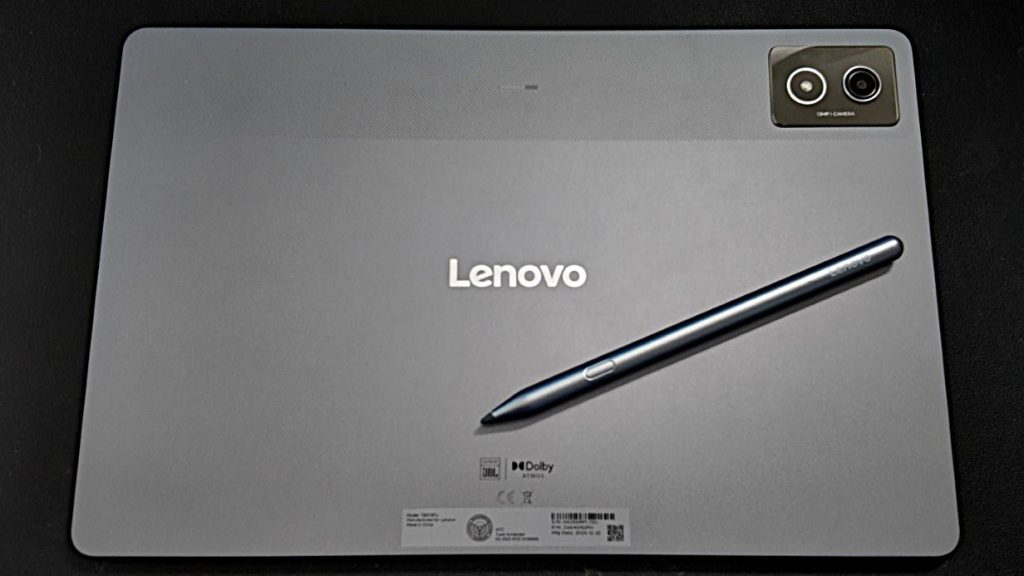
One of the biggest selling points? The included keyboard and stylus. Unlike many competitors that sell these separately, Lenovo bundles a 2-in-1 keyboard and the Tab Pen Plus, turning the Idea Tab Pro into a very capable productivity device.
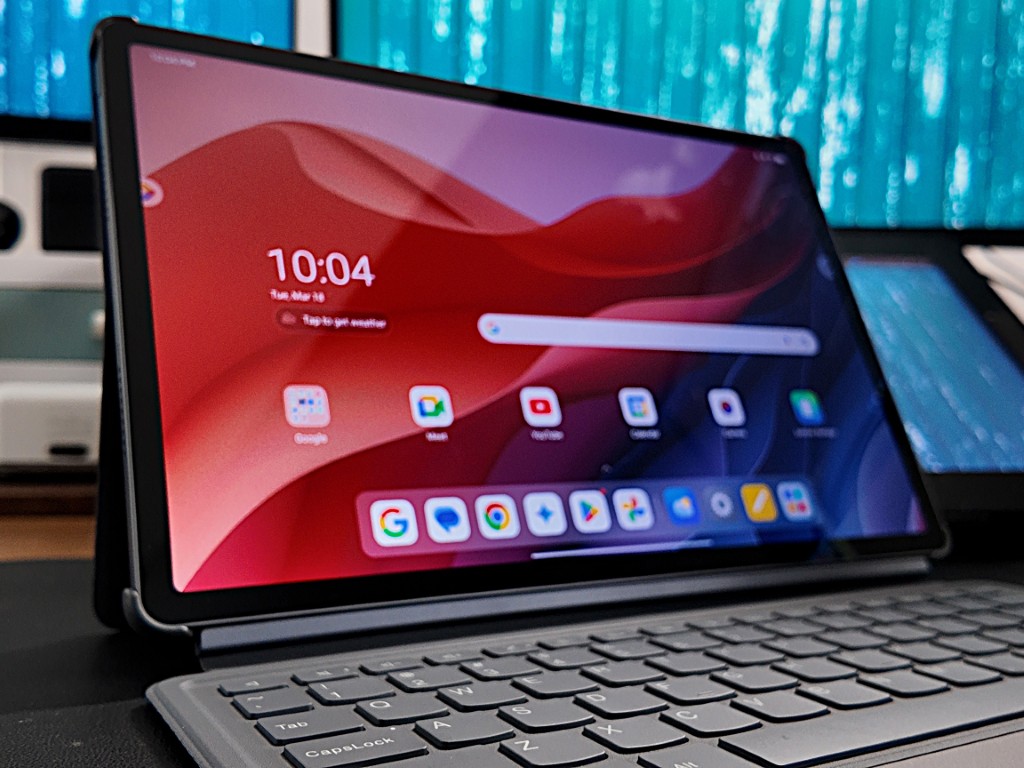
For students, remote workers, and digital artists, this tablet offers enough versatility for note-taking, sketching, and even some light graphic work. It’s basically good enough to replace a laptop for everyday tasks like writing documents, answering emails, and even light video editing.
Also another plus, the Tab Pen Plus magnetically attaches to the tablet, making it easy to store and access on the go. No more worrying about losing your stylus!
All-Day Battery Life with Fast Charging
A 10,200mAh battery keeps you going for up to 11 hours of YouTube streaming, and with 45W fast charging, you won’t have to wait long to power up again.
Final Verdict: A Feature-Packed Tablet That Delivers Value
The Lenovo Idea Tab Pro is a well-rounded mid-range tablet that delivers more performance and features than you’d expect. It’s perfect for students, professionals, gamers, and content creators, offering a premium display, AI-powered tools, and productivity-focused accessories—all at a reasonable price.
It’s not the cheapest tablet out there, but for Php21,995, it’s one of the most complete packages you can get.
