



Electroworld is currently running a really tempting pre-order promo. Check it out.
Call it a mid-life crisis, but I am a late bloomer in the space of collecting timepieces. As a hobby, I am not interested in watches as investments. Rather, like many collectors, watches simply need to ‘speak to me.’ And the Huawei GT 4 spoke to me when I saw photos circulating online many weeks ago.
The GT 4 addresses an existential crisis – many automatic watch owners long for functionalities similar to a Fitbit, but don’t want to wear a second fitness tracker. On the flipside, many smartwatch owners refuse to buy a mecha quartz movement watch (or something similar) because they’ve drunk the ‘quantification of self’ kool-aid, but want a watch that you don’t need to charge too often. These two crises meet in the middle: affordability.
The GT 4 sits at the intersection of all these wants. Priced like an entry-level Seiko 5 or an Orient Kamasu, you get a piece that is, from afar, almost indistinguishable from other mainstream automatic movement watches.
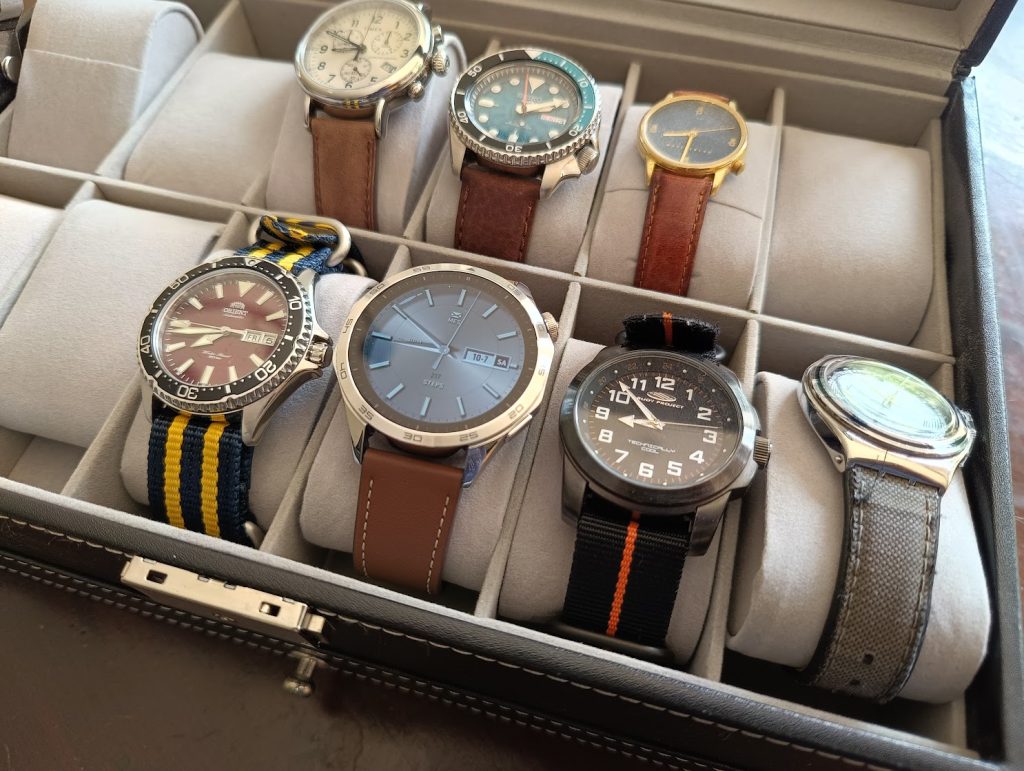
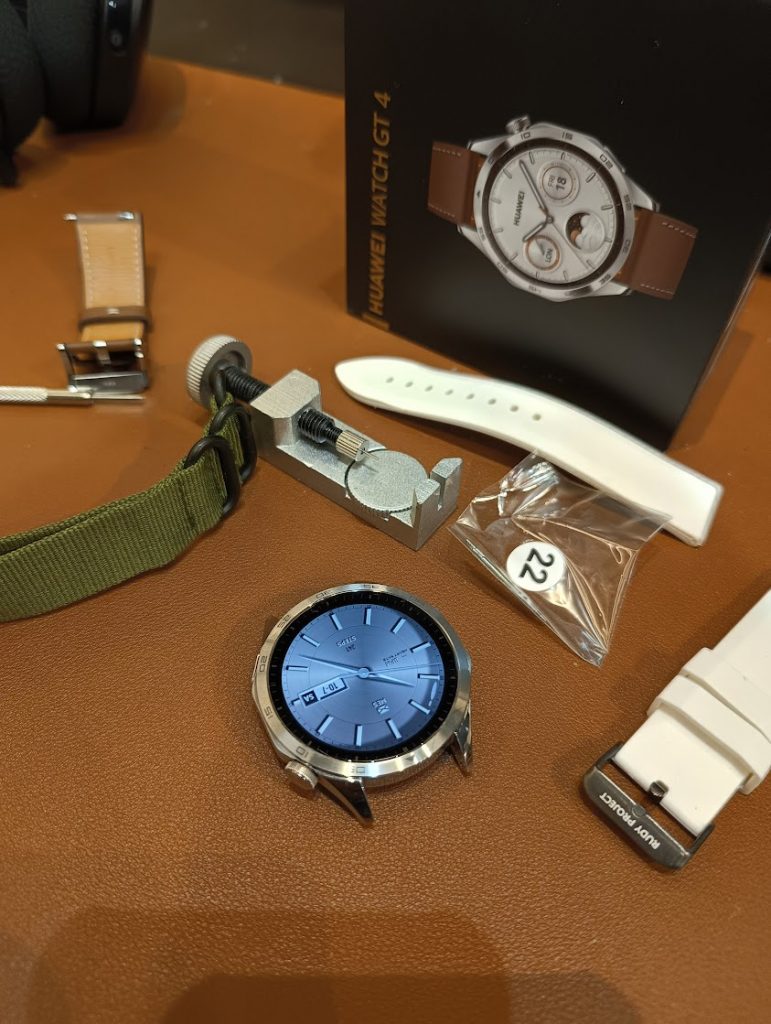
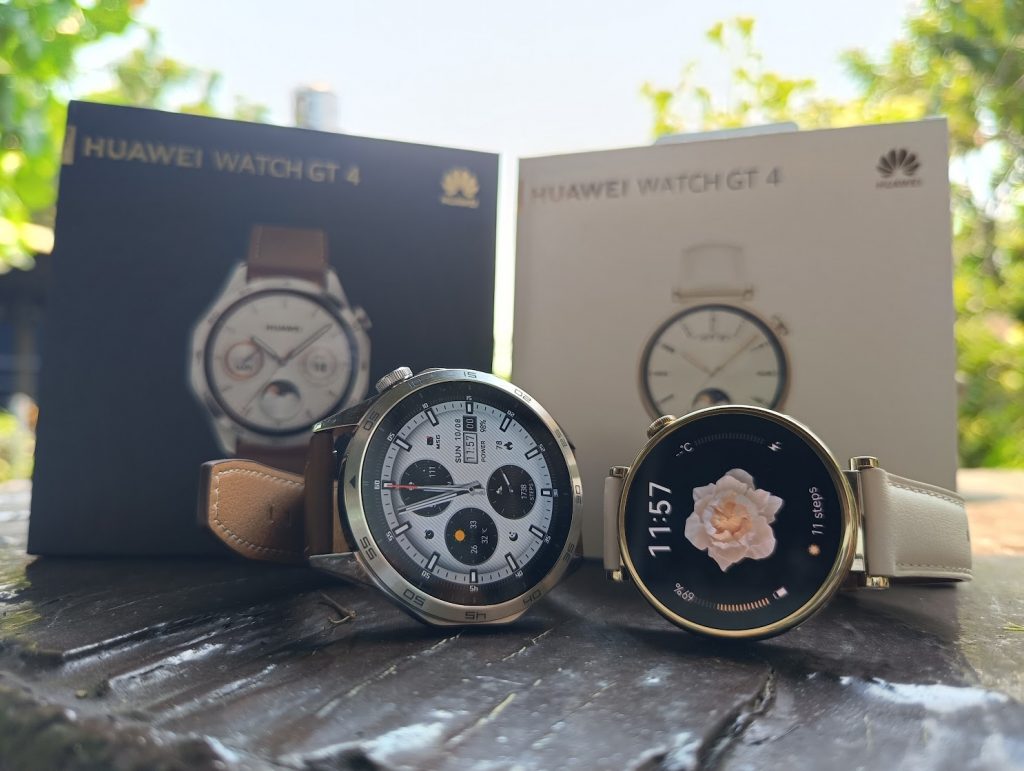
The GT 4 comes in two models, a 46mm and a 41mm bezel (traditionally “his and hers” although the 41mm makes for a great dress watch too for the boys) . For purposes of review, I am using the 46mm model with the brown leather strap. Strap choice is of course relative to aesthetics, and although Huawei does have a selection of straps available, you can just go ahead and buy additional 3rd party quick release straps from your favorite vendor. A buyer’s note: although you can use this watch with a zulu or nato strap, the material will cover the health monitor, so best make use of quick releases instead. Both models come with two hardware buttons, a crown on the upper right, and a down button on the lower right. The crown can be used to navigate menus and acts like a dedicated “back button.” The down button is customizable. Because the GT4 has a responsive touch screen, you won’t really need to be doing a lot of button pressing. Swipe gestures allow you to quickly navigate the menus.
Battery Life
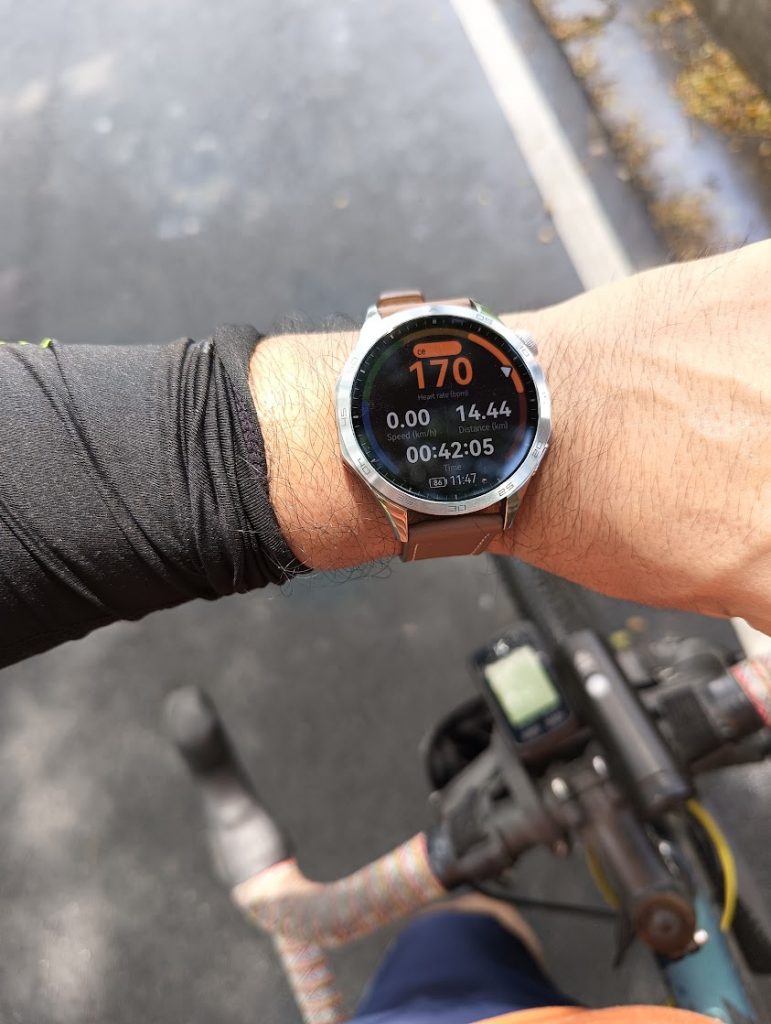
The GT 4 has a listed battery life of 14 days on standby. This needs to be put into context. Yes, the battery life is indeed impressive as you can practically go on long trips without bringing the magnetic charger. I would say that roughly 10 days is what you get when the watch isn’t connected to anything via Bluetooth. If your watch is idly tracking heart rate or monitoring sleep, you’re pretty much getting your maximum battery life. With no wireless connectivity constantly on, I was draining 5-8% per day. It changes when you’re actively using the wireless functions. For instance, a 2 ½ hour bike ride with the fitness tracker feature running together with Bluetooth constantly synced to the Huawei Health app drained the 46mm’s battery by 10%. Please note that the 41mm models have a shorter battery life, listed at only 7 days on standby.
Fitness Tracking and Huawei Health
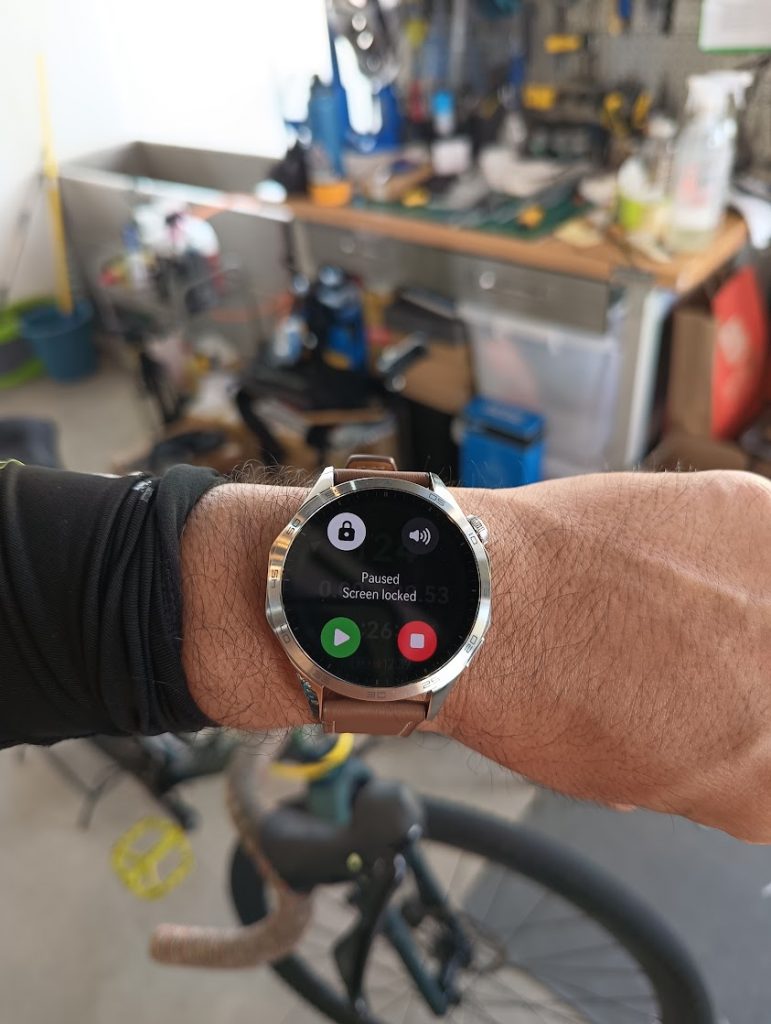
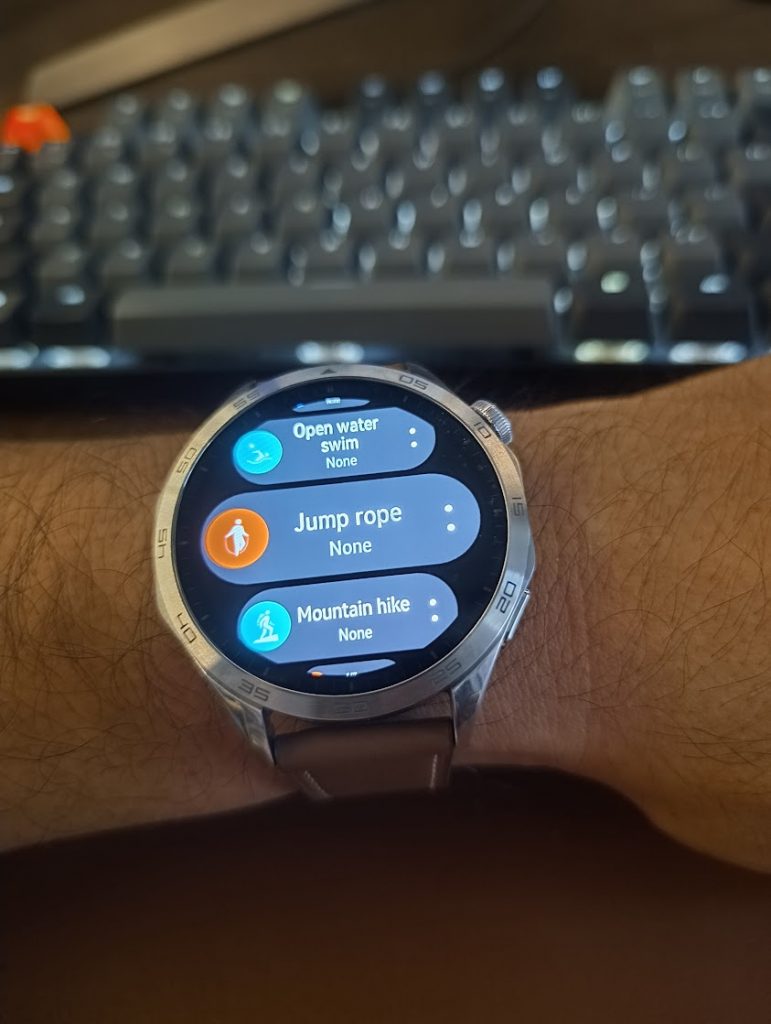
Spinning up a workout is pretty straightforward. By default the down button launches workouts (this is customizable) but you can also add custom cards to show your frequent activities – from biking, walking, running, jump rope, rowing, etc. What I do like about the Fitness Tracker is that pausing a workout allows you to lock your screen so you don’t accidentally resume or end it. In the background, Huawei Health continues to count your steps. So for instance, if you’re on a bike, you can pause your workout, do some walking for errands, and then continue your workout afterwards. Huawei Health doesn’t pause your step count, so this makes for a more holistic approach to your daily goals. You can export, save, and share your workout data to your favorite social apps.
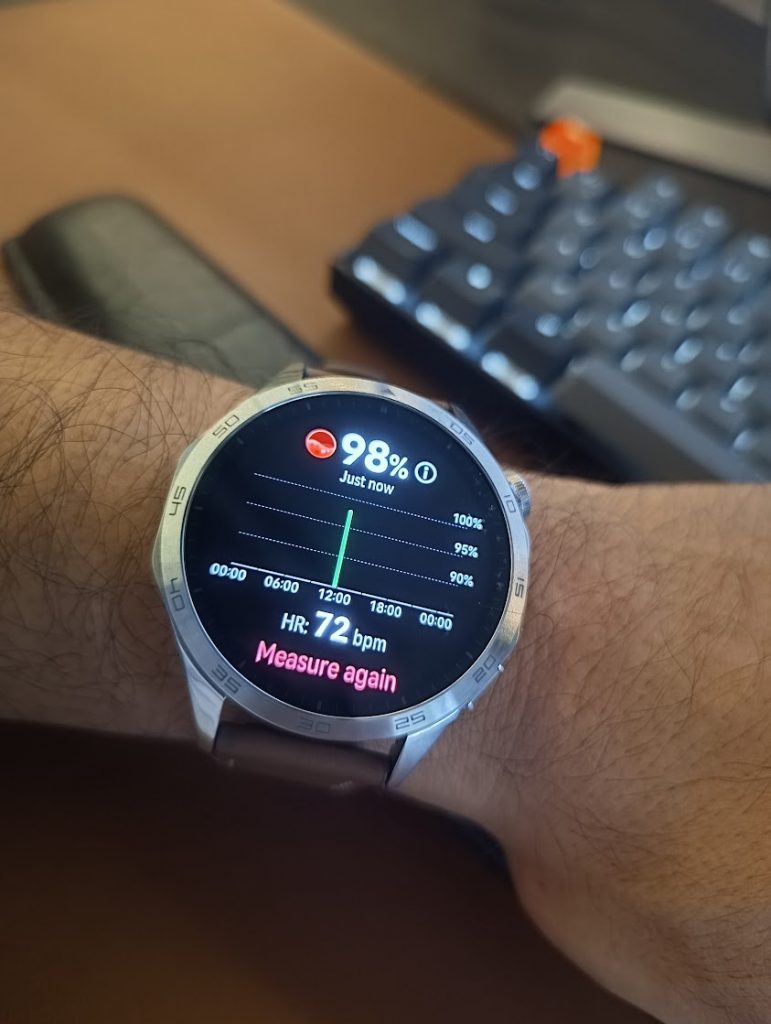
The GT 4 comes with an improved TruSeen 5.5+ vitals monitor that tracks heart rate, SpO2, stress, sleep and even period and ovulation cycles for women using deep learning technology. Some of these features, such as the SpO2 monitor, need to be turned on to work, and also require the Huawei Health app. Automatically monitoring your oxygen levels will also drain battery life.
My one gripe with the GT 4 is the hit or miss when it comes to syncing workout data from Strava, considered to be THE social network for bikers and runners. The documentation states that you can sync data by pairing the Huawei Health app, but as of this writing, the sync function is currently janky. Huawei is very much aware of this issue so we’re hoping to have this addressed in the near future.
Verdict
Tech writers often use, to a fault, the terms “stylish and functional” quite liberally. This is one of those instances where the GT 4 does actually meet those two descriptions. Having a theoretically unlimited number of watch face combinations (you can buy more faces from the Huawei Health app, between P30 to P90 for the good ones) and quick release straps you can get from Lazada, this smartwatch is hands down your everyday carry: amazing battery life, great health tracking, a stylish chameleon on the trail, at work, or at socials.
The GT 4 pairs well with non-Huawei devices but there are some steps to take. You will need to download Huawei AppGallery and from within that app, install Huawei Health. From there you can pair the device via Bluetooth.
For the data nerds out there, here’s a my 36km bike ride monitored with the Huawei Health app. It’s pretty delicious:


