

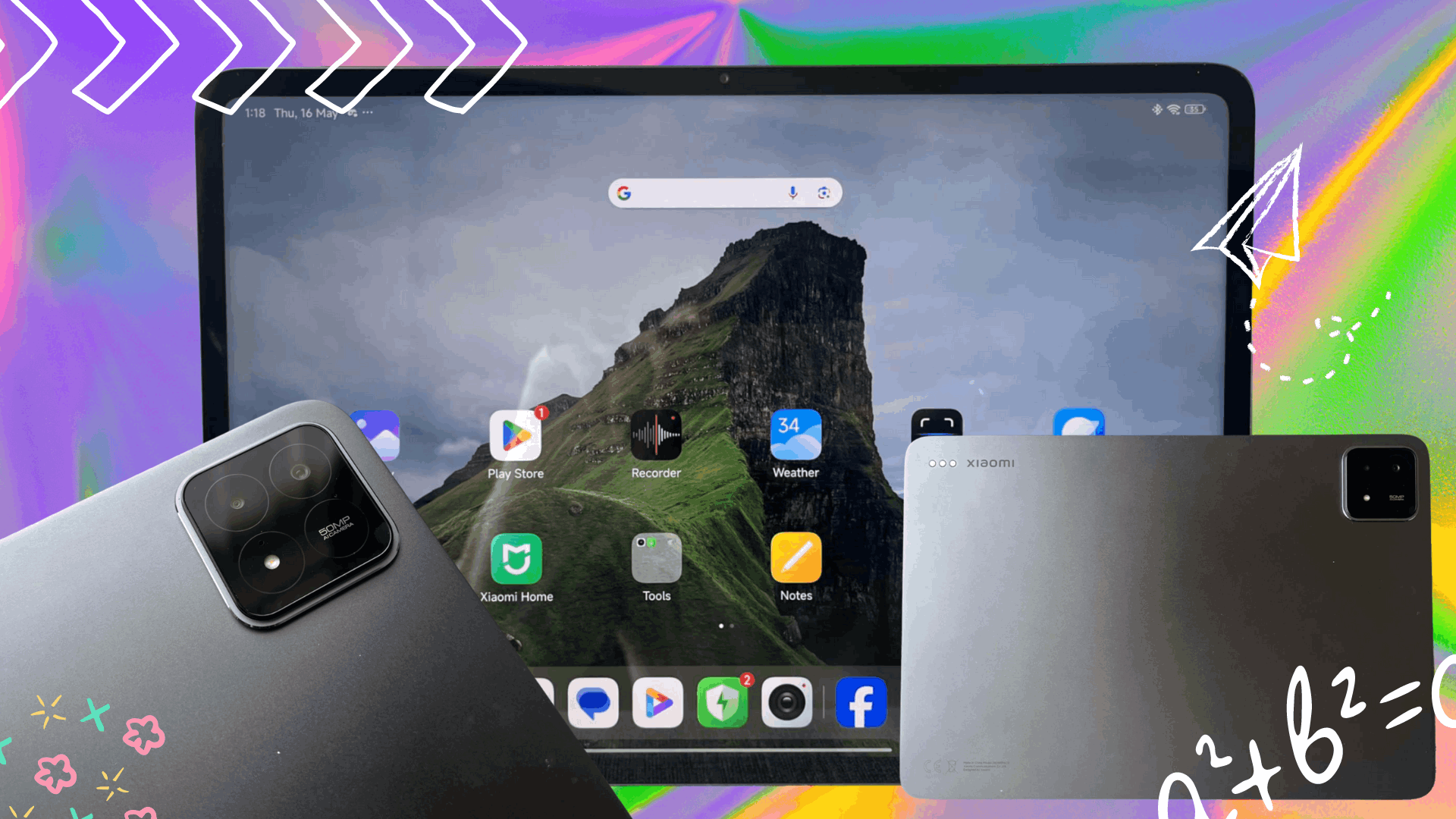
Whether you’re a student or a professional, presentations are going to come your way. If you’re reading this article, it’s most likely you’re going to be in front of an audience soon.
The PhilSTAR Tech team is fiddling with the Xiaomi Pad 6s Pro and found five features that are going to help you on your next presentation.
1. Enough screen space to work on
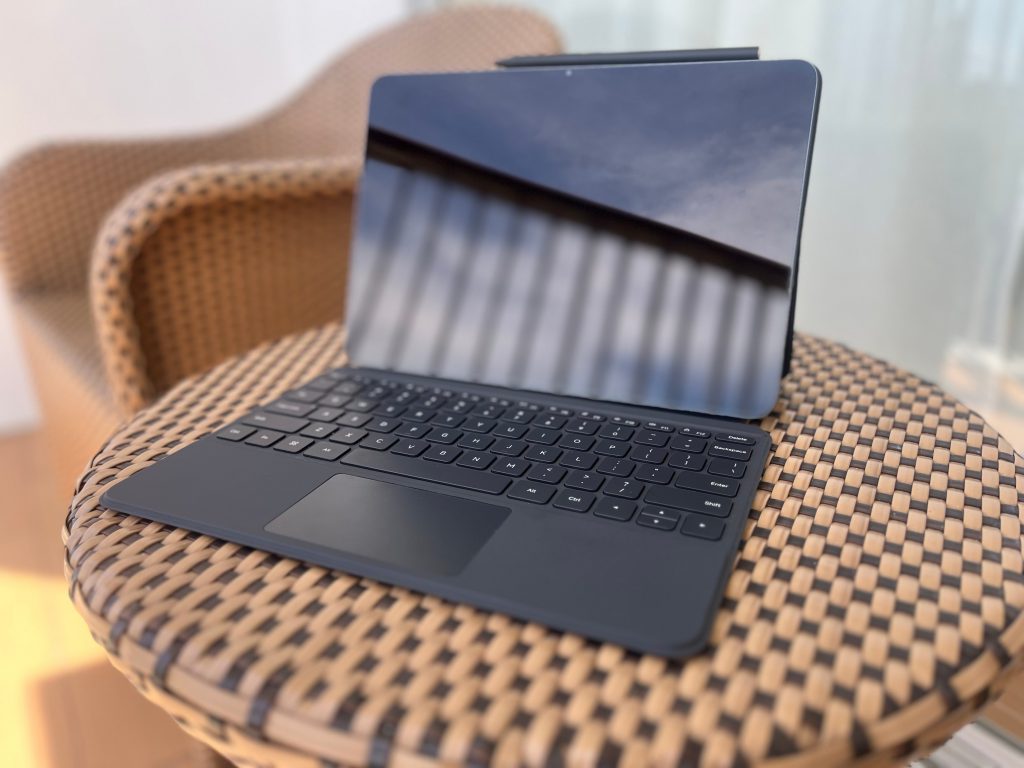
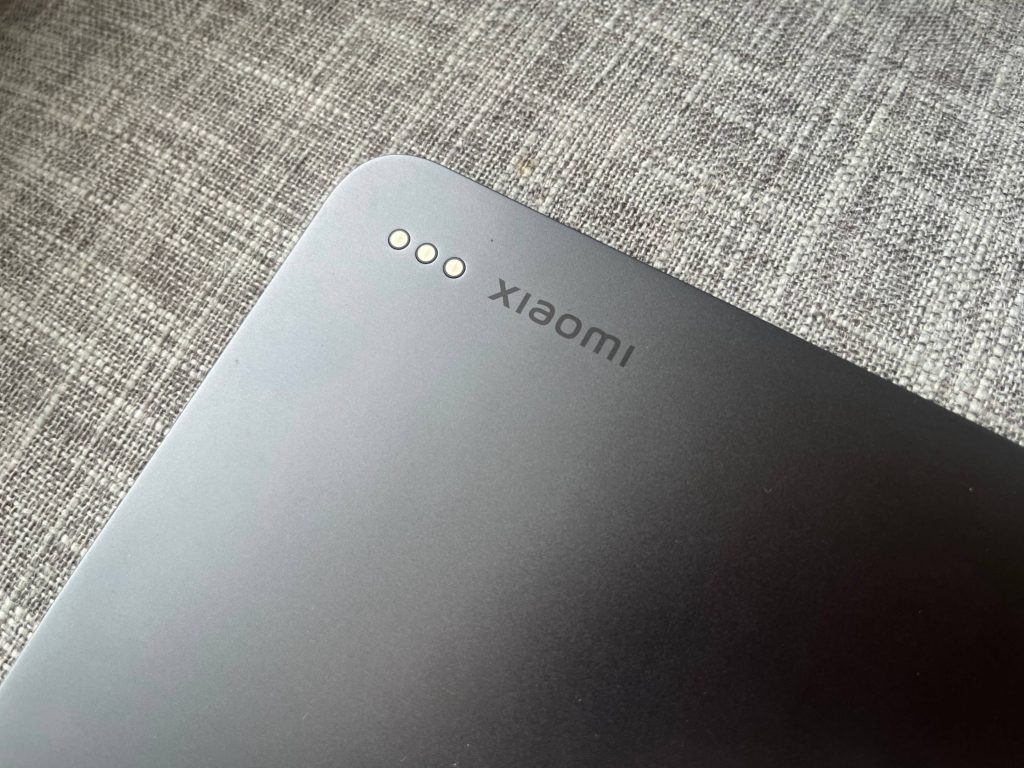
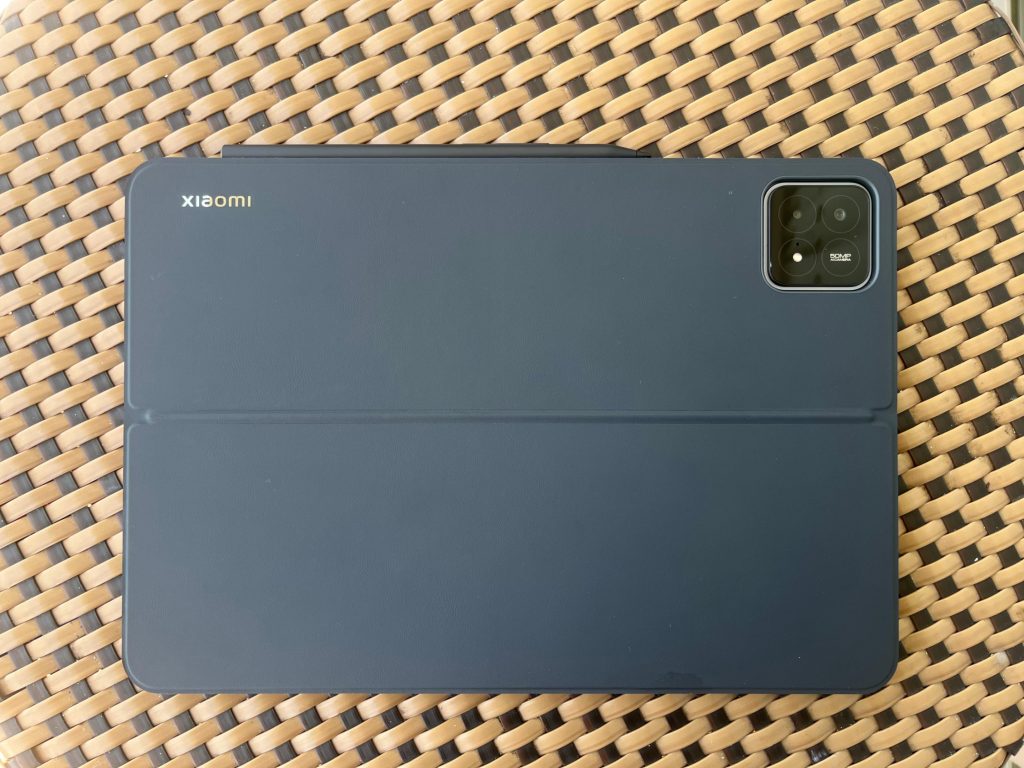
The Xiaomi tablet only comes in Graphite Gray, weighing 590g. At first glance, the design will remind you of Apple’s iPads. But the square camera island will definitely remind of the one in Xiaomi 14.
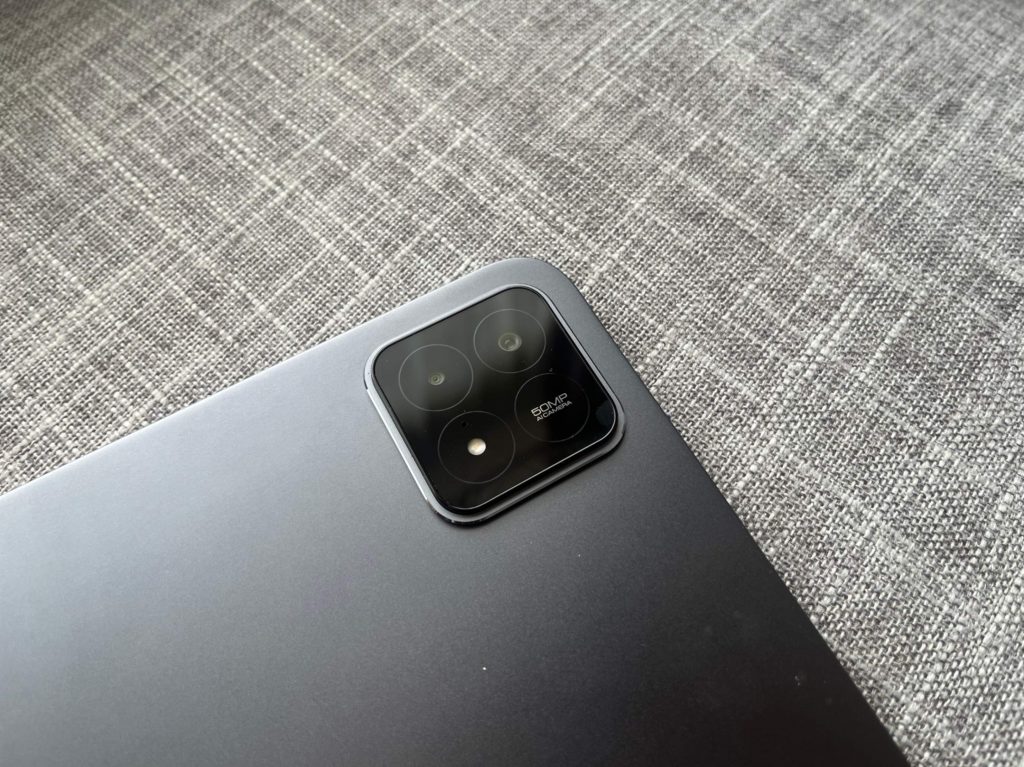
But the 12.4-inch display size is an upgrade from the Xiaomi Pad 6 Pro’s 11 inches. It’s still using an LCD display, so the color contrast ratios are not as superior as those with OLED displays. However, it boasts to have up to 900 nits for brightness so there isn’t that much to complain about.
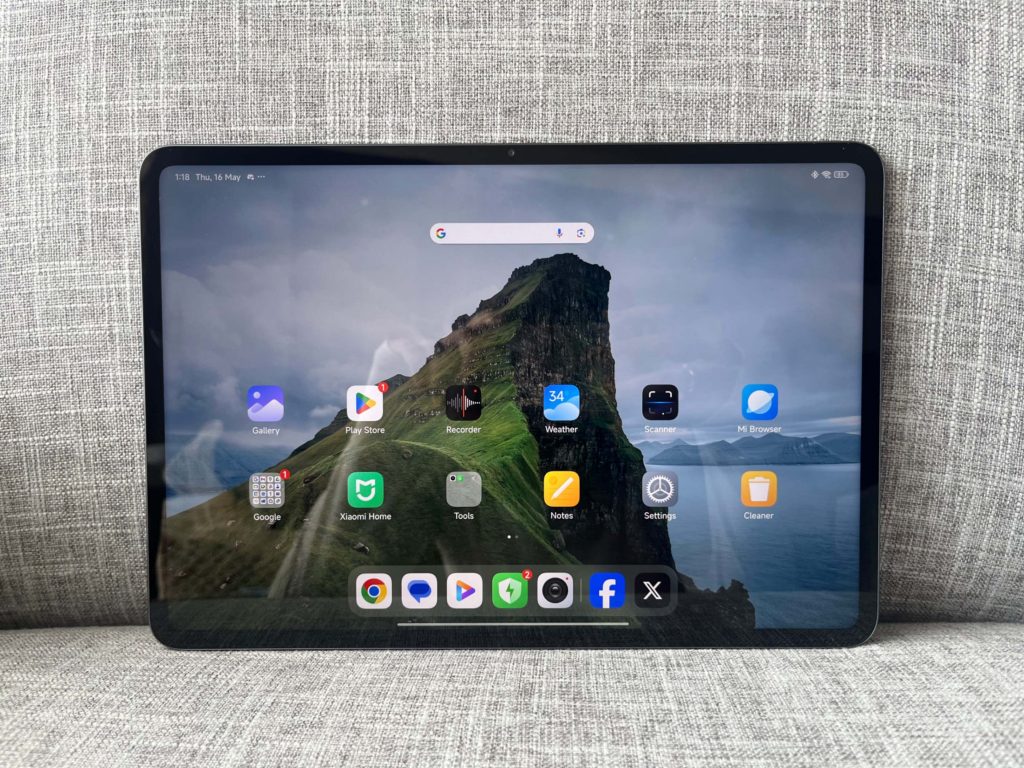
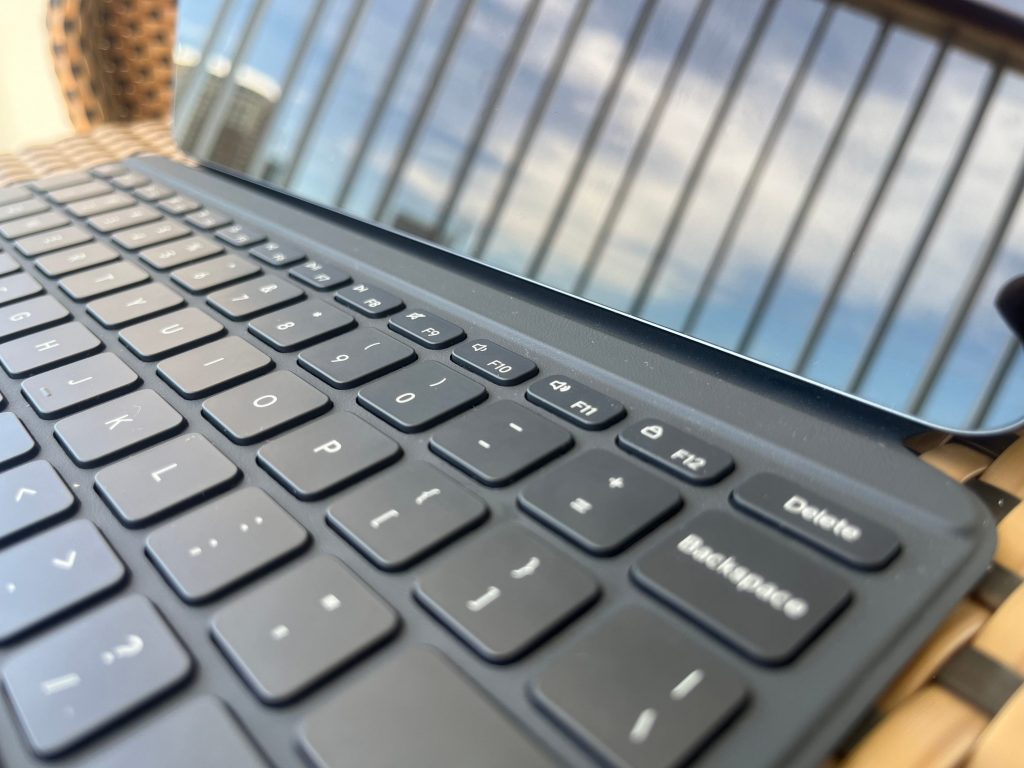
It also has a 144Hz AdaptiveSync refresh rate that is already good enough for gaming or any multimedia activity. Matched with its Snapdragon 8 Gen 2 processor, there is no doubt that this tablet will perform well without any lag. However, just a precaution, it does heat up after a couple of minutes while gaming. More about the screen space, aside from gaming, it does elevate your tablet experience to a feel of a laptop.
If you’re an artist looking to explore digital art Mi Canvas is worth a look. It has a brush for every style that mimics real-life art tools. But it’s not only for drawing or painting, it can be for note-taking as well. If you do not like how messy writing on a real paper can be, try writing on the notes app of your tablet.
For me, as someone who leads group studies online, the split screen allowed me to read my material and view the Google Meet meeting room at the same time. The Workstation feature, however, allows you to open more than two floating windows at once—which we will talk more about later.
Overall, the display size allows you to work without the feel of being limited.
2. The Focus Pen
Aside from the tablet, PhilSTAR Tech also got to use the Xiaomi Focus Pen, which has built-in buttons that will help you complete tasks.
Unlike other styluses, this one has a black and gold color design. Xiaomi also claims that it is covered with antibacterial material.
Writing and drawing now feels more realistic because it has 8192-levels of pressure sensitivity and 3ms of latency. Plus, it only weighs 15.6 grams, so it really feels like you’re holding a slightly weighted pen.
A quick rundown of the buttons: Spotlight, Screenshot, and Writing. Spotlight functions as a laser pointer and annotation tool. It is also used for taking photos or starting and stopping a recording. Screenshot allows you to take a screen capture and adjust the area you want to crop. Writing does two things: open the Mi Canvas application and annotate and encircle objects and text from afar.
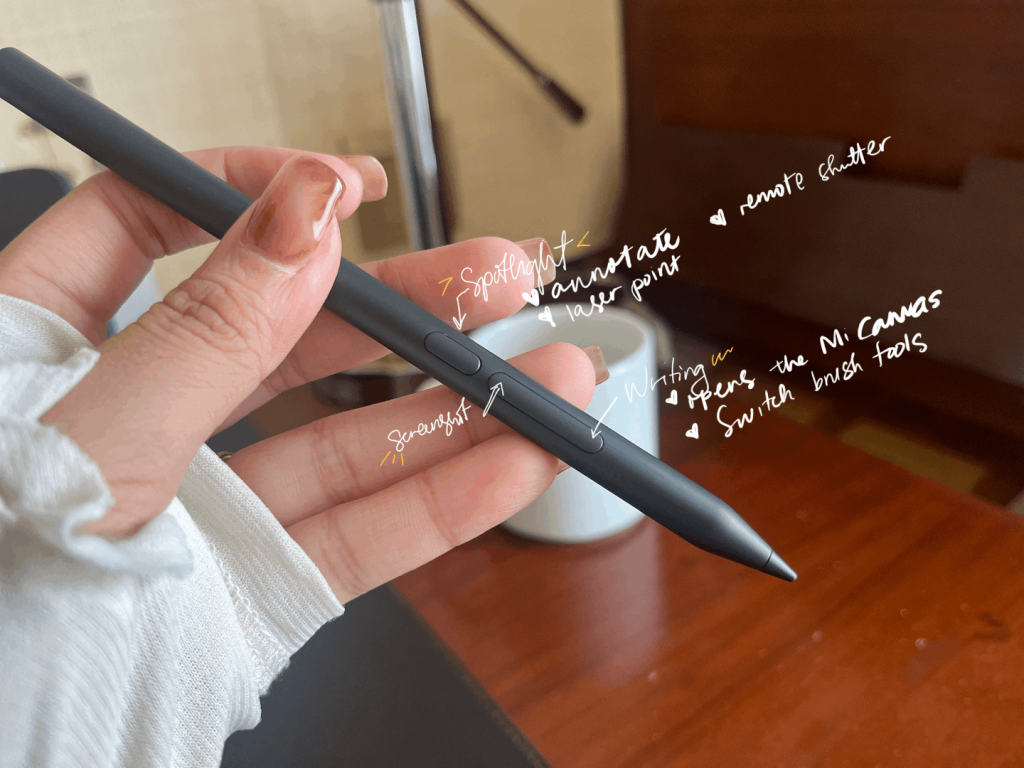
It really did make navigation easier for me as the stylus felt like a three-in-one tool. It was quite confusing at first, especially the spotlight button, because you have to click twice to use it for annotation.
In actual use, there was some inaccuracy using the Spotlight button. Sometimes, the laser was just off the direction I’m trying to point. But all I had to do was put it back to the magnetic side of the tablet, which also functions as a place to charge the pen to fix the issue.
3. Workstation Feature turns it into a laptop
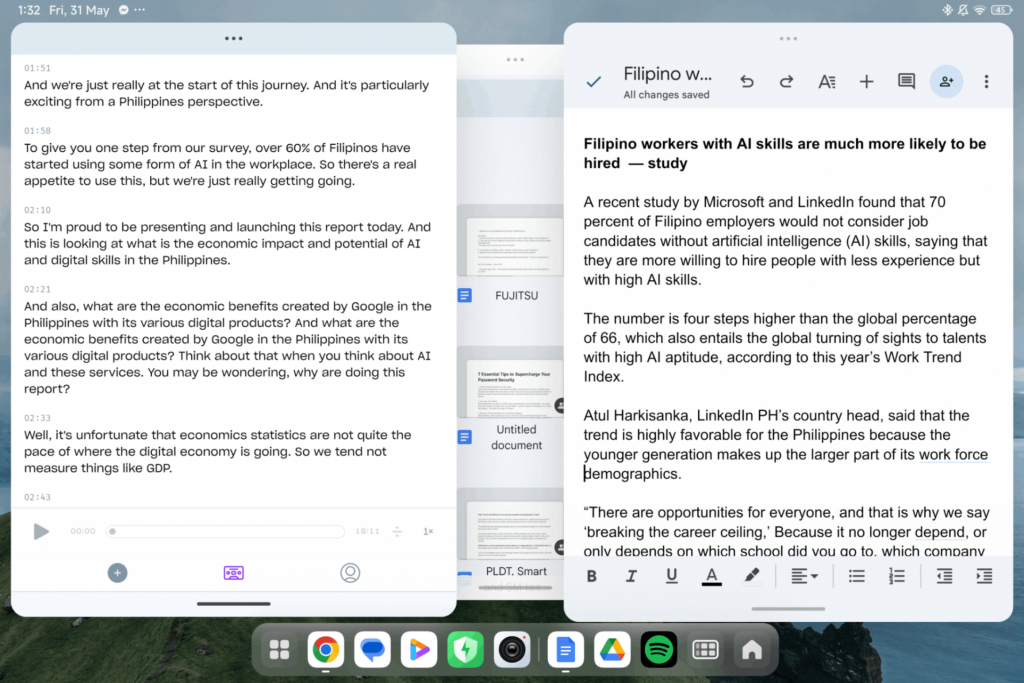
Workstation Mode exists to add more real estate on the device. It’s located in the control center, in between the Settings and Portable Hotspot icons. Essentially, it transforms the tablet screen into a laptop-like set up. In normal mode, you can only do up to two windows, whereas the workstation mode allows up to four floating windows.
I use an AI tool called GoodTape, which transcribes my audio files into transcripts. So, I like to keep that window open when I’m also writing my story. Aside from that, I need a Google search window open in case I need to search something. Through the workstation mode, I am able to see all that in one screen.
4. The camera
Now, this feature is already available in so many devices. But to further point out how this tablet could easily transform into a portable workstation, the camera has a Document feature that allows you to scan books and pages.
For faster sharing or viewing of documents, the tablet does come in handy. No need to use a photocopier or any Xerox machine.
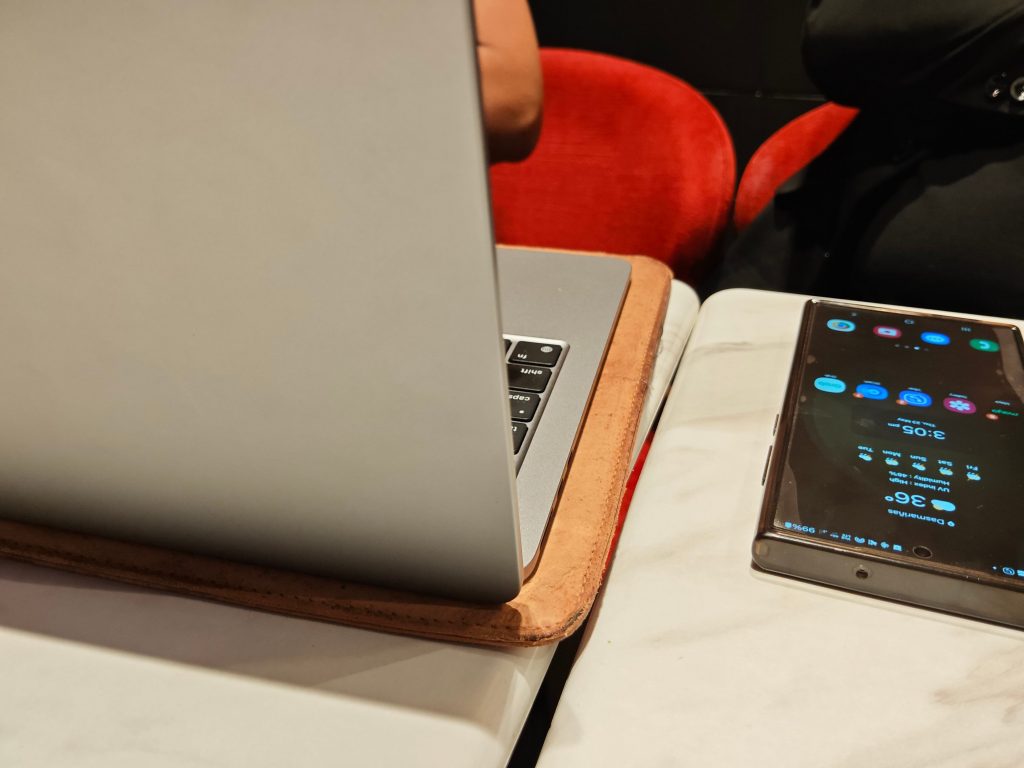
Furthermore, the camera does not shy away from taking quality photos. The 50 megapixel rear/main camera performs well in well-lit scenes and can shoot 4K videos at 60 fps. The front camera is 32 megapixels and can shoot 1080p videos at 30 fps.
Although a tablet is not what you usually use for this activity, the one that this tablet has is more than enough for any quick snap you want to take. Here are some of the scenes we captured with it:




5. Xiaomi interconnectivity
For easier file transfer between Xiaomi devices, simply touch the NFC area with your Xiaomi device—may it be a phone or a watch. A paired smartphone and tablet can easily share copied items on a clipboard to the other.
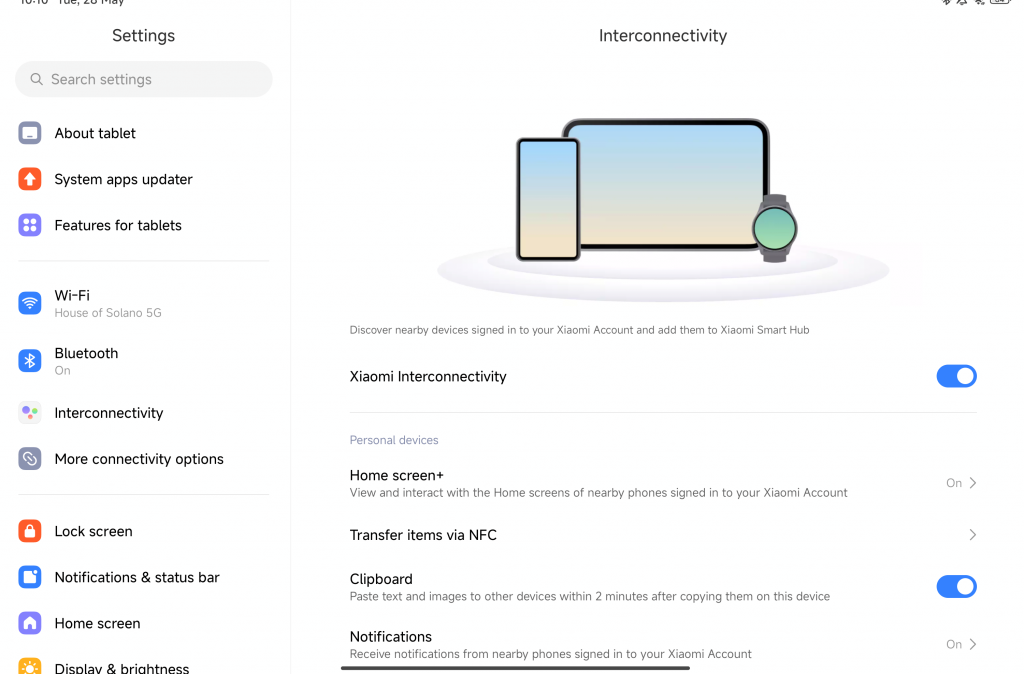
You can also control your Xiaomi smartphone on the tablet if you want via this interconnectivity. Although we have not tested this part, since I did not have any other Xiaomi smartphone around, the tablet can also turn into a monitor for your mobile’s camera. However, this mode can only be used with newer Xiaomi smartphones. This mechanism is similar to what exists in the Apple ecosystem.
This interconnectivity can seamlessly tie all parts of your presentation together. If you need to demonstrate something on your phone while conducting the call on your tablet, you can simply pair both devices.
However, when it comes to connectivity, you might want to bring a pocket wifi for it does not have a cellular connectivity option—which is the only disadvantage I think it has over other high-end tablets. Interestingly though, the tablet supports the faster WiFi 7 connectivity that is only available in higher end devices today.
Bonus: Gaming
The Xiaomi Pad 6s Pro runs on the Qualcomm Snapdragon 8 Gen 2 chip that has the Qualcomm Adreno 740 as its graphics adapter. The chipset was introduced in 2022, and is reported to be the fastest CPU for Android. We downloaded the NBA2K24 MyTeam, and played with ultra high video settings at its maximum frame rate of 90 for hours.
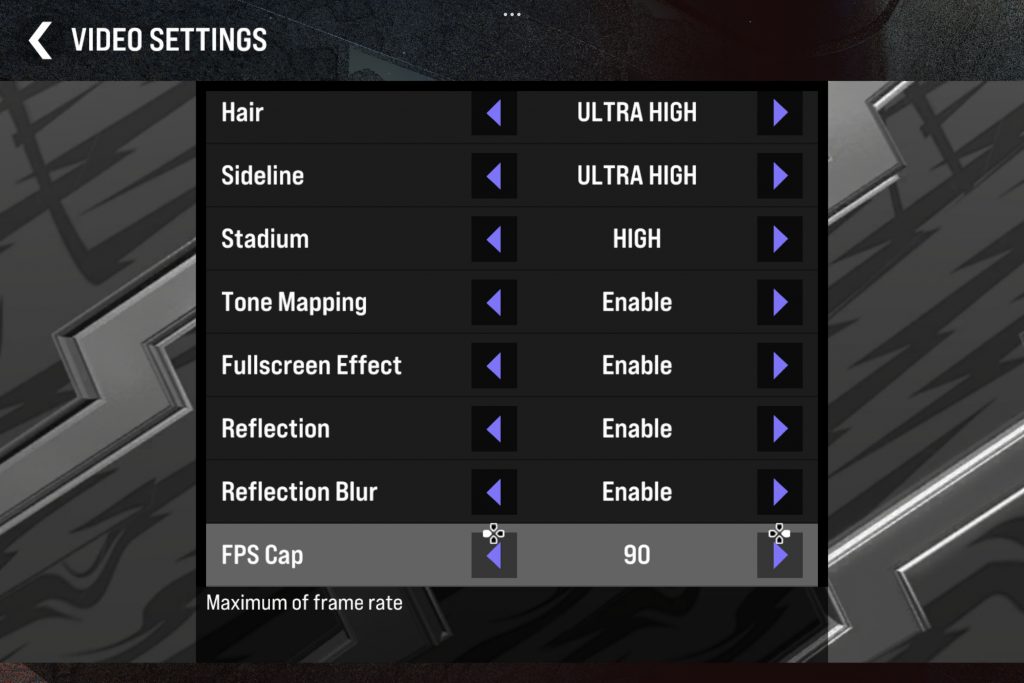
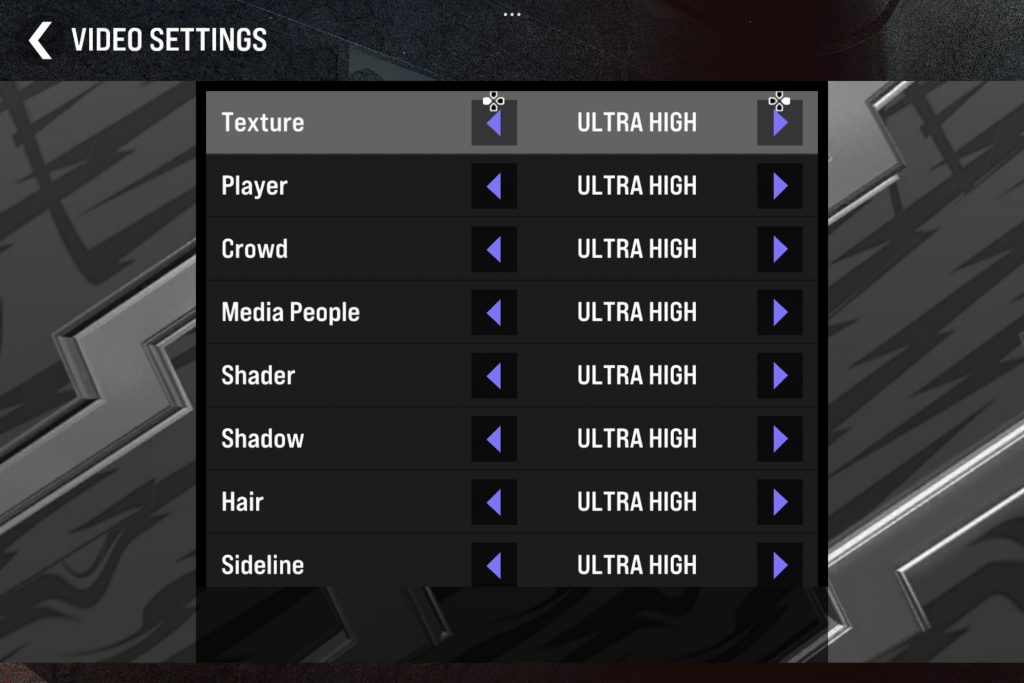
No lag at all. The tablet did give us a smooth gaming experience. Although it did heat up thirty minutes into playing, it was not that much of an inconvenience.
So, after a tiresome day at work, if you still have time to kill, this Xiaomi tablet has something in store for you.