


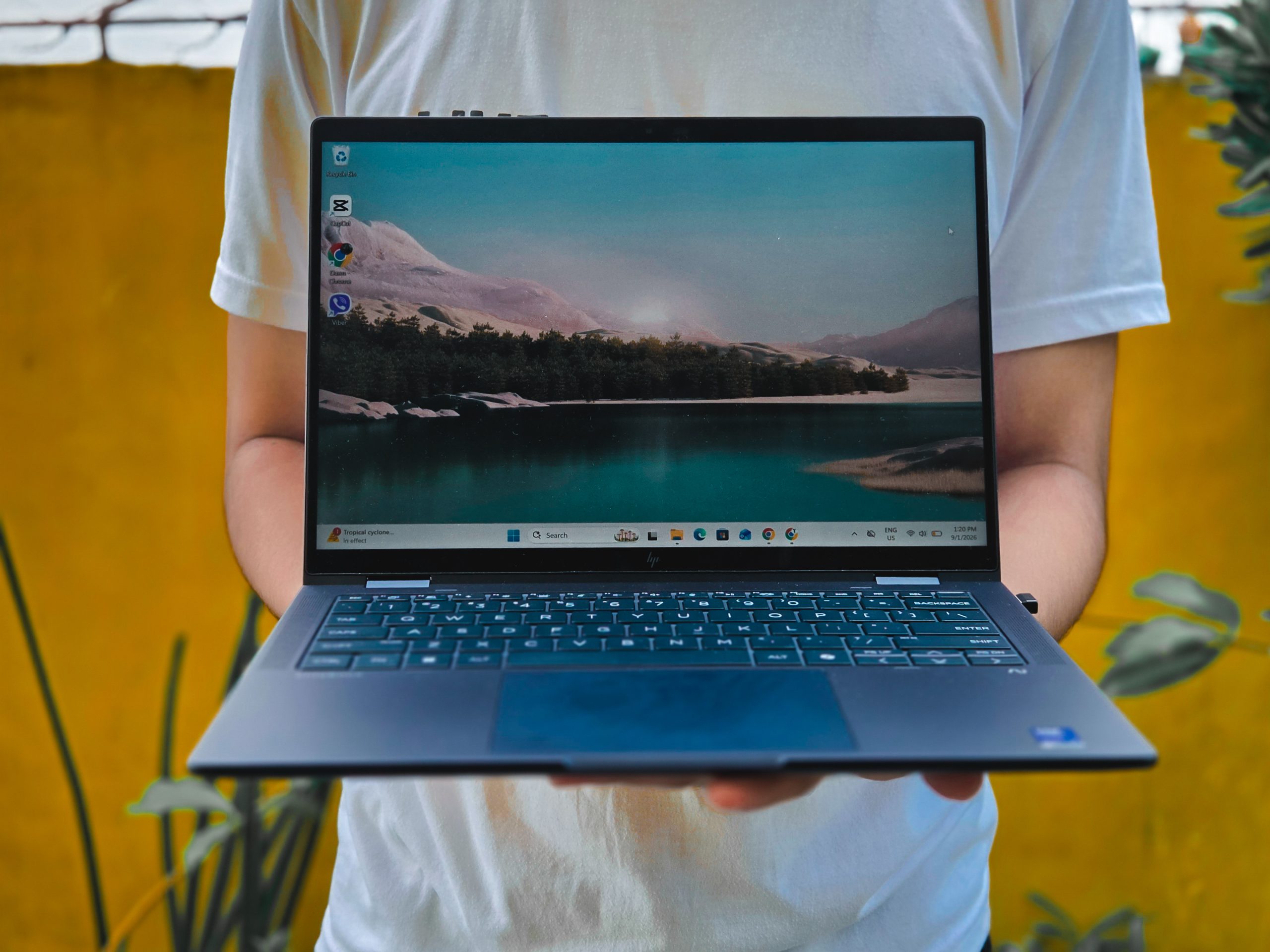
I have never really considered myself a power user when it comes to laptops. When I was in college, I used an HP Laptop 14s-cf2042TU. It was enough for writing papers, browsing the web, watching videos and getting through schoolwork.
My workload is different now. As a journalist, I can spend a day writing stories, researching, attending press conferences, checking emails, preparing social media materials, and editing short videos. It is not necessarily the kind of work that requires a workstation, but it does mean having several applications open at the same time. That is where the HP EliteBook X Flip G1i surprised me.
The specifications
My review unit comes with an Intel Core Ultra 7 266V, 16GB of RAM and Intel Arc 140V integrated graphics.
The processor is part of Intel’s Lunar Lake generation, with a maximum Turbo frequency of up to 5.0GHz and a dedicated NPU rated at 48 TOPS for AI workloads. HP offers the EliteBook X Flip G1i in several processor and memory configurations, so these specifications refer specifically to my review unit.
I have to admit that this was also my first time really learning what Lunar Lake and an NPU meant in the context of a laptop. Before reviewing the EliteBook X Flip G1i, I mostly looked at processor names and RAM when deciding whether a laptop had enough power for me. Terms such as NPU and AI PC were things I had heard about but had not really considered in relation to my own work.
Using the X Flip G1i gave those specifications some context. Lunar Lake is designed to balance performance and efficiency while also providing dedicated hardware for AI workloads. I would later see how that translated into my everyday work.
The 16GB of memory runs at 8,533 MT/s. The memory is integrated into the system and is not user-upgradable.
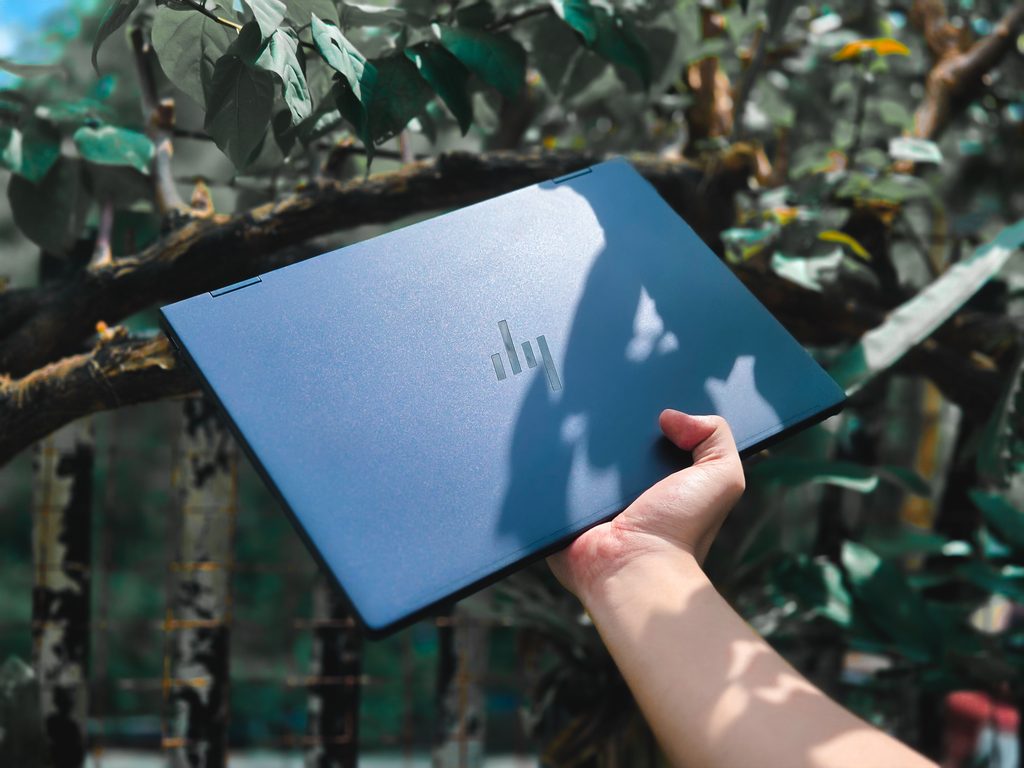
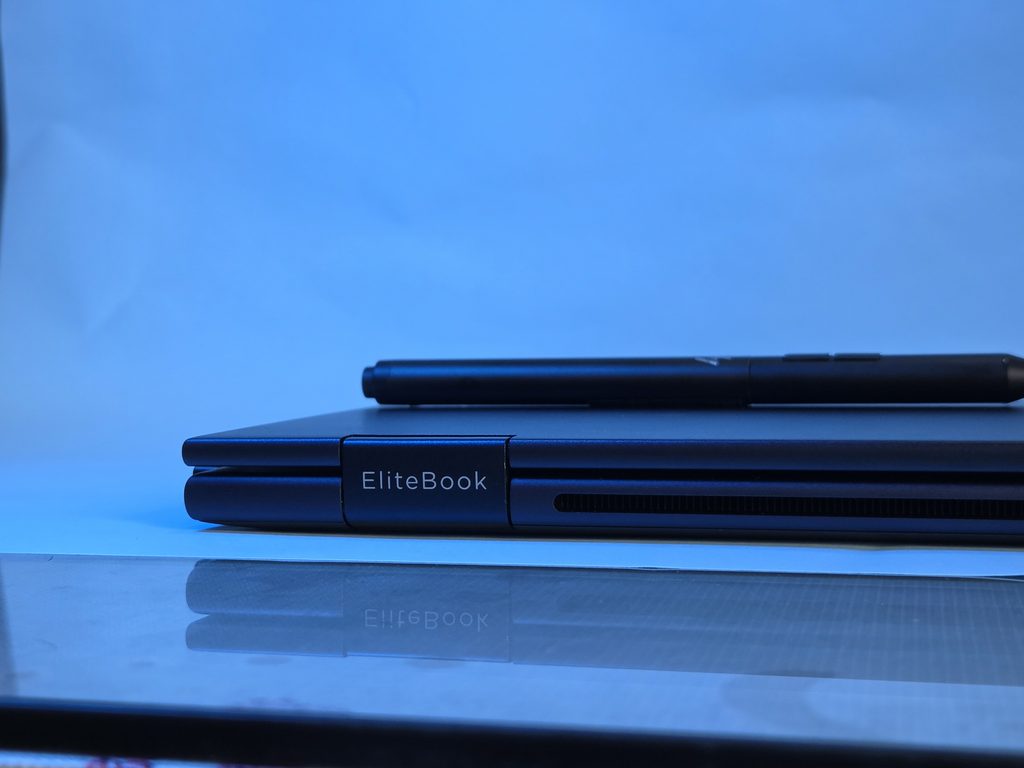
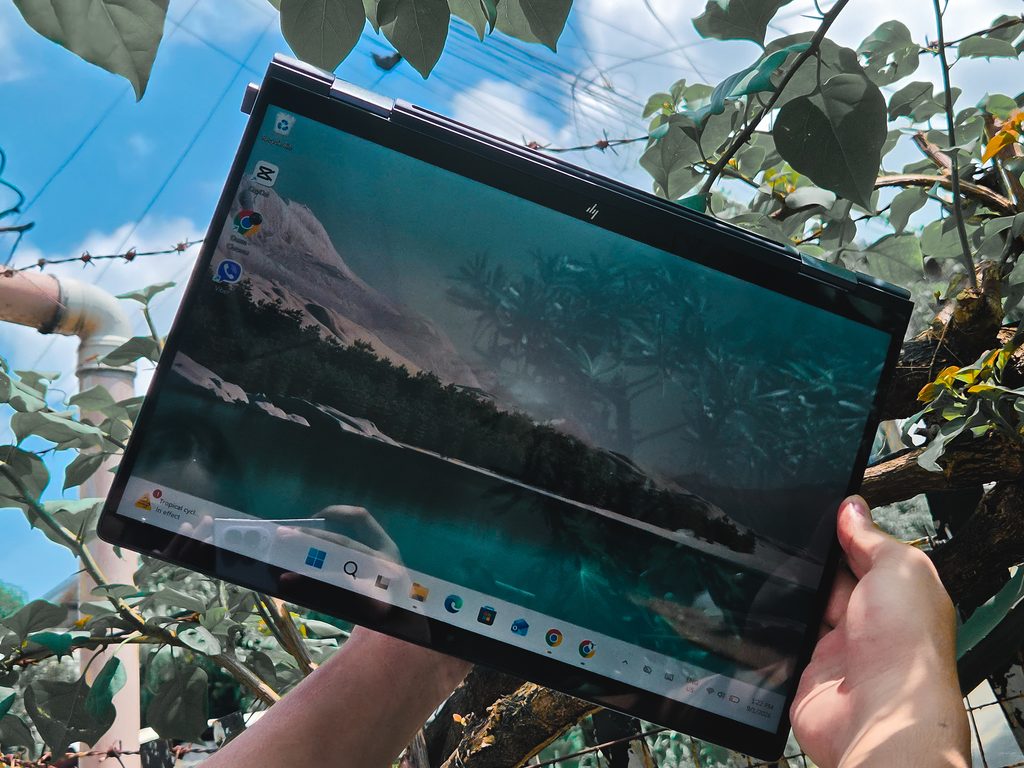
My unit has a 512GB SSD, with Windows reporting around 477GB of usable storage. HP lists 512GB PCIe NVMe SSD configurations for the X Flip G1i. Graphics are handled by the integrated Intel Arc 140V. The X Flip G1i is, as its name suggests, a convertible laptop. Its touchscreen can be folded into different forms, including laptop, tablet, tent and stand modes.
I found the flexibility useful, particularly when I needed to show presentations and wanted the keyboard out of view. I also used the stand and tent configurations, although most of my work was still done in the conventional laptop position.
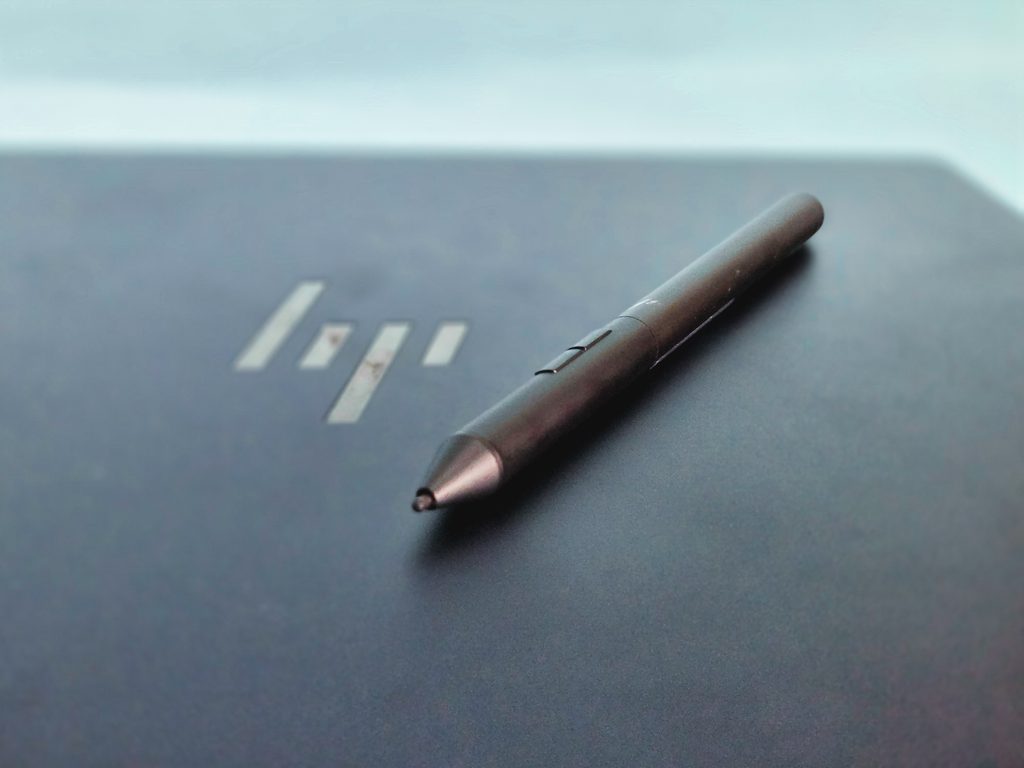
The touchscreen itself is not something I use constantly. I have used the pen in Canva, particularly when moving elements around, but I usually find myself going back to the trackpad.
For connectivity, the laptop has two Thunderbolt 4 USB-C ports, another USB-C port, USB-A, HDMI 2.1 and a headphone/microphone jack. It also supports Wi-Fi 7 and Bluetooth 5.4.
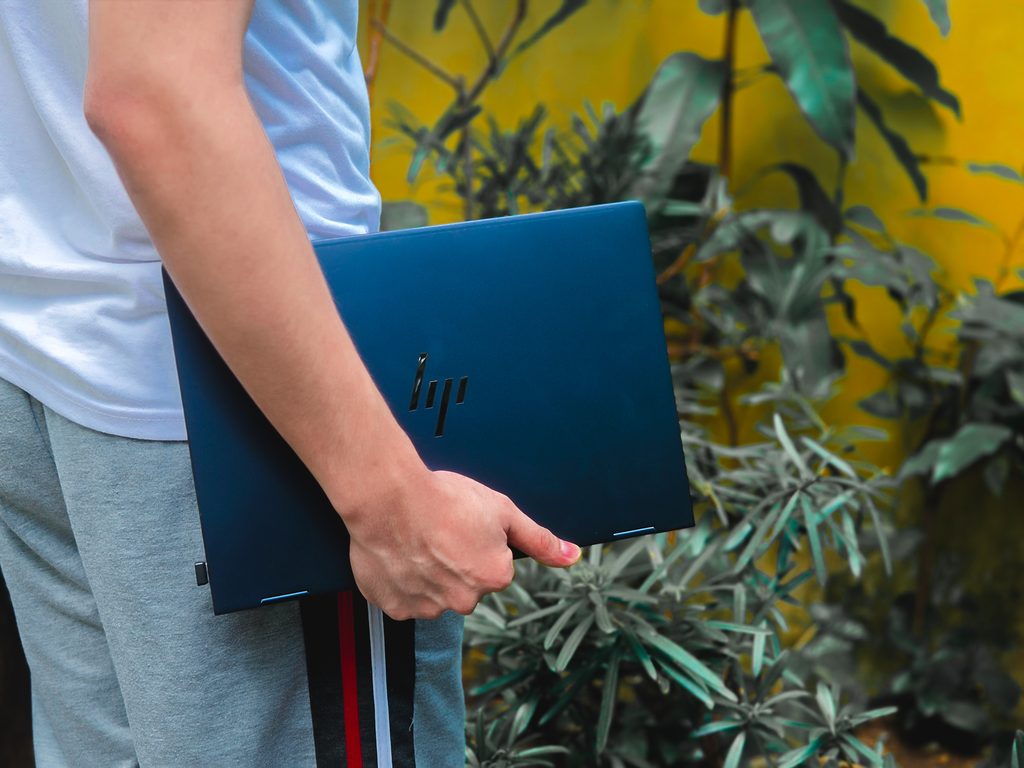
For video calls and interviews, it comes with a 5-megapixel camera with IR, Poly Studio audio, four speakers and dual-array microphones. At around 1.4 kilograms at its lightest configuration, it is also comfortable to carry to press conferences and other events.
Enough power to stop thinking about the laptop
None of my tasks individually requires particularly powerful hardware. Together, however, they can make a laptop work harder. The X Flip G1i handled them without much fuss.
Applications opened quickly. Switching from one application to another was smooth. Having a dozen browser tabs open alongside other programs was not a problem.
I did not encounter noticeable lag or stuttering during my regular work. Perhaps more importantly, I rarely heard the fan. The laptop only became noticeably warm after I had been working continuously for around six hours.
That is the kind of performance I appreciate more than a benchmark score. I don’t necessarily need every application to open a fraction of a second faster. I need the laptop to stay responsive while I move between the different things that make up my workday.
CapCut and Canva became easier parts of the workflow
Video editing is now part of my work, although I am not producing long-form videos. I use CapCut to make one- to two-minute reels, and the X Flip G1i handled the projects I worked on with smooth previews. Exports were fast enough for what I needed.
Preparing key visuals and posting materials for social media is a regular part of my work, and I noticed that getting those materials ready felt faster than it did on the laptop I previously used.
That is where I began to understand what having more capable hardware actually changes. It is about being able to move from one task to another without constantly wondering whether the laptop will keep up.
The display matters when the office isn’t an office
The display is another part of the laptop that I came to appreciate, particularly because I do not always work at a desk. The anti-glare screen is comfortable to use for extended periods and remains clear outdoors. I also found photographs displayed accurately.
There are some things I noticed, though. When a light bulb or another strong light source hits the display directly, I can sometimes see the light reflected on the screen. I am particularly sensitive to this because I have astigmatism, so this may not be an issue for everyone.
I also noticed that the screen can appear dimmer when I lean back and view it from a different angle. Neither issue stopped me from working comfortably, but they are things I noticed during extended use.
The feature I found more distinctive was the privacy-screen option. I used it at airports while waiting for flights and during press conferences, where I often have to write notes and read emails with people sitting beside me.
When the privacy mode is activated, the viewing angle becomes extremely restricted. One fellow reporter even joked that I looked like I was only pretending to work because, from their position, the screen looked like it was turned off.
For someone who regularly works in public spaces, that is more than a novelty. It gives me some peace of mind when the screen contains unpublished stories, emails or other work material.
A keyboard that doesn’t demand attention
I spend a large part of my day typing, so the keyboard is one of those things I notice immediately. The keys have a soft feel and don’t produce the loud clacking sound that some laptop keyboards do. It has almost the same satisfying, muted quality as the keyboards often featured in ASMR videos.
There is a trade-off, though. With the keys feeling soft, I occasionally misclick. But after writing full articles on the laptop, I found the keyboard comfortable even after several hours.
The backlighting is also genuinely useful. There have been occasions when I have had to work in a darker corner of a venue, and being able to see the keys without needing brighter surroundings makes a difference.
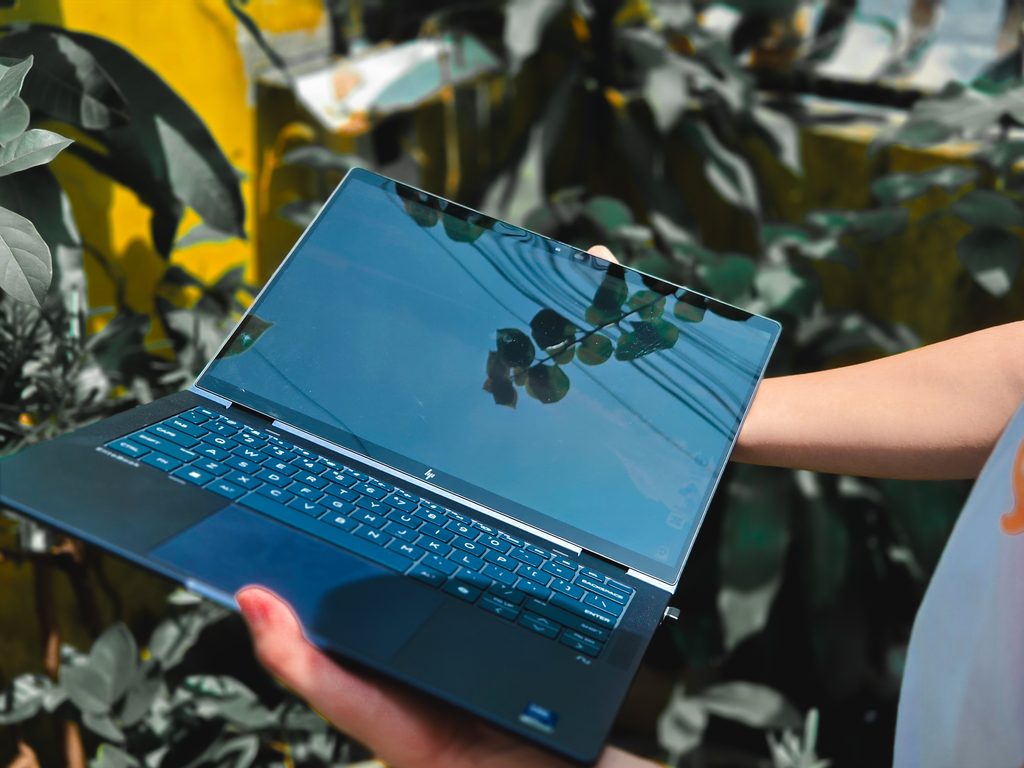
The trackpad is similarly good. I am still more accustomed to using a mouse, but the trackpad works well when I’m away from my desk.
AI became less abstract once I started using it
I have to admit that I was probably the least excited about the “AI PC” part of the EliteBook X Flip G1i when I started using it.
I had heard the terms before — NPU, AI PC, local AI processing. But I had never really thought about what they would mean for the way I work. My job is mostly writing, researching, interviewing people, and preparing content.
One feature I found myself using was Click to Do. On the touchscreen, I can swipe from the side of the display to bring it up, then select text or an image on the screen and work with it.
For someone who regularly deals with press releases and other documents, this is useful. Instead of thinking about AI as a separate application that I have to open, Click to Do puts some of those tools alongside the information I am already looking at.
I also tried Poly Camera Pro, which turned out to be more useful to me than I expected. I tend to move around quite a bit during Google Meet interviews, and its camera features helped keep me in frame. I did not have to worry as much about staying perfectly positioned in front of the camera while talking.
Then there was Paint Cocreator, which offered a more obvious demonstration of generative AI. I could describe what I wanted and have the application create an image from the prompt.
I don’t see myself replacing Canva with Paint Cocreator, and I don’t think these features have fundamentally changed the way I work. But that isn’t necessarily a bad thing.
For me, the value of the AI features is that I don’t have to build my entire workflow around them. They are there when I need them, while the laptop remains a conventional work machine the rest of the time.
Battery and portability
I usually get through until around 3 p.m., depending on what I’m doing. I still carry the charger with me, but I don’t spend the day worrying that the laptop is going to suddenly shut down.
At around 1.4 kilograms, the laptop is comfortable to carry to press conferences and events. By the end of a long day, I can still feel the weight of my bag, but that is partly because the laptop is competing with everything else I carry as a journalist.
Who is the HP EliteBook X Flip G1i for?
Most of the reviews I came across place the EliteBook X Flip G1i firmly in the business category: executives, professionals and people who regularly work away from a desk. That makes sense. Its security features, privacy options, convertible design, portability and battery life are all built around that kind of work.
But after using it, I think that audience is broader than the word “executive” suggests. I am a journalist, not a CEO, but much of my working day looks like what this laptop was designed for. I also regularly work with sensitive or unpublished information in public spaces.
For that kind of user, the EliteBook X Flip G1i makes sense. It isn’t the laptop I’d recommend to someone looking for the most powerful machine for gaming, professional video production or 3D work. Reviewers have also noted that its performance can be outpaced by cheaper consumer laptops.
However, if your priority is having one premium machine that can travel with you, handle a busy multitasking workload, give you flexibility when presenting or working in different spaces, and provide additional privacy and security, the X Flip G1i makes a much stronger case.
Perhaps that’s where I fit into its intended audience: I don’t need a laptop because I’m a power user. I need one because my workday has become more demanding
Specs
- Processor: Intel Core Ultra 7 266V
- Graphics: Intel Arc 140V
- Memory: 16GB RAM
- Storage: 512GB SSD
- Display: 14-inch touchscreen
- Form factor: 360-degree convertible — laptop, tablet, tent and stand modes
- Camera: 5MP with IR
- Audio: Poly Studio, four speakers and dual-array microphones
- Connectivity: Wi-Fi 7, Bluetooth 5.4, USB-C, USB-A and HDMI 2.1
- Battery: 68Wh option; HP claims up to 24 hours and 30 minutes, depending on configuration and usage
- Weight: From 1.40kg
- AI: Intel NPU with up to 48 TOPS; supports Copilot+ PC features
Specifications may vary depending on configuration. The unit reviewed comes with an Intel Core Ultra 7 266V, 16GB RAM and 512GB SSD.
