Being constantly on the go and in need of tech by my side—whether it be for work or for play—a good cell phone is all you’d need. Sometimes though, you’d need a bit more power by your side or more screen space, and that’s when you’d go into tablets. However, I’m not an artist and I’d need a keyboard for my purposes, so why not go into laptops?
Small But Mighty
More power means more expensive tech, and oftentimes that translates to a heavier and bulkier build. Sure, the option to go fully into productivity or join the in-crowd and get a MacBook is available, but losing out on gaming is too much of a blow. All work and no play makes Doby a dull boy—and between work and play, I have to actively play as a content creator on the side.
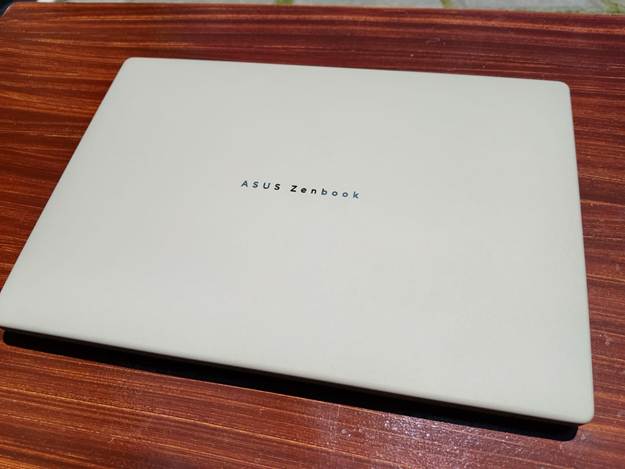
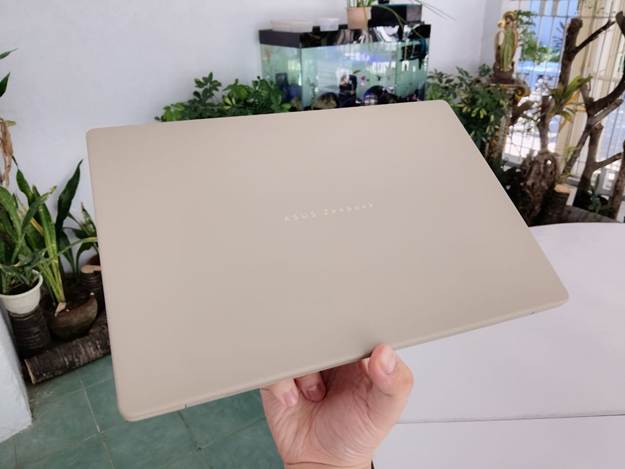
Enter the ASUS Zenbook A14. Looks can be deceiving, as it’s on the smaller side of the spectrum at 14 inches, but the packaging was a ruse—the laptop was so light I could carry it with ease! Clocking in at less than a kilo (0.9 kg in fact), it was so light that I could actually carry it with two fingers without exerting myself. While on the topic of its weight, another aspect of the lappy that I appreciated was how premium it felt—not only in the sense that it felt expensive but in how rugged and durable it was. Between being water-resistant and dirt-resistant, you could definitely tell that the material ASUS developed—Ceraluminum, a ceramic and aluminum hybrid—was put to good use in the device.
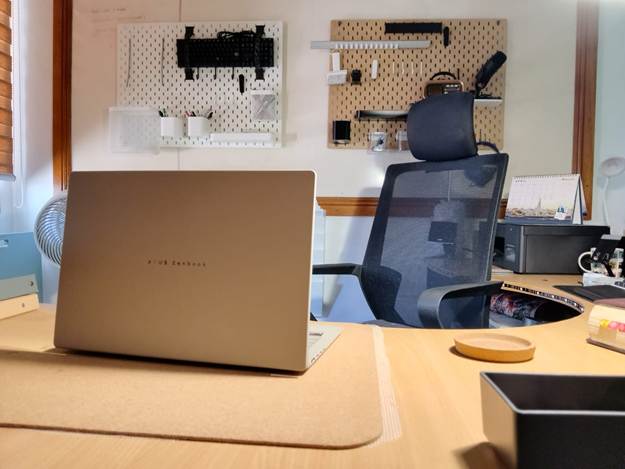
I’d love to delve deeper into how nice the keyboard felt while digging into it; however, I feel that laptop keyboards are always one of the first things to go, especially if you’re heavy into typing or gaming. But a good Bluetooth keyboard and mouse is all you’d need to compensate. The compact laptop build makes it so that you’d have space for the device and other accessories you might bring on your travels, like the aforementioned Bluetooth keyboard and mouse combo.
It’s the Inside That Counts
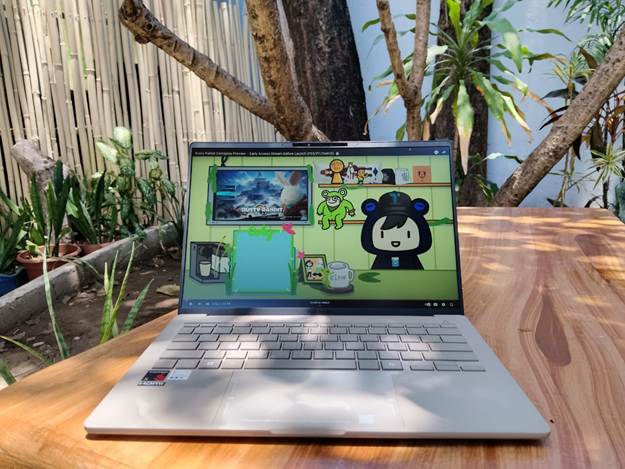
I keep mentioning gaming when it comes to the device, but what are we actually dealing with? Apart from the compact 14-inch screen—which is actually quite decent for working on documents or spreadsheets—the ASUS Zenbook A14 model that I tinkered around with from the get-go had the following specs:
| ASUS Zenbook A14 | |
| Operating System | Windows 11 Home – ASUS recommends Windows 11 Pro for business |
| Processor | Snapdragon® X X1 26 100 Processor (30MB Cache, up to 2.97GHz, 8 cores, 8 Threads); Qualcomm® Hexagon™ NPU up to 45TOPS |
| Graphics | Qualcomm® Adreno™ GPU |
| Neural Processor | Qualcomm® Hexagon™ NPU up to 45TOPS |
| Memory | 16GB LPDDR5X on board |
| Storage | 512GB M.2 NVMe™ PCIe® 4.0 SSD |
| I/O Ports | 1x USB 3.2 Gen 2 Type-A (data speed up to 10Gbps) 2x USB 4.0 Gen 3 Type-C with support for display / power delivery (data speed up to 40Gbps) 1x HDMI 2.1 TMDS 1x 3.5mm Combo Audio Jack |
| Battery | 48WHrs, 3S1P, 3-cell Li-ion |
For the people who aren’t as tech-savvy: it has 16 gigs of RAM, which is often the standard for current devices at the minimum, with most programs eating up so much in terms of resources. 500 gigs of SSD memory means it’ll be fast for file transfers and app processing. And let’s just say, for gaming, this is already quite decent. Just don’t expect to have your mind blown in terms of what you can play, but it should be able to run Tekken 8 quite decently—albeit at lower settings and maybe with the use of some mods.
Another aspect of how much power is in the ASUS Zenbook A14 was how durable its battery life is, especially as an entertainment device. While tinkering around with it and watching videos to see how clear it could be, you’d often head down the rabbit hole of watching YouTube short after YouTube short, eventually spiraling down into full-length documentaries or livestreams. I was surprised that the ASUS Zenbook A14—which I hadn’t charged yet upon unboxing—lasted for over 5 hours at 83%, and it didn’t even stop there. If I had done it on a full charge with optimum conditions (meaning lower brightness and sound), I’m sure it would’ve lasted more than 12 hours on a single charge.
A Copilot Has Entered the Game
While having a single-player experience is nice and all, a little co-op never hurt anybody—and one of the defining characteristics of the Zenbook A14 was the integration of Microsoft Copilot, the AI companion that makes computing even easier and productivity even better.
While I wasn’t able to utilize the function as heavily as I could have due to not integrating my profiles and accounts more, the improved search functionality is a game-changer especially if you’re going through your documents or search history but can’t quite put your finger on what you’re looking for. It even had the ability to generate images, provide real-time subtitles, and improve image quality! It’s not just a copilot—it’s a secretary, an artist, a translator, and even a graphic designer all in one.
The Verdict?
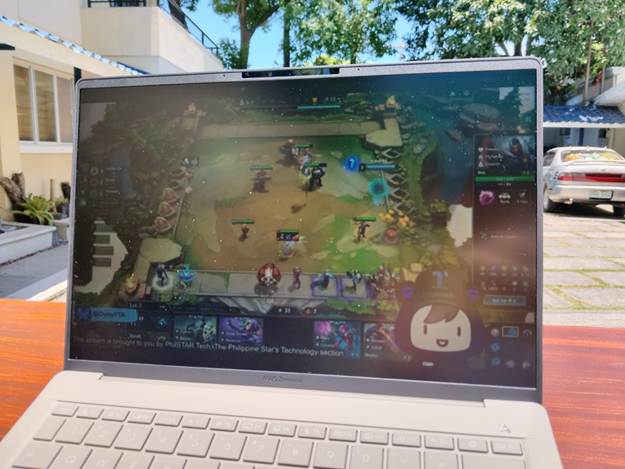
Overall, if I had this device for myself, I’d definitely love to have it—especially if I’m working on the go and need a stronger device for coding, writing, and even gaming! As a streaming laptop, I wouldn’t have this as a consideration due to how compact it is in practice, but it might just take a little getting used to before you could even call it that. The ports are enough for day-to-day use, and the screen was clear enough to even be visible under the sun, which is a plus in my book. It’s already summer and almost beach season, and with how bright things are and the constant need to move around, the ASUS Zenbook A14 was a great companion both indoors and outdoors.
Pros:
▪️Compact, sleek design makes it an ideal device to bring around for work and leisure
▪️The Ceraluminum casing is a good compromise for users fussy about dirt and grime while still remaining aesthetic
▪️Genuinely powerful enough for some higher-end games and programs—with some caveats
▪️Great productivity tool through and through especially with CoPilot by your side
Cons:
▪️While the display is great, allowing visibility even in extremely bright environments, the 14-inch screen is a hindrance for those who want to go deeper into what they’re looking at (i.e. artists, gamers, and coders)
▪️The limited ports call for a docking station, which is extra bulk when traveling
▪️The speakers are great, but an external webcam is needed for better user visibility