


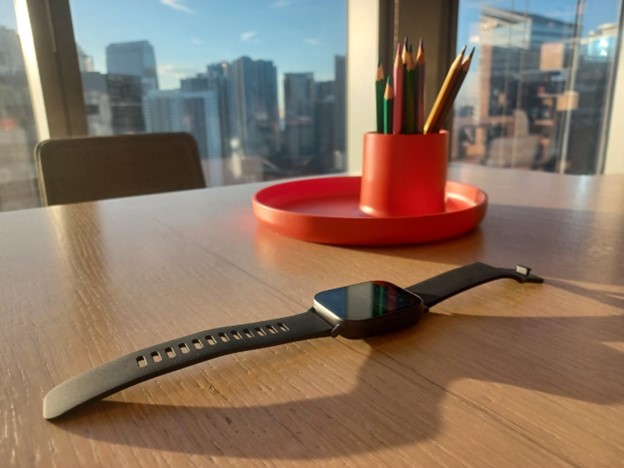
I’ve gone without an active watch for a while now after my previous one broke due to the dumbest of reasons. So, when the opportunity to try out Redmi’s latest offering came along, I just had to try it.
Opening its humble packaging, the Redmi Watch 5 Active comes with the unit itself, a USB charging cable exclusive to the product, and an instruction booklet with most of the widely used languages.
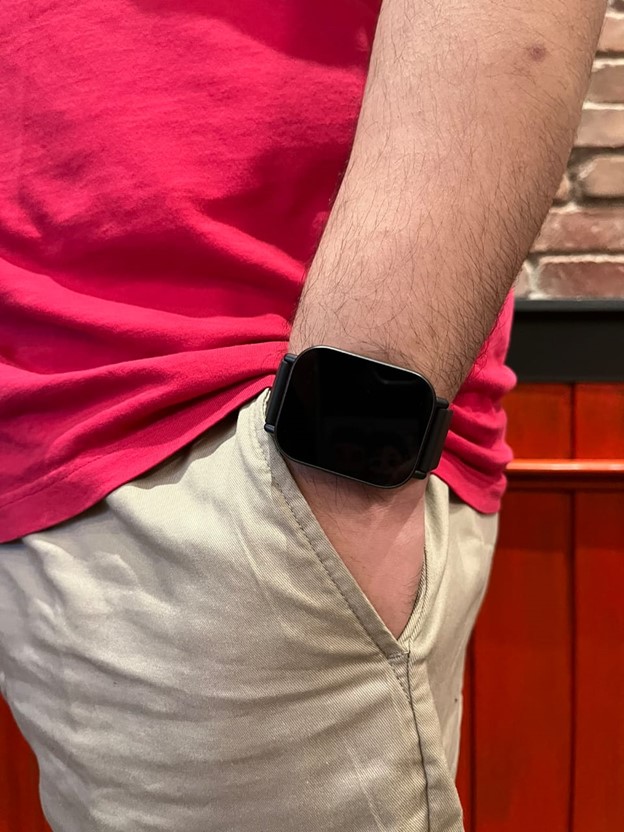
Apart from its sturdy build, which surprisingly fit my wrist quite well, it has detachable wrist straps allowing user customizability down the line or strap replacement for long-time use. I appreciate how its hinging mechanism is easier to operate too because a snapping mechanism could lead to broken straps — and that’s, unfortunately, speaking from experience.
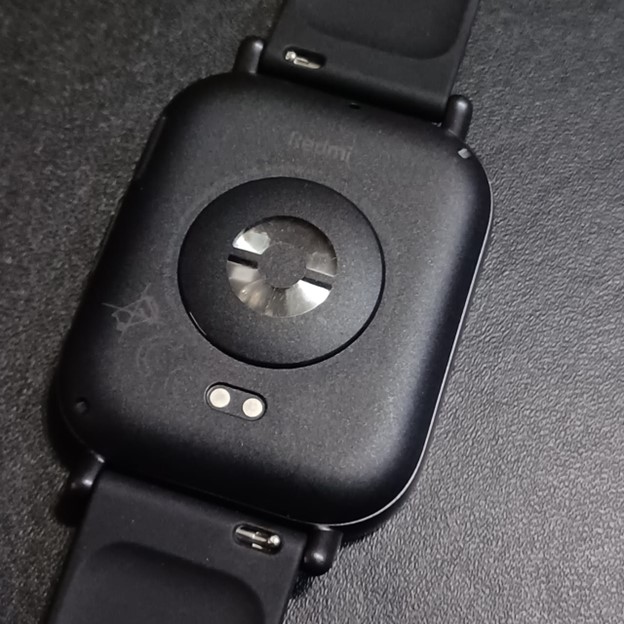
Operating the watch would require the use of the Mi Fitness app, which handily has its QR code shown upon opening the watch for the first time. The app is, all things considered, simple to use, letting you customize the watch not in the device but through the app itself.
What surprised me about this was not only was the app available in Google Play, but it could even be found in the Apple App Store too!
What makes the watch for me?
When I first saw the watch and looked up its specs, apart from the fitness watch functionality you’d expect, what caught my attention was it having an 18-day battery life. I thought it was a typo because, seriously, do smartwatches even last that long?
My last one would turn off the next day if I didn’t charge it, and lo and behold, almost a week later, fresh from the box, the Redmi Watch 5 Active not only still had a charge but could last for almost one more week. Further reading on the watch mentions needing a charge time of 1 hour for that 18-day battery, and that’s amazing, all things considered.

Another feature I thoroughly enjoyed with the Redmi Watch 5 Active was how it supported Bluetooth calling. Think about it this way: while it may be dangerous to bring out your cellphone in certain environments in Manila, having your device safely tucked away while still being able to communicate with others is a blessing in disguise. On an unrelated note, it also made me feel like a spy at times because I’d talk to my watch the same way those old spy flicks used to portray.
On the topic of productivity, the Redmi Watch 5 Active let me have a semblance of fitness in my schedule, often acting as a mini-assistant throughout my day. Between the fitness tracking, which is more relevant the older you get, staying informed through notifications set on the device, and even an alarm to start your day, this watch offers so much convenience in a fun little package.
Wrap-Up
The Redmi Watch 5 Active doesn’t act just as a watch but also as an extension of whichever device you’re connecting it to. While it can stand alone on its own, the fact of the matter is it’s still a tool that would only go as far as its user is willing to take it. And with its price point of PHP 1,899 on Shopee or PHP 1,799 on Lazada, Redmi definitely outdid itself.
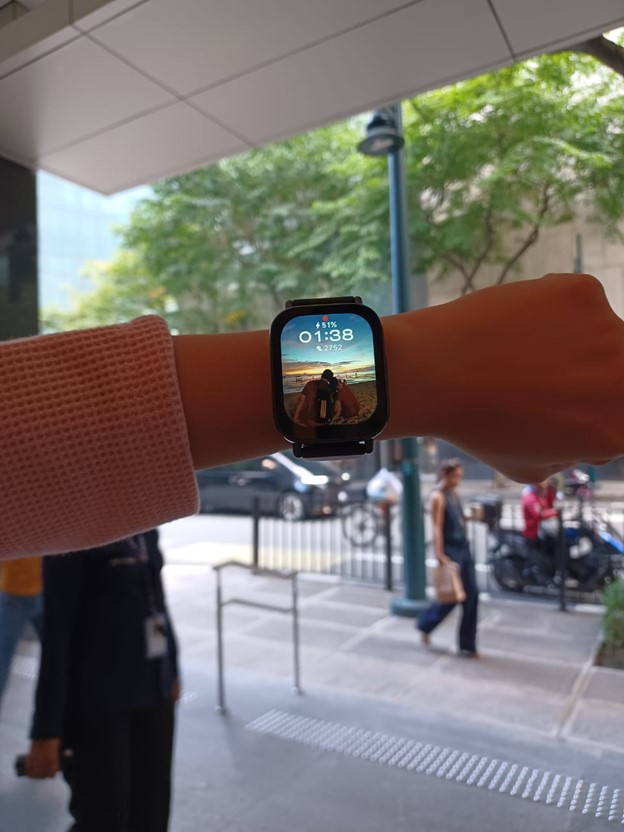
Whether it’s for personal use or even as a gift, getting to use the Redmi Watch 5 Active has me excited for other products under the Redmi brand. If you’re still looking for a gift this holiday season, why not check their official stores and get in on the action yourself?
