


So I spent a few weeks with the HUAWEI Mate X6. It’s a stunning phone. Foldable, premium, a real head-turner. But I already knew what most people would ask me the second I posted about it:
“Can you still use Google?”
And honestly? I used to wonder the same thing.
There’s been a lot of confusion ever since HUAWEI’s phones stopped shipping with Google Mobile Services (GMS).
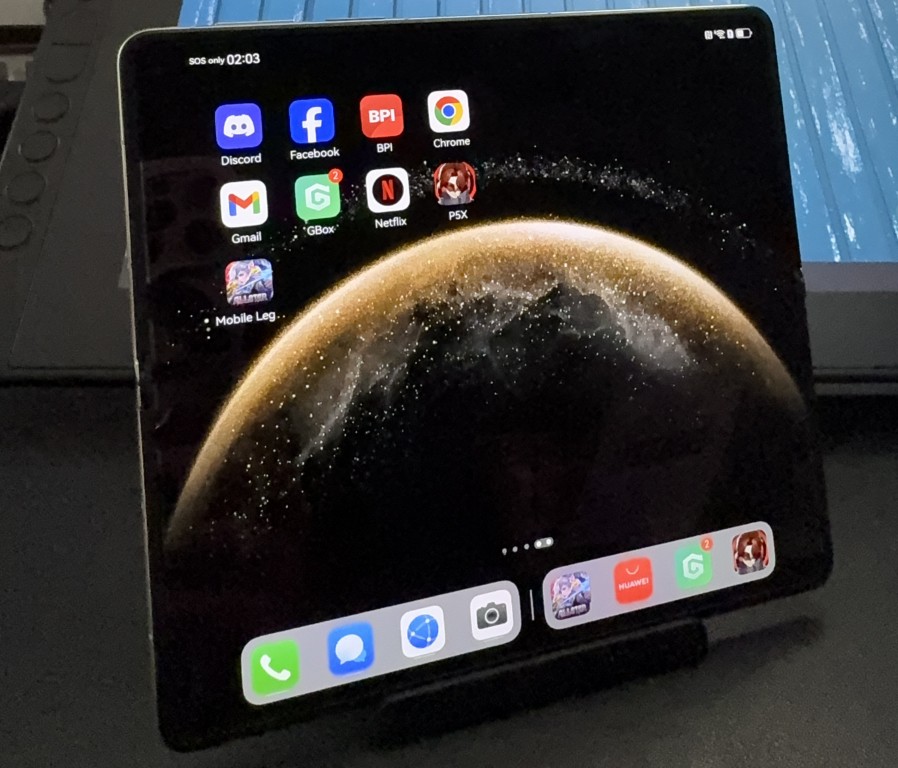
But here’s what I found after actually using the phone: you can still access your must-have apps including Gmail, YouTube, Chrome, Google Drive, Google Meet, and even local finance apps like GCash, BPI, UnionBank, Maya, and RCBC.
Here’s how you can easily install your favorite apps. Let me show you!
AppGallery is doing the work
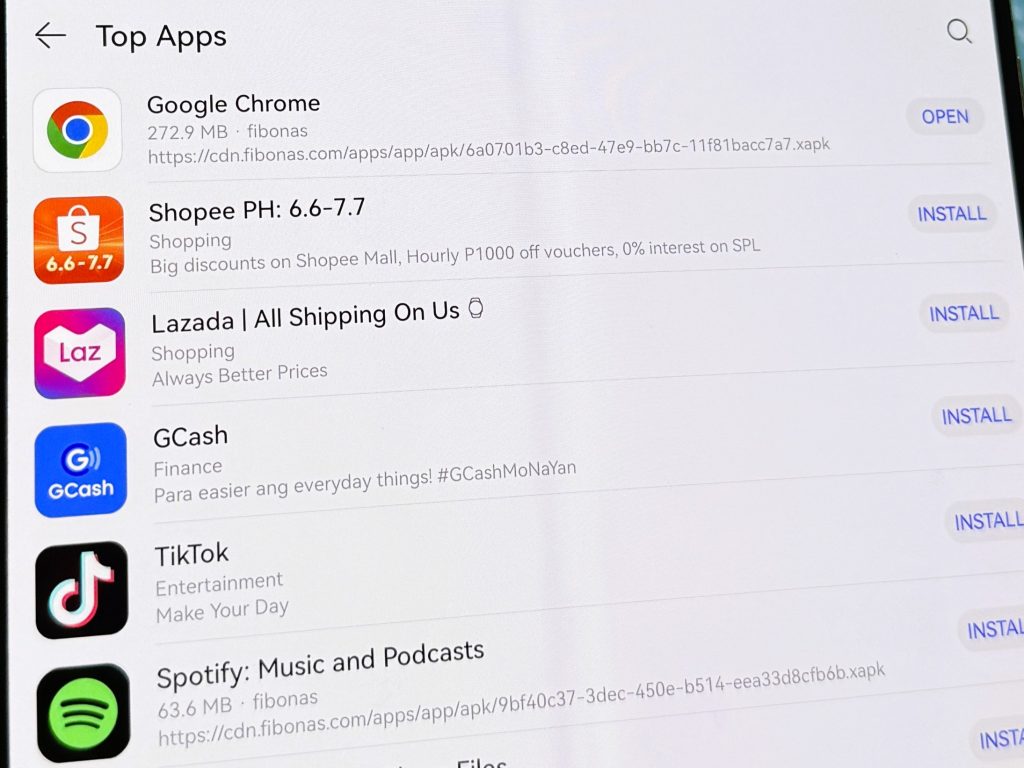
The Mate X6 comes with AppGallery, which is HUAWEI’s official app store. At first, I expected it to be kind of… empty? But no. Turns out it’s already the third-largest app distribution platform in the world. And most of the apps I use regularly were right there, waiting.
I’m talking:
▪️YouTube, Gmail, Google Drive, Google Docs, Google Meet
▪️Discord, Whatsapp, Messenger
▪️Facebook, Instagram, TikTok
▪️UnionBank, BPI, Maya, RCBC, GCash, BDO
▪️Shopee, Lazada
▪️Angkas, eGov Superapp
Just open AppGallery, type in what you’re looking for, tap “Get” and it installs.
Here’s how Gmail (and other Google Apps) actually work
When I tried installing Gmail, I got a quick pop-up telling me it would also install MicroG. This is what lets Google apps work properly without official GMS.
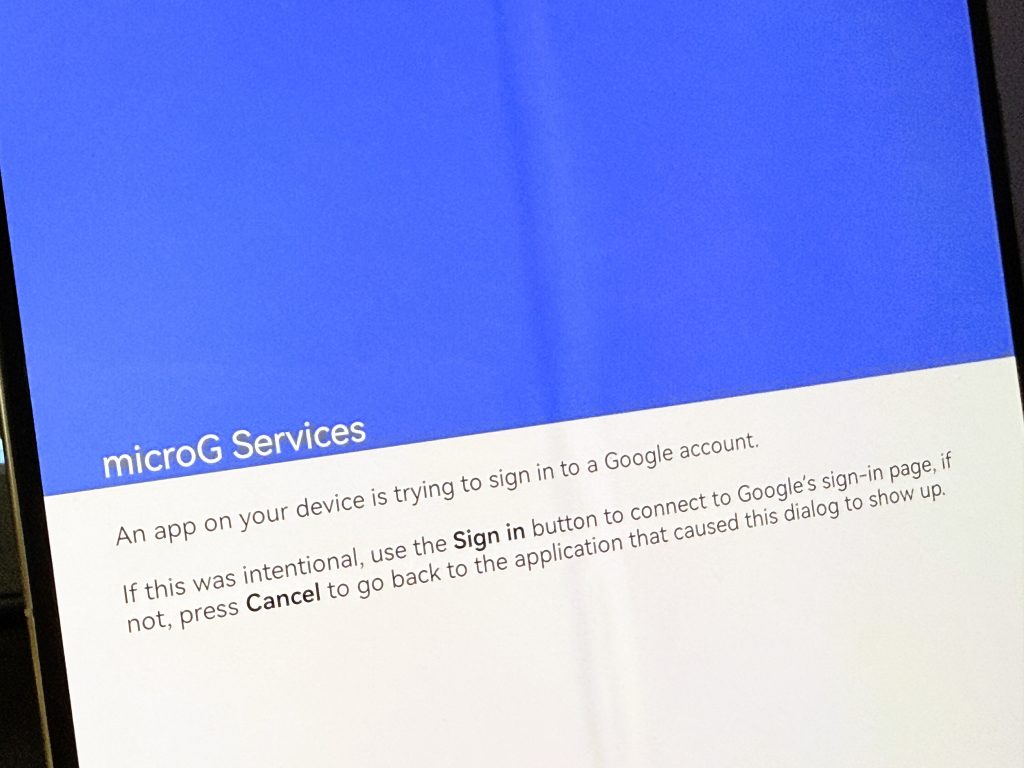
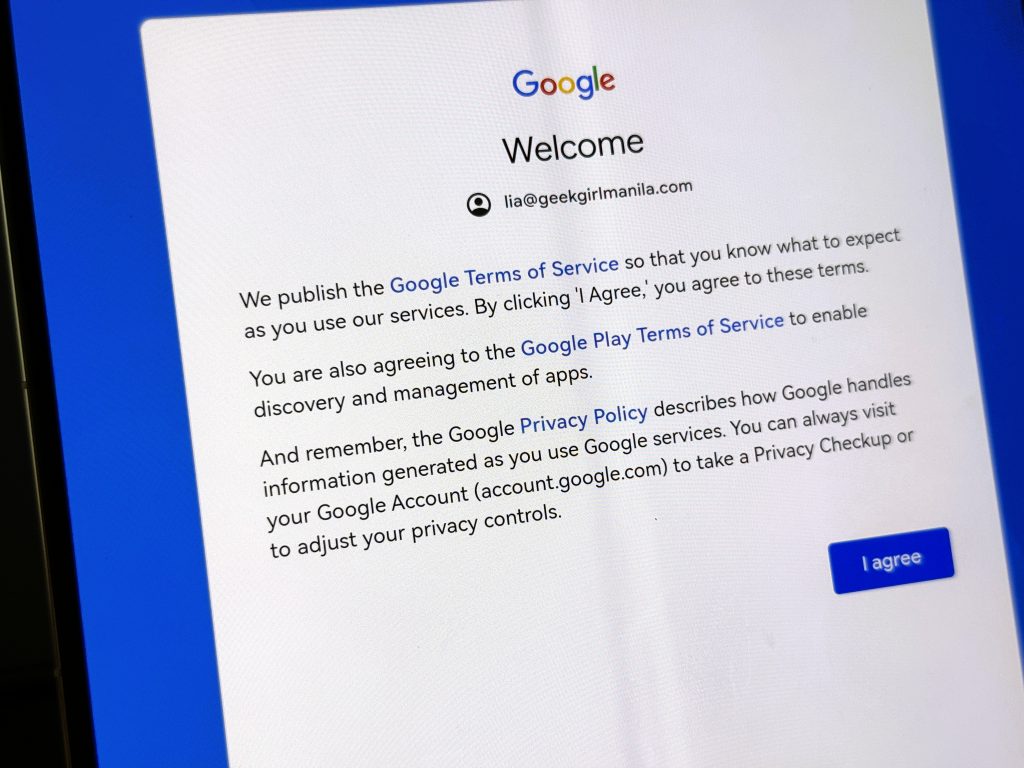
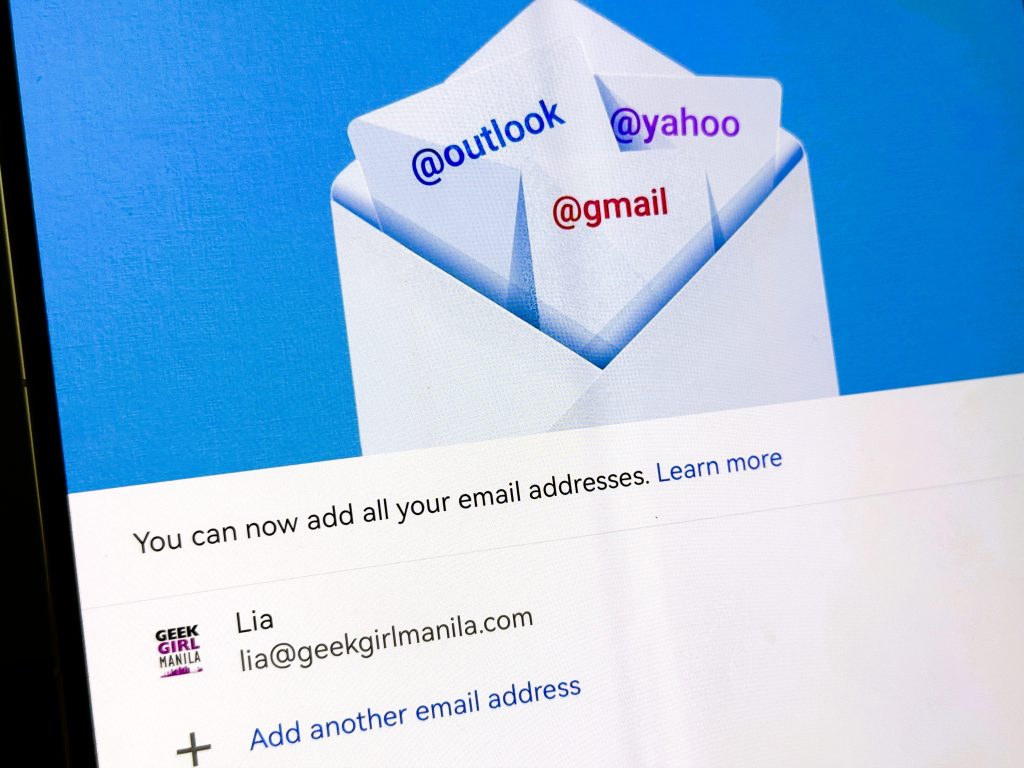
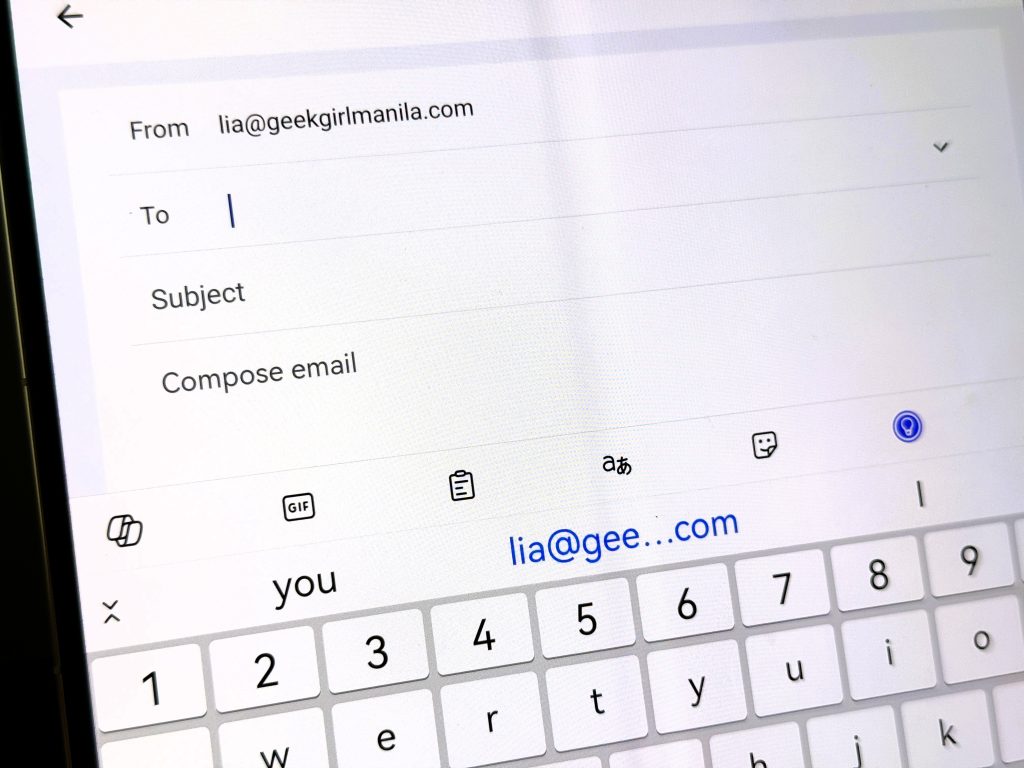
After logging into my Google account once, the rest synced automatically. My inbox was there, Google Meet worked, and other Google-linked apps just followed.
So no, I didn’t have to do any backflips or tech wizardry. It just worked.
What about apps that aren’t there?
That’s where GBox comes in.
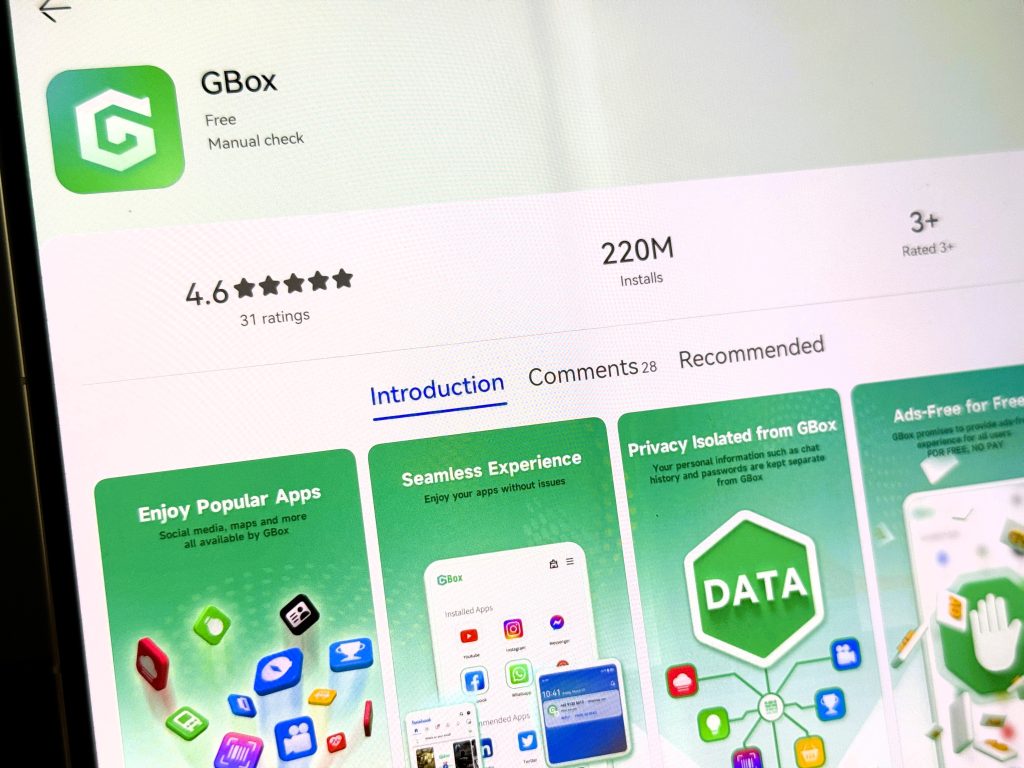
Some apps don’t show up directly in AppGallery. But you can install GBox (which is in AppGallery), and use it to download those apps safely.
I tested it out myself:
1. Searched for “GBox” in AppGallery and installed it.
2. Opened GBox, searched for Netflix, installed it.
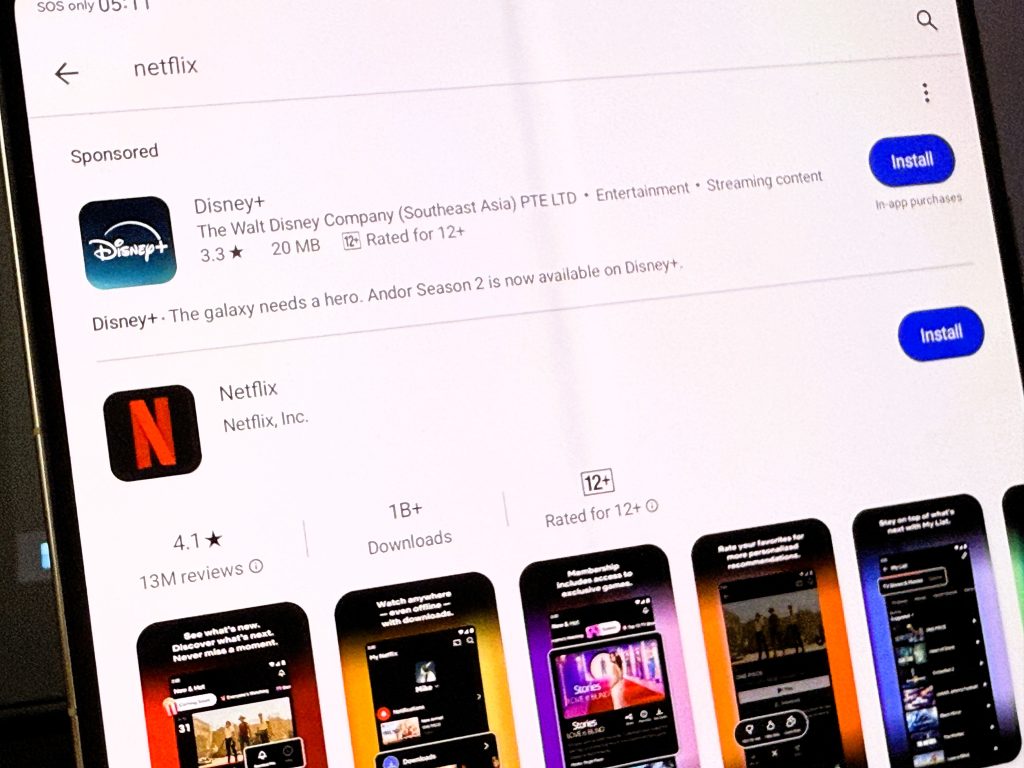
3. Logged in, hit Play. Easy.
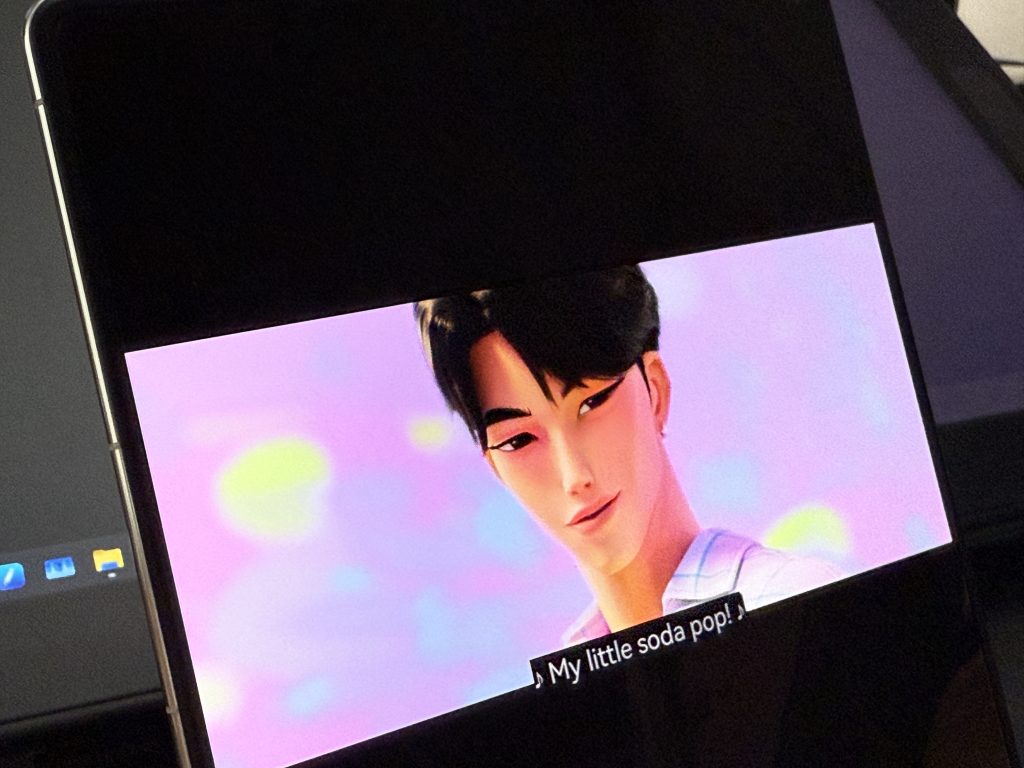
Everything ran normally. I wouldn’t have known it wasn’t a native install if I hadn’t been the one setting it up.
Yes, even my games are covered
As a gamer, of course I need my games. So one of the first things I checked while using the HUAWEI Mate X6 was: Can I install Persona 5: Phantom X?
Pleasantly surprised, the answer is yes.
Even though it’s a fairly new release (it just launched this July), I was able to install it using GBox with no issues. The game downloaded smoothly, launched without a hitch, and looked gorgeous on the Mate X6’s large foldable display.
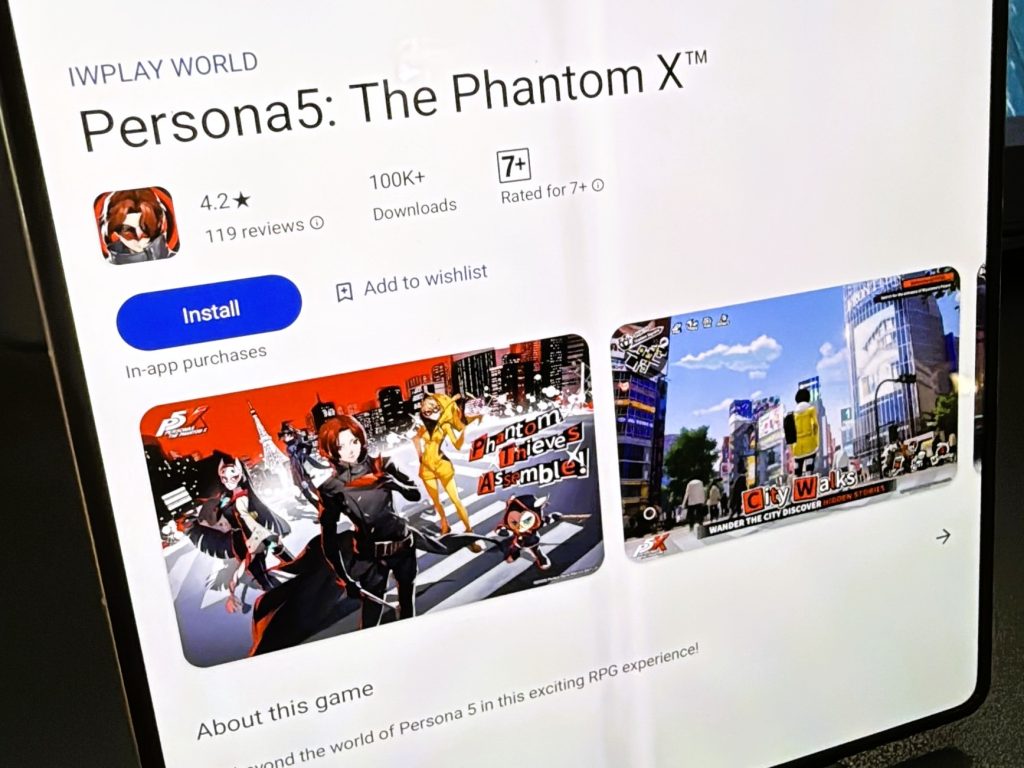
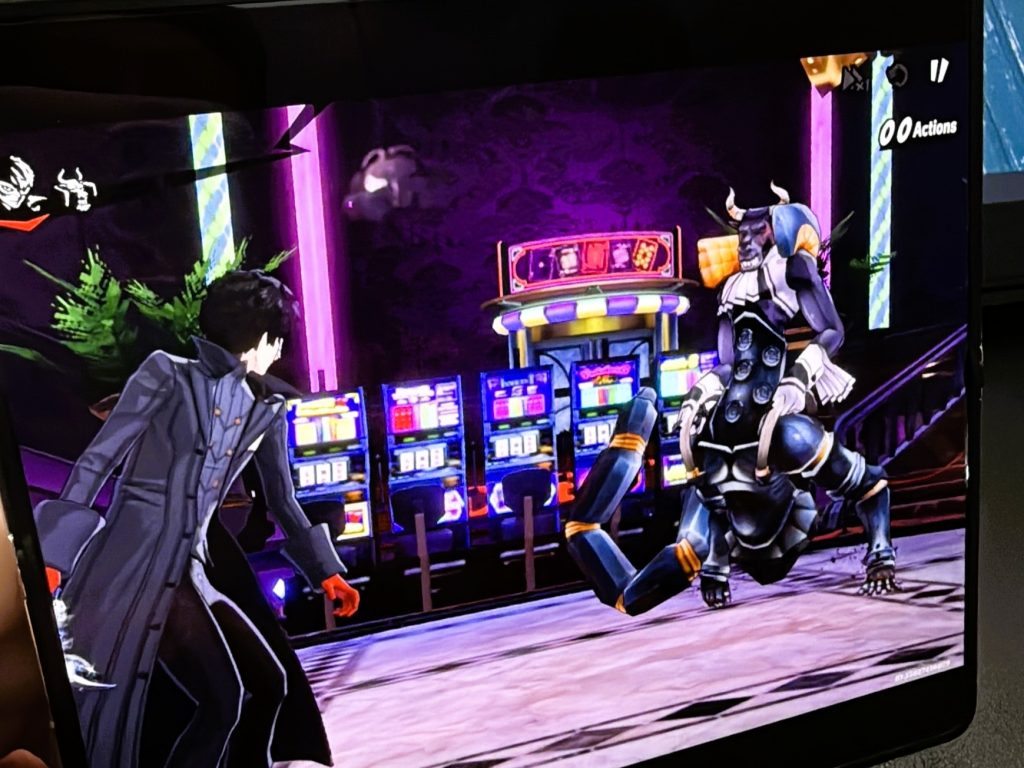
And if you’re into more mainstream titles like Mobile Legends? That works too. It’s playable, responsive, and ran without any lag during my test, whether folded for quick taps or fully open for more screen space.
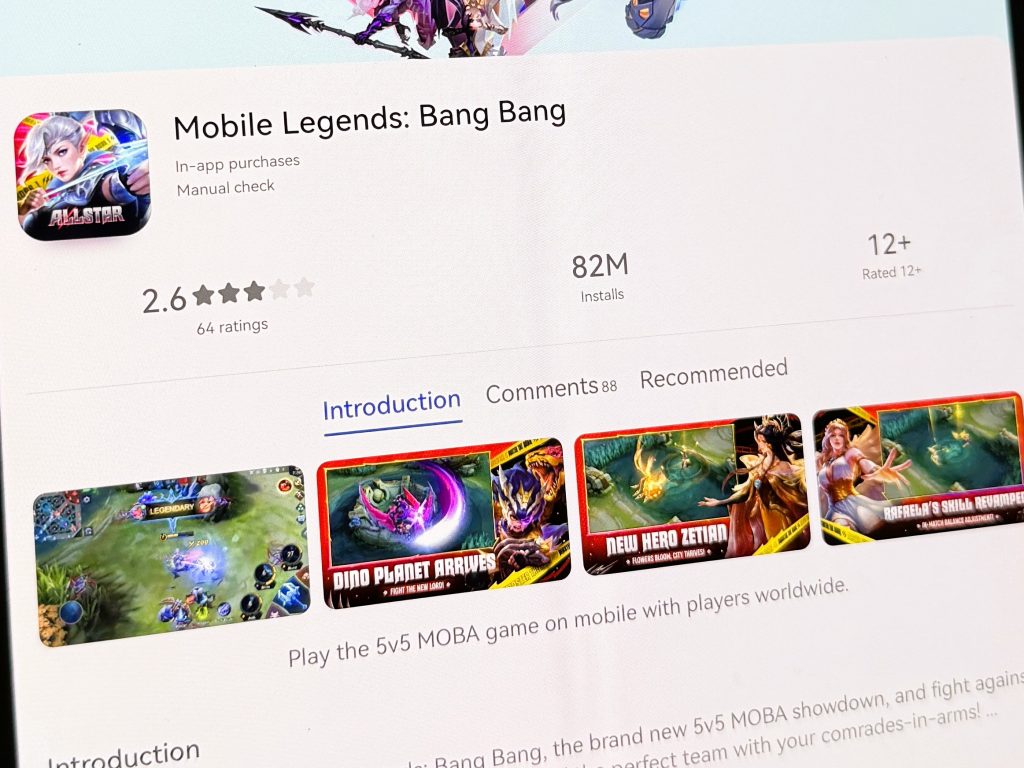
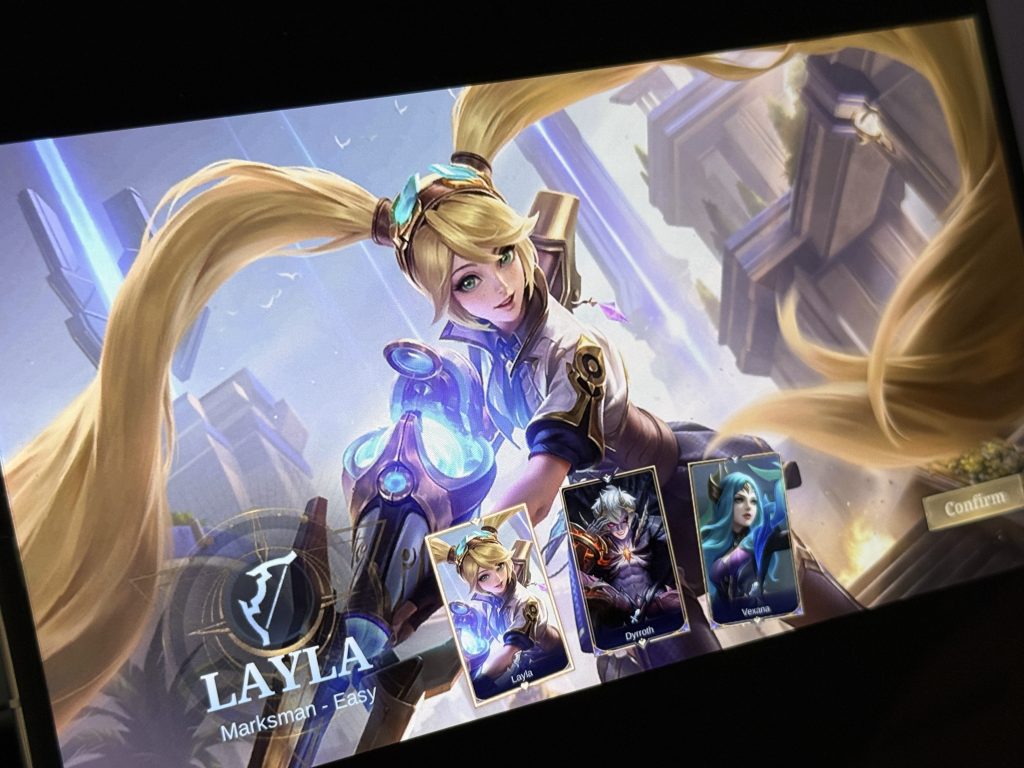
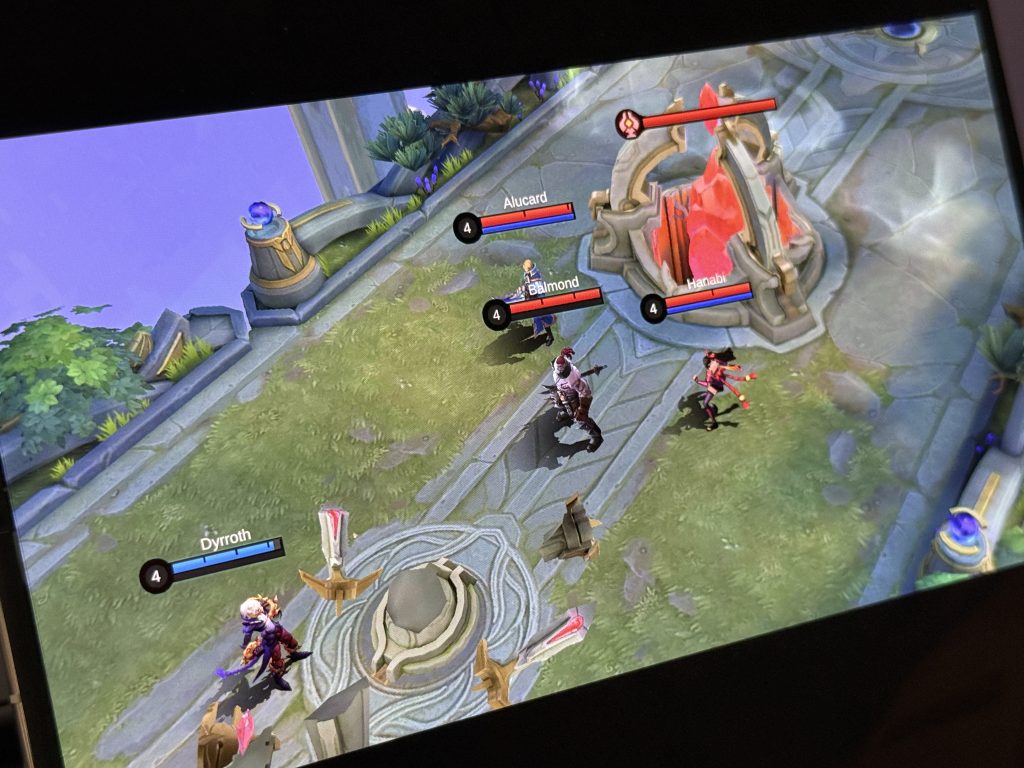
If something as fresh as Phantom X is already accessible (even through GBox) and Mobile Legends runs smoothly, it shows how well-supported the ecosystem really is. New games, old favorites, and everything in between? Totally playable.
Worried about privacy and security? They’ve got it covered
Now, I know what you’re thinking: How secure is all this?
AppGallery has serious credentials under its belt:
▪️ISO/IEC 27001
▪️ISO/IEC 27018
▪️CSA STAR
▪️CC EAL5+
▪️ePrivacyseal
Your personal info is encrypted and stored locally in your region, thanks to HUAWEI’s 8 regional and 15 global data centers. You’re also in control. You can disable personalized ads or reset your ad ID any time you like.
AppGallery is smooth and functional
AppGallery isn’t a band-aid solution. It’s actually well-optimized.
I noticed that once everything was installed, the apps ran smoothly. No weird bugs or lag. It didn’t feel like I was using a “workaround”. Everything just blended into the experience.
App suggestions also felt surprisingly relevant, and you can earn Huawei Points along the way for in-app perks and purchases.
So, would I use it again?
If app access is the thing holding you back, it really shouldn’t be. Between AppGallery and GBox, you’re pretty much covered.
Everything you rely on, emails, meetings, money transfers, movie nights, and games, is still available and backed by solid security.
Need help setting it up?
If you need a hand setting things up or have any questions, HUAWEI’s customer support is easy to reach. You can call their customer service hotline at 0923-0990468, or message them directly on Facebook through facebook.com/HuaweimobilePH.
