


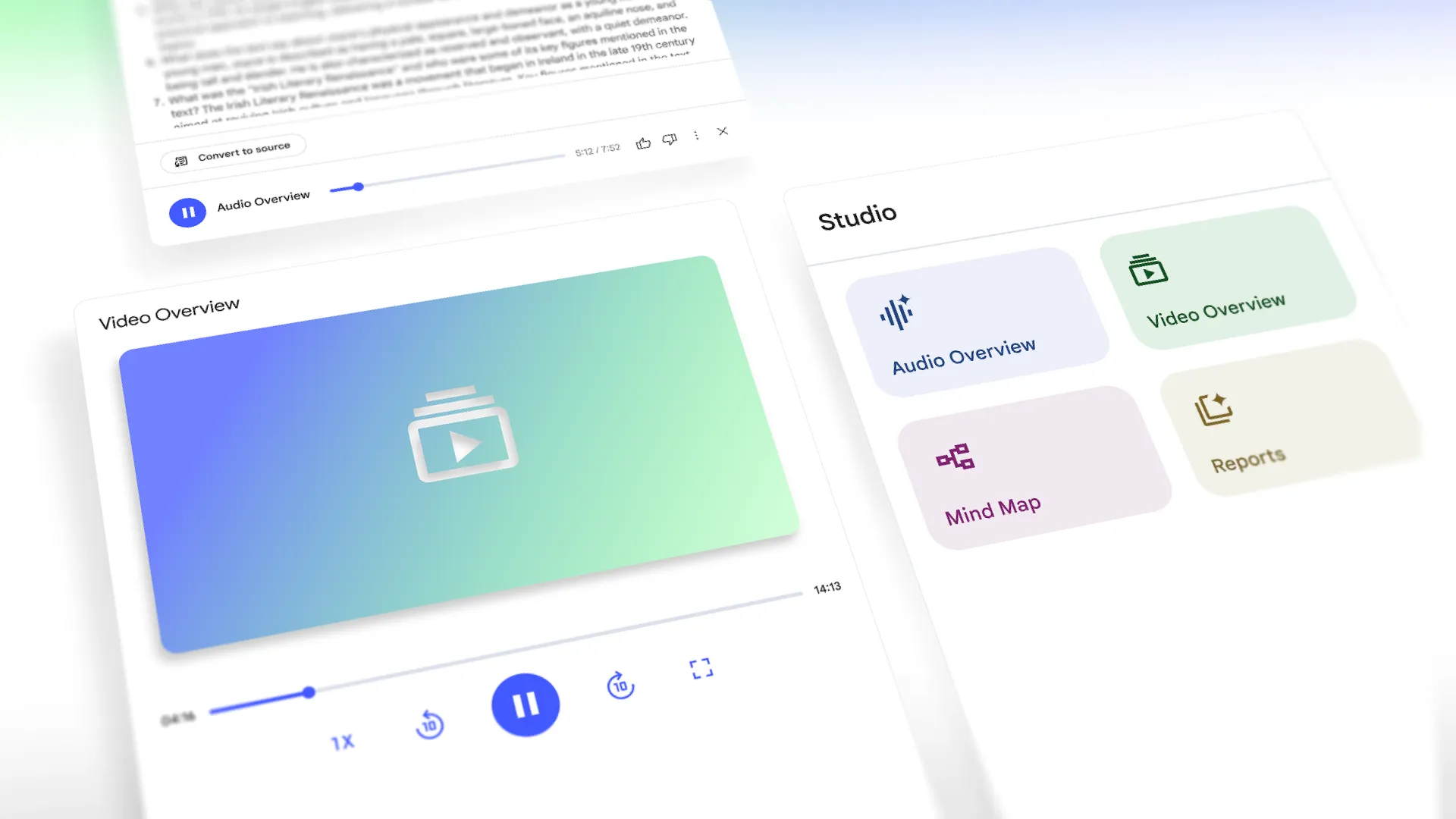
NotebookLM, the AI research assistant from Google, announced two major updates designed to make learning and research more dynamic and collaborative: the introduction of Video Overviews and a powerful new upgrade to its Studio panel. These features aim to transform how people digest and share complex information.
Introducing narrated Video Overviews
NotebookLM’s new Video Overviews provide a visual alternative to its popular Audio Overviews. This initial release features narrated slides where an AI host creates custom visuals, diagrams, and illustrations while also incorporating key information like quotes and data from your documents. This makes it an ideal tool for explaining complex concepts, demonstrating processes, and making abstract ideas more concrete.
People can customize these video outputs by specifying topics, learning goals, and target audiences. For example, you can ask for a broad overview of a new topic or a highly specific breakdown for an expert audience. Video Overviews are now rolling out to all in English, with additional languages coming soon.
A more powerful, redesigned Studio
NotebookLM’s Studio panel has been completely redesigned to be more flexible and collaborative. Previously, people could only create one of each output type (like a Mind Map or Study Guide) per notebook. Now, the upgraded Studio allows you to create and store multiple outputs of the same type within a single notebook.
This unlocks new possibilities, such as:
- Creating Audio Overviews in multiple languages to make a public notebook globally accessible.
- Generating different Video Overviews tailored to various roles within a team notebook.
- Producing multiple Mind Maps or Study Guides, each focusing on a different chapter of your course notes.
The new Studio panel features four distinct tiles for creating Audio Overviews, Video Overviews, Mind Maps, and Reports. All generated content is conveniently stored in a list below these tiles, and people can now multi-task within the panel—for instance, listening to an Audio Overview while exploring a Mind Map.
The redesigned Studio is rolling out to all over the next few weeks, making it easier than ever to transform source material into a comprehensive collection of learning formats.
For more information, visit Google’s official blog The Keyword.
