


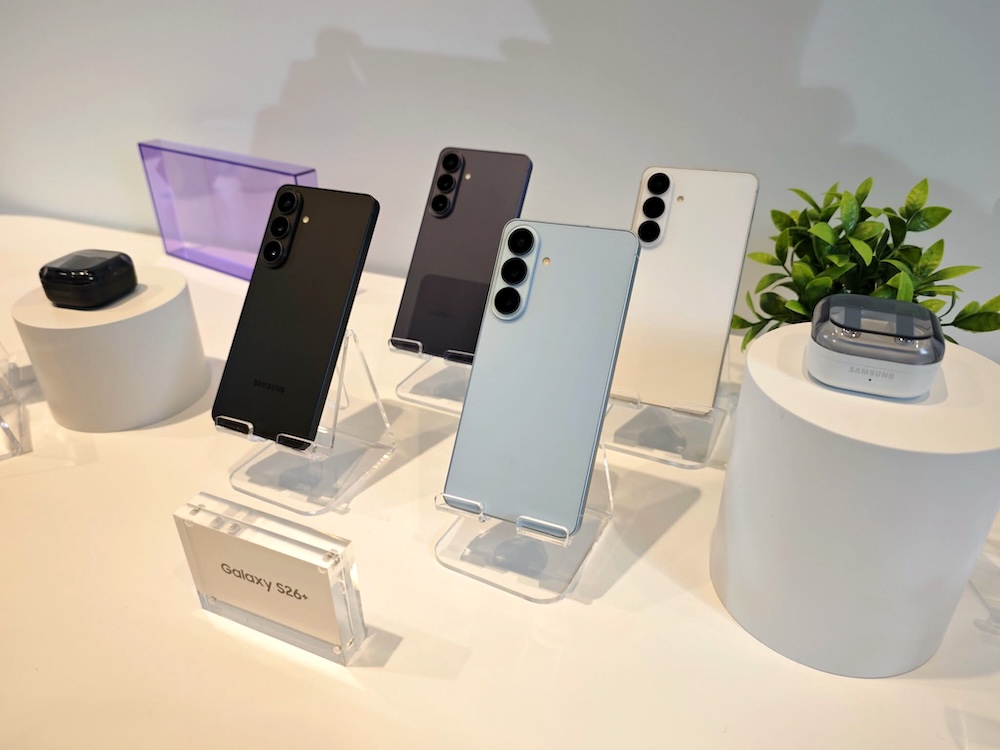
SAN FRANCISCO — At its annual Unpacked event, Samsung doubled down on its third-generation AI smartphones, the Galaxy S26, S26+ and S26 Ultra, expanding its Galaxy AI features. The updates, along with new features, focus on how artificial intelligence (AI), particularly generative AI (GenAI), help users handle everyday tasks more efficiently.
The company is also advancing its Agentic AI, or Multi AI Agent, by integrating it at the operating system level. The deeper integration reduces the need to switch between apps and allows a single prompt to generate multiple actions or results.
Camera features have always been one of the most anticipated features in any smartphone launch or upgrades. And Samsung cannot emphasize enough how it used improved its camera to make it smarter and easier to use.
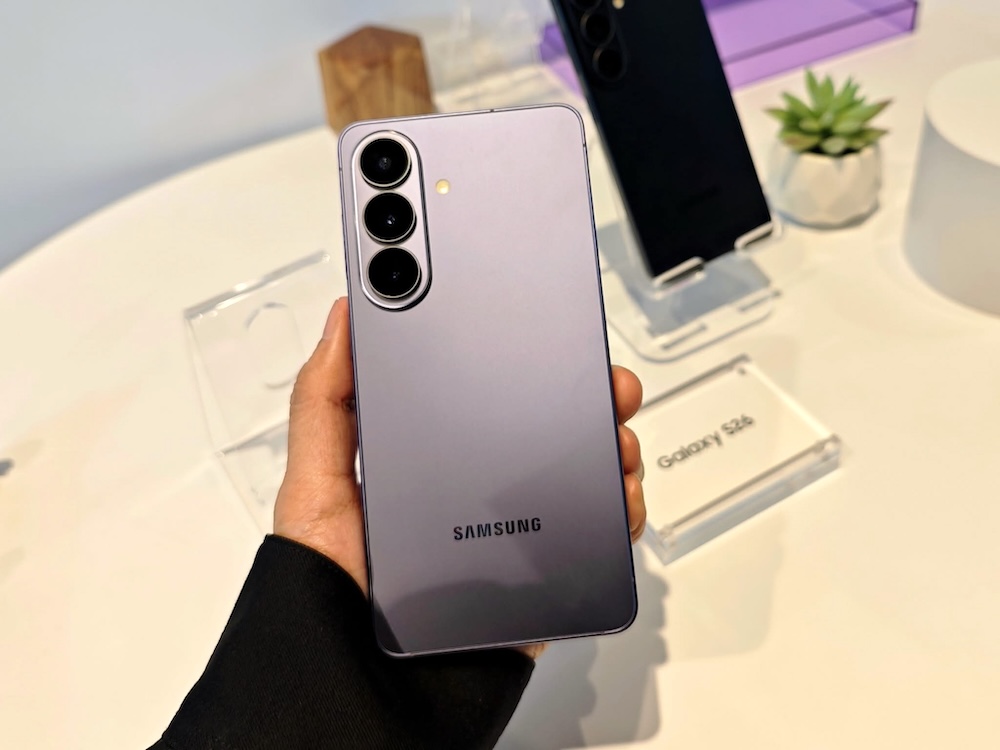
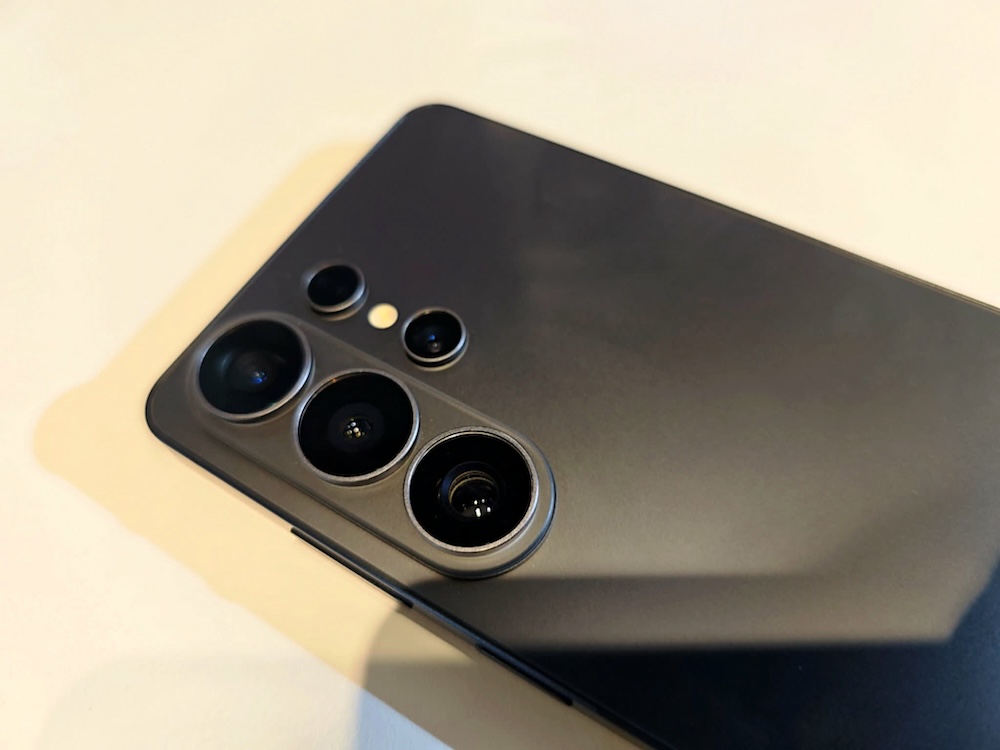
The Galaxy S26 Series uses sensors that are built to capture more detail and let in more light. That means brighter photos, especially indoors or at night. Both the wide and telephoto cameras are designed to perform better in low light. Samsung’s third-generation Pro Visual Engine helps reduce grain and noise, so night photos and videos look cleaner and more balanced instead of blurry or washed out.
The phone also uses motion data from its built-in gyro sensor to adjust exposure as you move. If you walk from a bright area into a darker one while recording, the camera smoothly adjusts the lighting so the video does not suddenly look too dark or too bright.
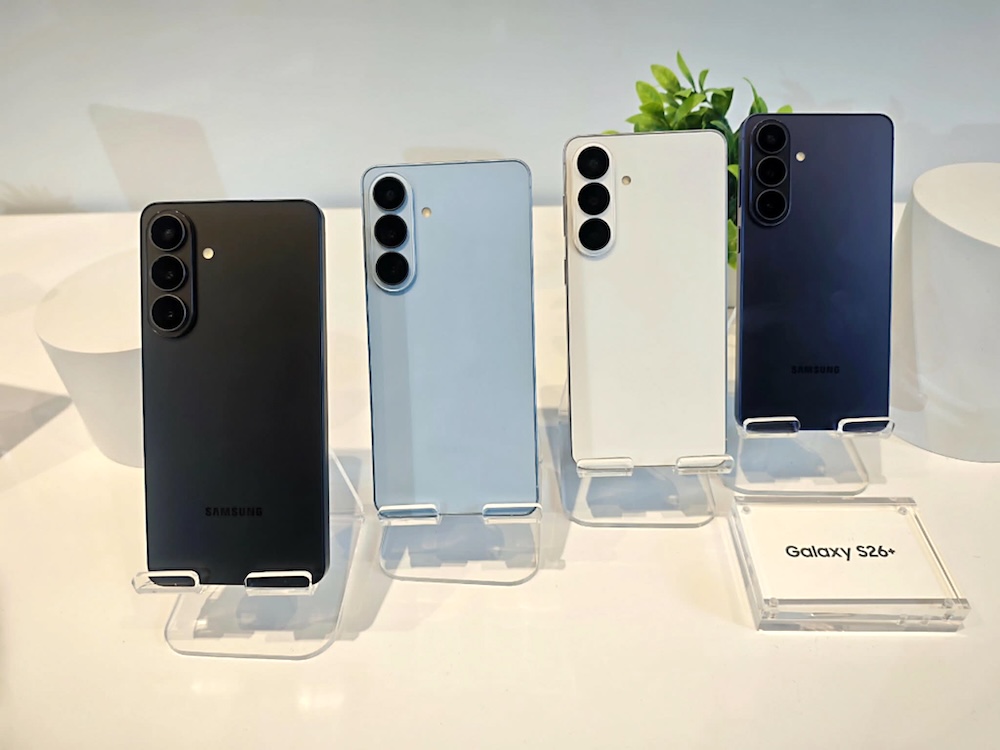
Generative AI
Galaxy S26 Series brings its Generative Edit features to another level. This time, editing is more flexible. You can type what you want changed, say it using your voice, or use another image as a guide. Just want GenAI is meant to do. The goal is to make editing feel simple, even for users who are not familiar with professional tools.
Creative Studio gathers editing and design tools in one place. With Drawing Assist, users can turn simple sketches or ideas into greeting cards, posters, or social media images. You can start with a photo, a rough drawing, or just a short description, then refine it without jumping between different apps. (Details of the features will be discussed soon.)
Here’s a quick look at the latest from Samsung’s flagships:
| Samsung Galaxy S26 Ultra | |
| Display | 6.9-inch* QHD+ Dynamic AMOLED 2X120Hz adaptive refresh rate (1–120Hz)Vision Booster |
| Dimensions & Weight | 78.1 × 163.6 × 7.9 mm214 g |
| Rear Camera – Ultra-Wide | 50MP, F1.9 |
| Rear Camera – Wide | 200MP, F1.42x Optical Quality Zoom |
| Rear Camera – Telephoto (Periscope) | 50MP, F2.95x Optical Zoom10x Optical Quality Zoom |
| Rear Camera – Telephoto | 10MP, F2.43x Optical Zoom |
| Front Camera | 12MP, F2.2 |
| Processor (AP) | Snapdragon® 8 Elite Gen 5 for Galaxy |
| Memory & Storage | 16GB + 1TB12GB + 512GB12GB + 256GB |
| Battery | 5,000 mAh |
| Galaxy S26 | Galaxy S26+ | |
| Display | 6.3-inch FHD+* Dynamic AMOLED 2X 120Hz adaptive refresh rate (1–120Hz) Vision Booster | 6.7-inch QHD+* Dynamic AMOLED 2X 120Hz adaptive refresh rate (1–120Hz) Vision Booster |
| Dimensions & Weight | 71.7 × 149.6 × 7.2 mm, 167 g (Sub6) | 75.8 × 158.4 × 7.3 mm, 190 g (mmWave/Sub6) |
| Processor (AP) | Exynos 2600* | Exynos 2600* |
| Rear Camera – Ultra-Wide | 12MP, F2.2 | 12MP, F2.2 |
| Rear Camera – Wide | 50MP, F1.8 2x Optical Quality Zoom | 50MP, F1.8 2x Optical Quality Zoom |
| Rear Camera – Telephoto | 10MP, F2.4 3x Optical Zoom | 10MP, F2.4 3x Optical Zoom |
| Front Camera | 12MP, F2.2 | 12MP, F2.2 |
| Memory & Storage | 12GB + 512GB 12GB + 256GB | 12GB + 512GB 12GB + 256GB |
| Battery | 4,300 mAh | 4,900 mAh |
