


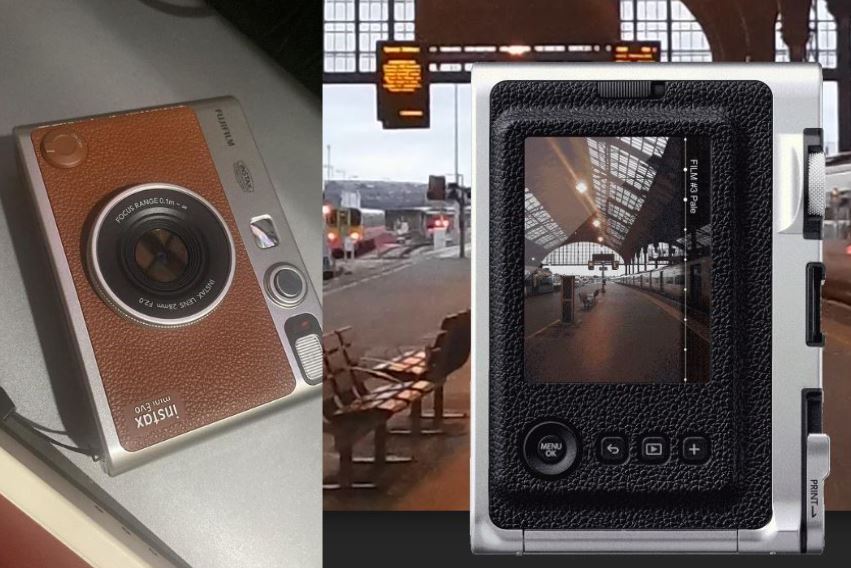
Partly analog, partly digital, all awesomeness.
I belatedly jumped into the Instax bandwagon and I couldn’t be happier at the timing. I got the mid-2023 version of the Instax mini Evo that came with a USB-C charging port. Fujifilm calls it a hybrid instant camera because it can be used as a conventional Instax where picures can be instantly printed … BUT it also can take digital photos! This allows you to snap and choose which photos are worth printing – a godsend for people who cringe at the wastefulness of printing out less-than-perfect picture moments.
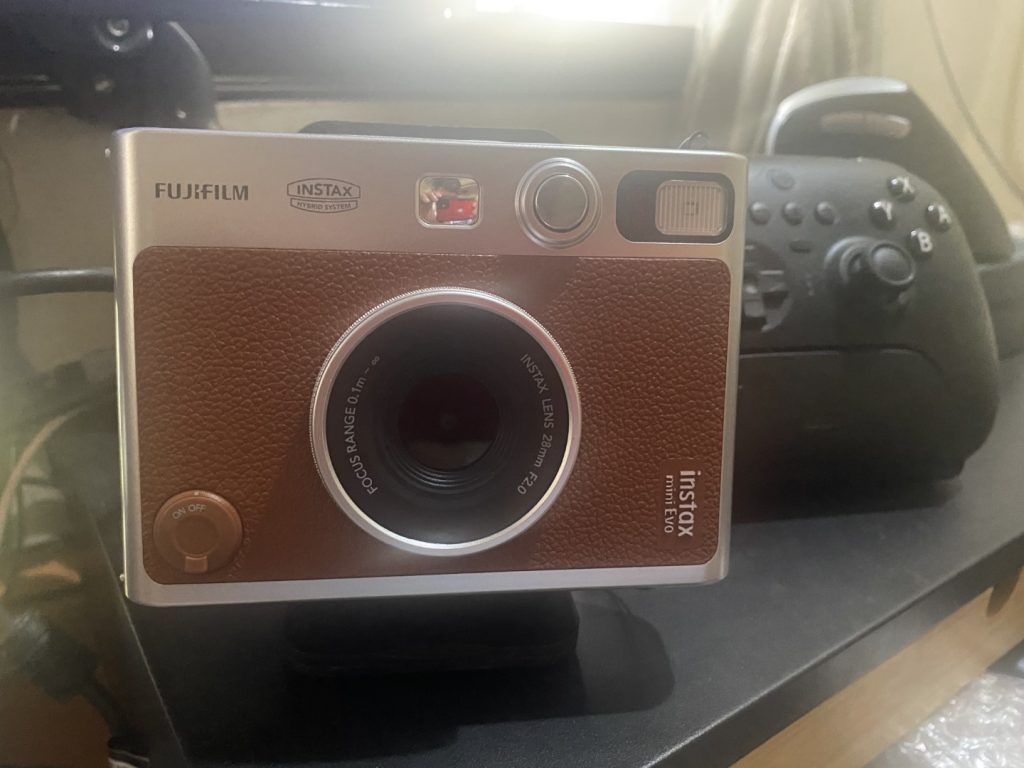
The Instax mini Evo has a 1/5-inch CMOS with primary color filter, an internal storage that can store 45 images (expandable to thousands if used with a micro SD card), f/2.0 aperture and a shooting distance of 10 cm (for macro shots) to “infinity.” Apart from being able to print images from the camera itself, it can also print images taken from a smartphone using the Instax mini Evo app which is available on Android and iOS. So yes, in a way it’s also a printer for your smartphone! The unit I have comes in brown and looks like a ‘retro’ rangefinder camera.
What’s special about the Instax mini Evo is that it is capable of taking pictures in 100 different modes. It has 10 “filters” and 10 lens modes. With that, creative users will have virtually endless (actuually, 100) ways of being creative with the images that thay take.
One quirky feature I find interesting is that it has a shutter button on the usual spot at the top of the device AND another shutter button in front that makes it easy to take pictures in portait mode. Quite handy because Instax prints look best in portrait orientation. Taking pictures is as easy as it can get – if you know how to use a conventional camera, taking picures with this baby is a breeze. It only took me a few minutes to figure out how to use it (without looking at the manual) and I was able to take pretty nice pictures with it.
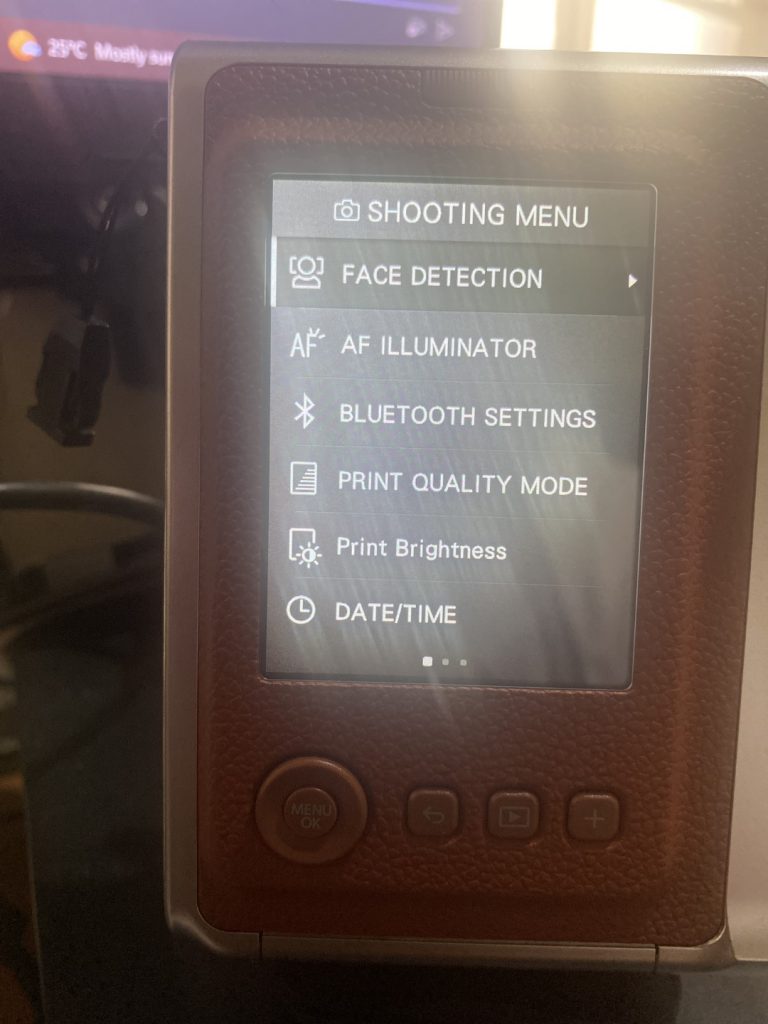

One thing to note is that digial “prints” from this camera will look like a a regular JPG image unless it is printed out. Once an image has been printed, the image can be saved to look exactly like an Instax picture. One thing that I don’t actually like about this camera is that in order to transfer pcitures to a computer, it needs to have a micro SD card and it has to be manually copied over using an external micro SD card reader.
PROS:
- Huge retro vibes!
- Available built-in filters can really stretch one’s creativity
- Very easy to use
- Less wasted prints unlike the conventional Instax camera
CONS:
- The built-in screen may be a bit difficult to see on sunny days
- The on-device menu takes a bit of getting used to
- Transferring pictures to a computer is not a built-in feature
- Slow charging time
VERDICT:
The Instax mini Evo is a great way to enter into the world of Instax cameras as it is reasonably priced between P11,000 – P12,000 give or take with a bunch of freebies (some online stores bundle microSD cards and Instax photo paper). Apart from the ability to have the instant gratification of immediately printing out pictures, it also gives the user the option to pick and choose which pictures to print out, avoiding wasted prints. It also can serve as a standalone photo printer when used with the Instax mini Evo app.
