


In the Philippines, unexpected brownouts and blackouts are a reality we’ve all come to know too well – and as a gamer, it’s a HUGE hassle.
But that’s where the APC Back-UPS Pro Gaming can step in to save the day!
I’ve had the chance to try it out, and I have a couple of thoughts to share, especially whether it’s worth PHP 25,500 (yes, that’s the Philippine price tag).
First Impressions & Design
The Back-UPS Pro Gaming is more than just another UPS.
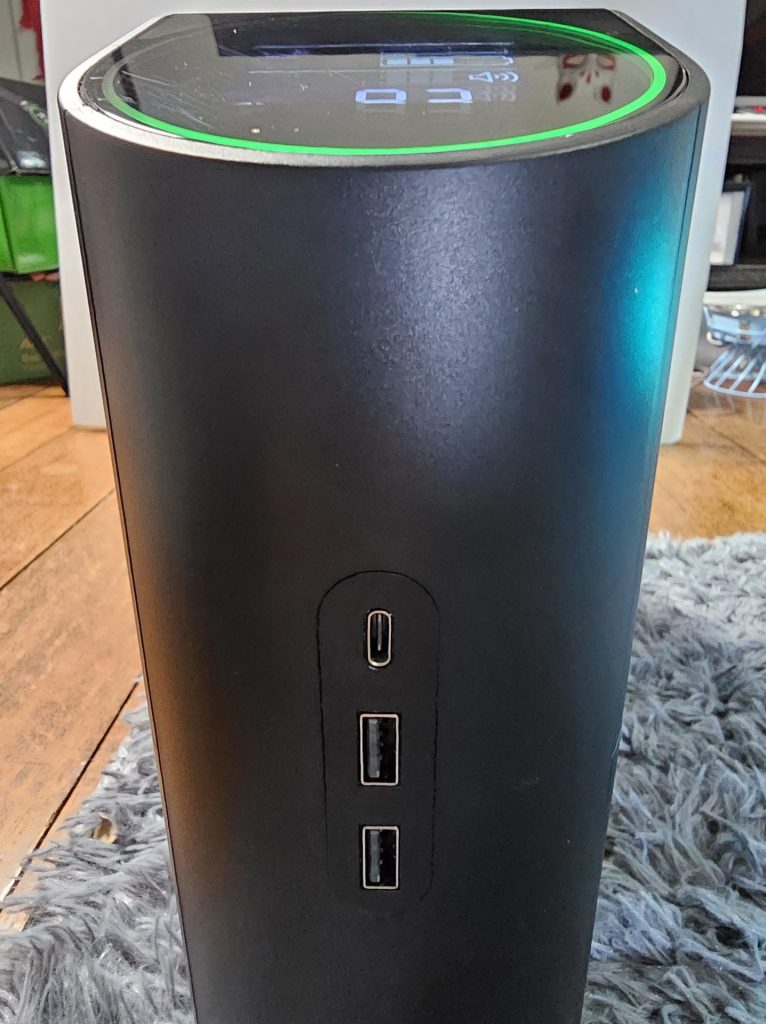
It’s designed with aesthetics in mind, which is something I appreciate as a gamer.
It’s got a sleek look with RGB lighting – 12 customizable colors to match any gaming setup.
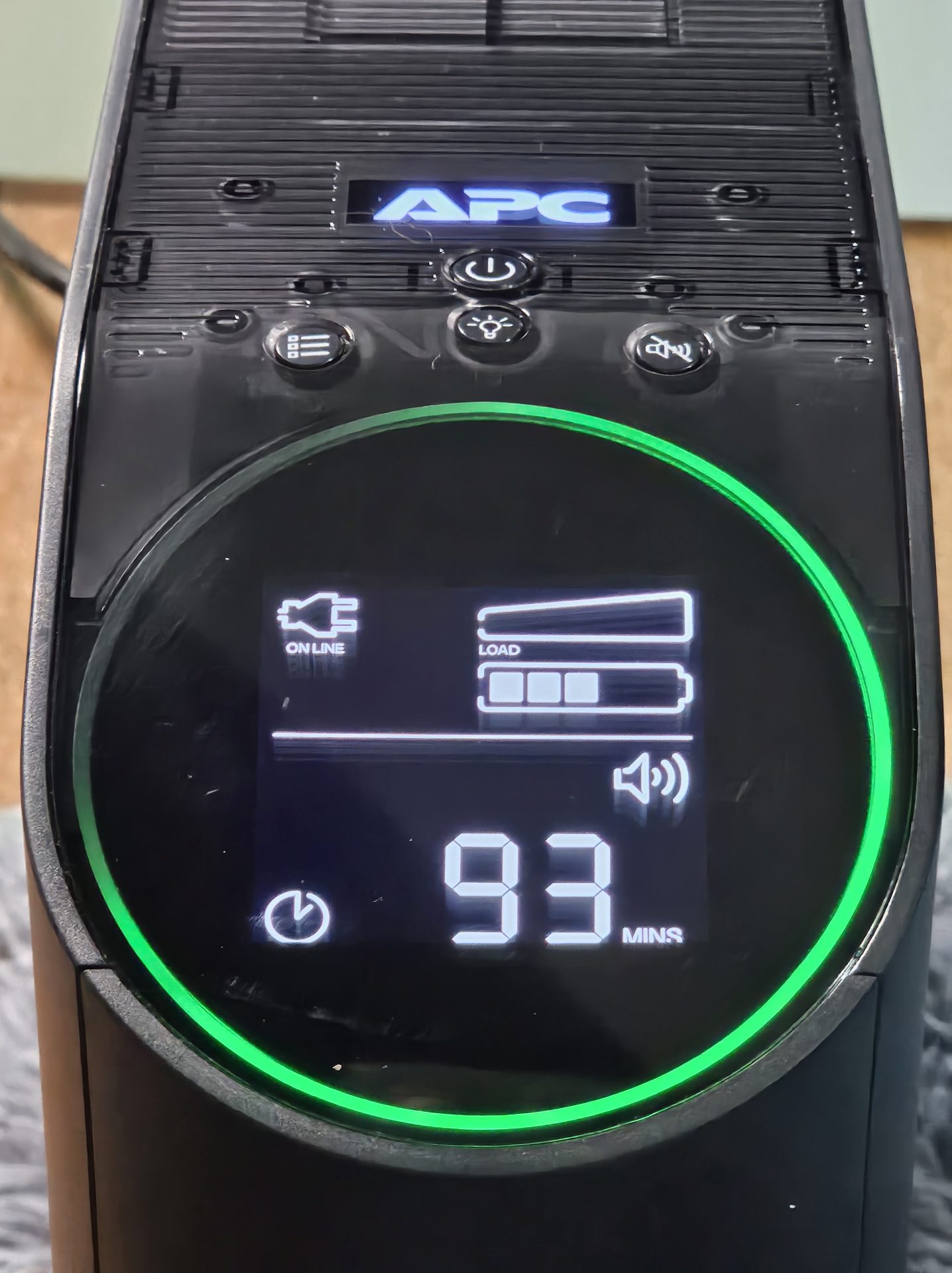
There’s also a “Reactor Circle” that ticks down during an outage, so you’ll always know how much time you’ve got left before your gear shuts down.
The 160-degree tilt of the reactor circle may sound like a small detail, but having it visible from different angles adds to its usability.
Power & Performance: Specs That Matter for Gamers
Here’s a breakdown of the power and performance features:
Output Power Capacity: With a capacity of 2200 VA / 1320 W, this UPS has the muscle to keep high-performance setups running smoothly.
Automatic Voltage Regulation (AVR): AVR keeps your setup protected from minor power fluctuations, extending the life of your console or PC and preventing unexpected shutdowns.
Runtime: At a 450W load, you’ll get around 14.5 minutes of backup. At full load (1320W), it provides a solid 50 seconds to safely power down.
Connections: It includes 3 IEC and 3 Universal outlets for output, with battery support on 2 IEC and 2 Universal outlets, plus surge protection on an additional IEC and Universal outlet.
USB Access: The UPS also comes with USB charging ports, allowing you to keep your mobile devices and accessories powered up during an outage. This added convenience is great for gamers who use USB-powered peripherals or need to charge a smartphone while gaming.
While it’s not lightweight at 12.24 kg, the UPS is manageable and fits seamlessly into any gaming setup.
Why Choose the APC Back-UPS Pro Gaming When There Are Cheaper Alternatives?
With a price tag of PHP 25,500, you might be wondering why the APC Back-UPS Pro Gaming is worth the extra investment compared to cheaper UPS options.
While it’s true that basic UPS models can provide some backup power, the Pro Gaming model offers features tailored specifically for gamers and high-performance setups.
Stable Power with Sinewave Output: Unlike many budget UPS options, this model provides sinewave power, which is especially important for protecting gaming rigs and sensitive electronics. It reduces the risk of sudden shutdowns, overheating, or crashes that can happen with lower-end models during power interruptions.
Real-Time Power Indicator: The “Reactor Circle” countdown timer is unique to the Pro Gaming model. Cheaper alternatives often lack this feature, so you won’t know exactly how much time you have to save your game or wrap up your work during a brownout.
Customizable RGB Lighting: While not a necessity, the customizable lighting is a nice touch for anyone who wants a cohesive look in their gaming setup. It blends functionality with style, letting you match it to the rest of your gear.
Extended Runtime: With a 450W load, you get around 14.5 minutes of backup time – which is longer than what most models provide. It’s enough time to either save your game or finish up a quick online match, so you’re not left in a panic when the power goes out.
Real-Life Testing & Community Insights: Your New Brownout Buddy
I’ve been lucky enough to test a range of tech gadgets, and this time, I wanted a broader perspective, so I reached out to friends in the gaming community.
They had plenty of questions, from the technical (“Can it run my entire setup?”) to the practical (“How much space does it take up?”).
The top concern, especially for PlayStation and Xbox gamers, was backup time.
To test the UPS’s endurance, we set up a typical “brownout scenario,” running a PlayStation 5 and a 55-inch smart TV.
Watching the “Reactor Circle” countdown during an outage was oddly satisfying (and maybe a little nerve-wracking), but knowing exactly how much time you have left is like a calm voice saying, “It’s okay, you’ve got this.”
You’ll get around 10–15 minutes of backup for most consoles – just enough to save your game, finish up a round, or gracefully log off.
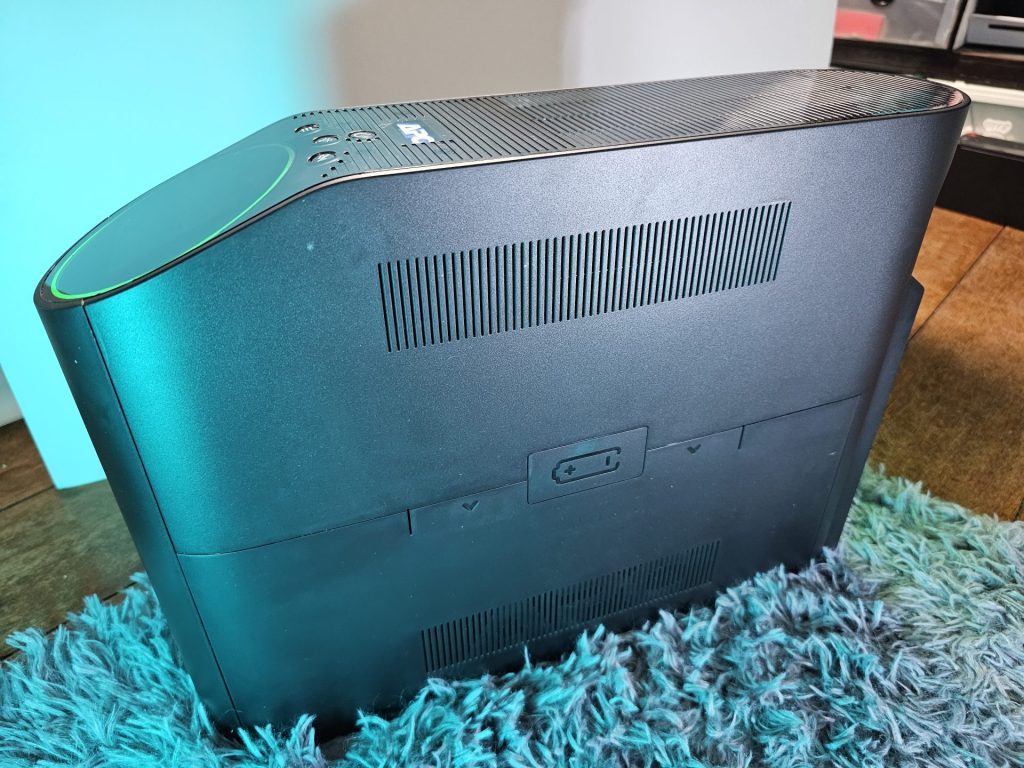
For longtime APC users, this model also makes battery swapping easier with a panel that slides open smoothly, eliminating the hassle of screws.
Do I Recommend the APC Back-UPS Pro Gaming?
If you’re a serious gamer or content creator who’s invested time, money, and effort into building a top-notch (and expensive) setup, the APC Back-UPS Pro Gaming is a solid safeguard.
It might not be an absolute necessity, but it’s one of those upgrades that make you wonder how you ever managed without it.
With its sleek design, functionality, and dependable power backup, it’s like a sturdy insurance policy for your rig.
If you’re in a brownout-prone area and have the budget for it, this is a worthwhile upgrade.
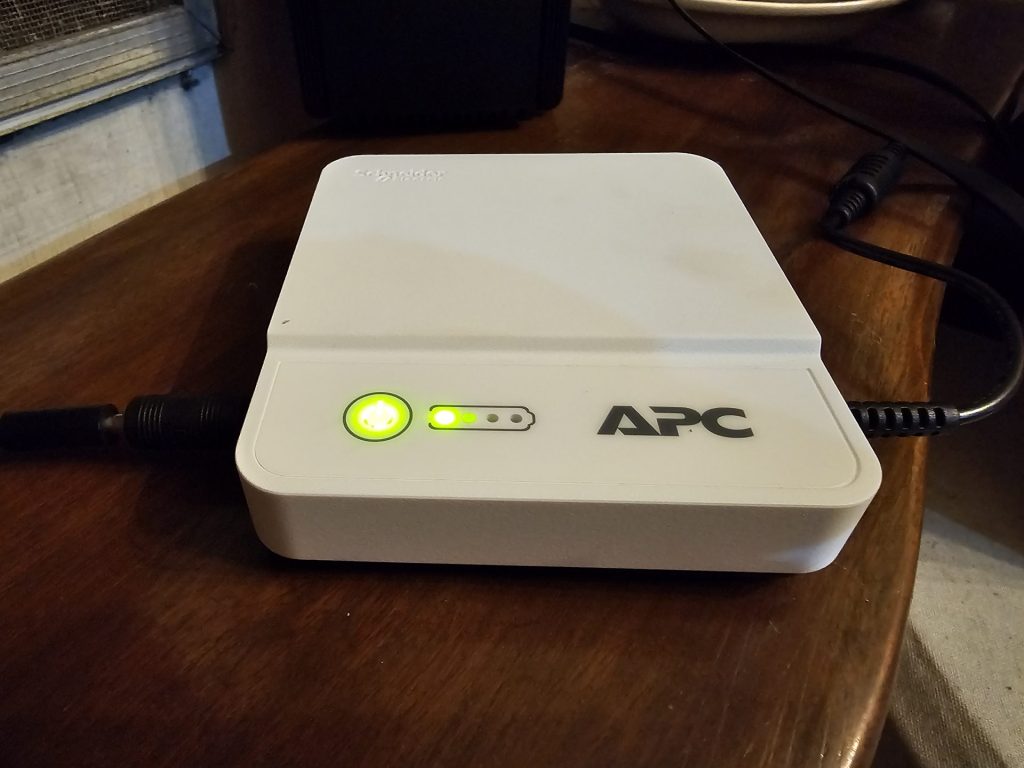
If you just need something basic to keep your WiFi running, the more affordable APC Back-UPS Connect (PHP 2,790) might be your best bet.
In the end, the Back-UPS Pro Gaming delivers on its promise of peace of mind and uninterrupted gameplay—something every Pinoy gamer can appreciate.
