


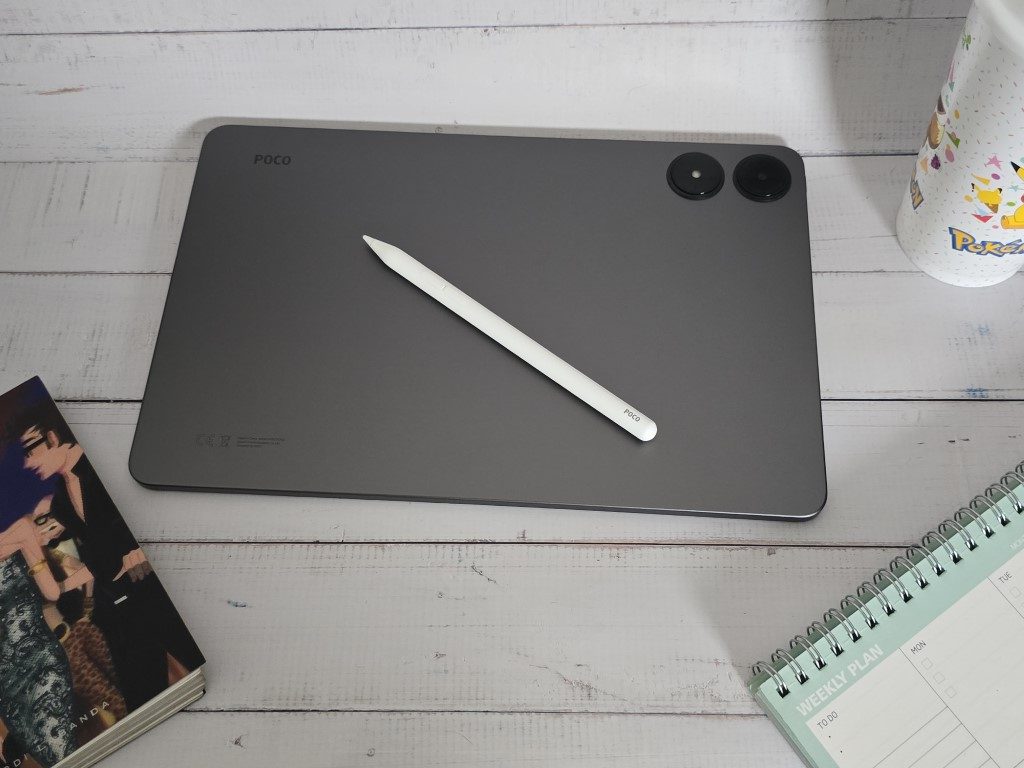
Let me be transparent – when it comes to tablets, my experience with other brands is very limited.
I’ve only ever used one brand for tablets, and my personal tablet currently is a 2022 iPad Pro.
With that said, my standards when it comes to tablet performance can be quite … elitist.
I’m not saying I look down on other branded tablets, but I always had this bias that if I end up using or owning one, I would be quite disappointed with its performance.
So it came as a pleasant surprise when I found myself being quite impressed with the POCO Pad given its price point.
It’s definitely a tablet you need to check out if you’re considering getting one.
But first, the specs!
Spec-wise, the POCO Pad boasts a 12.1″ 120Hz 2.5K display with Dolby Vision and Dolby Atmos support. It has a huge 10,000mAh battery capacity, offering up to 16 hours of video playback, and is powered by 33W fast charging.
The POCO Pad runs on the Snapdragon 7s Gen 2 mobile platform with a 4nm processor and Xiaomi’s HyperOS. It comes with 8GB RAM and 256GB of internal storage. The tablet also features 8MP front and rear cameras.
Here are the things that I liked.
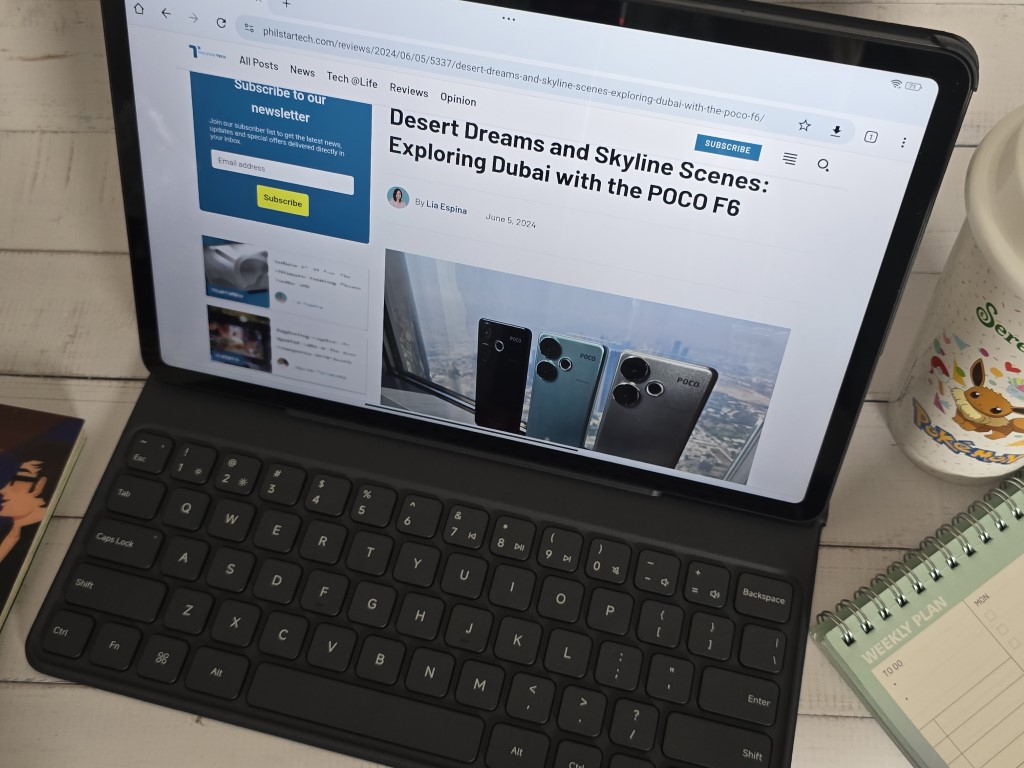
The POCO Pad excels in multitasking, allowing easy juggling between app windows using split screen UI.
The inclusion of a headphone jack, which has become a rarity in mobile devices, is a welcome feature.
The pressure-sensitive pen (sold separately) is perfect for art enthusiasts, and with the POCO Pad having up to 1.5TB of expandable storage via microSD slot, you’ll never run out of space.
The cover with keyboard (also sold separately) is very responsive and is quite comfortable to use.
The POCO Pad combined with the cover with keyboard, weighs around 1kg, making it very lightweight and portable.
The additional accessories are reasonably priced with the pen at PHP2,899, the cover at PHP1,199, and the cover with a keyboard at PHP3,599.
However, there are some drawbacks.
While gaming, there is a noticeable graphic stutter at high settings with 60 fps, though it performs decently at medium settings with 30fps.
The camera quality when taking photos and videos may leave something to be desired, but tablets are generally not used for this purpose anyway.
The POCO Pad also does not have a SIM-capable model, so you’ll need to rely on Wi-Fi for connectivity.
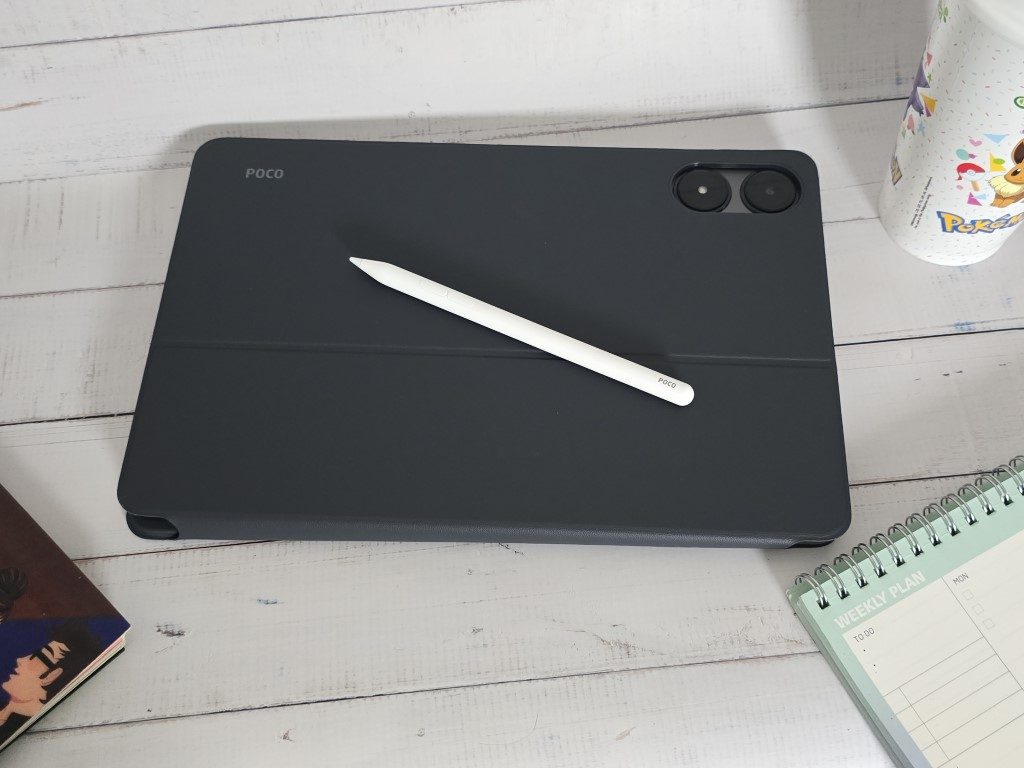
As for the accessories, the pen requires conscious charging and is not magnetic. Although if you do buy a cover (both with keyboard or plain version), the cover does come with a pen holder which you can slip the pen into for storage.
So, here’s the deal.
I’m not claiming the POCO Pad is on par with the iPad Pro – that would be an exaggeration.
However, considering its price of P15,999 compared to the hefty price tag of my current tablet, one might assume the performance gap would be vast, like oceans between countries.
We pay a premium for several reasons: app optimization for tablets, app availability and support, specific features (like ARKit-supported face-tracking for VTuber streaming, which only iPads currently offer), after-sales support, hardware durability, and long-term OS support, among others.
Despite these factors, when it comes to tablet capabilities, the POCO Pad handles almost all the tasks I perform on my personal tablet just as well.
I can play games like Honkai Star Rail and Cookie Run: Kingdom, watch Netflix and other streaming services, edit videos using CapCut, manage work-related tasks such as emails and writing articles, go on online meetings via Zoom or Google Meet, create visuals in Canva, draw using Ibis Paint, and more.
There is a noticeable difference in performance, particularly in gaming, but it is minor.
Today, people are fortunate because they don’t really need to spend a ridiculous amount of money to be able to own a good tablet.
As tech consumers, we now have more options, which is great for those on a limited budget.
I’m genuinely happy to see brands like POCO providing people the chance to experience flagship performance at such affordable prices!
Is the POCO Pad for YOU?
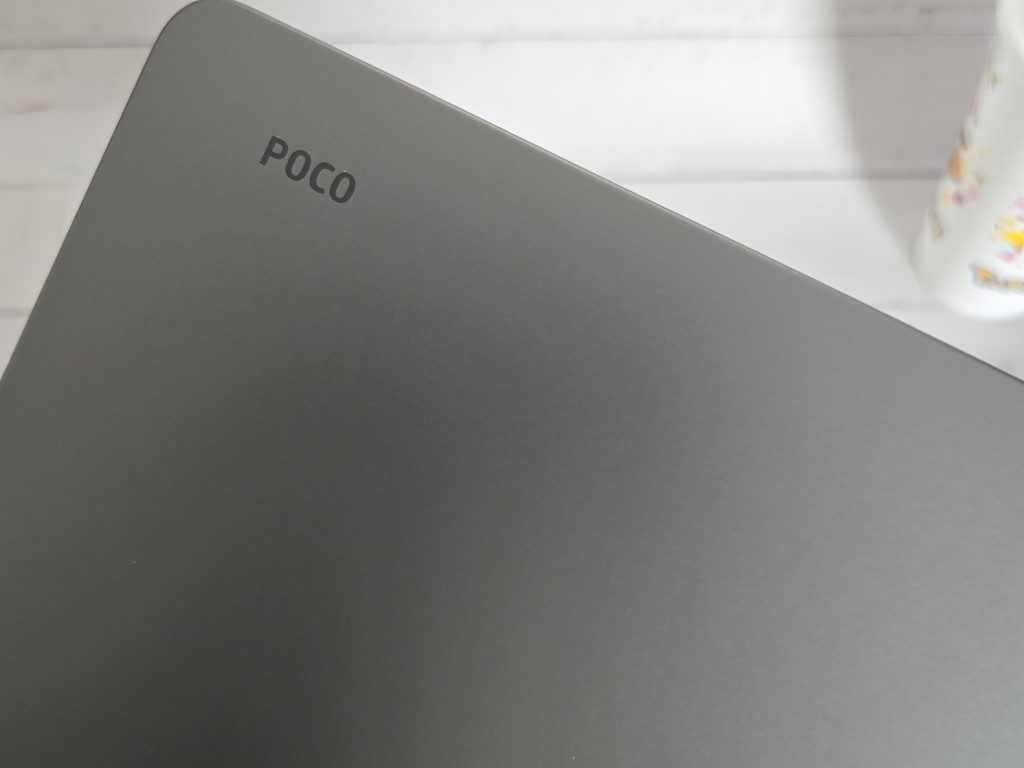
The POCO Pad is a great pick for anyone who wants a solid tablet without emptying their wallet.
It’s perfect for budding digital artists not looking to spend a fortune, students needing something reliable for school, and busy professionals who want a laptop alternative for working on the go.
It’s ideal for anyone, really, who just wants an all-around good tablet without the costly price tag.
If you’d like to know more about the POCO Pad, visit the Xiaomi website. Ready to buy? Purchase from Lazada or Shopee!
