


I’ve always thought of PLDT Home Fiber as just… fast, reliable internet. The thing that keeps my shows streaming smoothly and lets everyone at home do their usual routines without lag or drama.
But lately, the brand’s smart home category PLDT Home Life has been showing how easy it is for Filipino households to step into smart home living.
And really, it all made sense when I found out what they did with the Pinoy Big Brother House.
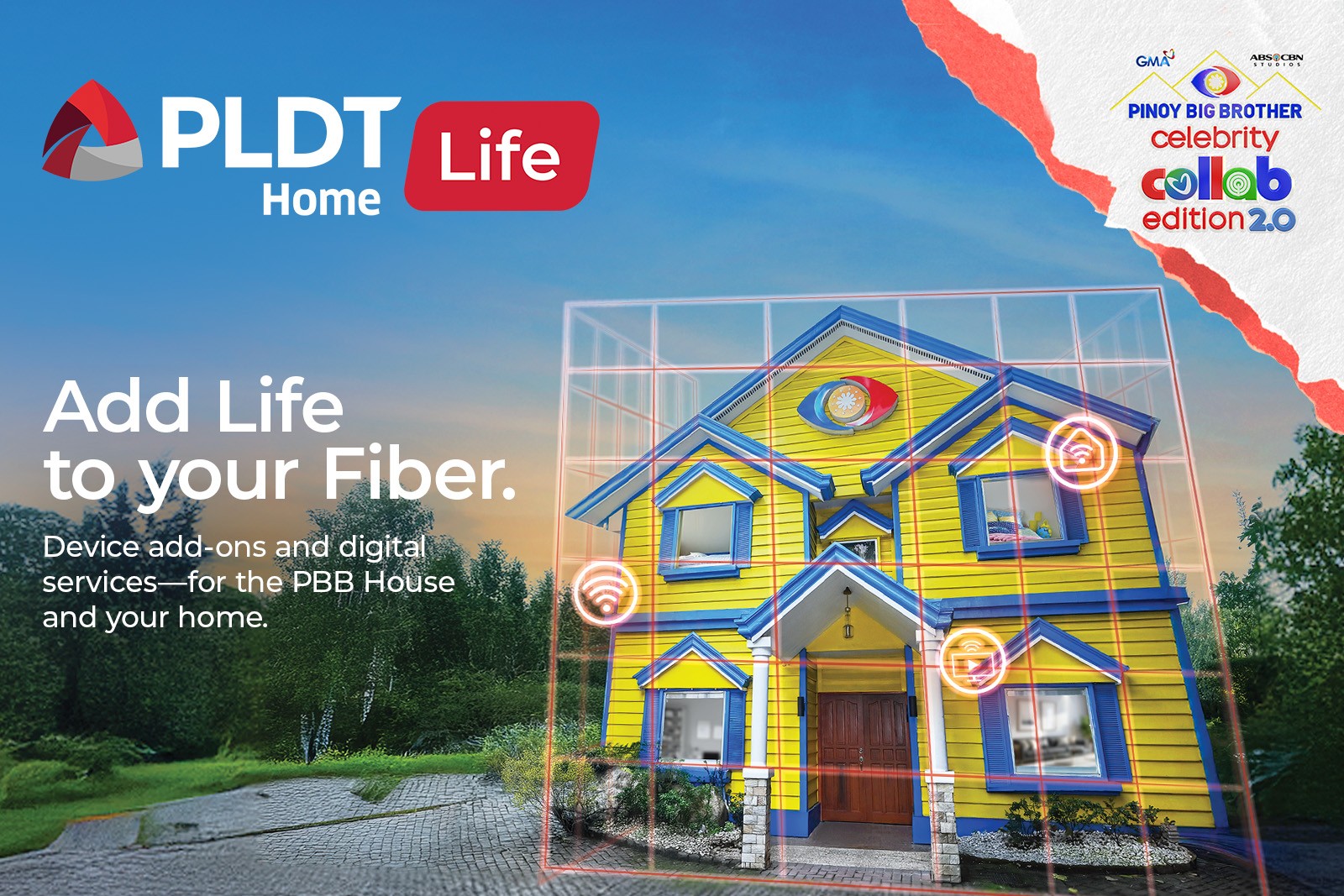
Did you know PLDT Home Life actually upgraded the entire PBB House?
This was such a fun discovery!
The iconic Bahay ni Kuya, the blue-and-yellow house we’ve all seen on TV for years, got a full smart home makeover for PBB Celebrity Collab Edition 2.0. PLDT Home Life turned it into a real-world example of what a connected home can be.
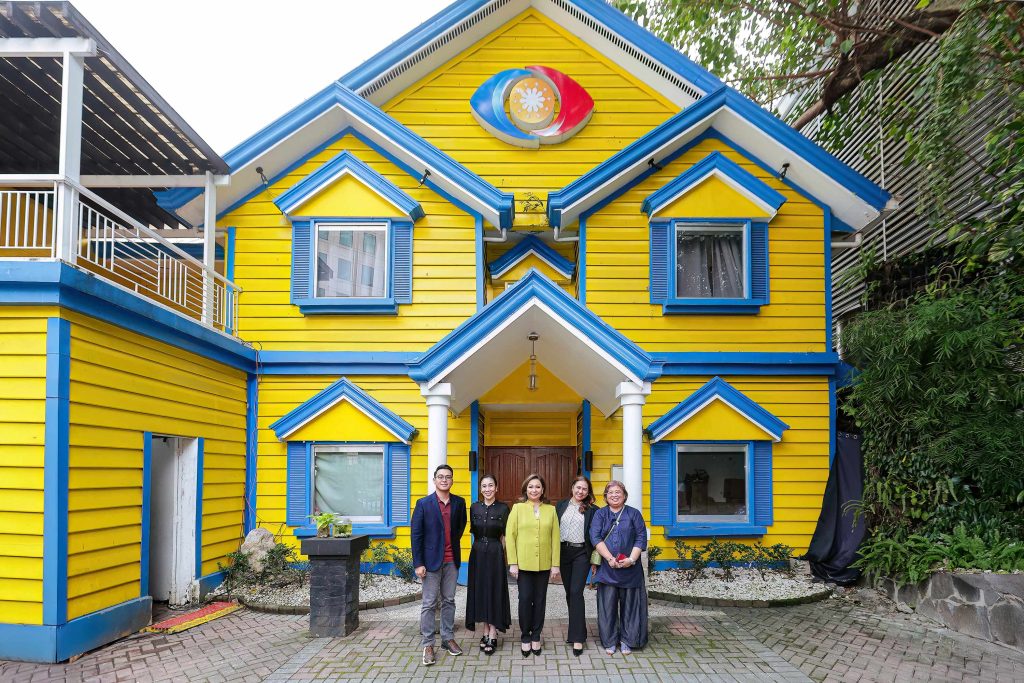
Inside, everything runs on smart gadgets: automated lights, sensors, cameras, voice-activated helpers, self-cleaning devices, and kitchen appliances that feel like they belong in a futuristic condo. Even without smartphones, the Housemates still get the benefits because everything is connected through PLDT Home’s fiber network.
It’s basically PLDT Home saying, “Here’s what modern Filipino living can look like.”
Smart living is more accessible than you think
After seeing how PLDT Home Life ties everything together, the whole smart home idea suddenly feels a lot less intimidating. These gadgets are neither super high-maintenance nor complicated. They’re really just tools that make daily life smoother.
Things like:
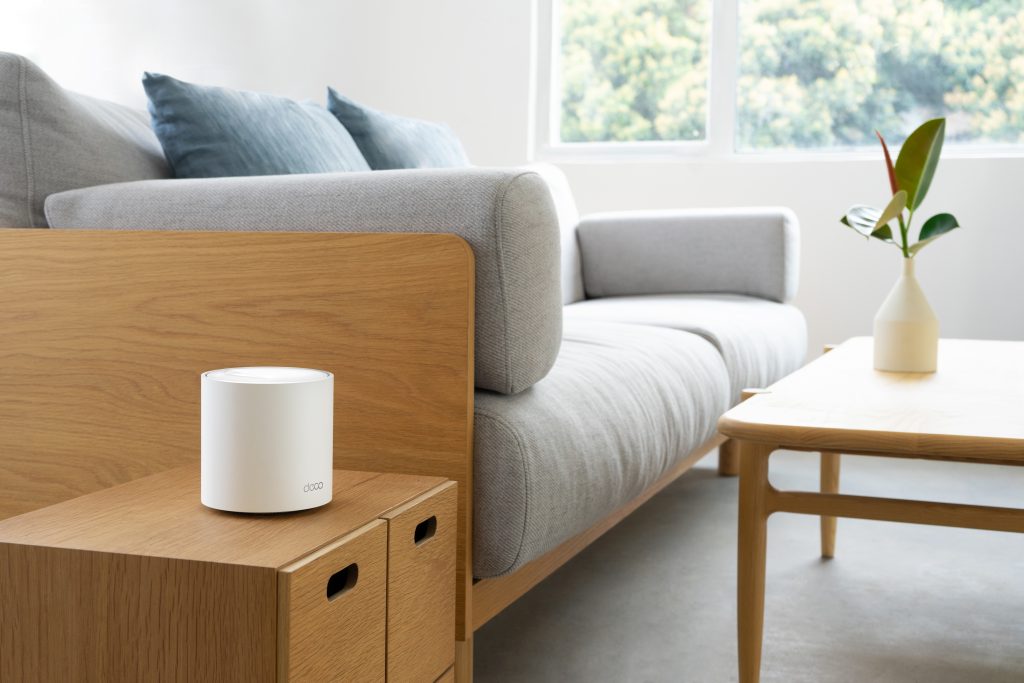
- TP-Link WiFi Mesh Systems to fix dead spots
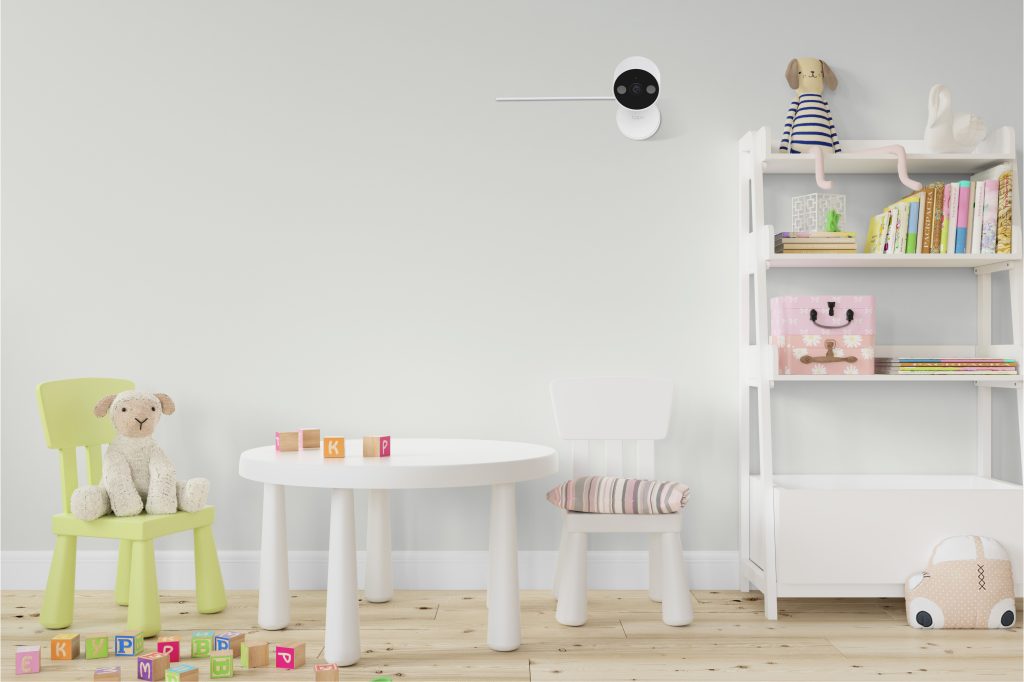
- A Smart Home Starter Kit with cameras, sensors, a smart plug and chime – the basics you need to secure and automate your home conveniently.
- Options from brands we already know: Xiaomi, TAPO, Amazon, etc. to manage home life from day to day
- Plus entertainment and gaming add-ons you can mix and match
It’s the kind of setup that doesn’t require a renovation or a massive budget, just small upgrades that make the home more comfortable and secure.
The best part? It’s actually affordable to build your smart home
PLDT Home Fiber subscribers can get these devices on installment and simply add them to their existing bill. The terms range from 12 to 36 months, which makes it pretty budget-friendly.
Some of the devices can be surprisingly light on the wallet, too. For example, you can get the TAPO indoor security camera for ₱89/month. That’s less than what you’d spend on a random snack run.
If you’ve ever thought about leveling up your home, this is a nice place to start
Smart living doesn’t need to feel overwhelming. It can be as simple as choosing a few devices that make sense for your routine like better WiFi coverage, extra security, or just more convenience.
PLDT Home Life is basically giving Filipino households an easy, practical way to explore this lifestyle, and the PBB House makeover is a fun peek into what’s possible.
If you’re ready to try a little smart home magic for yourself, PLDT Home’s fiber-powered ecosystem makes it pretty straightforward. You can mix and match devices, pay in manageable installments, and slowly build the kind of home that supports your everyday life.
To learn more about the devices and digital services you can add to your fiber-powered lifestyle, you can check out pldthome.com/life.
