


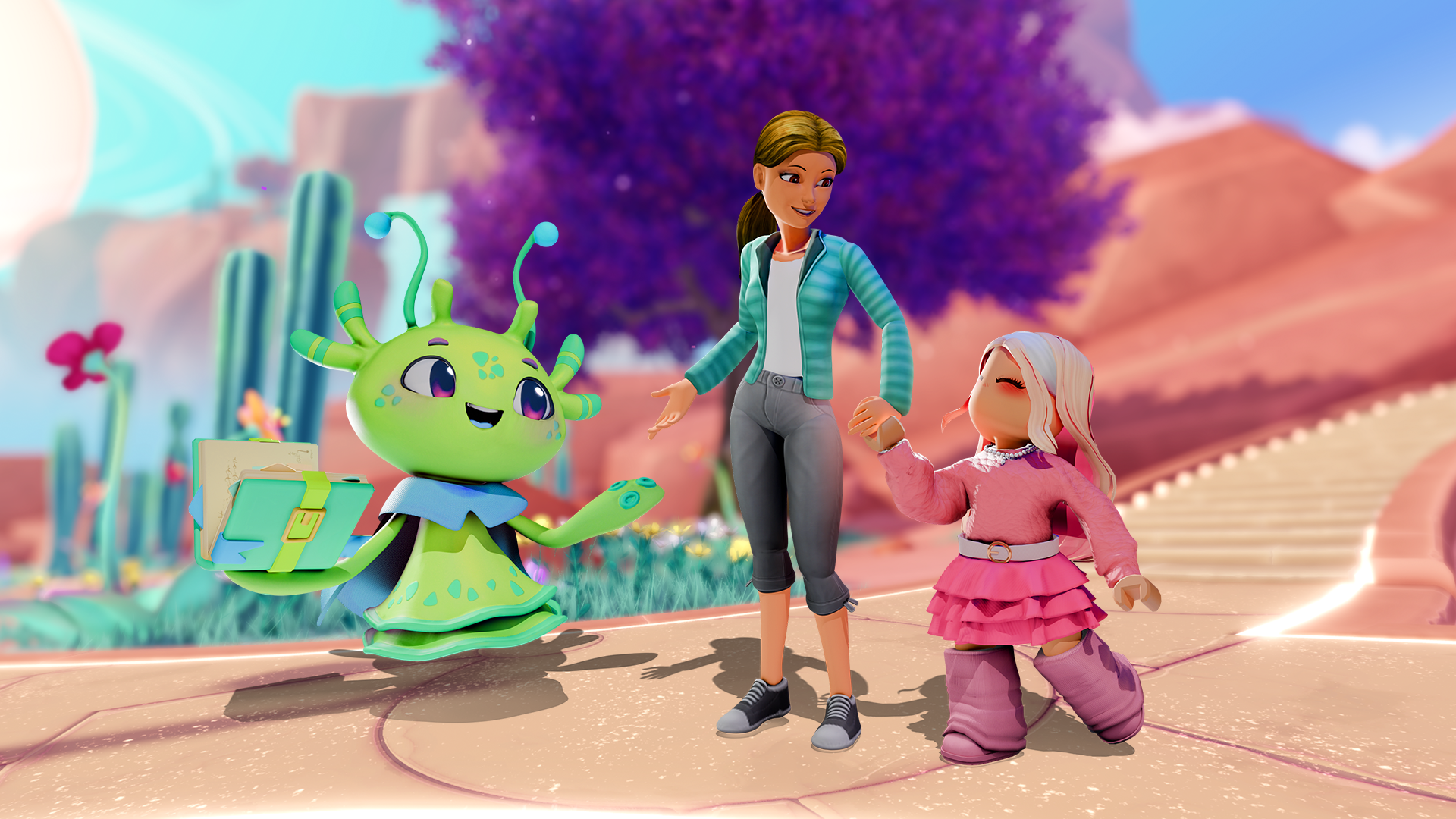
Roblox is giving families a new way to experience the platform together with Family Zone, an interactive space designed to help parents and children explore Roblox side by side.
Launched in July 2026, Family Zone was showcased during the Unbox Roblox: An Interactive Media Familiarization Session in Taguig City, Aug. 18, where the company demonstrated the feature alongside its parental controls and educational resources.
The feature is designed to give parents greater visibility into their children’s digital experiences while helping families navigate Roblox together.
How to access Family Zone
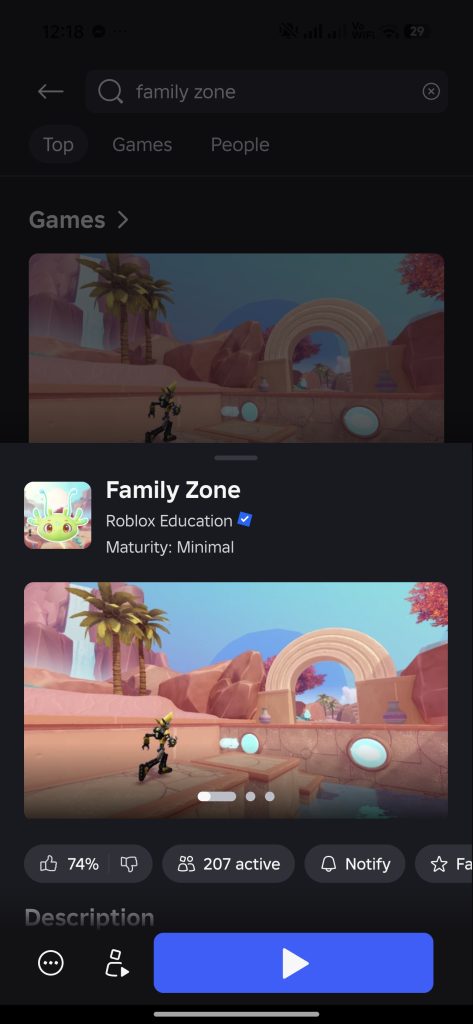
Parents can find Family Zone directly through the Roblox app. Simply type “Family Zone” into the search bar and select the experience to get started.
Inside Family Zone, children can guide their parents through the basics, including moving an avatar around a 3D environment and navigating the platform.
Families can also take on short co-op challenges and go through interactive lessons about online safety and parental controls.
Parents can also learn how to set up and adjust Roblox’s parental controls through the experience. These controls can cover areas such as screen time, spending, communication and the games a child can access.
For Roblox’s broader parental controls, parents need a Roblox account with parent privileges linked to their child’s account. Once linked, parents can manage settings and view information about their child’s Roblox use from their own account. To set up parent privileges, Roblox currently asks parents to enter their birthday and verify that they are 18 or older.
Verification can be done through facial age estimation or a government-issued ID or credit card, depending on the available method.
