


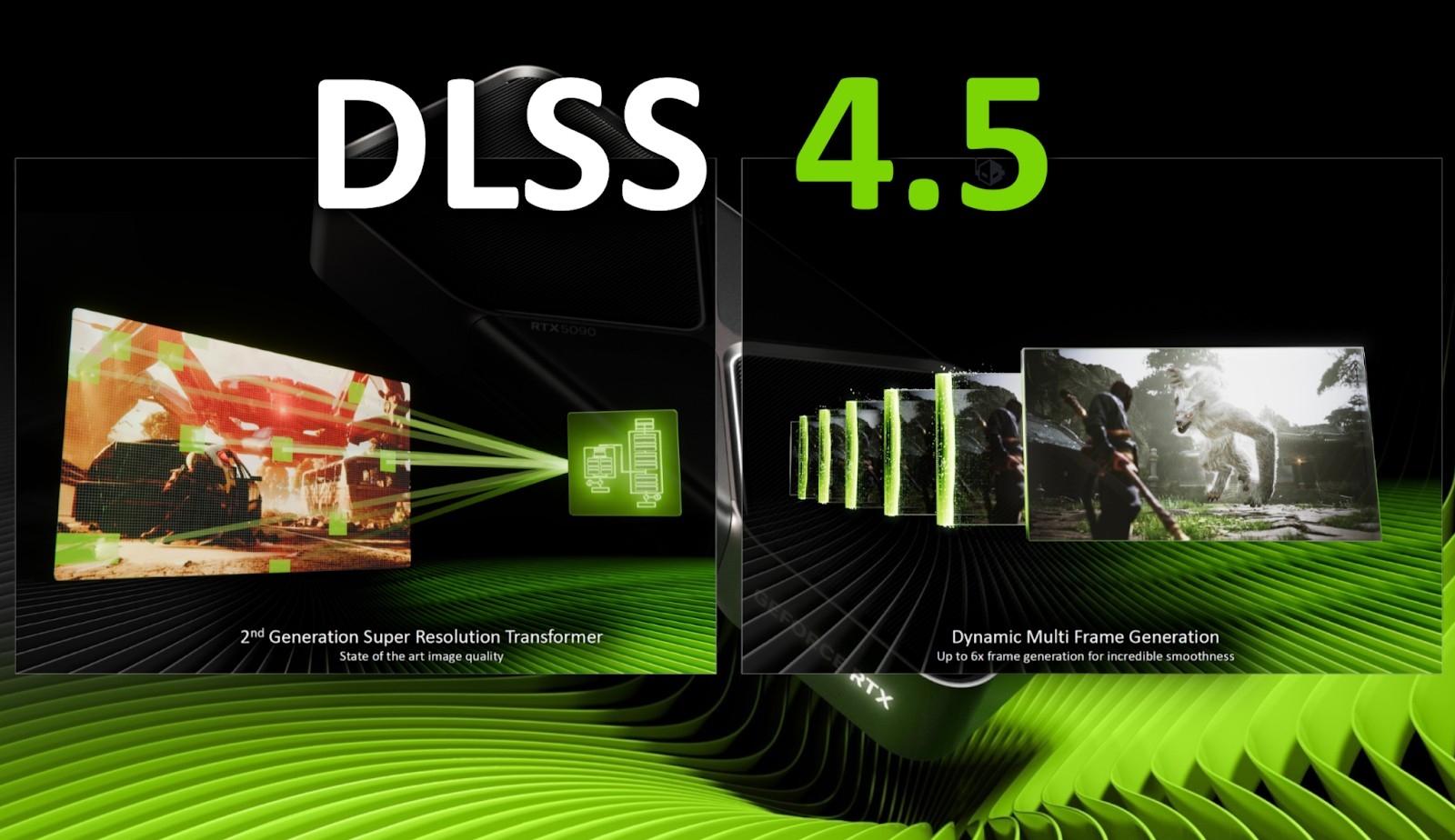
NVIDIA officially announced the arrival of DLSS 4.5, an update to its AI-powered rendering technology. This update includes a new 6x frame generation mode, as well as enhanced rendering capabilities with the second iteration of the transformer model for its Super Resolution technology.
Starting January 13, RTX GPU owners can enjoy the full benefits of DLSS 4.5 using the NVIDIA app, while in spring this year, 50-series owners can experience the latest iteration of their ‘Dynamic Multi Frame Generation,’ as well as the aforementioned 6x frame generation.
DLSS 4.5 also promises to be available across more than 400 supported games and apps for all RTX owners, as NVIDIA claimed that the new DLSS model has been trained on a significantly larger and higher-quality dataset, with 5 times the compute of the original transformer model.
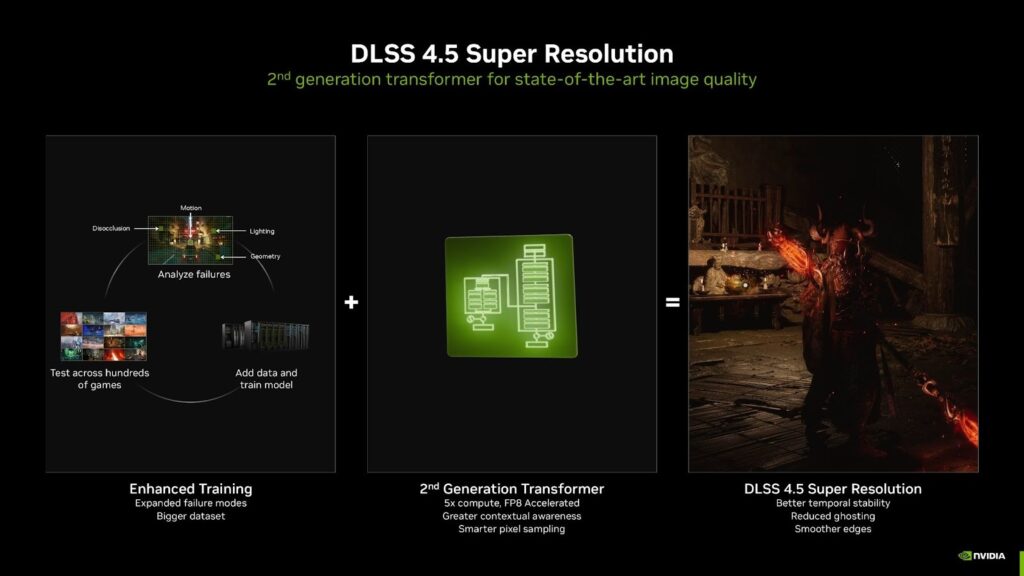
As stated on their website, DLSS 4.5 has achieved a breakthrough in lighting effects by solving a common issue experienced when using Temporal Anti-Aliasing (TAA) technology, in which gamers encounter muted lighting, clipped details, and crushed shadows in high-contrast scenes.
What DLSS 4.5 does differently is through the training of its AI model, which infers directly within the game’s ground truth for training. DLSS 4.5 is powerful enough to manage lighting instability with great accuracy, allowing lighting to retain its full color range and detail.
See the comparison between the previous and the latest DLSS models here.
Through the 2nd generation transformer, DLSS 4.5 also delivers reduced ghosting, improving motion clarity while maintaining a sharp anti-aliasing method with enhanced temporal stability. In the example below, said ghosting reduction is visible in ‘The Elder Scrolls IV: Oblivion Remastered.’
NVIDIA also introduced improvements to its frame generation model, including 6x frame generation and dynamic frame generation, which enhance titles with path tracing for higher refresh rate monitors. 6x frame generation offers an improvement beyond the 4x frame generation seen in 50-series graphics cards, achieving higher framerates compared to the previous model while improving visual clarity and motion smoothness in said frame gen multipliers.
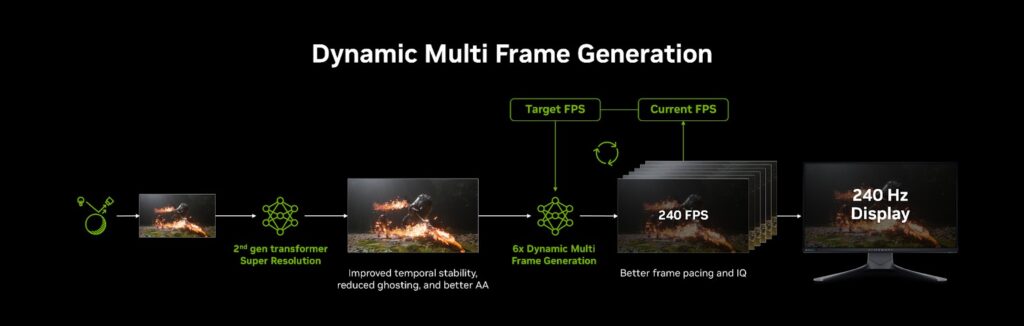
Dynamic Multi Frame Generation is what NVIDIA calls an “intelligent system,” featuring a non-fixed frame multiplier that automatically adjusts between frame multipliers to achieve a balance between game framerate, image quality,, and responsiveness. This frame generation model only maximizes the set target frame rate or the specified display refresh rate.
Aside from DLSS 4.5, NVIDIA’s panel at this year’s CES saw the continuation for G-SYNC Pulsar monitors, a leap forward in Variable Refresh Rate (VRR) technology first unveiled two years ago.
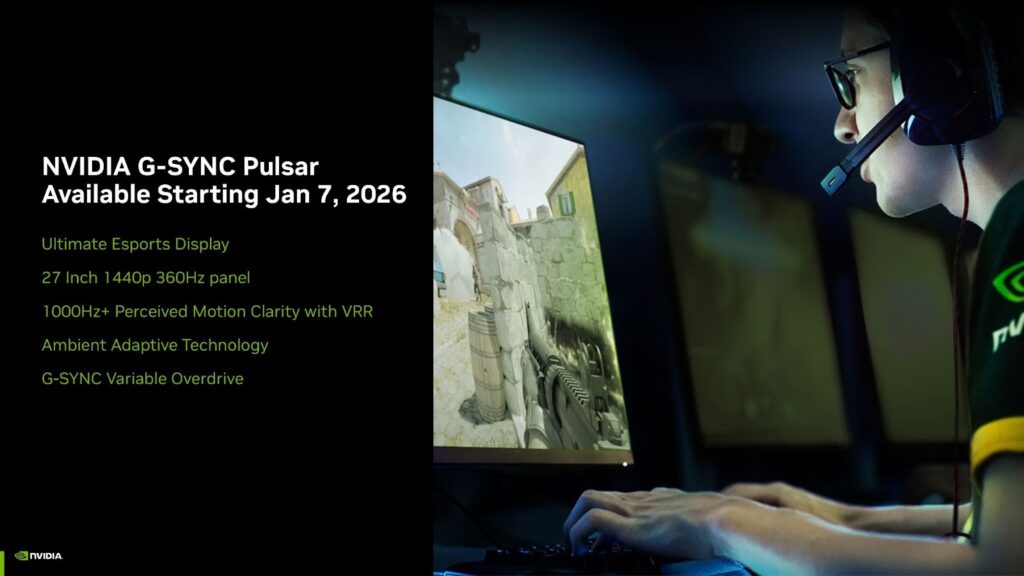
G-SYNC Pulsar promises better motion blur, with better image stability and a stutter-free experience, pushing fidelity and visual clarity in monitors for consumers to enjoy. NVIDIA’s new VRR tech promises 1,000Hz effective motion clartity, clearer gameplay and visuals, no manual switching between monitor modes, and automatic brightness and color temp tuning for optimal viewing based on existing ambient lighting environment.
G-SYNC Pulsar monitors are set to roll out on January 7, with the initial lineup consisting of Acer, AOC, ASUS, and MSI monitors with specifications at 27-inch, 1440p panels at 360hz.
