



Television can play a role in a child’s cognitive development; however, the impact of screen exposure depends on viewing habits and consumption. With proper regulation, guidance, and by using the right tools and devices, parents can maximize the benefits of TV and ensure a safe home entertainment experience for children.
Data from the National Council for Children’s Television (NCCT) reveals that only 43.8 percent of children aged 9-17 watch TV with adult supervision. There is also limited availability of child-friendly content on free TV, leading parents to express concerns about the prevalence of mature themes in shows. Consequently, it could become challenging for parents to monitor the content their children watch. However, research also indicates that screen time can be more beneficial for a child when a parent or adult is present, enabling active engagement and questioning. Moreover, parents are highly advised to allow their kids to learn through TV content that aligns with a child’s developmental stage, ensuring it is age-appropriate and free from explicit or violent content to maintain a wholesome and secure viewing environment. Setting limits on screen time is also essential to prevent early-age eyestrain and hearing problems.
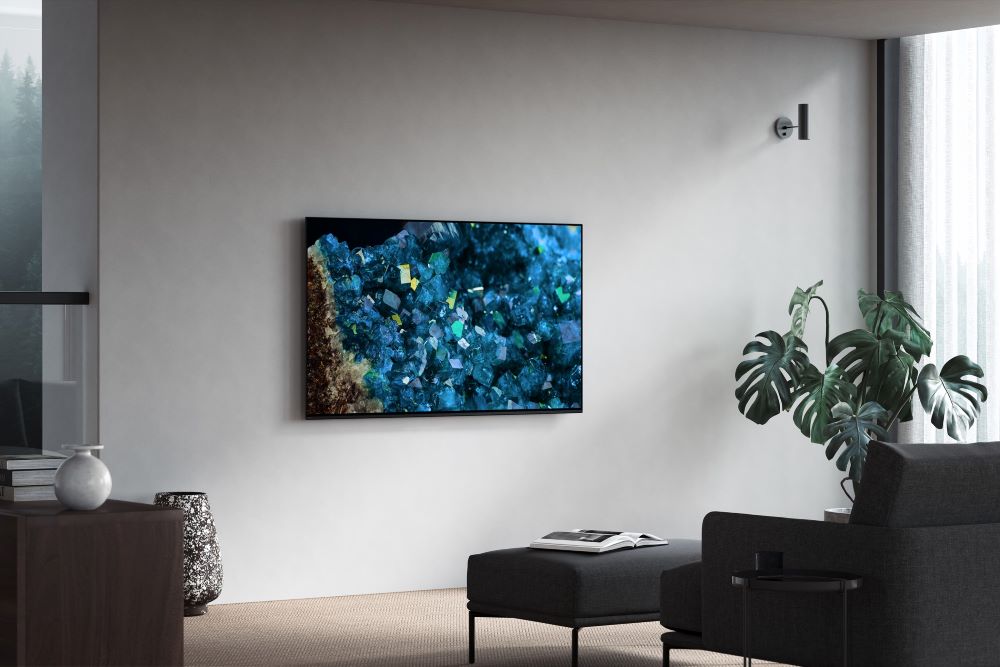
Sony, as one of the leading electronics companies worldwide, takes these factors into account in every product they manufacture; every innovation is designed to meet consumers’ needs. Sony’s BRAVIA TVs aim to empower parents by providing safety features while also elevating the overall TV experience, making them an excellent choice for families seeking a secure and enjoyable viewing experience for their children.
Safer viewing with Kids Profile
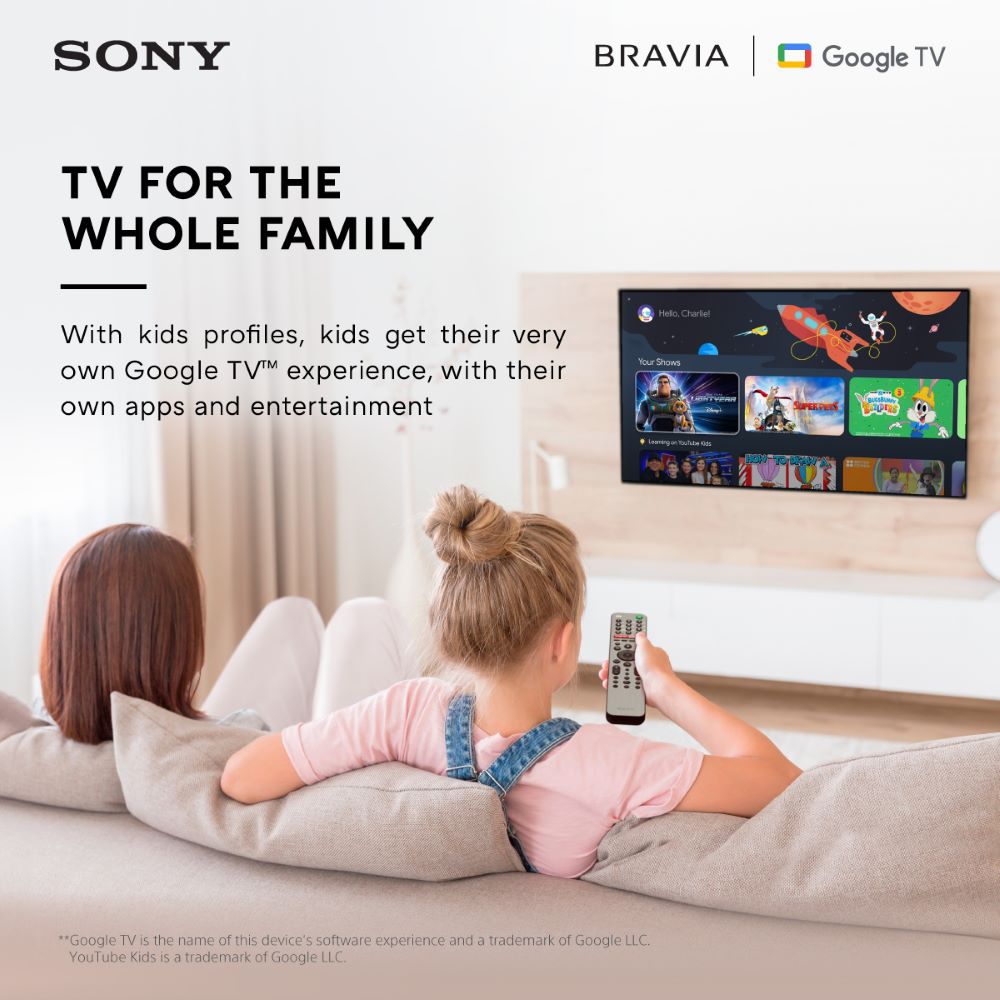
With Sony’s BRAVIA TVs, parents have a trusted ally in ensuring the safety of their children thanks to its Google TV Kids feature. They can create and access profiles for their kids without the need for additional accounts, allowing them to carefully select apps to manage their children’s access. Additionally, parents can create watchlists, establish parental controls, and apply content restrictions to guarantee a well-monitored and safe viewing experience. To enable this feature, simply select ‘Add a kid,’ then ‘Get started’ under the ‘Who’s watching’ option on your Google TV home screen, and then follow the on-screen instructions.
Optimized TV experience with Sony’s BRAVIA Camera
Another tool that pairs well with Sony’s BRAVIA TV is Sony’s BRAVIA Camera. With this device available on Sony’s BRAVIA XR TVs, parents can ensure that their children have an optimized entertainment experience. Thanks to its many useful features such as the Proximity Alert, parents can set a recommended viewing distance for their children and receive alerts if they get too close to the TV. This can help prevent eye strain and hearing problems.
Enjoy cinematic entertainment at home
No matter where you are, whatever your entertainment needs may be, Sony’s BRAVIA TV is for you. With its large screens equipped with top-notch 4K resolution and immersive sound, Sony’s BRAVIA TVs can definitely create a cinematic entertainment experience right in your living room.
With these available features and attachments, Sony’s BRAVIA TVs could assist busy, on-the-go parents follow safe TV viewing practices. However, it’s worth noting that while Sony’s BRAVIA TVs can offer safety in TV consumption, watching with guardians and parents is still the best way to guarantee a safe viewing experience for children.
Explore Sony’s BRAVIA TVs online or in offline stores nationwide. For more information, visit: https://bit.ly/Sony-BRAVIA-Catalog.
