



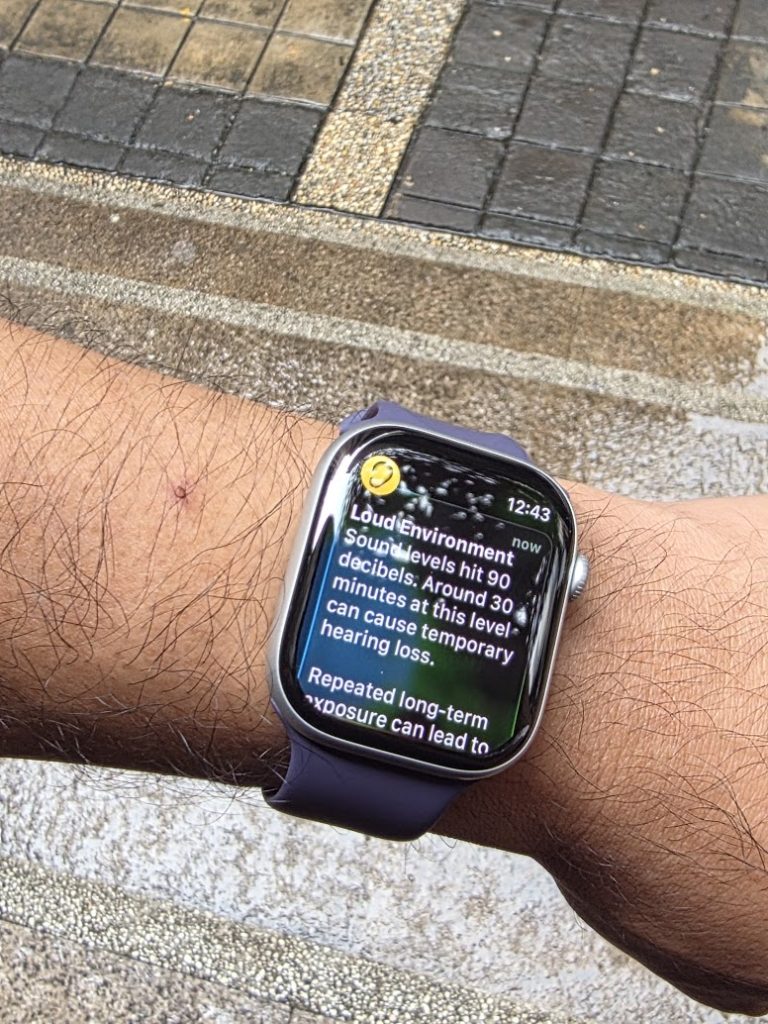
It’s been more than a month since I unboxed the Apple iPhone 17 Pro Max. I’ve written about the launch rather extensively here and here. I have been remiss, however, with the two other devices that came with it: the 46mm Apple Watch Series 11 and the AirPods Pro 3. Not that I have not been using them. In fact, I have, rather extensively. But I found myself to be in a rather unique position as a reviewer because I will admit that this is the first time I’ve actually used an Apple Watch and an AirPods. It is not, however, the first time I’ve donned smart watches or a TWS device as I have used “the others” extensively.
Historically, on my wrist I have used a gamut of smart watches from FitBit, HUAWEI, Xiaomi, and Amazfit, while on my ears, I’ve experienced several products from JBL, Shokz, Dyson, Nothing, Xiaomi, SteelSeries, realme, and OnePlus.
I had initially thought of reviewing both accessories separately but felt after a while that such a review wouldn’t be totally complete. Because the watch, the phone, and the earbuds are a trinity. A triumvirate. A stable plane – consisting of three points – upon which your digital lifestyle is supported. It’s a great visualization, as it’s accurate.
Apple Watch: an extension of your phone, the quantified self companion
The Series 11 sports the iconic square watch face with a removable rubber arm strap. I use the watch mostly for tracking my physical activity which includes walks and workout sessions, specifically a combination of indoor rowing, boxing, and resistance training roughly twice a week. There are other functions available such as being able to control my iPhone’s camera – a feature I admit is quite situational, and then of course, the notifications on Messenger and Whatsapp.
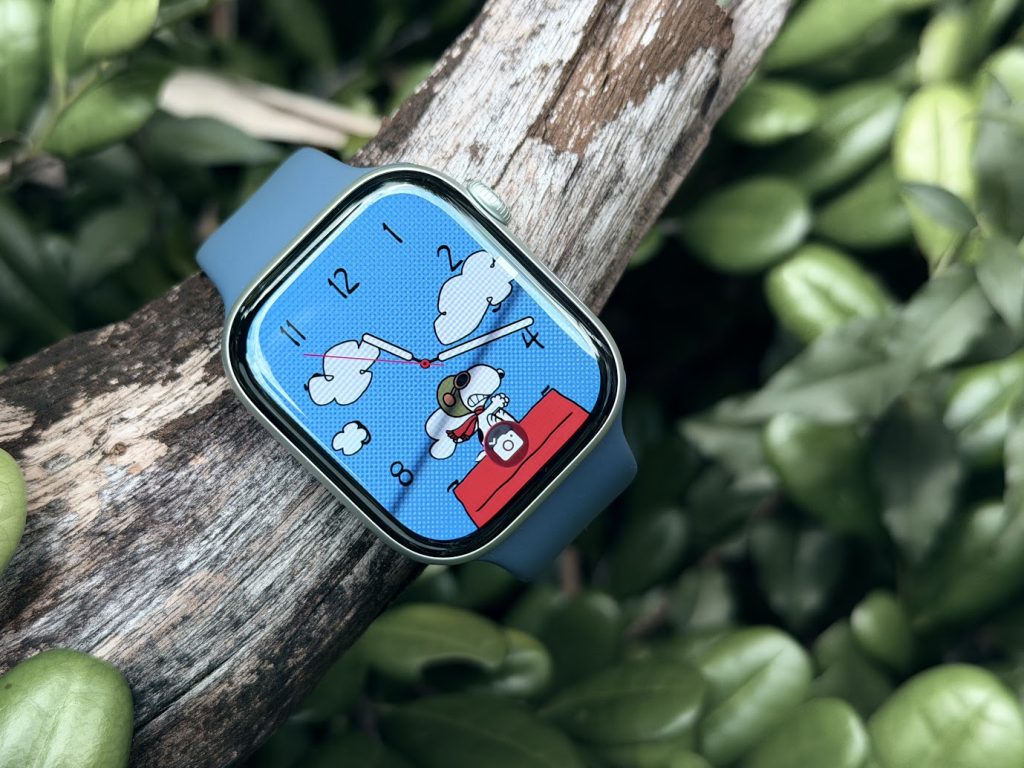
The watch, for me, was the real game changer as I finally realized what it was: an extension of your iPhone. I’ve previously used my other smart watches and fitness trackers to record my workout sessions on the bike or on foot, but the promise of other messaging synchronizing features get lost in translation when you have compatibility issues with an army of Android devices. That’s the trade off and the nature of the beast. The Series 11 is the latest iteration of “your phone on your wrist” as it can display, dictate, and reply to messages sent on iMessage, Messenger, and more. Walks that I have forgotten to record – it just does it and reminds me that “I may have gone out for a walk,” adding the information to the iPhone’s Health app. Message previews can be read and replied to with a gaze on my face (yes it unlocks when it sees my face), and closes with a flick of the wrist.
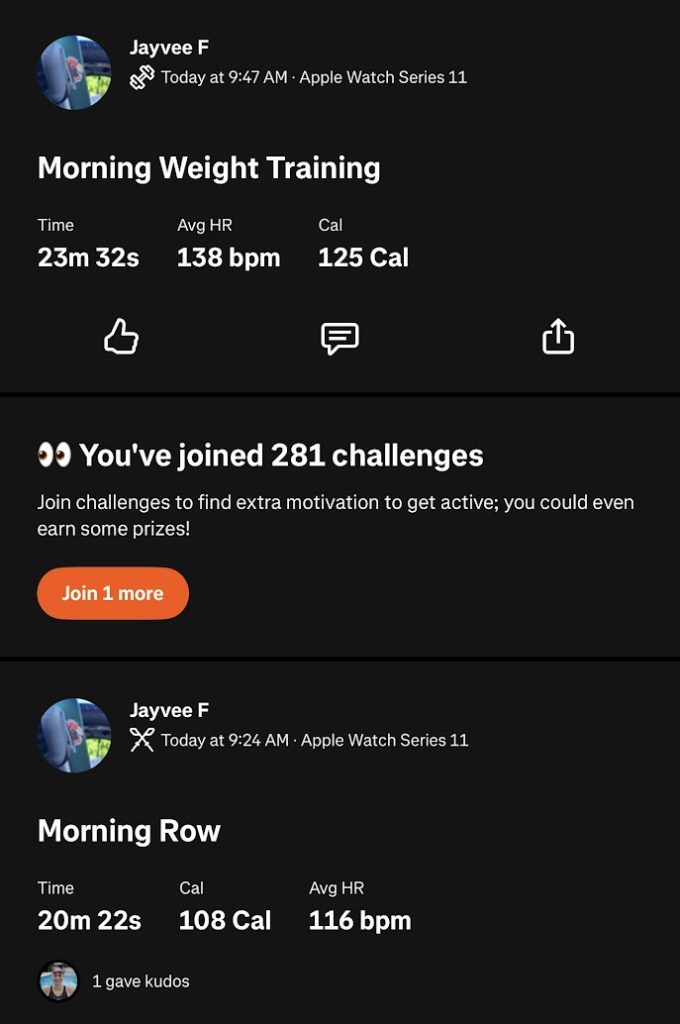
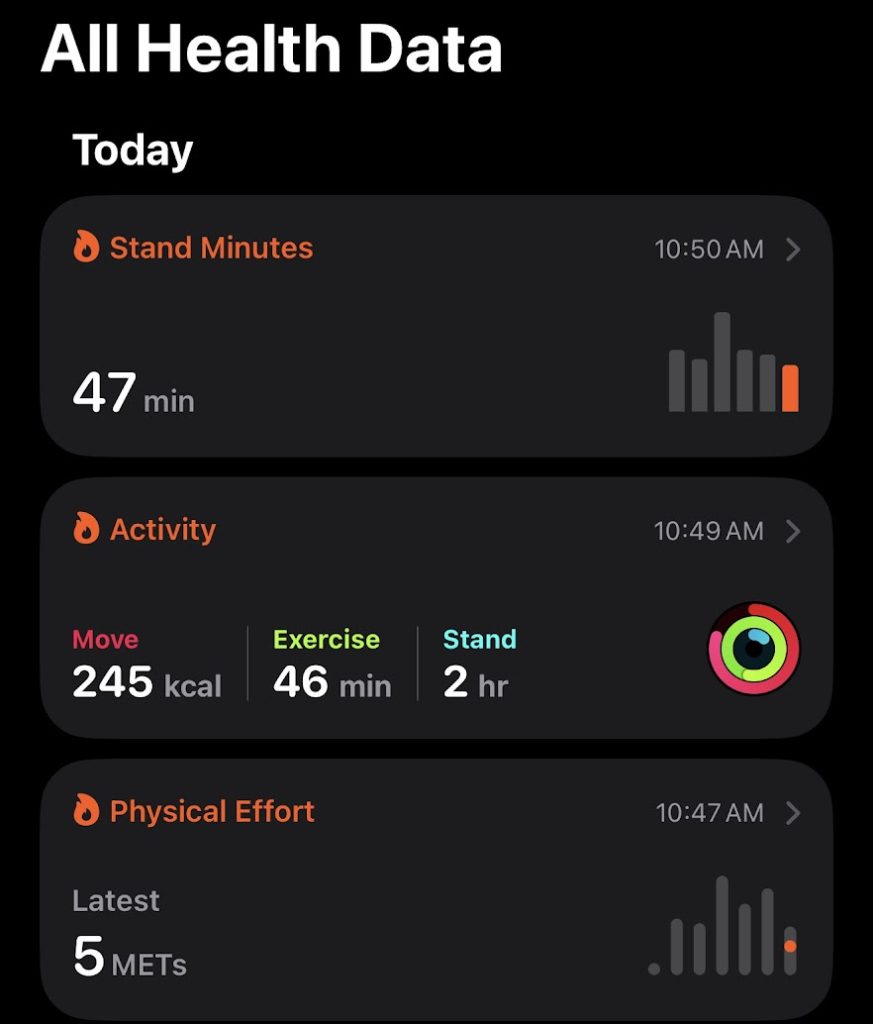
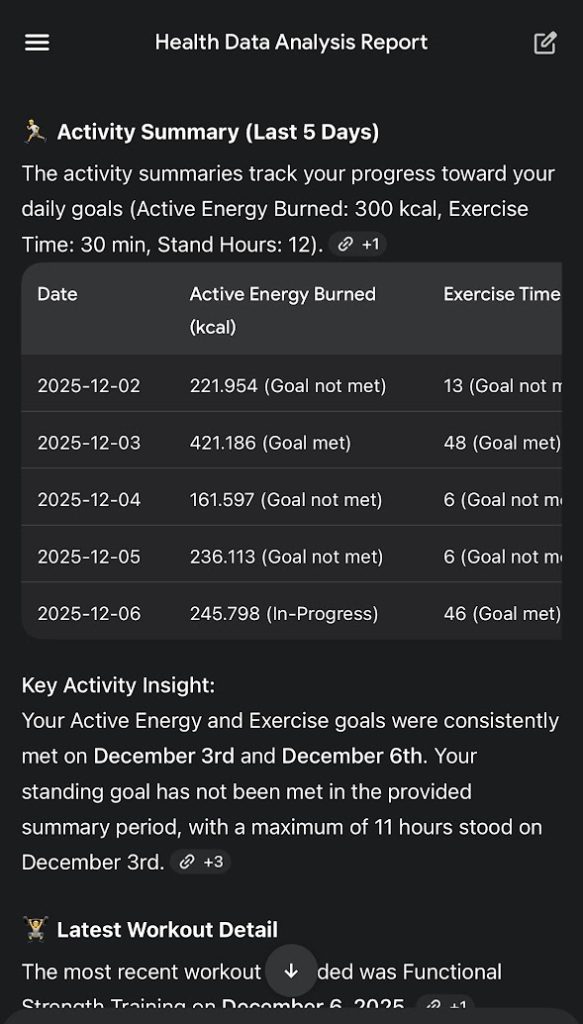
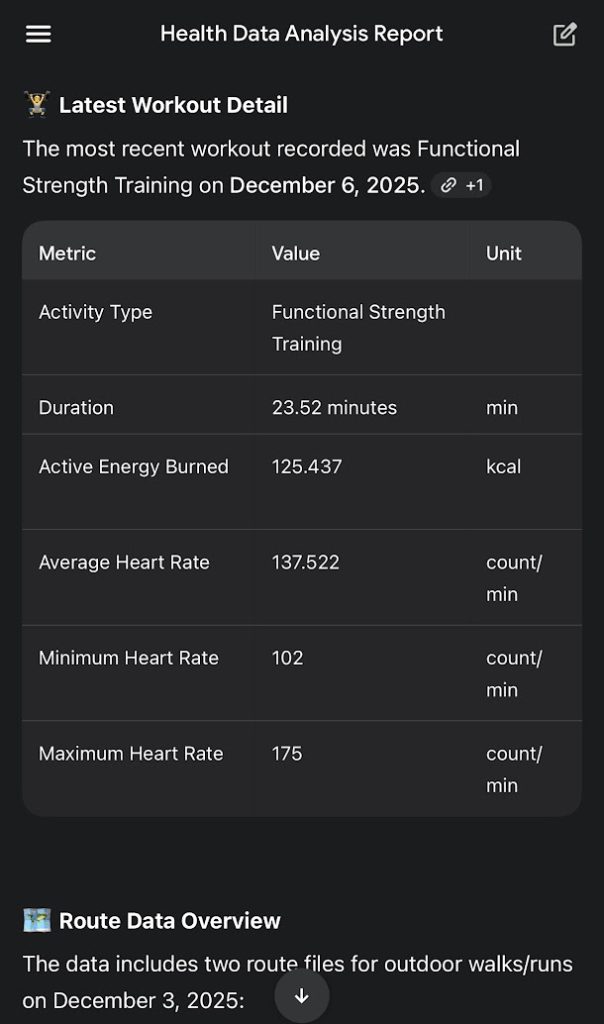
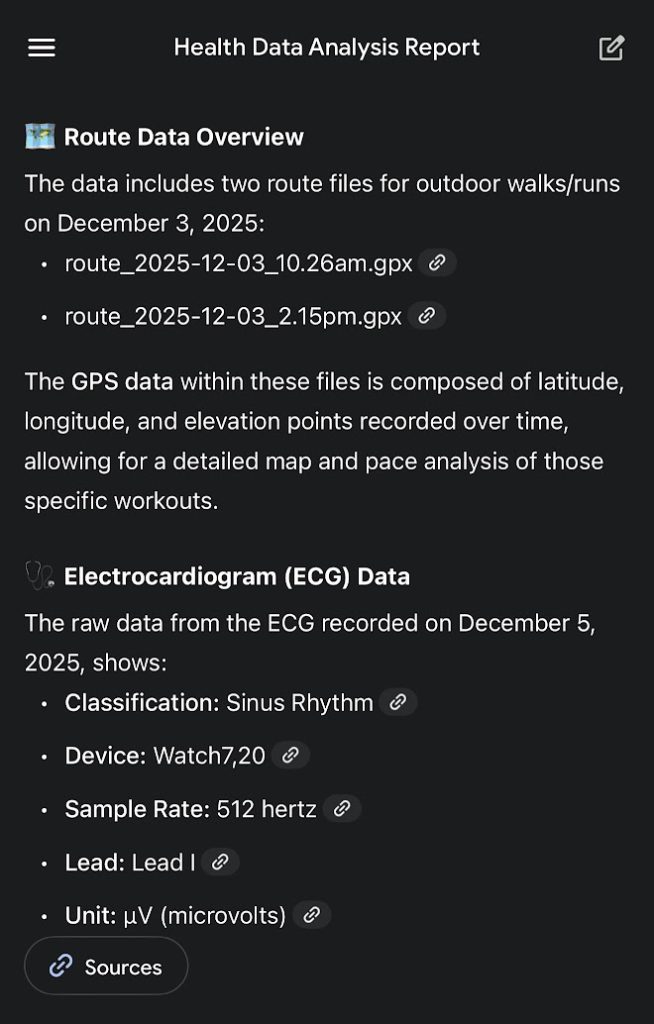
After recording a number of workout sessions, I found that Apple uses a metric called MET or “metabolic equivalent of task” that is a standard that other fitness devices do not seem to have, at least in my experience. Simply put, one MET is me sitting on the couch. A measure of 10 MET would be me exerting 10x the effort from a resting position. That would be an extreme workout. I usually average between 4-6 MET for my sessions, which is academically just right. What I have to point out, and this is something I found out after experimenting with the settings, is the feature to export and upload my workouts onto an LLM for analysis. Other smartwatches are 50/50 with the exporting feature, either allowing an export into a picture format like JPEG or PNG which is fine for uploading on social media. Other performance-based trackers allow exporting to XLM or even GPX (for GPS-based trackers) formats. I found that Apple supports the exporting of workout data but as one big ZIP file. This is extremely useful for having a one-time export solution to provide overall context for your workouts. Thanks to the power of AI, I am then able to break down these reports. On Gemini, I simply uploaded the ZIP file and allowed the AI to do its work. I am then able to see all my previous workouts (Apple by default counts all days, regardless if you wear the watch or not), from the type of activity, duration, and heart rate. Apart from exporting GPX data, it also exports ECG readings. Overall this approach is quite telling as it provides a more holistic approach to health tracking, and not just the calories burned or kilometers run.
AirPods Pro 3: a sound companion
The Apple AirPods Pro 3 is the latest iteration of Apple’s TWS tech. I previously mentioned how the AirPods works best in slot with the iPhone and this resonates when you see how many features are unlocked with the pairing. Unlike the Apple Watch that cannot function without an iPhone setup, the AirPods can be paired with any Android device, but there are several features that are gated from heart rate tracking, camera remote, spatial listening, mode switching – it basically downgrades into a regular set of earphones. Good ones, but still.
Having several Apple devices in my vicinity, the AirPods automatically pair to any device using my iCloud profile. The buds immediately recognizes my M5 iPad Pro when I put them on and audio is automatically switched from speakers to Bluetooth. When I switch to my iPhone and start playing music, the AirPods automatically switches to the latest Apple device that is playing music at my behest.
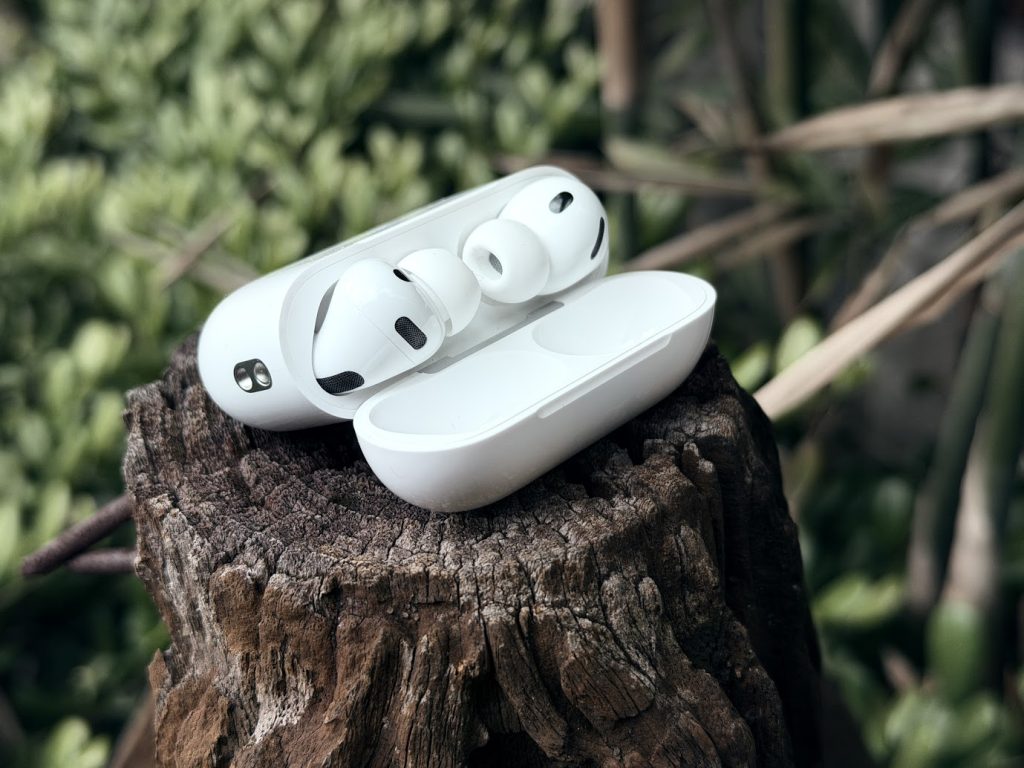
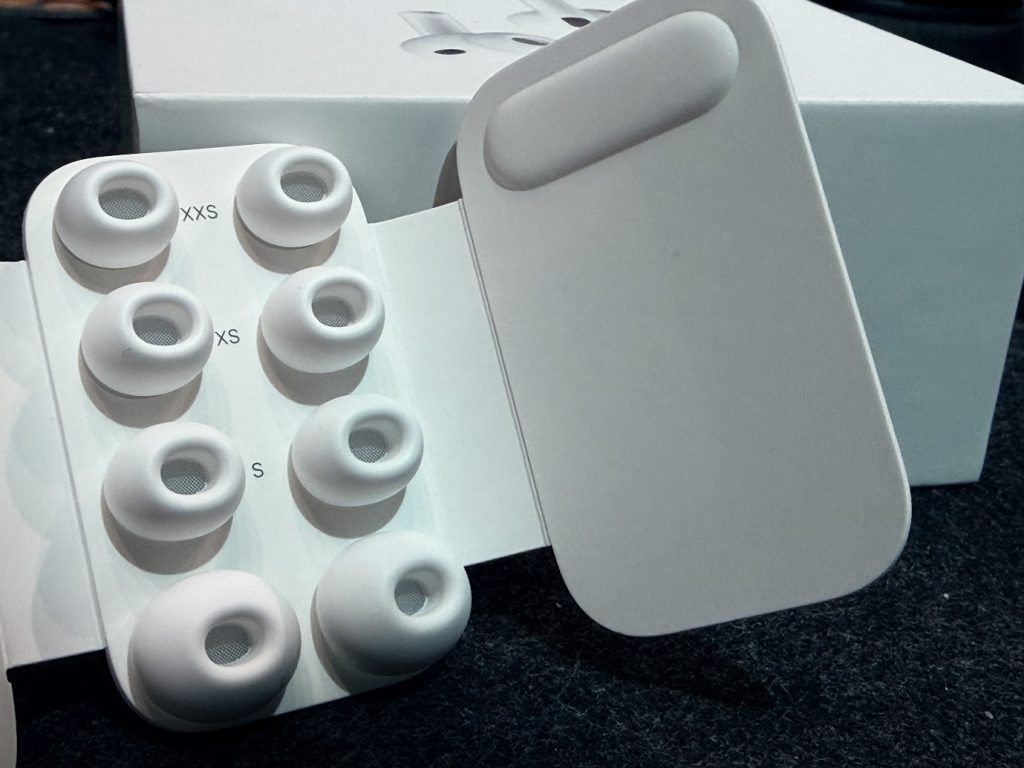
Having been on at least 10 flights this 2025, I have come to rely on noise cancelling headphones as a way to drown out the airplane engine. In my many tests from wireless headphones to earbuds, the noise cancelling feature of the AirPods is probably the best I’ve experienced, having drowned out all ambient humming from the engine. The silicon tips are also the most comfortable I’ve used. I believe this is also because Apple takes steps to check whether the physical seal is a perfect fit, having options for different ear tip seals out of the box. It’s come to the point that on long haul flights I have retreated into my own little world, a tiny apartment in my ears on the plane, making the flight a lot more comfortable and bearable. From the app, you can even test to see if the acoustic seal has a tight fit.
The AirPods Pro 3 pairs well with Apple Intelligence. It took a bit of customization, but I was able to figure out settings that will allow me to interact hands free with my phone – simple tasks like receiving notifications for emails, having Siri read said email, while balancing not being disturbed with a barrage of music when I am listening to music. To do this, I have disabled Siri when the phone is locked, which is usually the case when I am walking and listening to music with the phone in my pocket.
Speaking of listening to music, I cannot stress more how everything just sounds great. Out of the box, I felt that the AirPods had the best default listening settings with spatial audio on Apple Music. Thundercat’s ‘I Wish I Didn’t Waste Your Time’ was a creamy treat with very distinct falsettos and slippery bass coming together, Tonic’s ‘If You Could Only See’ brought that 90’s garage band recording quality up front and center. Tame Impala’s ‘End of Summer’ was a beautiful mix of everything, making you feel like you were in an actual club, while in front of your work desk.
The best in slot conclusion
In the world of video games, we have a term called ‘best in slot’ which refers to the best weapons and accessories that fits your playable character. The Apple Watch and AirPods are the best in slot accessories for the iPhone, hands down. Overall, as a first time user, I can now see why consumers would opt for these devices rather than 3rd party accessories. For the Apple Watch, the only thing holding it back would be its battery life performance compared to the AmazFit and Garmin counterparts that can last for two weeks. The AirPods Pro 3 on the other hand is overall the best set of TWS earbuds I have put on and it wouldn’t make sense not to have these as your main listening accessory if you own an iPhone.
