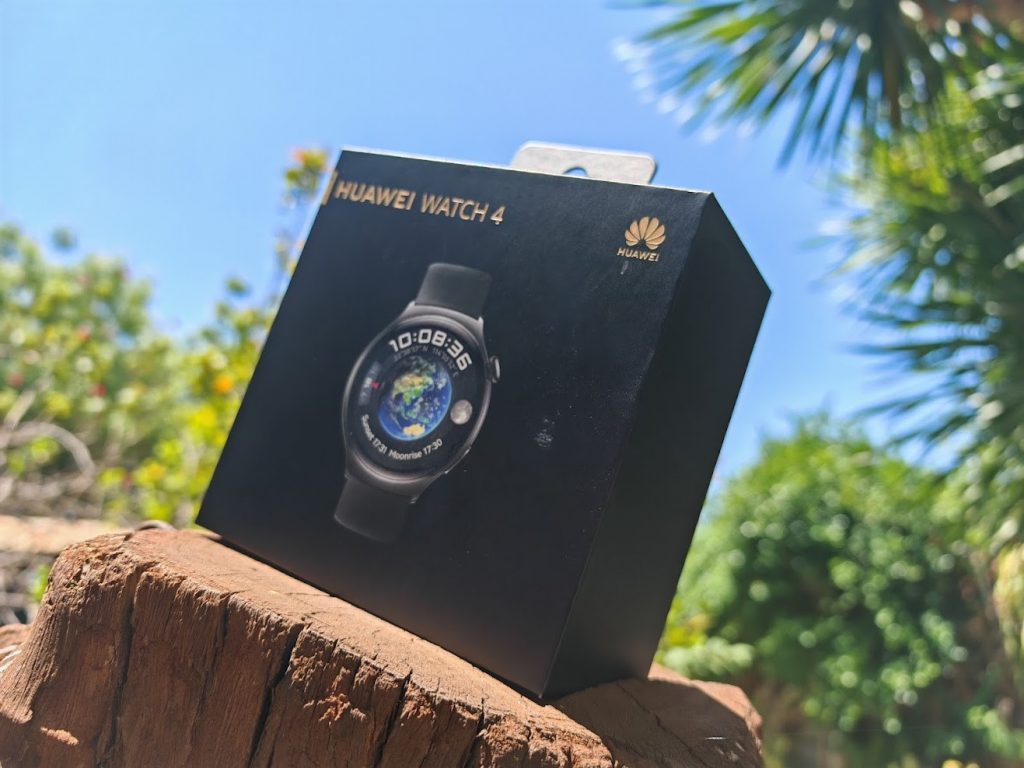
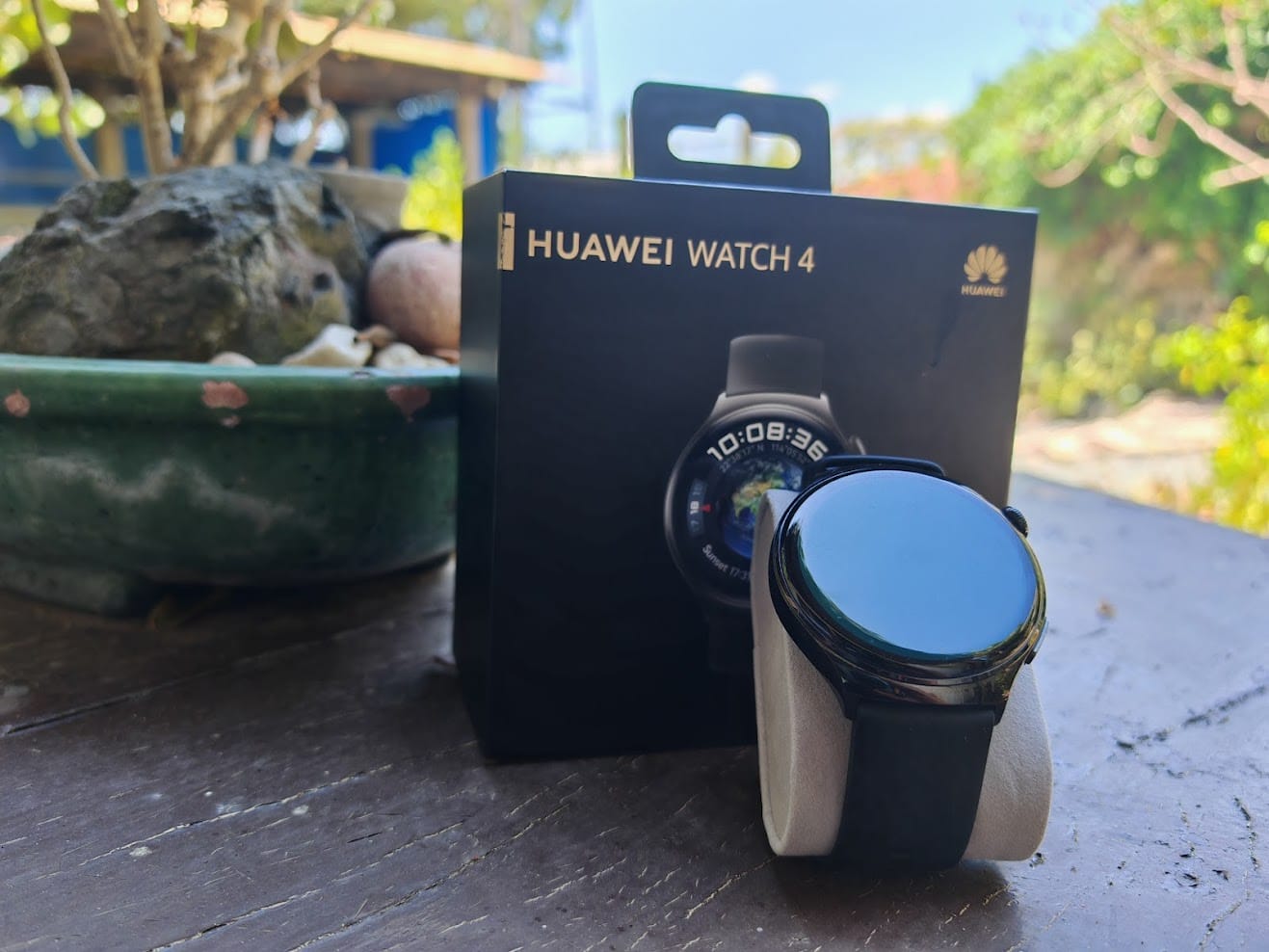
The first Huawei smartwatch I bought for myself was the green GT4 last year from Abenson. I was enamored by the fact that it didn’t look like a typical smart watch, and that it had a round bezel (the main reason why I’m not a fan of the Apple Watch). My fascination for the Huawei GT4 has officially extended to the Huawei Watch 4 (yes the nomenclature can be confusing), which is essentially the same device but with support for eSiM, WiFi, and ewallets.
The Watch 4 is presented with a 46mm bezel, available only in one color, which is black. The straps are compatible with any 20mm watch strap you can find in the market. By default, the stock strap is black rubber. Unlike the GT4, it comes with a 530mAh removable battery.
One feature being paraded by Huawei is the promise of GCash integration to the Watch 4, which comes with a wallet feature that I can only assume allows you to integrate with different ewallets from around the world, subject to support. Similar to scanning a QR code on your phone, Huawei has a ‘quick pay’ feature that links your ewallet to your phone screen. This allows vendors to scan barcodes on the watch without having to use your phone. Again, I have yet to try this feature in real life, but we are hoping the GCash compatibility with ‘quick pay’ happens soon.
Revisiting the Huawei Health App
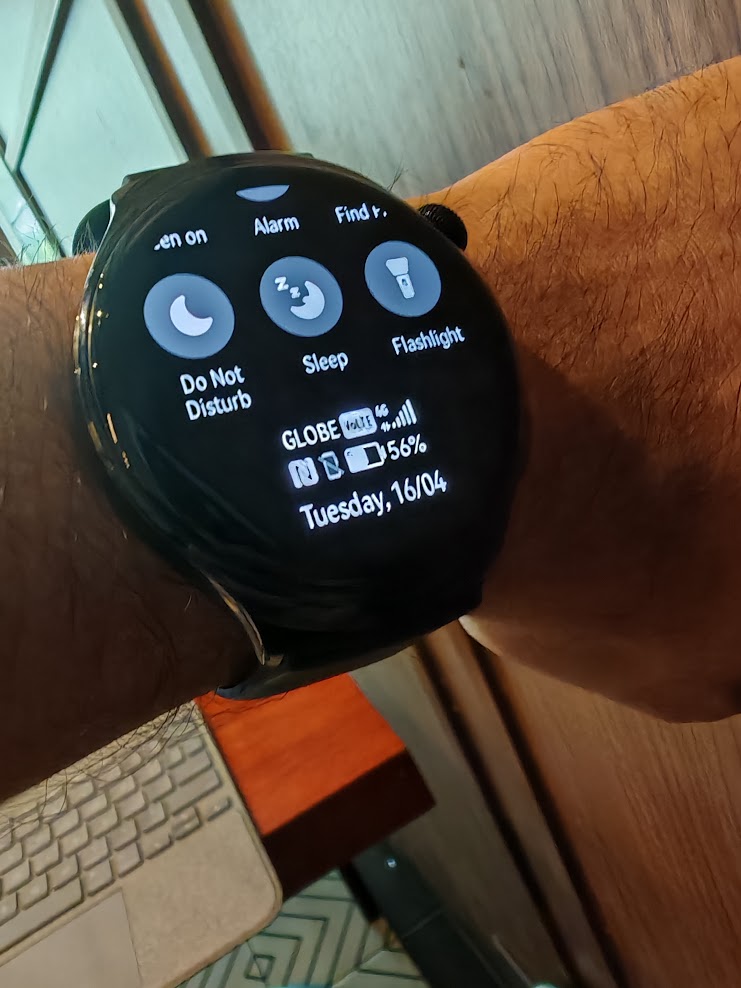
As a regular user of the fitness tracker, I will have to say that the Watch 4 performs similarly with no hitches. Since the time I have written about it last year, Huawei has stabilized compatibility with Strava sync, allowing me to synchronize Strava exercises (both with and without GPS). I’ve been using the Watch 4 on my weekend bike trips and I have no complaints.
The ease of eSIM
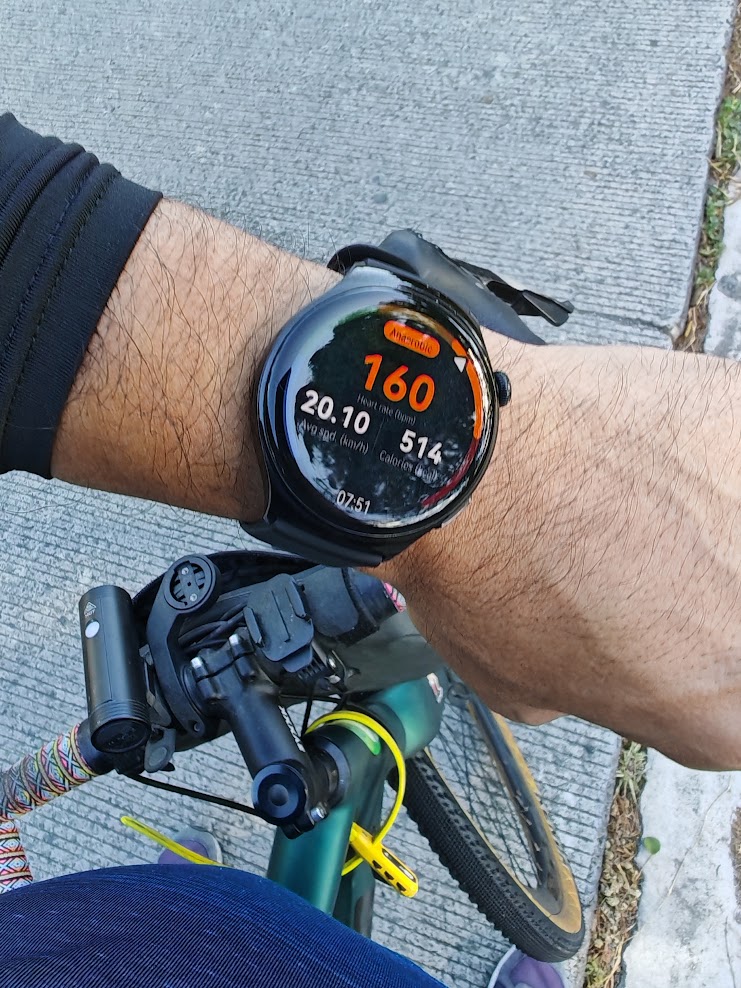
If you have been using smart watches in the past, integrating an eSIM makes the most sense as it allows the watch to be truly independent (to an extent) from your smartphone. Essentially, adding an eSIM turns your watch into its own phone, allowing notifications, calls, and SMS to be sent and received without intervention from the Bluetooth connectivity from your smartphone. But this also implies that having data and cellular connectivity on a watch greatly reduces battery life. From the usual lifespan of more than a week, the Watch 4, on mobile data, brought me about a day’s worth of battery. This isn’t a point against the watch per se. It’s just the nature of the beast.
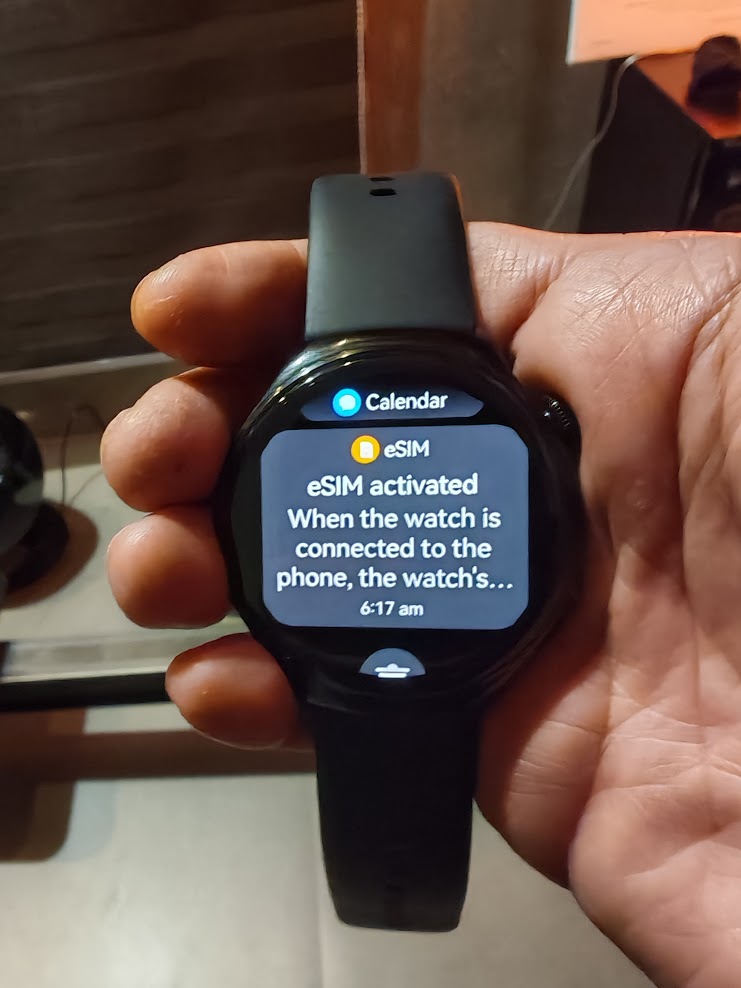
Linking an eSIM to the Watch 4 was a breeze. I simply had to scan the QR code from the Huawei Health app on the phone, and it immediately linked the Globe prepaid number. You’ll know everything went well if you start seeing a mobile phone and data signal on the watch face.
The Huawei Health app has several options to help preserve data and battery life on the watch. For instance, it can pause mobile data when the watch connects to the phone via Bluetooth. And just like a phone, it has options to help preserve battery life, like simply turning off data.
Who is this for?
There’s no denying that smart watches and fitness bands are ubiquitous. But the Huawei Watch 4 stands out for two reasons – eSIM support and the promise of GCash ewallet integration.
The Huawei Watch 4 is now available for P23,999.