


Sure, Netflix is convenient. It has a massive library of shows and movies, all in one place, where it builds a database of your watching history and it then feeds you recommendations based on your taste. But now companies like Disney and Paramount have launched their own streaming services! Whereas shows and movies were mostly consolidated on one platform, now we have to pay for multiple services (Netflix, Amazon Prime, Disney+, Paramount+, Apple TV, and more) just to get our television fix.
Here’s a thought: instead of paying for multiple services, how about you just pay for the shows and movies you want, and you can build your own Netflix-like service in your home, for free? Heck, it can even consolidate your music files, so you can also have a Spotify-like service as well!
Let me introduce you to the joys of having your own Plex Media Server.
Getting Started With the Hardware
Now, don’t be scared when I say you’re building a server. No, you don’t need a massive server rack or anything. You can run Plex Media Server off your gaming rig, or even off your old dinky laptop. Plex works with Windows, Mac, and even Linux, so it really doesn’t matter what OS your computer has. If you’re a little more advanced, you can build a low-powered PC, or even set up a NAS to be its own dedicated Plex Media Server, but if you can build your own NAS or PC, you don’t need this guide, do you?
If your computer was made within the last 10 years or so, you won’t have trouble running Plex, but if you want to be sure Plex has a list of hardware requirements that you can refer to so you can see if your computer can handle it.
Before You Install
Pretty sure at this point you’re tempted to download the Plex Media Server installer and run it. But before you do, it’s time to do a little housekeeping first. Here’s a little checklist I made after a lot of trial and error with various Plex Media Server installations throughout the years:
- Have a dedicated folder each for Shows, Movies, and Music
- Organize your Shows folder by having a dedicated folder for each show, and inside each folder, have a folder for each season (for example: TV Shows > Breaking Bad > S01)
- Some shows like Doctor Who can have weird chronologies where special episodes happen in between seasons. You can consult the Plex forums and subreddit for advice on how to arrange your files.
- Similarly, arrange your Music folder into Artist Name > Album Name
- In your Movies folder, it’s best practice to have a folder dedicated for each movie, but I personally don’t bother.
- It would be ideal to have a dedicated drive for your media files, but this isn’t really a requirement.
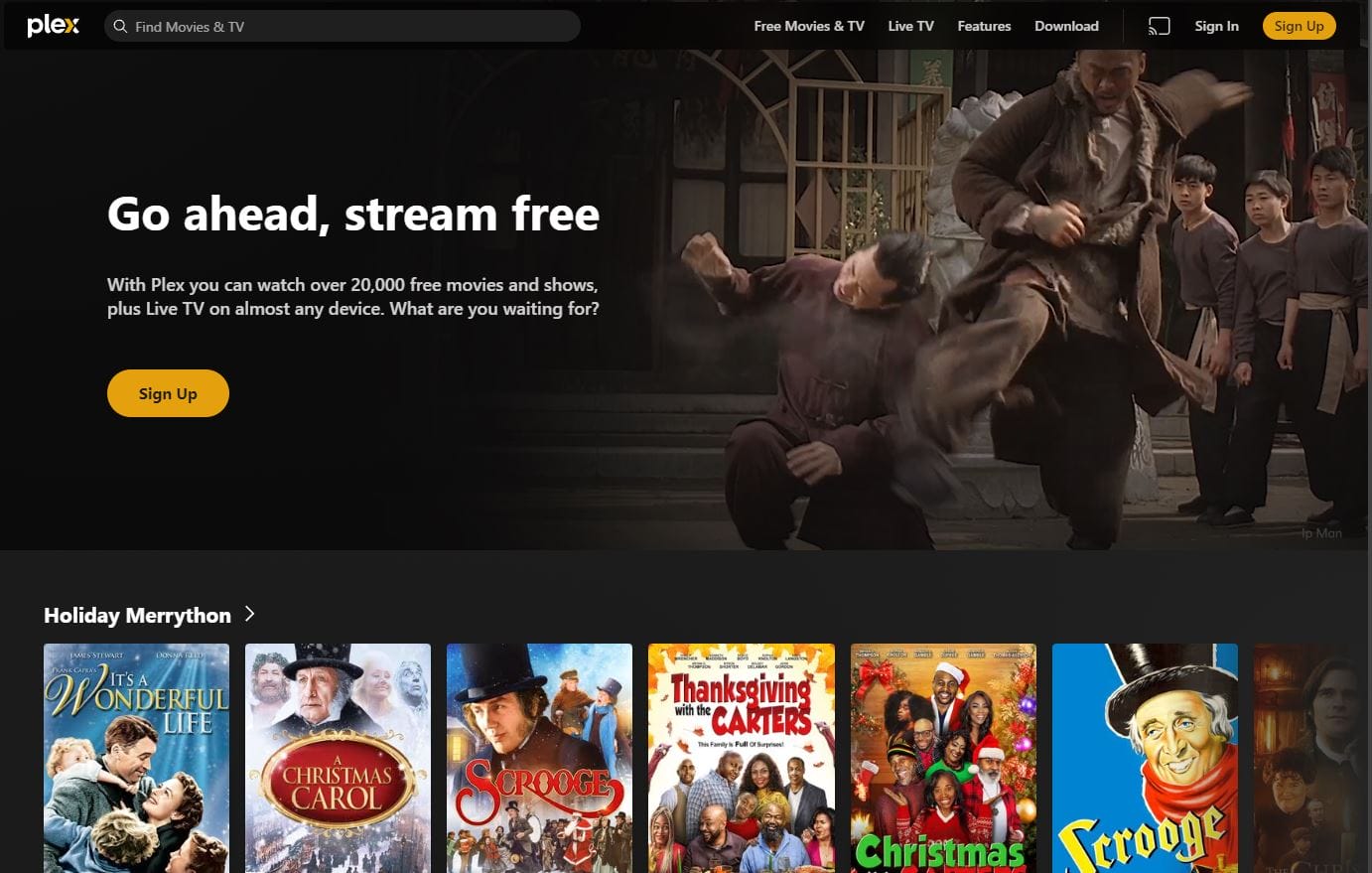
We would also note that WE DO NOT ENDORSE PIRACY. Rip Blurays and CDs that you own, or purchase your files from legitimate sources. Also, Plex also has a free streaming service available to all users, but is ad supported.
Now It’s Time To Install!
Here’s the moment you’ve been waiting for: go to https://www.plex.tv/media-server-downloads/ and choose the operating system of your choice. Download Plex Media Server and go through the Setup Wizard. At some point you’ll be asked to point Plex to your Movies, Music, and TV Show folders, and just do so. Plex will then review your media and tag it. You’ll also be asked to make an account.
Once the Setup Wizard finishes, congratulations! You now have a Plex Media Server in your life.
The next step is to go to your smart TV, Apple TV, or even PlayStation/Xbox and download Plex from there. Ensure that Plex Media Server is running on your computer when you open the TV app. Log in with the Plex account you just made, provide access to your Plex Media Server, and there you go – you have your own personal media streaming service!
You can also install Plex on your phone so you can watch your shows and movies on the go, but you might need to pay either a one-time fee or a subscription to Plex Pass for the privilege. You can also install PlexAmp on your phone and computers so you can listen to your music!
Plex Alternatives
Over the last few years, alternatives to Plex have cropped up, promising no fees, and better open-source support, like Kodi, Emby and Jellyfin. However, I have not used any of them so you can explore them at your own leisure.
So there you go. Installing Plex, while daunting, is actually a breeze. You can now watch media that you legally own, and you don’t have to pay for yet another streaming service if Netflix loses streaming rights to a show or movie you like. Enjoy the freedom that having your own media server brings!
