


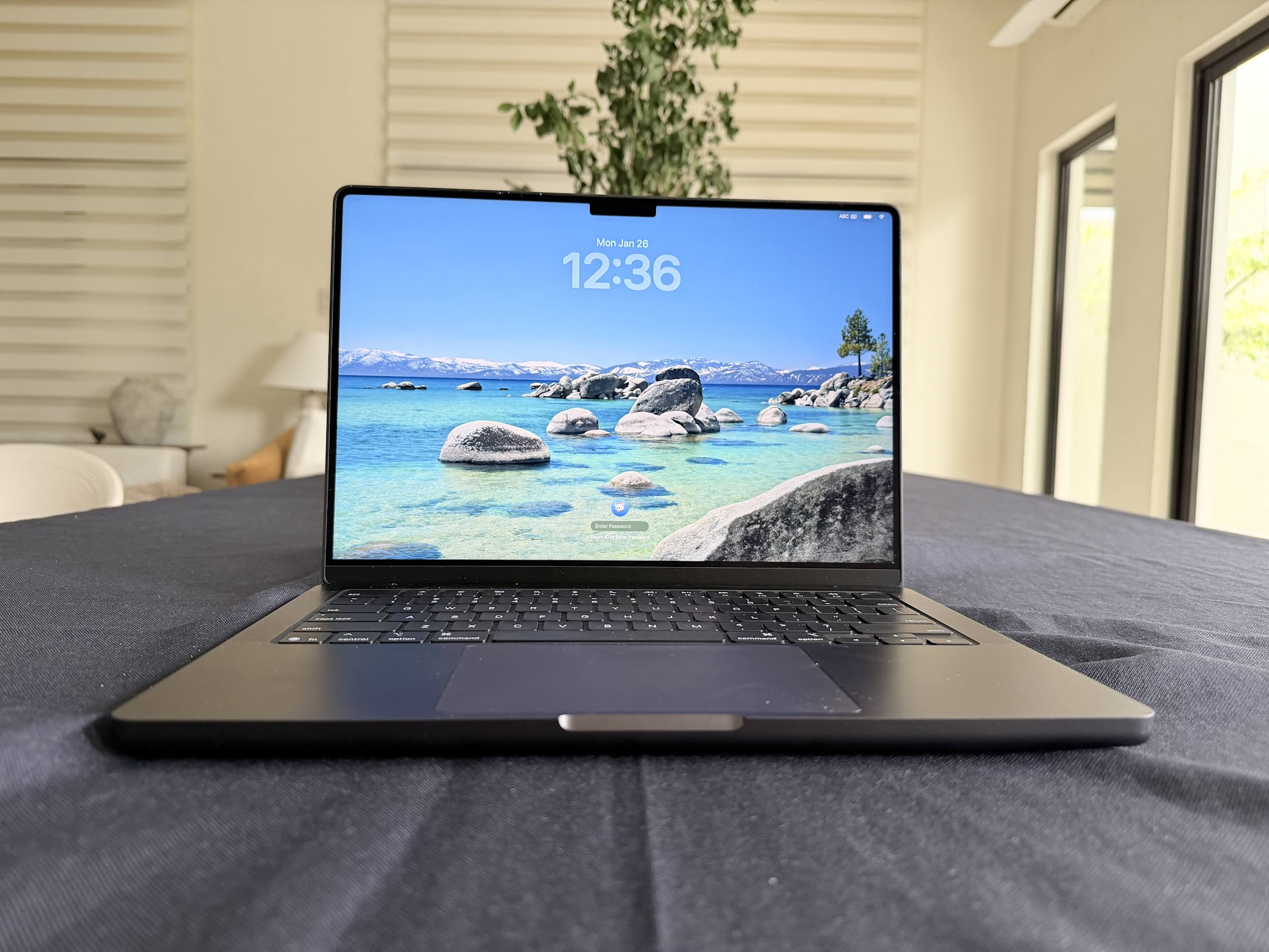
I’ve spent the 2025 holidays living with the new 14-inch MacBook Pro. This is the fifth iteration of the MacBook running on Apple Silicon and although it bears semblance to its predecessors, this one comes at a time when we have a closer look at developments in Artificial Intelligence, what a “daily driver” really means, and what the global RAM shortage means for personal computing. It’s that time of the year when we ask if the incremental jump in silicon actually changes the way we work at a coffee shop or in a production studio. With the M5 chip, the answer isn’t just about raw speed; it’s about how much of the heavy lifting is moving from the cloud back to the local machine. Ironically, with all the mentions of cloud computing in the past decade, advancements in AI have really pushed performance into the localized premise of your computer. Does everything AI need to be rendered on the cloud? Or are we supposed to save the environment? For those that don’t use AI, are we making good decisions investing in this new MacBook? So many questions! Let’s try to answer these with a list.
Here are the ten things that stood out to me while using it as a daily driver in the past several weeks.
1. Run a localized AI on your Macbook with zero catch
The base model of the MacBook Pro M5 comes with 16GB of unified memory. Upgradable to 24GB and 32GB, the base model is enough to run a local LLM such as LM Studio for the Mac. The M5 chip introduces new Neural Accelerators in the GPU. In practice, this means running large language models (LLMs) locally is significantly faster—up to 3.5x faster than the M4. You aren’t waiting for a round-trip to a server for every prompt, which is a major win for privacy and latency. This is precisely one of the best reasons to buy a MacBook Pro as other AI bloatware on Windows products claim you can run completely offline, they still end up having to connect to the Internet somehow for a number of processes.
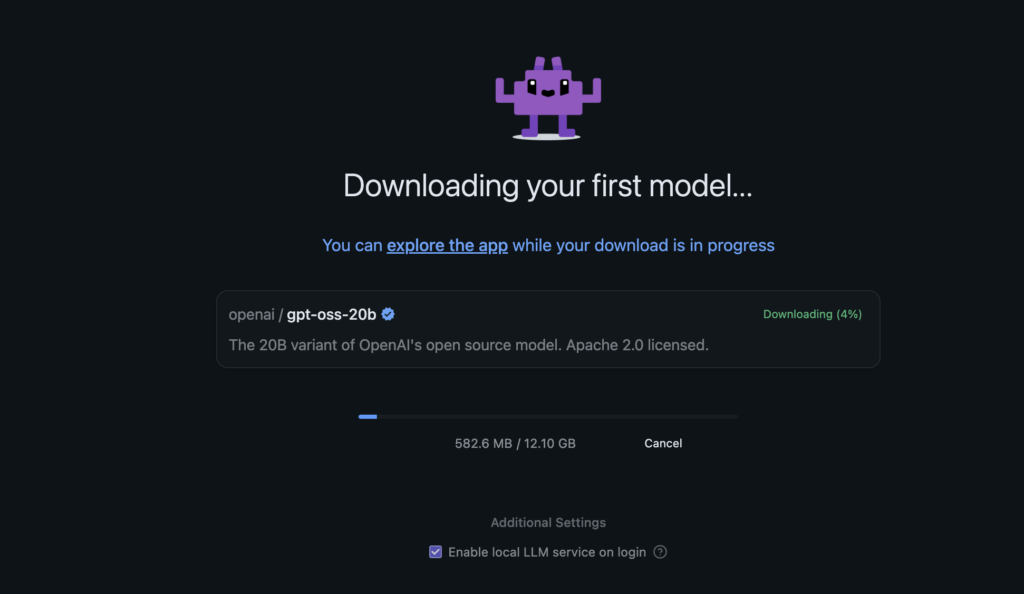
What’s funny is that Apple has had the neural engine since the M1 series in 2020 so when you buy a Macbook you’re sure to get a computer with AI capabilities. Its competitor, Windows, is so fragmented that you may have a high end GPU but no AI functions for Copilot because the NPU isn’t present!
2. Battery life that outlasts the workday
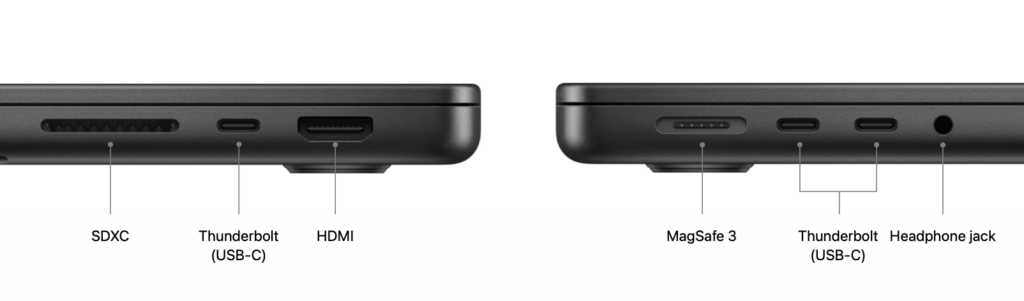
I’m seeing up to a full day (like 24 hours!) of video streaming or 16 hours of wireless web browsing. For most of us, this means you can genuinely leave the charger at home for a full day of meetings or field work. I used to lag around a power brick when I still owned an Intel-based Mac. Not anymore. For those that think that the Macbook needs the proprietary Magsafe charger, no. You can also charge it via high-wattage USB-C. Even high-quality power banks work.
3. A display that handles the afternoon sun
The Liquid Retina XDR display now pushes up to 1000 nits for standard (SDR) content in bright light. If you’ve ever tried to finish a deck on a bright balcony, you’ll appreciate the extra headroom. There’s also a new nano-texture option that effectively kills glare without making the screen look muddy. This anti-glare feature was new to me as I initially thought the screen was matte. It’s such a welcome addition for daily computing because it reduces eye-strain. Especially when playing games.
4. Wait, did we say games? On a Mac?! You must be kidding!
No we are not. The 10-core GPU uses a next-gen architecture that’s about 1.6x faster than the previous M4. For those doing 3D rendering in Blender or playing AAA titles like Cyberpunk 2077, the ray tracing performance is noticeably smoother. For the longest time, Mac users were fated to be the less-preferred OS for gaming. This was a time when the G-series processors were present. During the Intel-era of the Macbook, one allowed dual-booting to Windows via Bootcamp and I remember writing about this in the mid-2000’s as one of the best Windows experiences in my life.
The last time I played Cyberpunk 2077 was on a Ryzen 5 with 3060 Ti series video card. I’m actually restarting the entire game now that the Phantom Liberty DLC is out because the graphics, ray tracing, and frame rates are so much better.
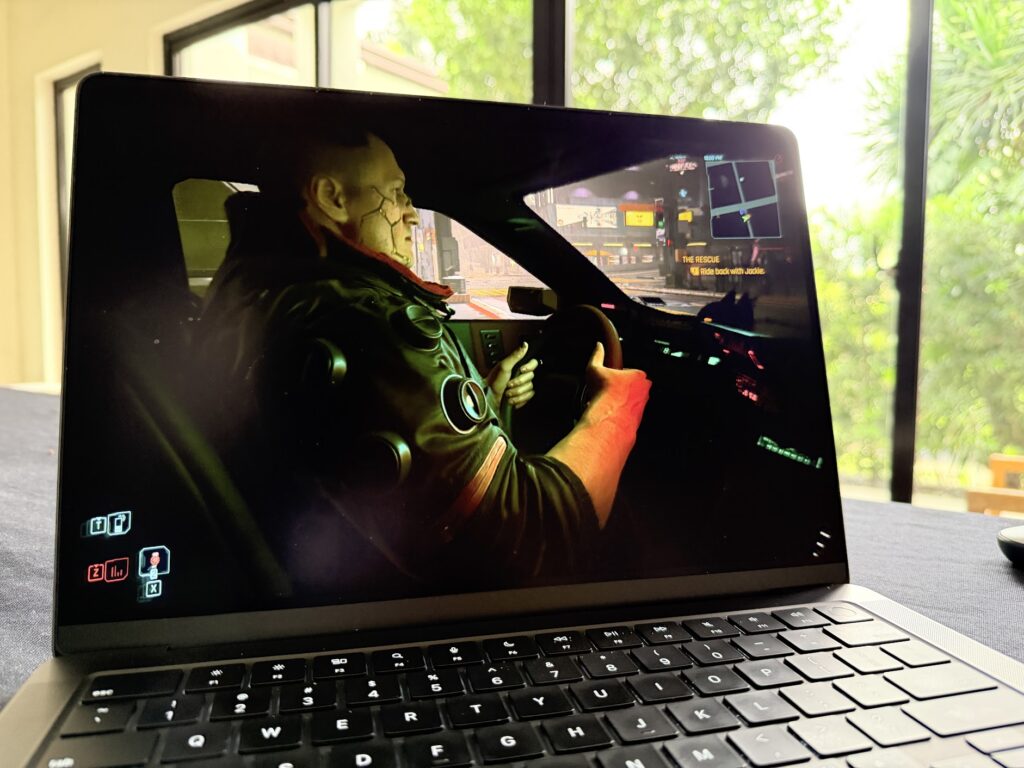
Fast-forward to 2026, the Macbook Pro M5 can run compatible games – more and more AAA titles on Steam (like Cyberpunk 2077 and Civilization VII) as well as gacha titles like Wuthering Waves are really the best I’ve seen as I am able to run them at 60FPS.
So yes, gaming on a Mac is happening. And it’s one of the best experiences we have seen without having to think too much about buying a “gaming laptop.” Hopefully, even more games will be compatible in the future because the hardware is more than capable.
5. SSDs that keep up with large files
Sequential read and write speeds are up to 2x faster than the prior generation. This is one of those specs you actually feel when importing thousands of RAW image files or loading massive local datasets. It can be configured with up to 4TB of storage now. The one I have has 1TB of space (994GB effective after OS) so it’s great for games and all your other productivity apps. With Apple recently bundling Creator Studio into one package, the storage space and write speed make a lot of sense. But again here’s the thing: you don’t need to be aware of all of this as you can’t go wrong with any variant of the M5 series.
6. Video calls that actually look decent
Released during the M4 series, the 12MP Center Stage camera finally moves past the “good enough” era. The new version on the M5 is great, keeping you centered as you move, and the Desk View feature is helpful for showing physical sketches or documents to people on the other end of the call.
7. macOS Tahoe and the “Liquid Glass” look
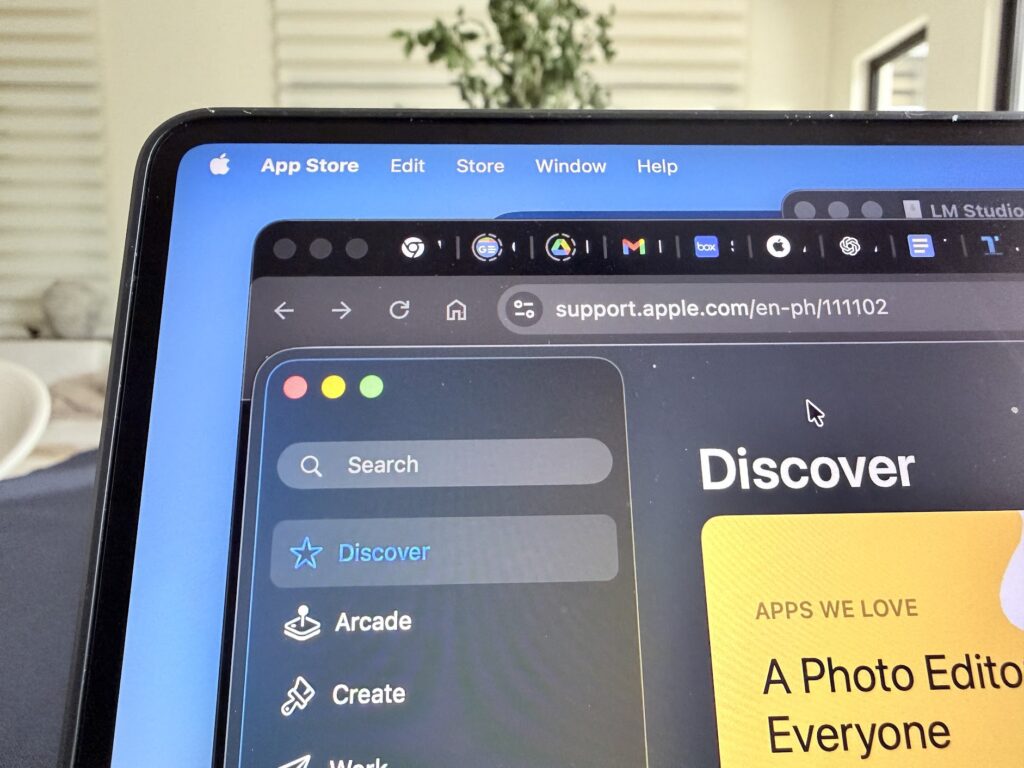
The new OS brings a design refresh called Liquid Glass. It makes the dock and windows feel more vibrant and modern without breaking the familiar Mac workflow. It’s a subtle aesthetic change, but it makes the hardware feel fresh. The last time I was active on a Mac was during the Intel days. I admit that this is my first Apple silicon Mac (I transitioned to the iPad when they released the M1 iPad Pro) and didn’t really notice the UI change at face value. It was only when I toggled it on and off via the accessibility option did I realize how easy it was on the eyes.
8. Live Translation for the global Filipino
Integrated into Messages and FaceTime, Live Translation works entirely on-device. Whether you’re dealing with offshore clients or traveling, having private, real-time translation built into the system level is a high-utility tool.
9. Fast charging when you’re in a rush
Even with the long battery life, you eventually need to plug in. Using a 96W adapter, you can get a 50 percent charge in about 30 minutes. It’s the kind of feature you only appreciate when you have exactly twenty minutes before heading to the airport. Also, as mentioned above, you can also charge using a USB-C cable or power bank.
10. A quieter commitment to the environment
The enclosure is 100 percent recycled aluminum, and the whole machine is 45 percent recycled material by weight. It’s a quiet insight into how Apple is reaching its 2030 carbon neutral goals without compromising the premium feel of the Space Black finish.
@abuggedlife Mac fanboys
♬ Cartoon-style piano solo jazz(853970) – motofuji
As we move toward a workflow dominated by local AI, the question isn’t just about how fast a chip can crunch numbers, but how much of that intelligence stays on your lap rather than on someone else’s server.
